Farming Simulator 25 mods
79,027 results- 15 per page
- 30 per page
- 45 per page
- 60 per page
-
See more per page
Bigger pages, fewer clicks - and no ads anywhere.
Go Pro
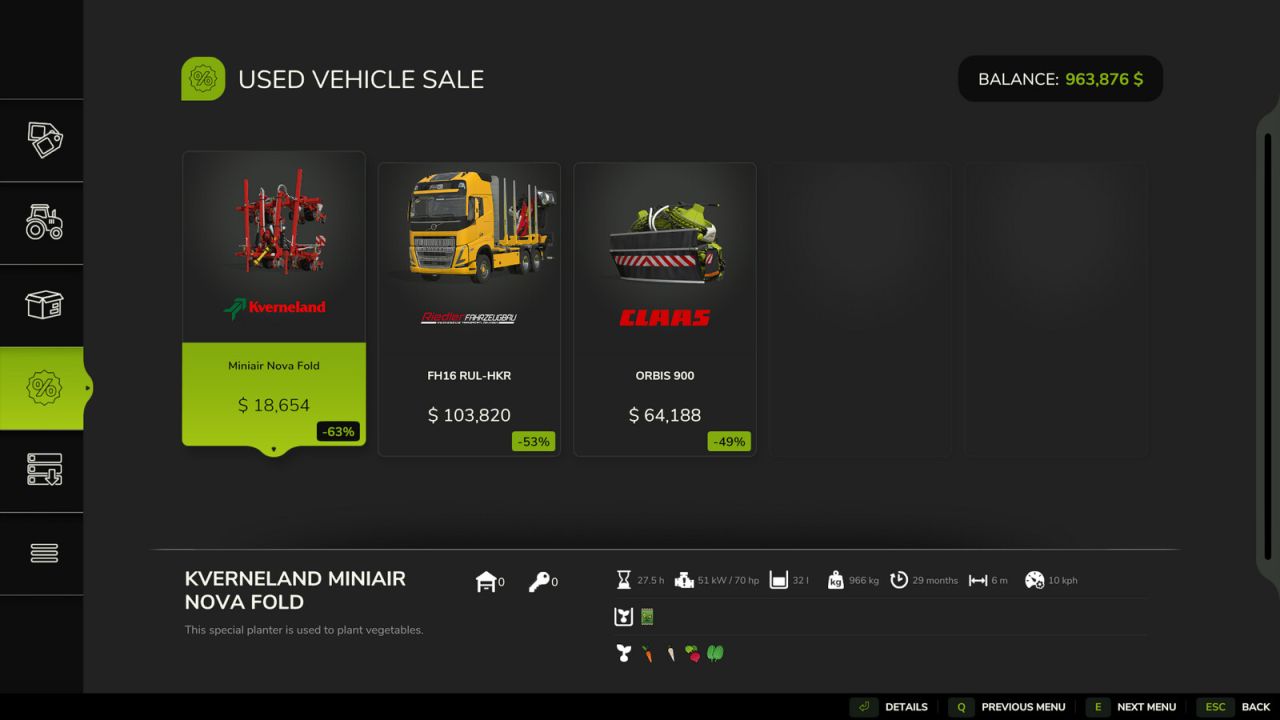
Benutzerdefinierter Gebrauchtmarkt V1.0.0.0
Benutzerdefinierter Gebrauchtmarkt V1.0.0.0 Passe den Gebrauchtwagenmarkt direkt in den Spieleinstellungen an. Konfiguriere die maximale Anzahl an Angeboten, die monatliche Nachlieferungswahrscheinlichkeit, die Anzahl der Angebote pro Monat, den Rabattbereich, die Angebotsdauer und ob das älteste Angebot ersetzt wird. Die Mod speichert die aktuelle Anzahl der Angebote beim Laden eines Spielstands. Im Mehrspielermodus werden Marktgenerierung und -einstellungen vom Host/Server gesteuert. Tags: Die ModHost ServerIm Mehrspielermodus
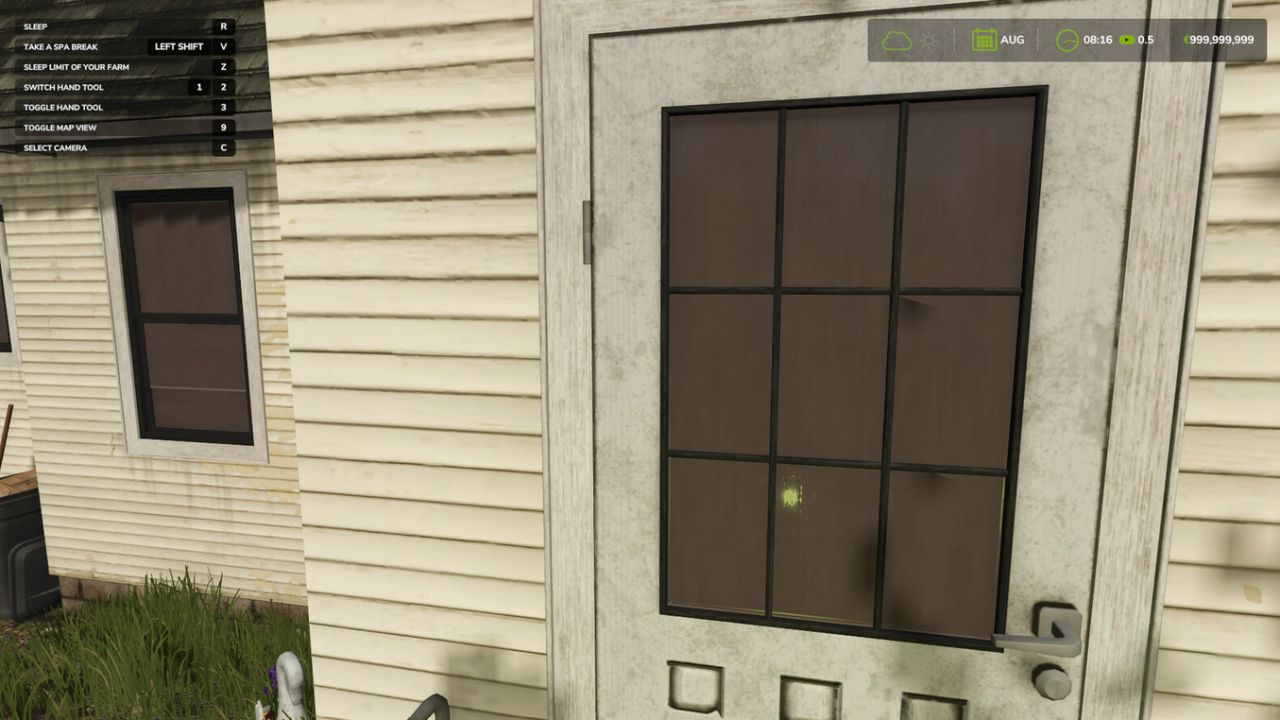
Better Sleep FS25
Better Sleep extends the sleep system, especially for multiplayer. Every farm can set a sleep limit up to which other players may skip time, so nobody sleeps past an offline farm. Players can also take time off for several days, during which time is skipped automatically according to the server settings. With the sleeping bag you can sleep anywhere on the map, independent of a farmhouse. Sleep limit Stand at your bed in the farmhouse and press the key for "Sleep limit of your farm" (default: Y). Choose month and day. While sleeping or taking time off, time is stopped at the earliest sleep limit of the other farms. Without a limit, sleeping works as usual. Time off You can also start a multi-day time off at your bed (default: Left Shift + V). The maximum length depends on the server settings. The activity changes with every time off. Sleeping bag The sleeping bag can be bought in the shop under Hand Tools, Miscellaneous for 254$. Select the sleeping bag and activate it to sleep anywhere. Console commands (host) - bsStatus: shows all limits and settings - bsSetLimit : sets the limit of your own farm - bsClearLimit: removes the limit of your own farm - bsSetRights manager|member|admin: who may set limits - bsSetVacation : length and wake-up time of the time off - bsSetAnywhere on|off: switches the sleeping bag on or off
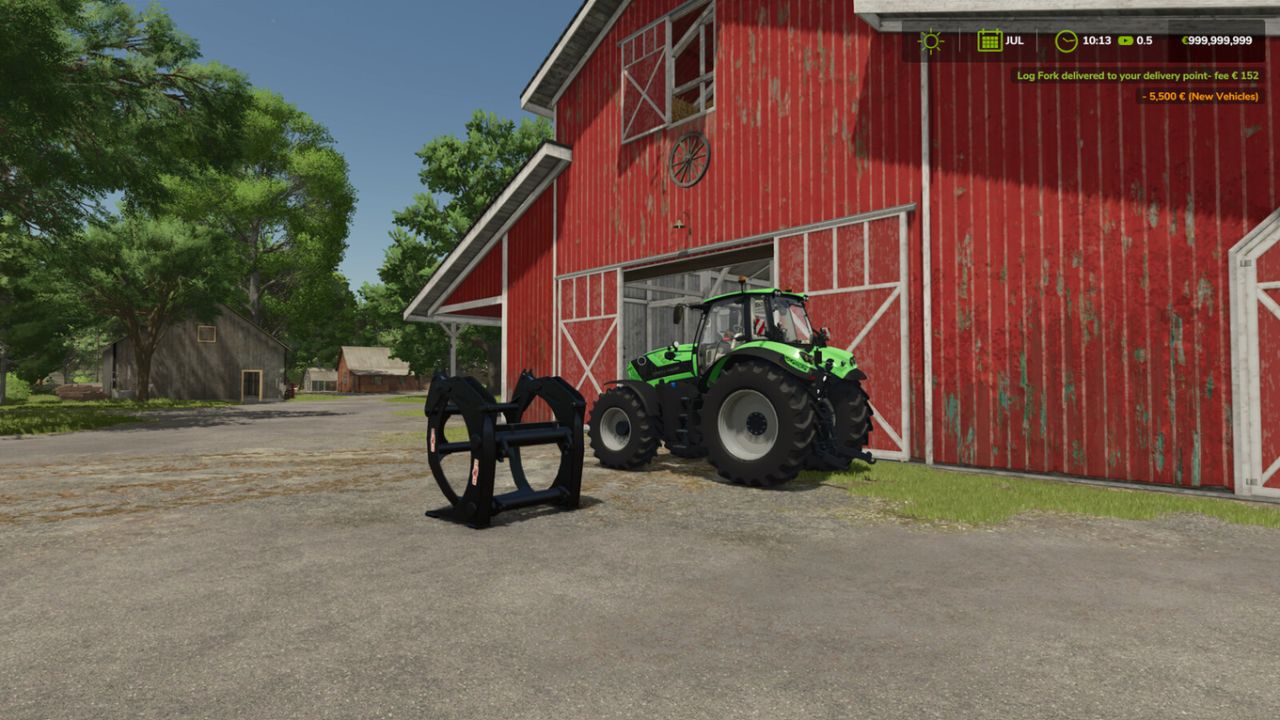
Delivery Points FS25
This mod adds a delivery system for shop items: bought goods end up at the points you set. In multiplayer every farm can set its own points. Two points per farm are possible, the size of the delivery area can be chosen when setting a point: - Standard: for everything - Pallets and bales Delivery costs a fee based on distance (2.5 % + 0.4 % per km, max. 7500), the estimated cost is shown in the shop below the price. With economy delivery the fee is halved, but vehicles arrive with a low fuel level only. Default key bindings: - Hold Left Shift + Left Alt: show delivery areas - Left Shift + Left Alt + S: set a point where you are looking - Left Shift + Left Alt + O: change the options of your points - Left Shift + Left Alt + X / C: remove standard point / pallet point Console commands (host / single player): - sdStatus: shows the settings and all points - sdFee on/off: switch the fee on or off - sdSetFee : e.g. sdSetFee 2.5 0.4 7500 - sdSetEconomy : e.g. sdSetEconomy 0.5 12
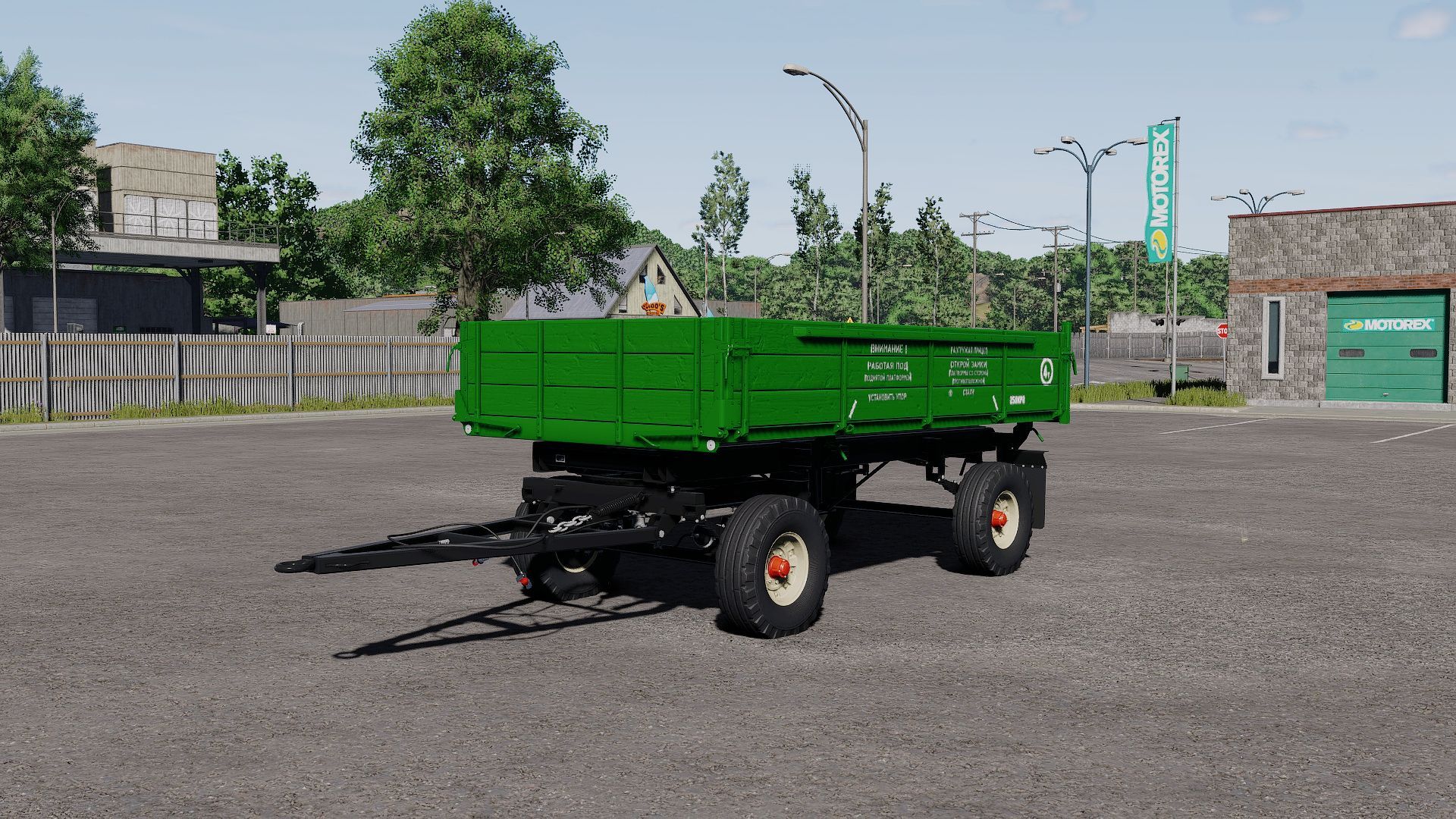
2PTS-4 "887B" FS25
- Price: 15250 $ - Capacity: 5250 l / 5200 l / 12150 l / 9450 l / 17850 l / Platform Trailer / Platform Trailer 2 - Configuration: Wheels, Colors, Design - Increased modDesc version - Version changed - New Mod/Store icons (FS25 version) - correct materialSlotName - added title - Updated to FS25 materials - More colors added
First-Person-Kameras V1.0.0.1
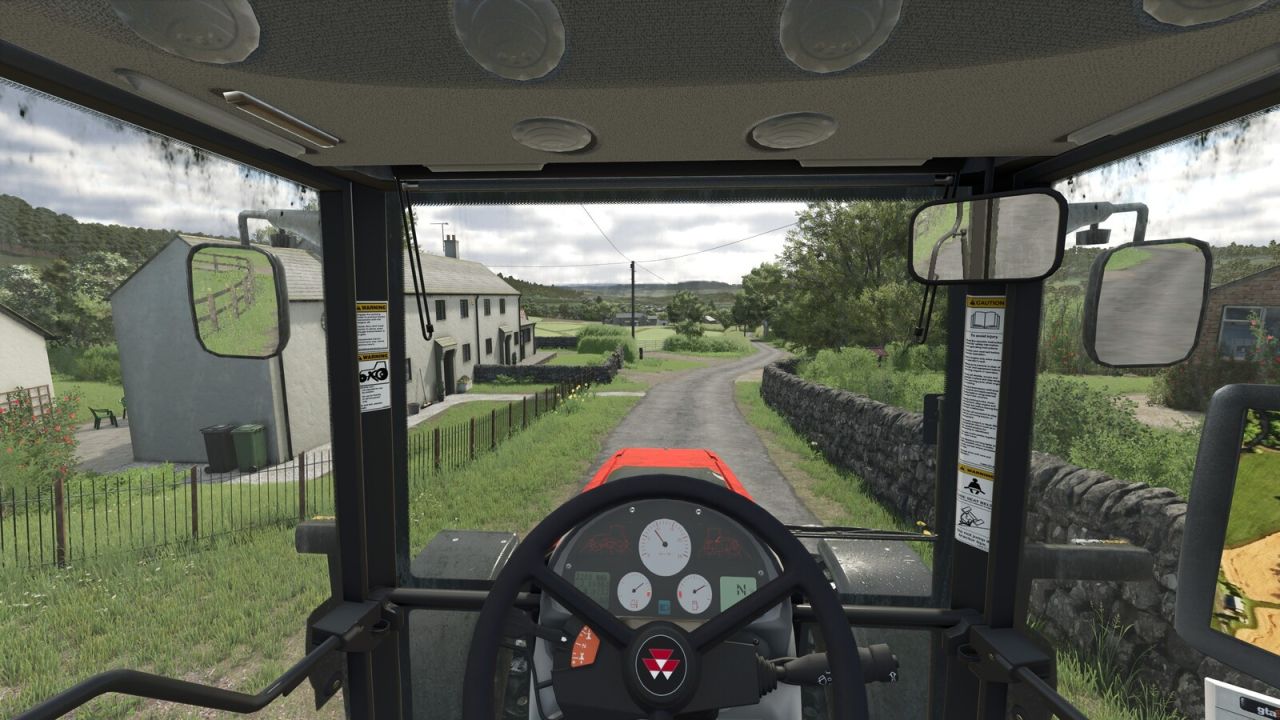
First-Person-Kameras V1.0.0.1 Fügt Effekte zur Fußgänger-Ego-Perspektive und zur Fahrerkabinen-Ego-Perspektive hinzu. Atmungseffekt für die Kamera am Fuß Mehrere Effekte im Fahrerhaus simulieren das Motorengeräusch und die Auswirkungen von Bewegung und Kräften aus der Sicht des Spielers und sorgen so für ein realistischeres Spielerlebnis. Alle Effekte können über die Einstellungen angepasst oder deaktiviert werden. V1.0.0.1 Die Einstellungen wurden in den Reiter „Allgemein“ verschoben, sodass jeder Spieler seine eigenen Einstellungen im Mehrspielermodus ändern kann (zuvor war dies nur dem Administrator möglich). Tags: Alle EffekteDie EinstellungenMehrere EffekteReiter Allgemein
Case IH MX Magnum EU FS25
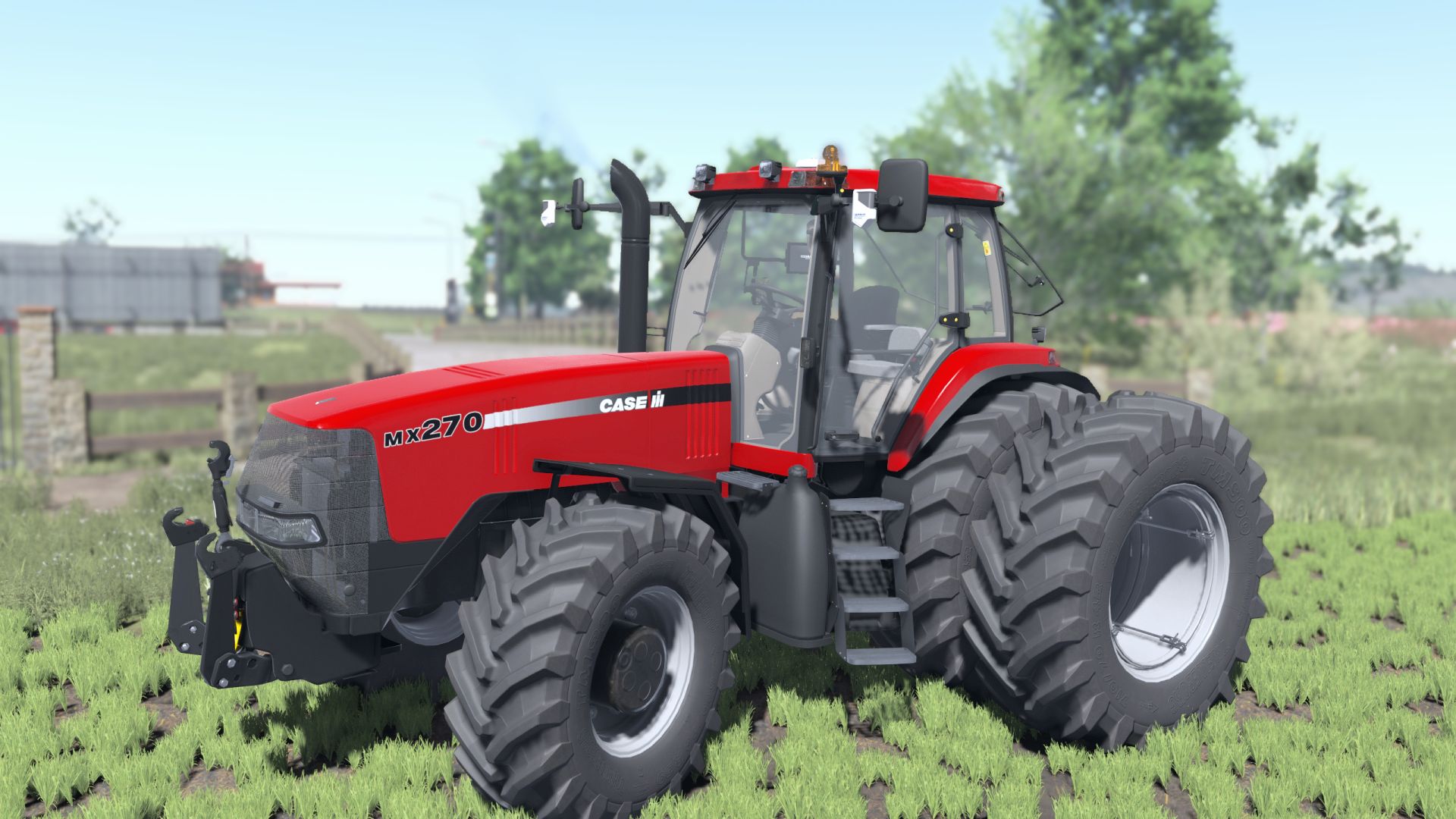
Motors : MX180 - 145HP MX200 - 165HP MX220 - 185HP MX240 - 230HP MX270 - 270HP MX285 - 285HP 3 wheels brands 3-point hitch options. Front weight options. configration fenders (With it or without it) Added Mouse Control support Beacon (With it or without it) Added license plates - Added Animation sounds - Added brand colors - ModDesc changes - DescVersion changed - Version changed - Added Vehicle years support - Added Dashboard live support - Added CCI1200 support - Fix Lights textures - Added isYesNoOption - Added Exhaust Option - Added Hella Led Option ***Version FS25 Shaders ***Added SoundModifier ***Added Base colors Added Interactive Control support ***Configuration for "Precision Farming" crop sensors corrected*** ****RealGPS mod support****
Produktionsinformationen HUD V1.3.0.0
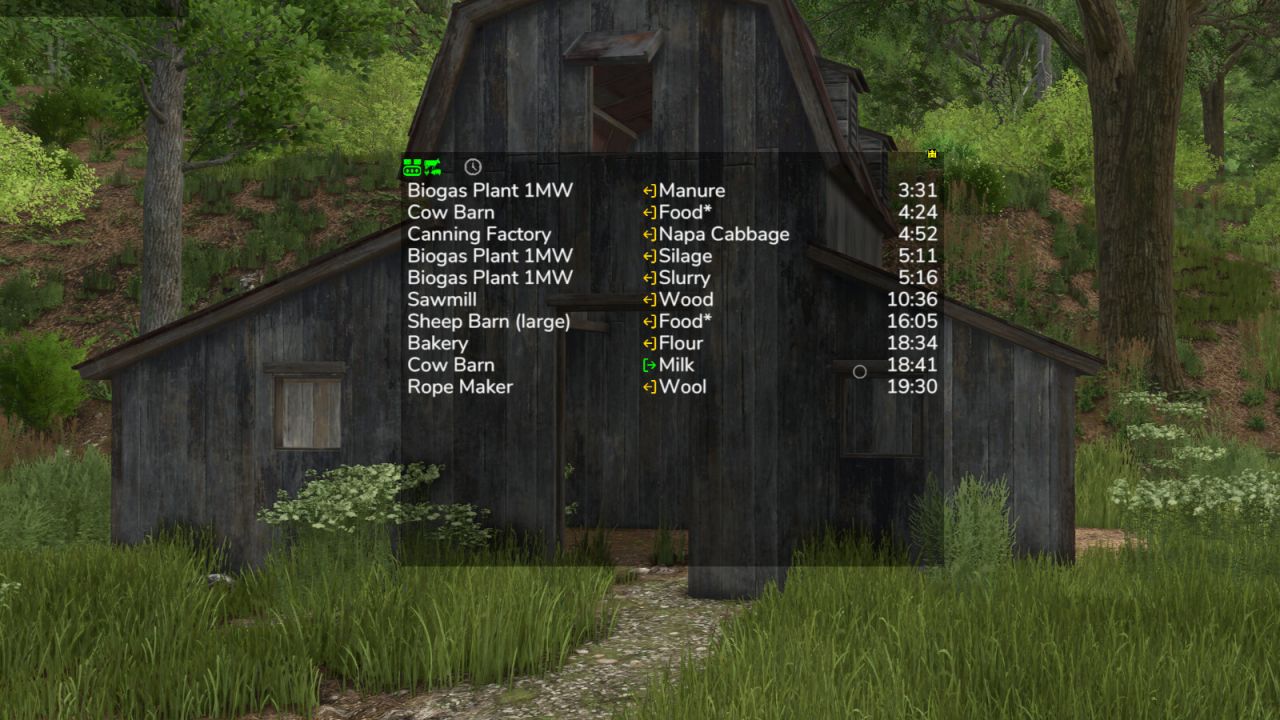
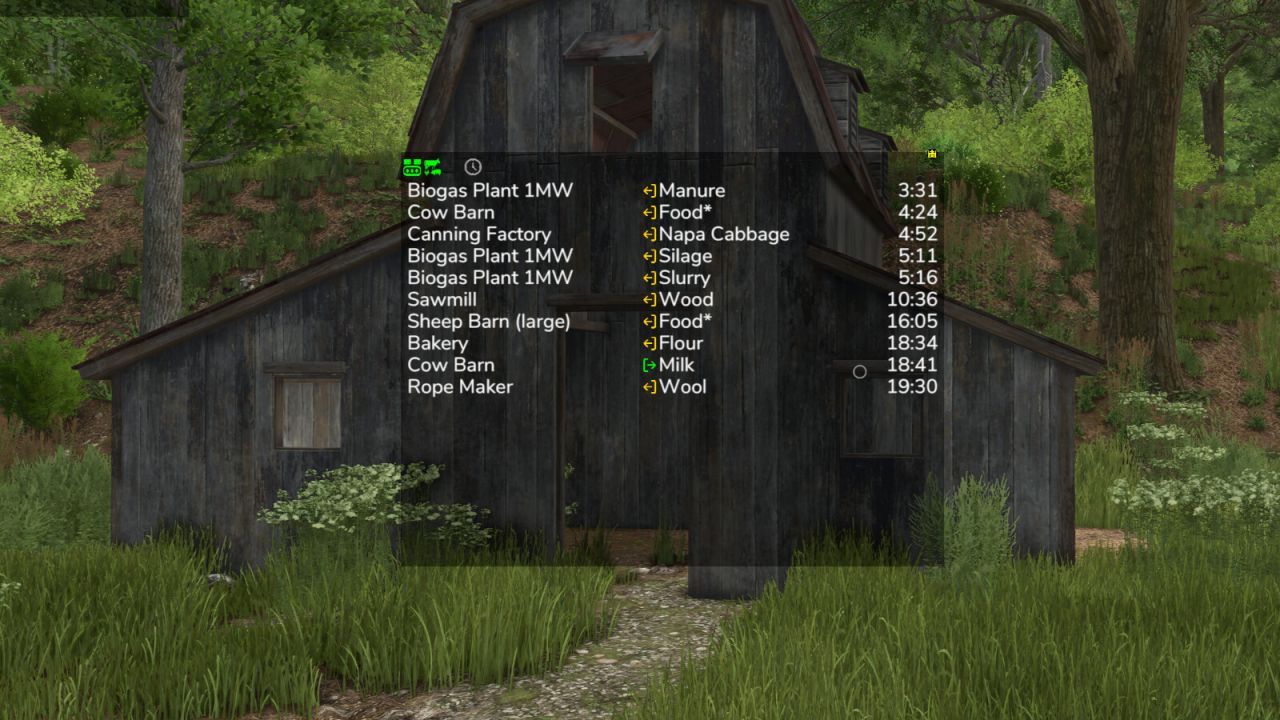
Produktionsinformationen HUD V1.3.0.0 Behalten Sie Ihre Produktion und Tierhaltung im Blick, ohne sich durch Menüs klicken zu müssen. Die Mod zeigt eine kleine Liste auf dem Bildschirm an, die anzeigt, wo es bald eng wird: Welche Rohstoffe zur Neige gehen und welche Lager bald voll sein werden. Die Liste ist nach verbleibender Zeit sortiert, sodass der dringlichste Eintrag immer ganz oben steht. Was die Liste zeigt Spalte 1: Name der Produktion oder Tierhaltung Spalte 2: die Füllart Spalte 3: Umschaltbar zwischen Restzeit, Menge (bei Rohstoffen: wie viel noch hineinpasst, bei Produkten: wie viel bereits enthalten ist) und Produktion pro Stunde Symbole und Wörter in der Liste Voll, Leer: Der Speicherplatz ist momentan voll. Fehlend: Die Produktion erzeugt etwas, hat aber keinen Speicherplatz dafür. Paletten: Das Produkt wird ausschließlich als Palette geliefert. Das Tilde-Zeichen (~) vor der Zeitangabe bedeutet, dass der Wert schwankt, beispielsweise weil die Produktionsgeschwindigkeit vom Wetter abhängt, das Rezept zufällige Mengen verwendet oder sich der Lagerbestand je nach Wetterlage selbst füllt. > 100 Tage: Die Mod plant nicht weiter im Voraus. Hinter der Füllart: Der Betrieb akzeptiert verschiedene Arten, zum Beispiel Heu, Silage oder Gras. Mehrere Füllarten in einer Zeile, z. B. „Weizen, Gerste“: Die Produktion kann jede davon verwenden. Filter in der Filterleitung – Produktionen, Tiere und Lager separat ein- oder ausblenden; Lager werden nur mit dem Frachtfilter angezeigt. – Zeitfilter: Nur anzeigen, was innerhalb von 24 Stunden oder innerhalb eines Monats leer oder voll ist – Ausblenden von Produkten, die ohnehin automatisch erfasst werden – Frachtfilter: Passende Abladestellen für das aktuelle Fahrzeug – Abladestellen für die geladene Fracht sowie für Sämaschinen, Streuer oder Sprühgeräte Nachfüllstationen, auch wenn der Tank leer ist Maussteuerung – Verschieben Sie das Fenster mit dem Pfeilsymbol in der oberen linken Ecke – Öffnen Sie die Filterzeile mit dem Abwärtspfeil in der oberen linken Ecke. – Wechseln Sie mit dem Zahnradsymbol unten links in die Filterzeile, um die Einstellungen aufzurufen. Dort können Sie Schriftgröße und Zeilenabstand festlegen. – Wird nur angezeigt, solange sich der Mauszeiger in Bewegung befindet: das Schloss in der unteren linken Ecke – Ändern Sie die Fenstergröße mit dem Pfeilsymbol in der unteren rechten Ecke – Änderungen mit dem Disc-Symbol oben rechts speichern Ein Linksklick auf eine Produktion oder einen Fülltyp filtert die Liste entsprechend; der gefilterte Eintrag wird grün hervorgehoben. Ein erneuter Klick entfernt den Filter. – Ein Rechtsklick auf eine Produktion öffnet diese im Menü – Ein Linksklick auf Spalte 3 schaltet die Anzeige um. Produktion und Verbrauch im Menü Eine separate Menüseite zeigt für jede Anbaupflanze und Füllart an, welche Betriebe sie produzieren und verbrauchen und wie viel davon eingelagert, verteilt oder verkauft wird. Die Zeiteinheit kann zwischen Stunde, Tag, Monat und Jahr umgeschaltet werden. Bei Ernteausfällen wird zudem die zusätzlich benötigte Fläche pro Jahr angezeigt. Manche Symbole werden erst angezeigt, wenn man mit der Maus darüberfährt. Fütterungsroboter werden nicht unterstützt, die Tierhaltungsanlagen selbst hingegen schon. Neben deinem Geld oben kannst du mit einem Rechtsklick auf das Schraubenschlüssel-Symbol die Einstellungen des Anzeigesystems öffnen. Diese gelten für alle Mods, die dieses System verwenden, einschließlich des automatischen Speicherns. Schau dort mal rein. V1.3.0.0 Neue Seite im Menü: Zeigt für jeden Fülltyp an, was Ihre Produktionen erzeugen und verbrauchen und wie viel gelagert, verteilt oder verkauft wird. Neuer Frachtfilter: Zeigt nur die Lieferorte an, die zum aktuellen Fahrzeug und seiner Ladung passen. Der Frachtfilter zeigt Nachfüllstationen für Sämaschinen, Düngerstreuer und Sprühgeräte sowie Abholstationen für leere Fahrzeuge an, wenn etwas zur Abholung bereitsteht. Der Frachtfilter zeigt nun auch Ihre eigenen Lager, Siloerweiterungen und Palettenlager an. Für die Überarbeitung vorbereitet Die Darstellung benötigt nun merklich weniger Rechenzeit, insbesondere bei vielen Produktionen. Die vom GTX-Produktionsskript ausgeblendeten Produktionen werden hier ebenfalls nicht mehr angezeigt. Tags: Der FrachtfilterEin LinksklickIhre ProduktionenTage Die Mod
Kollisionsschaden V1.2.1.0
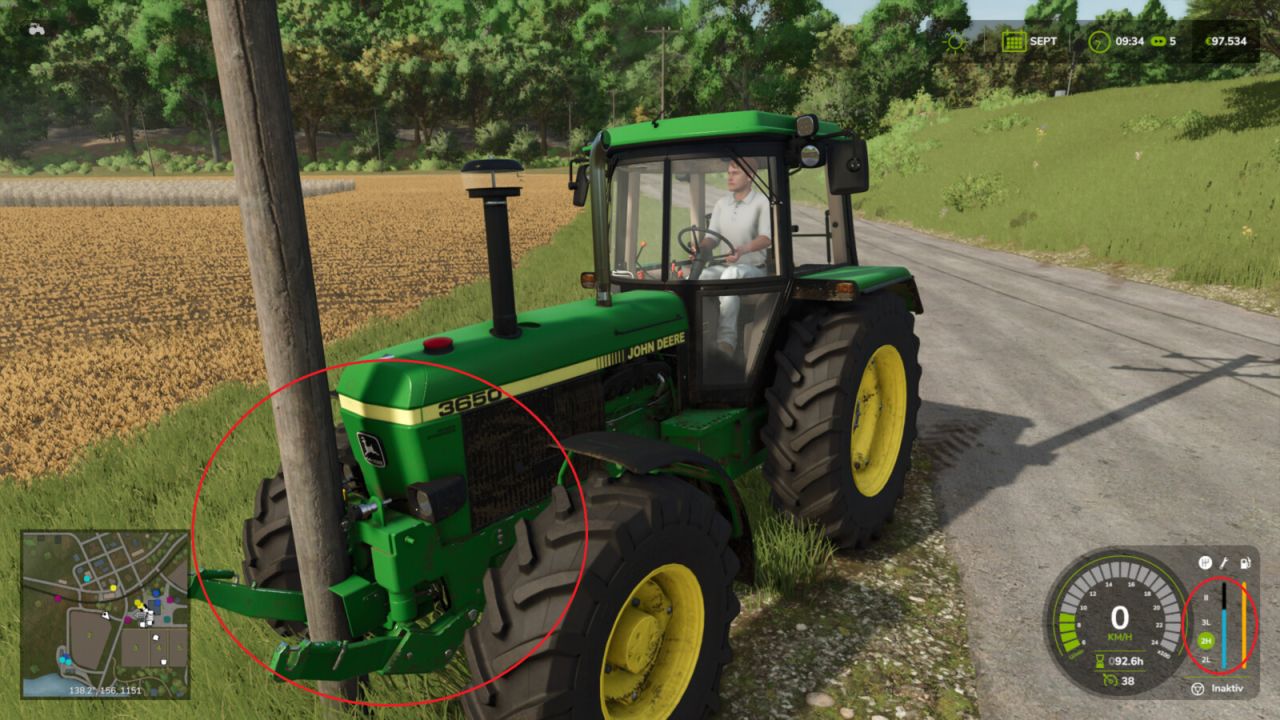
Kollisionsschaden V1.2.1.0 Fügt nach stärkeren Kollisionen zusätzlichen Fahrzeugschaden hinzu. Die Mod nutzt das bestehende Schadenssystem von Giants. Es gibt keine sichtbaren Deformationen, aber der normale Schadenswert des Fahrzeugs erhöht sich und es kann wie gewohnt repariert werden. Stärkere Einschläge werden erkannt, wenn die sensorgestützte Prüfung einen externen Kontakt im Fahr- oder Sensorbereich bestätigt. Bei einer Kollision zweier Nutzfahrzeuge, Anhänger oder Werkzeuge kann das getroffene Objekt ebenfalls denselben zusätzlichen Schadenswert erhalten, sofern es über ein eigenes Schadenssystem verfügt. Statische Hindernisse wie Gebäude oder Bäume werden nicht beschädigt. Die am Fahrzeugzug angebrachten Werkzeuge oder Anhänger werden nicht als zweite Unfallbeteiligte gezählt. Die Schadensberechnung erfolgt serverseitig und nutzt die bestehenden Speicher- und Synchronisierungsfunktionen des Spiels. V1.2.1.0 Schadensprofile und erweiterte Einstellungen hinzugefügt Die Einstellungen werden nun pro Spielstand gespeichert. Der Server steuert die Einstellungen im Mehrspielermodus. Die Servereinstellungen werden mit den beitretenden Spielern synchronisiert. Tags: Der ServerDie EinstellungenDie ModDie Schadensberechnung
Harvestmission Creator V1.0
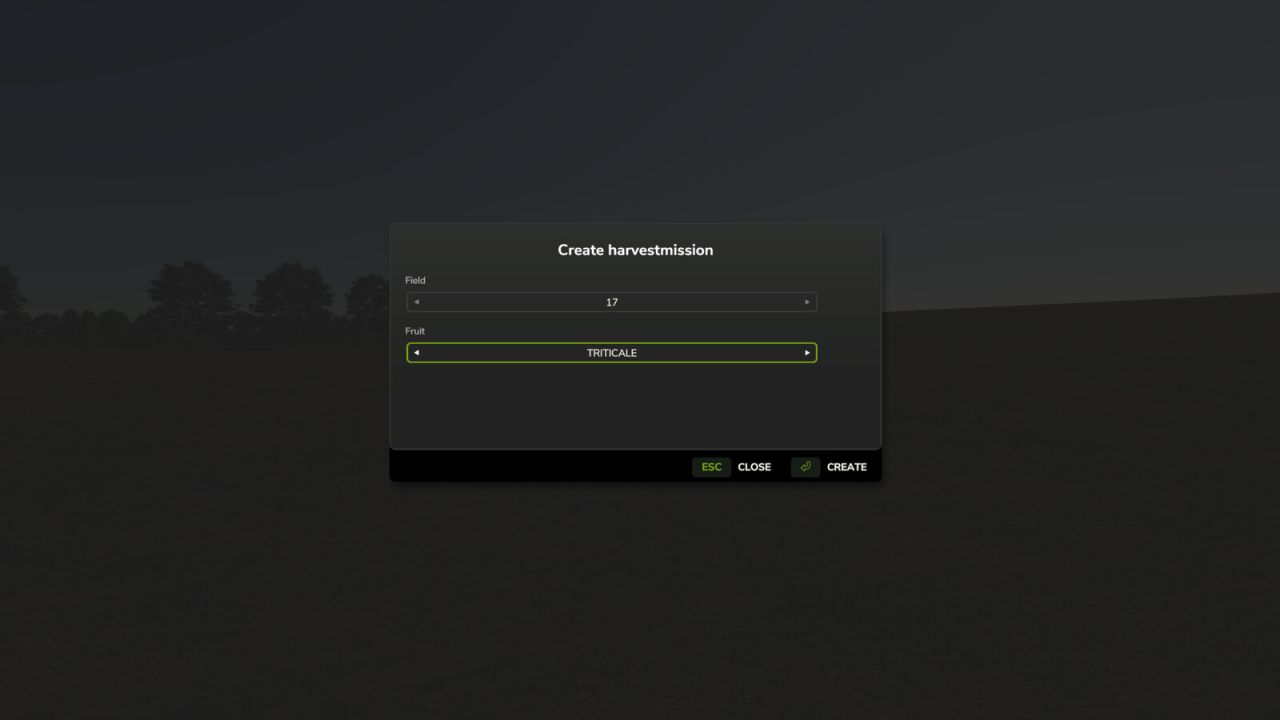
Harvestmission Creator V1.0 This script allows you to specifically create a harvesting contract for a field and crop of your choice. The script is operated via a dedicated menu that can be opened using a customizable key (default: SHIFT+H). Within the menu, you can select the desired field and crop using dropdown lists. A harvesting contract must not already exist for the selected field. To ensure maximum map compatibility, the script automatically detects which crops are available on the current map. If a harvesting contract cannot be created for a specific crop—such as cover crops, grass, or poplars—a corresponding message is displayed in the menu. Note: If Precision Farming is in use, the script removes tramlines from NPC fields (but not from your own fields). This is necessary to prevent calculation errors on large fields. Multiplayer mode is supported; however, the script can only be executed by the host. Author: Ole_sch Report bugs in the comments and help modders improve this mod. Always check the comments, you can find a solution. DOWNLOAD MOD
Nettovermögens-Tracker V1.1.0.3
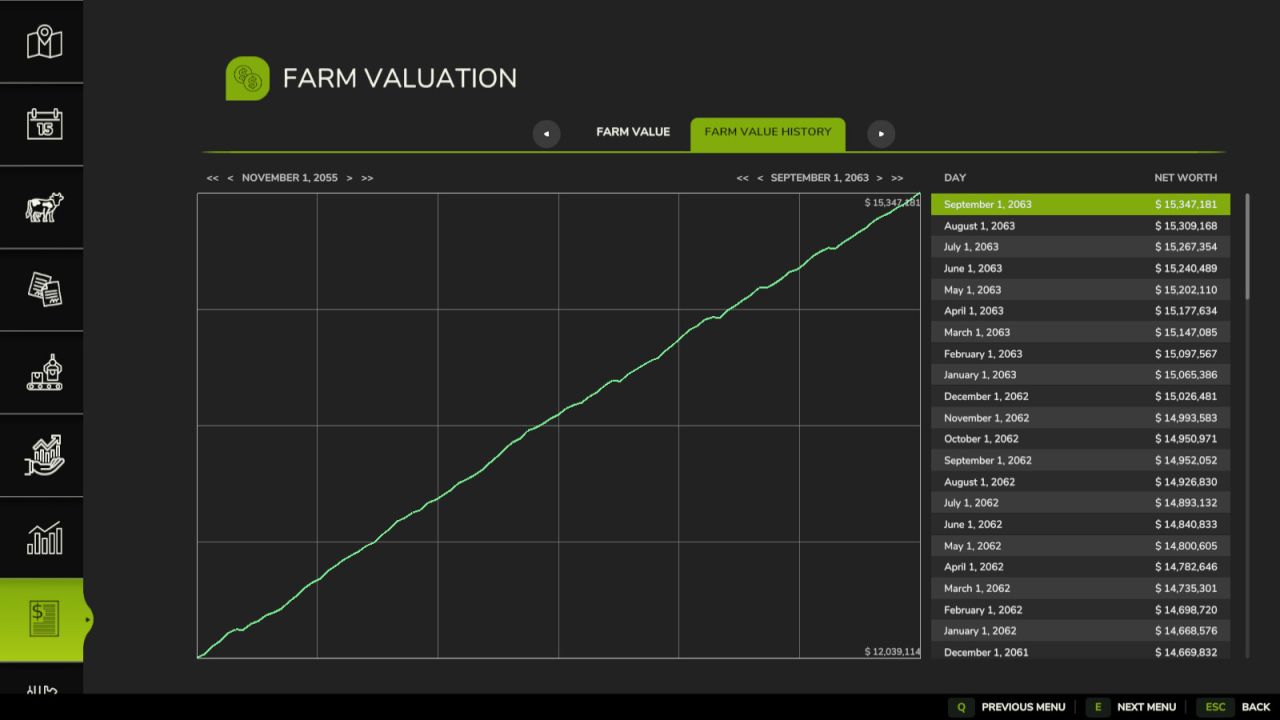
Nettovermögens-Tracker V1.1.0.3 Fügt einen Menübildschirm mit einer Registerkarte zur Zusammenfassung des Gesamtwerts Ihrer Farm in einer Bilanz und einer Registerkarte "Verlauf" zur Zusammenfassung der Wertentwicklung Ihrer Farm hinzu. Wert des landwirtschaftlichen Betriebs: Dies ist eine Zusammenfassung des aktuellen landwirtschaftlichen Werts. Jeder Posten in der Bilanz enthält einen Namen, eine Kategorie, weitere Details und einen Wert und ist nach Name, Kategorie und Wert sortierbar. Die einzelnen Positionen werden zu vier Zwischensummen zusammengefasst: Bargeld: Bargeld und Kredite Ausrüstung Immobilien: Grundstücke und Gebäude Inventar: Füllmaterial und Viehbestand Wertentwicklung landwirtschaftlicher Betriebe: Dies ist eine Übersicht der landwirtschaftlichen Betriebswerte, die jeweils am Ende eines Tages erfasst wurden. Jeder Eintrag enthält den entsprechenden Tag und den Wert des Betriebs am Ende des Tages. Die Daten sind nach Datum sortierbar. Befehle für die Entwicklerkonsole: `nwtBuildHistory` – erstellt einen simulierten Werteverlauf vom Vortag neu `nwtToggleDebug` – schaltet den Debug-Modus für die Mod um. `nwtGetFarmValue` – berechnet den aktuellen Wert der Farm `nwtFarmValueToCSV` exportiert den aktuellen Wert der Farm in eine CSV-Datei. Optionaler Parameter: absoluter Speicherort der zu speichernden Datei. Der Standardspeicherort ist `/nwt_farm_value.csv`. `nwtFarmValueHistoryToCSV` exportiert den Wertverlauf der Farmen in eine CSV-Datei. Optionaler Parameter: absoluter Speicherort der zu speichernden Datei. Der Standardspeicherort ist `/nwt_famr_value_history.csv`. V1.1.0.3 Fügt ein Diagramm zur landwirtschaftlichen Wertentwicklung mit Datumsbereichsfilterung hinzu Lokalisiert Zeichenketten mit Namen und Größenangaben für Ackerland Fügt Füllsymbole zu den Zeilen der Eintragsliste hinzu. Behebt einen Fehler bei der Ableitung der Fahrzeugkategorie Behebt das Problem mit der Bargeldbetragsabfrage bei Speicherständen mit mehreren Farmen Behebt die Priorität des Datumsstringoperators, wenn das Jahr null ist. Tags: Der StandardspeicherortGesamtwerts Ihrer FarmOptionaler ParameterRegisterkarte Verlauf

Fendt Xylon V1.0
– The Fendt Xylon 520 – 524 Pack has been extensively adapted for Farming Simulator 25 and equipped with numerous new functions, configurations and technical improvements. – Fendt Xylon 520 – 524 Pack – Shop Category: Compact Tractors – Base Price: $57,540 – Power: 110 – 147 HP – Top Speed: 40 / 50 kph – Weight: 5,900 kg – Fendt Xylon Frontloader – Shop Category: Front Loaders – Base Price: $5,700 – Weight: 595 kg – Rau Front Tank Xylon – Shop Category: Sprayers – Base Price: $2,500 – Weight: 375 kg – Rau Spridoport – Shop Category: Sprayers – Base Price: $4,000 – Weight: 750 kg – Extras – Passenger Script – Adjusted physics for chassis, engine and transmission – Engine sound by Vassily_k98 – Dashboard / Display – Adjusted dashboard lighting – Adjustable dashboard lighting color – Animated gear group selection – Engine preheating* – Coolant warm-up phase: flashing blue triangle* – Engine overheating: flashing red triangle* – Transmission warning: flashing orange triangle* – Transmission damage: flashing red triangle* – Oil pressure too high: flashing pink triangle* – Only available in combination with the CVT Addon. – Configurations – Tires in real-world dimensions – Wheel weights – Fendt GPS – ME Müller Elektronik – ISOBUS CCI200 Terminal – Fendt 700 Series exterior mirrors – Floor mat – Warning beacon configuration: Halogen and LED, left and right – Reflectors on the wheel hubs – Front PTO protection – Main color selection – Rim color selection – Wheel weight color selection – Dashboard Live – Dashboard Live has also been integrated. – Interactive Control – Interior Functions – The following functions have been integrated using Interactive Control: – Warning beacons – Cycle through lights – Warning lights – Front PTO – interior – Rear PTO – interior and exterior – Front lower links – raise/lower, interior and exterior – Rear lower links – raise/lower, interior and exterior – Fold implement – interior – Interactive Control – Exterior Animations – Left door – Right door – Front windshield – Rear window – Roof hatch – Steering column – Front fenders – Additional Information – The CVT Addon is required for certain dashboard and display functions. – Manufacturer: Fendt Finanzamt31er, xGerExotic To start download click the filename. To open archive files use one of these programs: WinRAR, 7-Zip, WinZip. Some mod archives may need to be extracted before the mods will work.
Production Info Hud V1.3
Production Info Hud V1.3 Keep an eye on your productions and husbandries without clicking through menus. The mod shows a small list on screen telling you where things are about to get tight: which raw material is running out and which output storage is about to be full. The list is sorted by remaining time, so the most urgent entry is always on top. What the list shows Column 1: name of the production or husbandry Column 2: the fill type Column 3: switchable between remaining time, amount (for raw materials how much still fits in, for products how much is in there) and production per hour Symbols and words in the list Full, Empty: the storage is at its limit right now Missing: the production creates something but has no storage for it Pallets: the product is only placed as a pallet ~ in front of the time: the value fluctuates, for example because the production speed depends on the weather, the recipe uses random amounts, or the storage fills itself depending on the weather > 100 days: the mod does not look further ahead than that A behind the fill type: the husbandry accepts several kinds, for example hay, silage or grass Several fill types in one line, such as “Wheat, Barley”: the production can use any one of them Filters in the filter line – Show or hide productions, animals and storages separately, storages only appear with the cargo filter – Time filter: only show what runs empty or full within 24 hours or within a month – Hide distributed products that are collected automatically anyway – Cargo filter: matching places for the current vehicle – delivery points for the loaded cargo, and for seeders, spreaders or sprayers the places to refill, even when the tank is empty Mouse controls – Move the window with the arrow icon in the top left corner – Open the filter line with the down arrow in the top left corner – Switch the filter line to settings with the gear wheel in the bottom left corner, where font size and line spacing can be set – Only show while the mouse cursor is active: the lock in the bottom left corner – Change the window size with the arrow icon in the bottom right corner – Save changes with the disc in the top right corner – Left-click on a production or a fill type filters the list by it and the filtered entry turns green. Clicking again removes the filter – Right-click on a production opens it in the menu – Left-click on column 3 switches the display Production consumption in the menu A separate page in the menu shows for each crop and fill type which productions produce and consume it, and how much of it is kept, distributed or sold. The time unit can be switched between hour, day, month and year. If a crop falls short, the page also shows the additional area needed per year. Some icons only appear while you hover over them with the mouse. Feeding robots are not supported, the husbandries themselves are. Next to your money at the top you can right-click the wrench icon to open the settings of the display system. Those apply to every mod using this system, including automatic saving. Have a look in there. V1.3.0.0 New page in the menu: shows for each fill type what your productions produce and consume, and how much is stored, distributed, or sold New cargo filter: only shows the delivery points that match the current vehicle and its load The cargo filter shows refill points for seeders, spreaders, and sprayers, as well as pickup points for empty vehicles when something is ready for collection The cargo filter now also shows your own storages, silo extensions, and pallet storages Prepared for Revamp The display now requires noticeably less computing time, especially with many productions Productions hidden by the GTX production script are no longer shown here either Author: Achimobil Report bugs in the comments and help modders improve this mod. Always check the comments, you can find a solution. DOWNLOAD MOD
Collision Damage V1.2.1
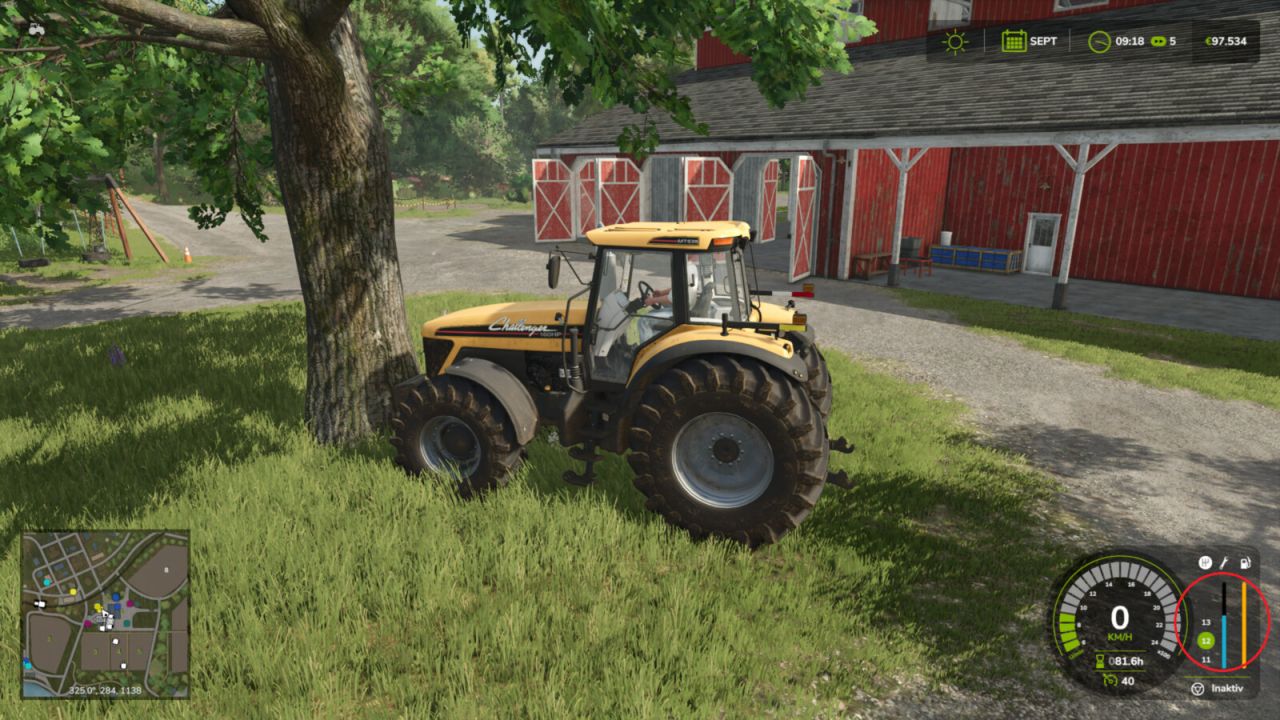
Collision Damage V1.2.1 Adds additional vehicle damage after stronger collisions. The mod uses the existing Giants damage system. There are no visible deformations, but the normal damage value of the vehicle increases and can be repaired as usual. Stronger impacts are detected when the sensor-based check can confirm an external contact in the travel or sensor area. When two usable vehicles, trailers or tools collide, the hit object can also receive the same additional damage value if it has its own damage system. Static obstacles such as buildings or trees are not damaged. The driven vehicle combination’s own attached tools or trailers are not counted as a second crash participant. Damage calculation runs on the server side and uses the game’s existing saving and synchronization. V1.2.1.0 Added damage profiles and advanced settings Settings are now stored per savegame The server controls settings in multiplayer Server settings are synchronized with joining players Author: Dude23 Report bugs in the comments and help modders improve this mod. Always check the comments, you can find a solution. DOWNLOAD MOD
Farm Reputation V1.1.0.2
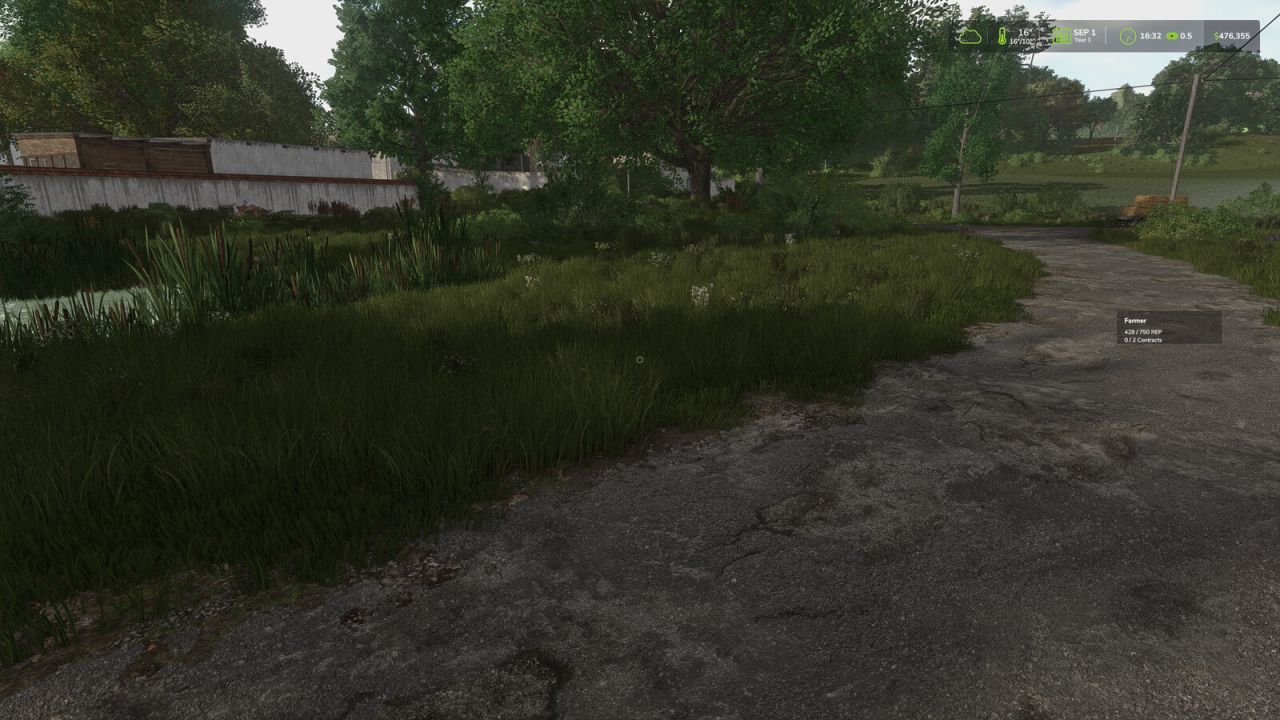
Farm Reputation V1.1.0.2 Farm Reputation extends Farming Simulator 25 and Better Contracts with a complete reputation and career progression system, adding long-term progression and a more realistic contract experience. Develop your reputation both as a farmer and as a reliable contractor to unlock better opportunities throughout your career. Features: Complete career progression with multiple ranks Individual reputation for every contractor Contractor-specific contract value bonuses Farm reputation system with long-term progression Quarterly farm evaluations Field analysis Unlock new rewards as your reputation grows Increase the number of active contracts Unlock higher maximum contract values Earn additional contract payment bonuses How it works: Earn reputation by successfully completing contracts. Earn additional reputation through positive quarterly farm evaluations. Lose reputation by cancelling contracts or receiving poor farm evaluations. Every contractor has an individual reputation. Higher contractor reputation unlocks higher contract value limits for that specific contractor. Your career rank determines your base contract limits, reward bonuses and the maximum number of active contracts. Farm evaluations are based on weed management, stone management, fertilization, liming and plowing. Controls: F9 Move the reputation HUD A Previous page D Next page Arrow Up Select previous contractor Arrow Down Select next contractor Requirements: Better Contracts (latest version) is required. Compatibility: Multiplayer supported Existing savegames supported V1.1.0.2 IMPROVED: Contractor-specific contract value limits now use the contractor’s individual reputation Contract value bonuses are now applied consistently when accepting contracts and starting missions Contract value limits no longer rely on the Better Contracts NPC job counter Reputation values are now correctly synchronized between the server and multiplayer players HUD positions are now saved per player and synchronized between the server and multiplayer players Savegame data is now written as part of the Farming Simulator save process to prevent farmReputation.xml from being lost during savegame replacement FIX: Fixed contractor reputation bonuses not being applied correctly to contract value limits Fixed leasing contracts using the farm-wide base limit instead of the contractor-specific limit Fixed reputation not being displayed or synchronized correctly for multiplayer players after joining Fixed saved HUD positions not being correctly restored after restarting or reloading Required mods: Better Contracts Author: Narbenstahl Report bugs in the comments and help modders improve this mod. Always check the comments, you can find a solution. DOWNLOAD MOD

Swath Router V1.0
A hired helper bales, or picks up with a forage wagon, by driving along the swaths themselves instead of a generated course. When it starts, the helper looks over the field for swaths and plans a route over them, nearest first. It follows each swath as it lies – straight, curved, at any angle, or round and round where the field was cut in rounds – and turns only where a swath ends. When the route is done it looks over the field again and carries on until there is nothing left to pick up. Straw, hay and grass swaths, with round or square balers and forage wagons. Field work only, single player only. A game saved in the middle of a job starts that job again when it is loaded. The way round is not always the shortest one, and a little straw can be left for the next pass. Also included, for every helper: square balers no longer slow down to a crawl before each bale. Round balers are unchanged. Hotkeys: none. Hitch a baler or a forage wagon on its own and hire a helper for field work as usual.
- 15 per page
- 30 per page
- 45 per page
- 60 per page
-
See more per page
Bigger pages, fewer clicks - and no ads anywhere.
Go Pro