Farming Simulator 22 mods
50,377 results- 15 per page
- 30 per page
- 45 per page
- 60 per page
-
See more per page
Bigger pages, fewer clicks - and no ads anywhere.
Go Pro
Storefront Stable Options For Husbandry FS25
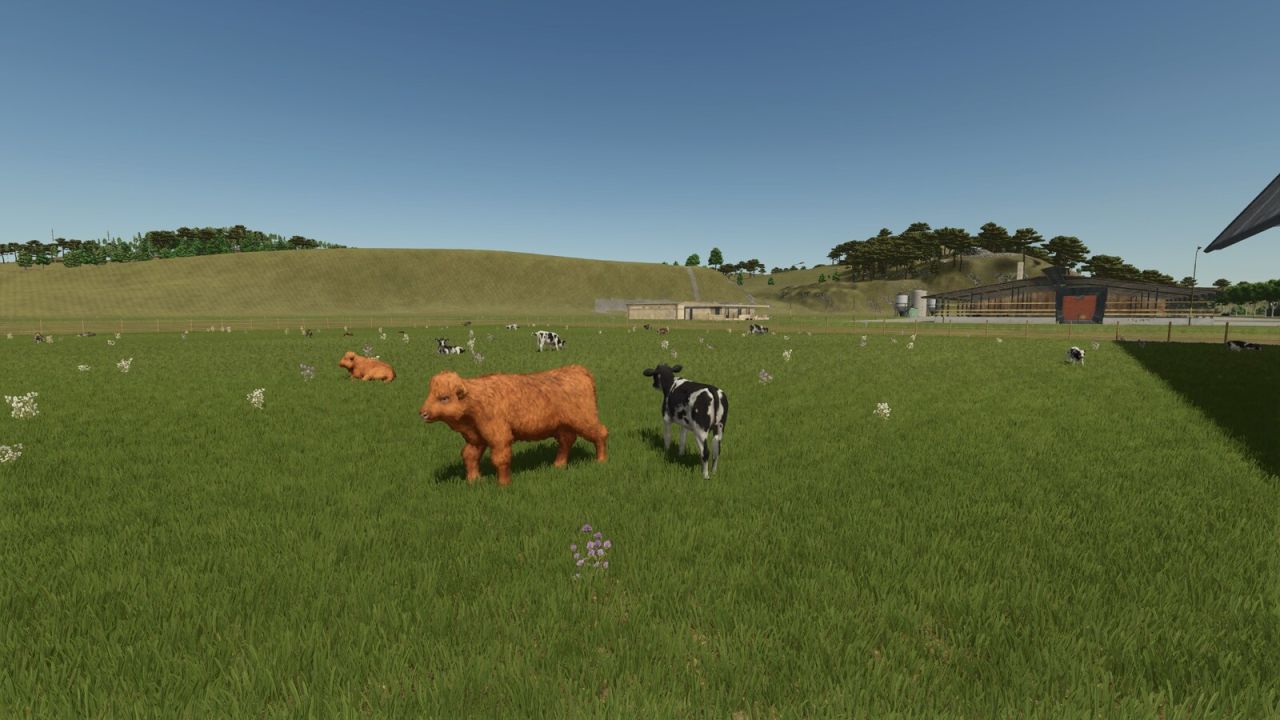
NEVER SUFFER RANDOM CALVES ON YOUR SHOWCASE PASTURE AGAIN! Tired of your animals shamelessly revealing their TRUE age out on the pasture? Not anymore! With Storefront Stable, YOU decide - per stall, per breed - exactly which growth stage gets shown off outside. 50% calves and 50% stately adults? Only the tiny ones? Make an entire breed invisible? All possible, all included! And the best part: breeding, aging, milk, wool and every other production, plus your real animal count, remain COMPLETELY UNTOUCHED. We only redecorate the shop window - the business running behind it stays exactly as it was. One exception in our lineup: horses. They look equally majestic at every age, so there is simply nothing left to redecorate. Not available in stores. Just open the animal screen at your stall, set the displayed breeds and growth stages, and you're done. Works with the following animal species: - Cows / Cattle - Pigs - Goats - Sheep - Chickens
Helper Silage Compacting FS25
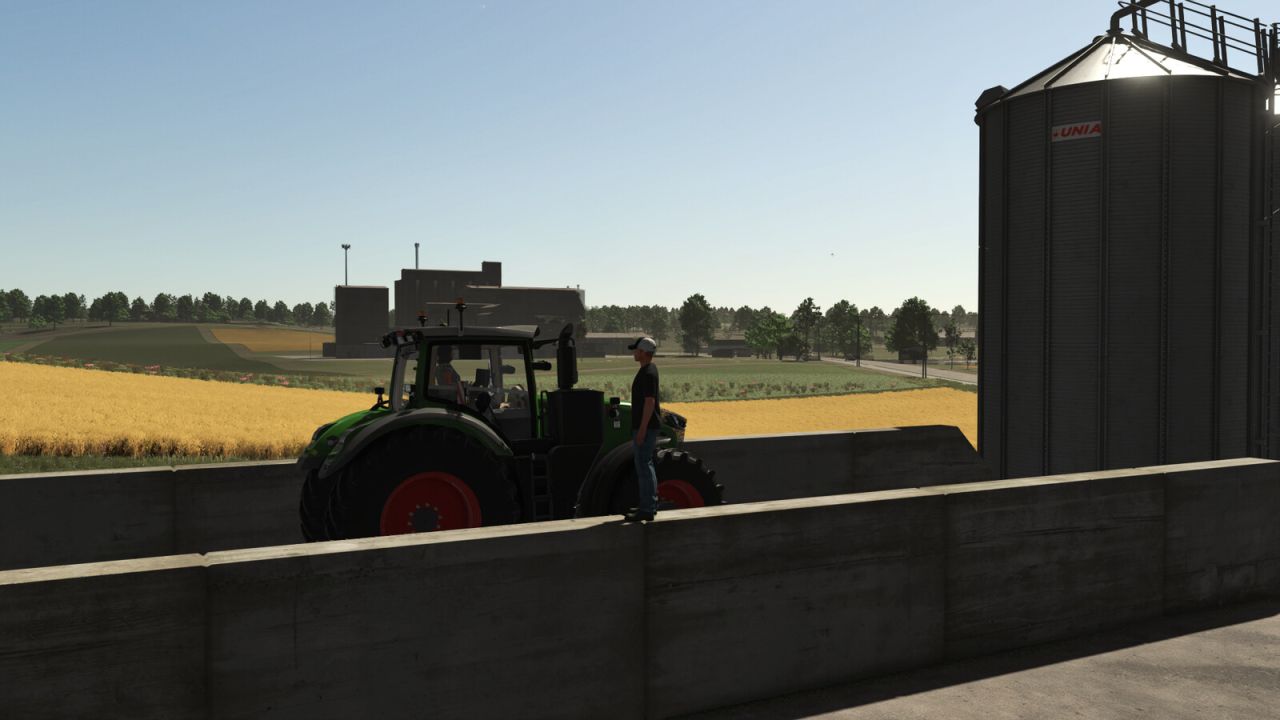
Helper Silage Compacting uses the normal FS25 helper to compact silage in a bunker silo with a tractor. Place a tractor without attached implements inside the bunker silo and press the normal Hire Worker key (default: H). The helper drives back and forth, shifts sideways between passes, waits when another vehicle is inside the silo, and keeps compacting until stopped or fully compacted. Only tractors are supported. Trailers, harvesters, foldable tools, covers, and tip/unload animations are not controlled by this mod. Visible tyre tracks are created by True AI Track when that mod is enabled.
Enhanced Bunker Silo FS25
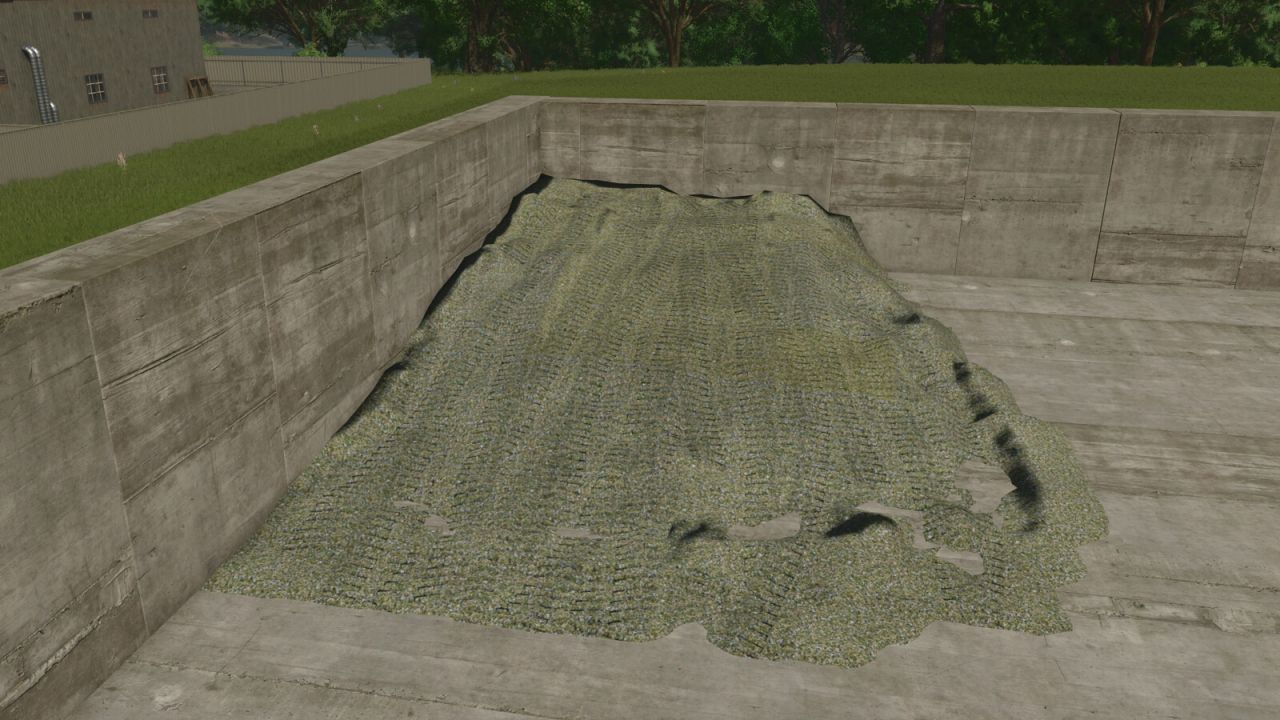
This script extends the silos with the function to open them completely. This allows a silo that is not yet empty to be refilled and then closed again for fermentation. Opening the silo completly will revert the completed fermenting process.
Hydraulic Broken Trailer FS25
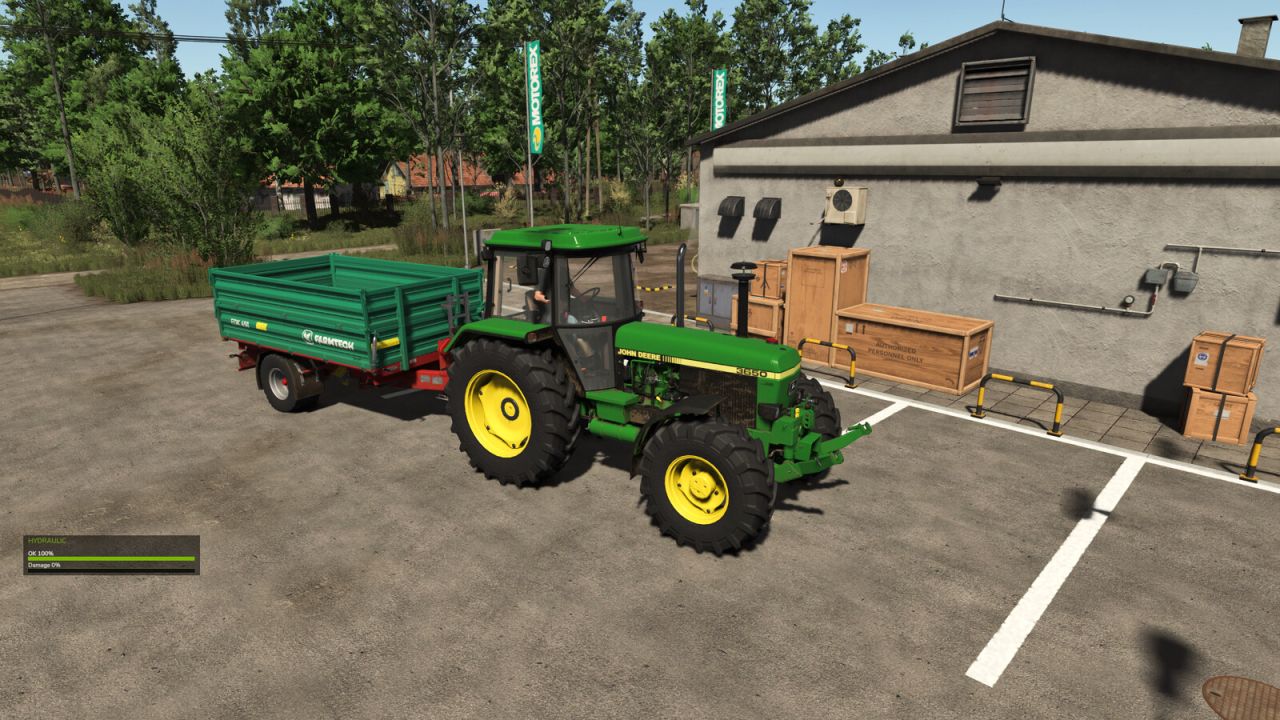
Adds hydraulic condition and failure to tippable trailers. Each full lift/unload cycle wears the hydraulic. The HUD shows hydraulic OK and damage percentage. When the condition reaches 0%, the trailer body stays raised and Repair Hydraulic becomes available in the workshop. Partial damage can be restored with Service Hydraulic in the workshop. If the trailer is detached while raised/unloading, the body stays up until it is attached again.
Additional Vehicle Info FS25
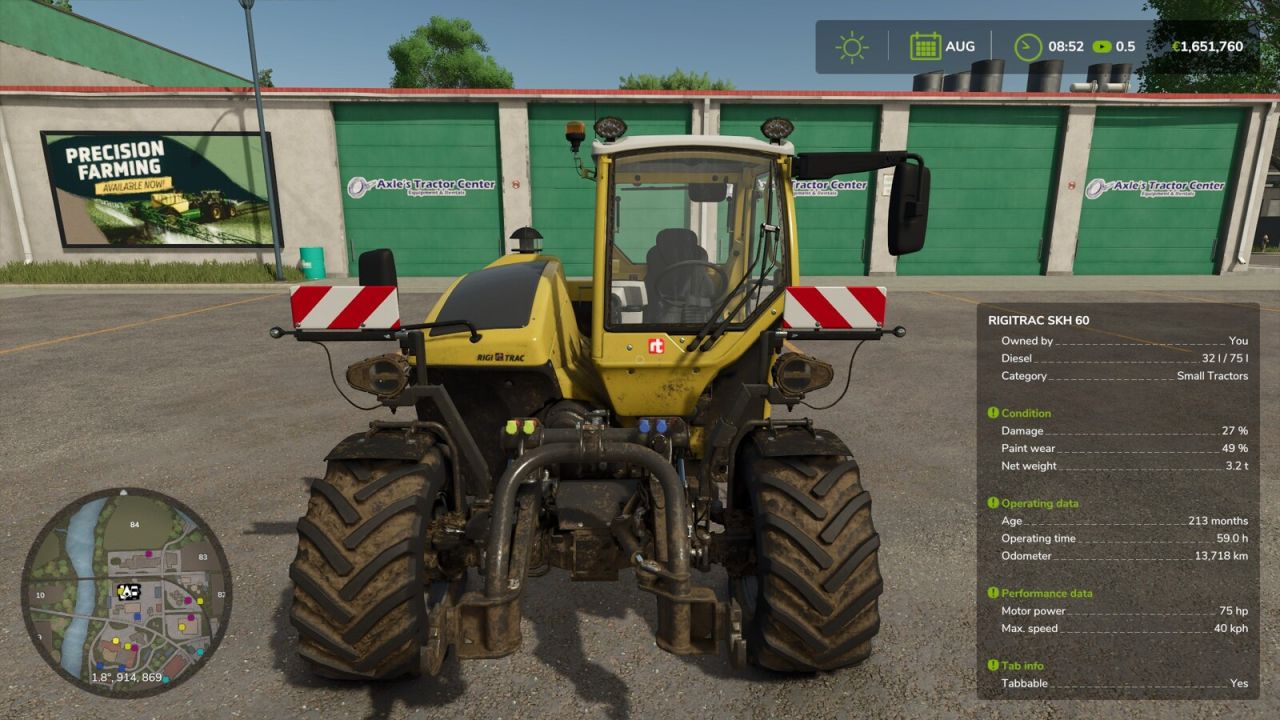
Extends the vehicle/implement info box shown near a vehicle with lots of additional information - cleanly grouped into sections that can each be shown/hidden individually in the settings menu. Always visible: - Shop categor(y/ies) of the vehicle/implement - Diesel/methane tank: current fill level AND capacity (instead of just the fill level) Section "Condition": - Damage (%) - Paint wear (%) - Net weight and total weight (including attached implements) Section "Operating data": - Age - Operating hours - Odometer Section "Capacity": - Every tank, numbered, with its capacity - The currently loaded good shown directly under its tank (useful for implements with several differently filled tanks) - Bale net/twine rolls on balers shown as a count (current/maximum) Section "Performance data": - Motor power and max. speed (on motorized vehicles) - Power required, working width and working speed (on implements) Section "Weights": - Wheel weights required (yes/no) - Ballast weight required Section "Tab info": - Whether the vehicle can be cycled through with Tab (yes/no) - Whether it is excluded from the Tab order (yes/no, requires the mod "FS25_SortableVehicleTabbing") Settings (Game settings > General): - Show headers on/off (global) - Show separators on/off (global) - Each of the five sections above can be switched on/off individually Compatibility: - Automatically detects the mod "Info Display Extension" and hides its overlapping lines to avoid duplicates
Rust Wear Shader FS25
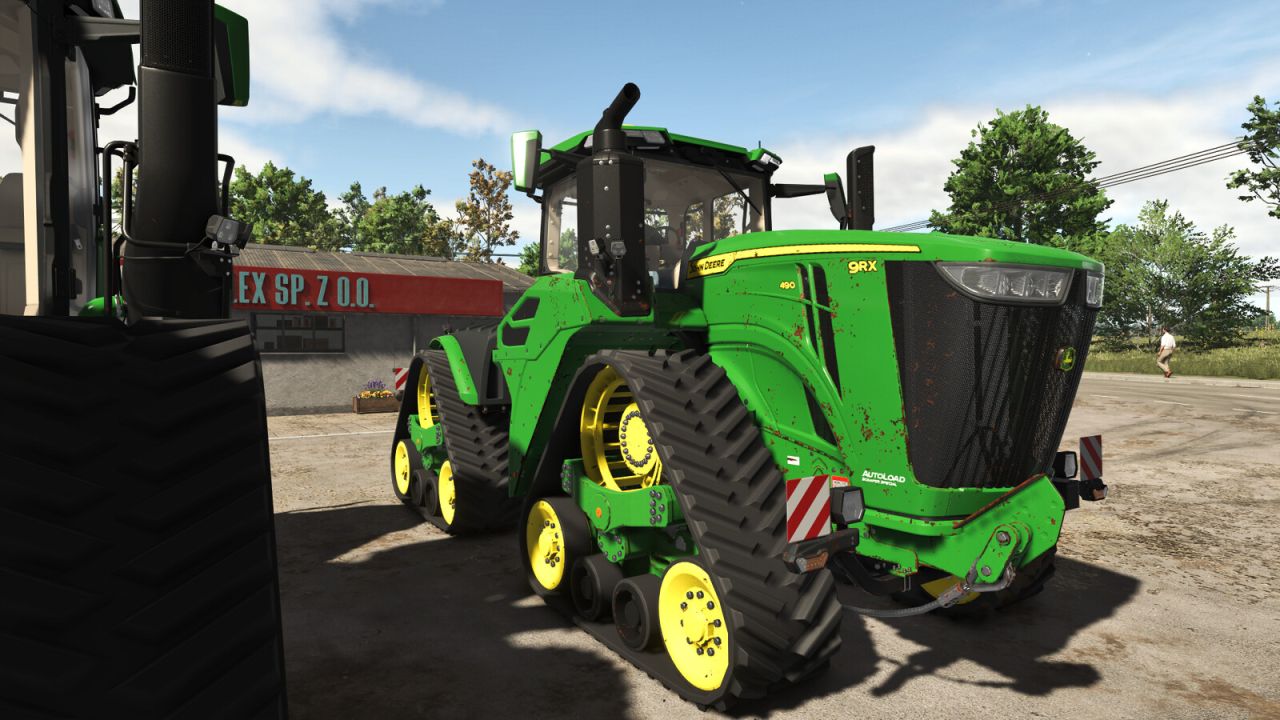
Applies a rust/junk look to vehicle and equipment paint wear through FS25's native wearable shader parameters. The original custom vehicleShader.xml plus rustDiffuse/rustSpecular textures are bundled in this mod under shaders/ for per-vehicle use.
Faba Beans (Prefab) FS25
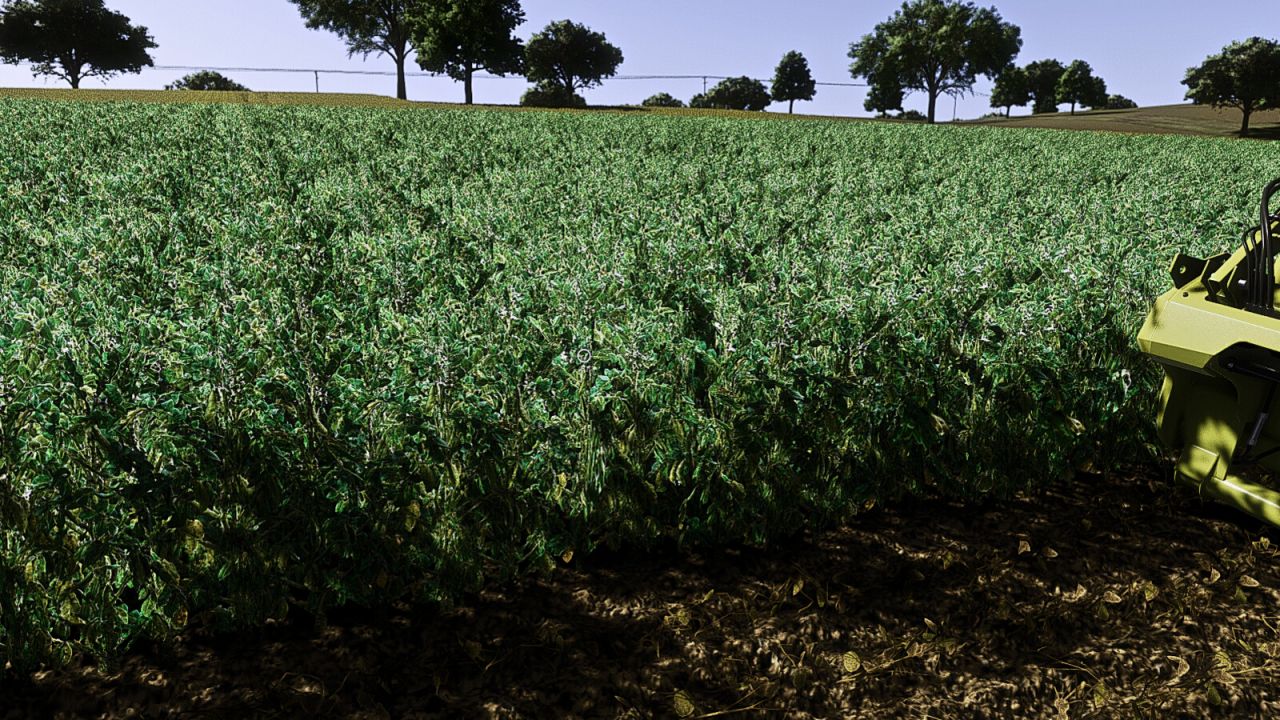
Complete faba bean fruit prefab for Farming Simulator 25 map creators. Includes foliage with growth stages and matching distance textures, fill plane and HUD icon, cutter effects, combine chopper/chaffer effects and integration examples. Agronomic settings: - Sowing: March and April - Harvest: August and September - Precision Farming nitrogen target: 40-60 kg N/ha - Residual nitrogen benefit after harvest: 15 kg N/ha This is a prefab and must be integrated into a map. Installation instructions in German and English are included.
Disable GPS (By Year) FS25
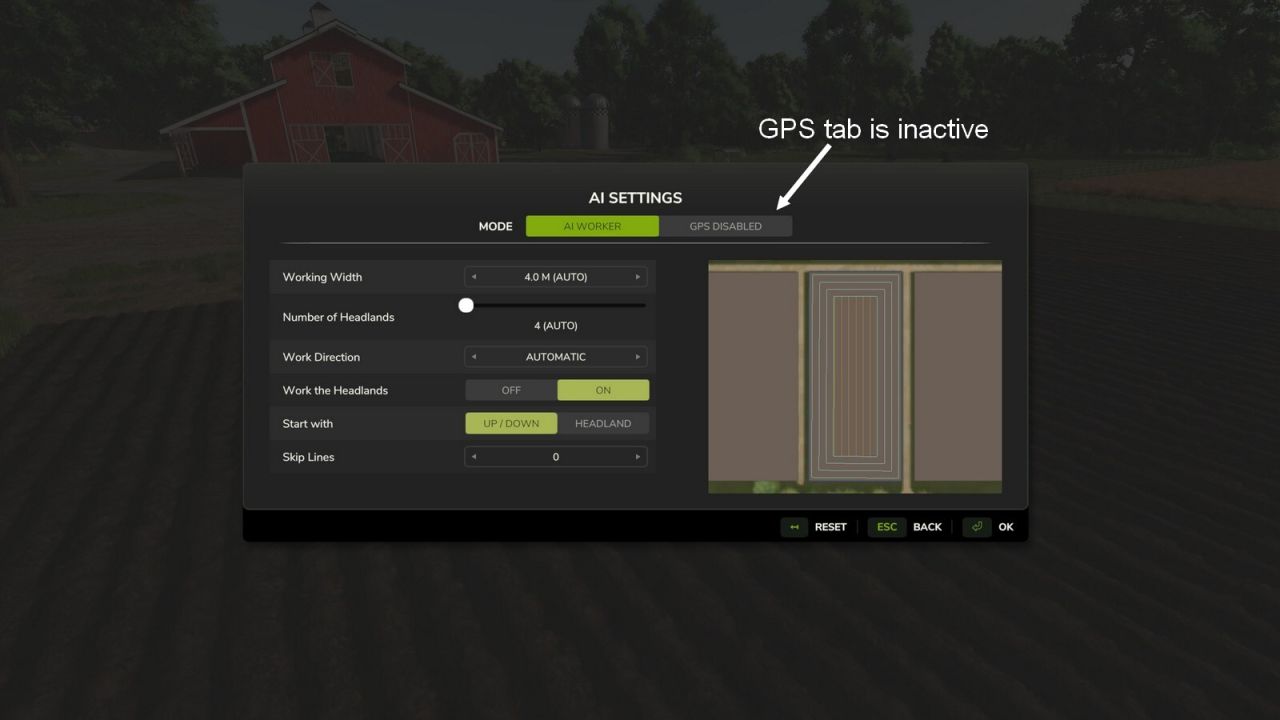
Disables the GPS for vehicles older than a configurable year (default: 1995). Vehicles from the configured year or newer keep their GPS. The year threshold can be adjusted in the in-game settings. A toggle option lets you choose whether GPS stays active on vehicles without year data. Requires the "Vehicle Years" mod by Thalley. - Fixed GPS detection when implements are attached
Realistic Stubble Tillage V1.0.0.5
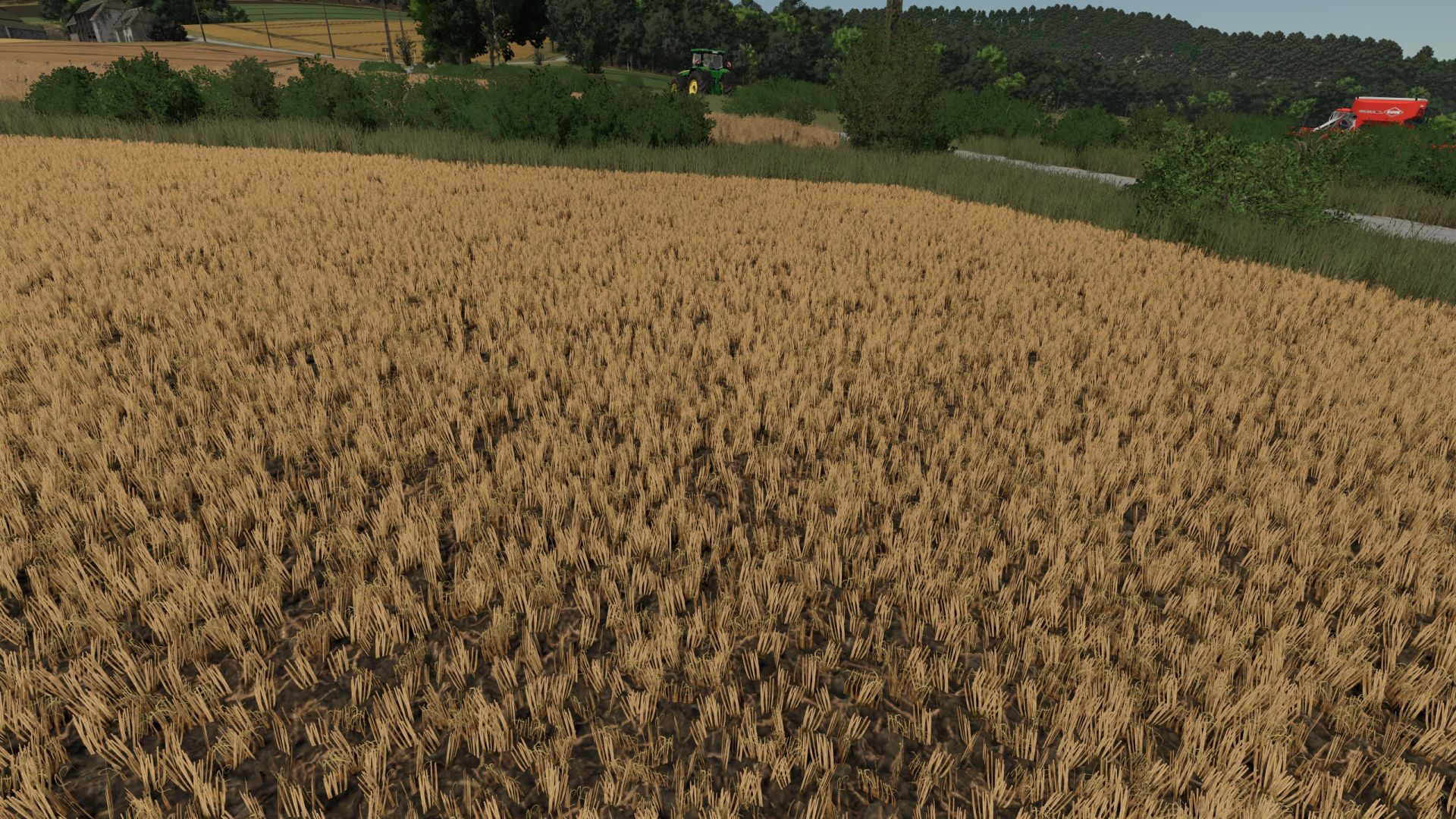
Realistic Stubble Tillage V1.0.0.5 After tillage with the cultivator or disc harrow, part of the foliage remains visible instead of being completely removed and real Volunteer Grain grows after it. Volunteer Grain grows every day to keep a balance between realism and fun gameplay. Three profiles with per-crop-type adjustable values (found in the mod folder), selectable in the game settings. Custom crop types can also be added there. There are two pre-configured profiles for Giants Maps (Vanilla) or maps that use the Template from WeekendFarmers/T4xs (TemplateMap) Example from custom1.xml: settings name=”YOUR NAME” Here, you can enter your own profile name, which will also be displayed in the in-game menu. DO NOT rename the file itself! Otherwise, the profile can no longer be loaded! fruit name=”WHEAT” densityReductionPercent=”2″ targetFoliageState=”10″ fruit name: The name of the crop, exactly as it is listed, for example, in fillTypes.xml. densityReductionPercent: The percentage by which the stubble should be reduced with each pass. It is intentionally set low (1–3). Higher values will thin out the stubble very quickly. targetFoliageState: The crop state that should be set during cultivation. This depends heavily on the map being used and the respective crop! If something does not look as expected, it is best to use Easy Development Controls to first set the state to “sown” (FoliageState “1”). Then count up from there until you reach the desired result, and enter that number here. You can also test this without restarting the game. Simply change the values, save the file, briefly select a different profile in-game, then switch back to your desired profile — your changes will be active immediately! volunteerGrain: Should volunteer grain grow after tillage? (true/false) volunteerGrainChance: The chance in % at which volunteer crop can grow. New/custom crops: You can easily add your own crops following the same pattern. THIS MOD WAS MADE WITH THE HELP OF AI V1.0.0.5 Seedbeds now work correctly after deep cultivation You can create as many profiles as you like in the profiles folder and select them in-game
[Blender Add-on] UV Position Tool V1.0.0.1
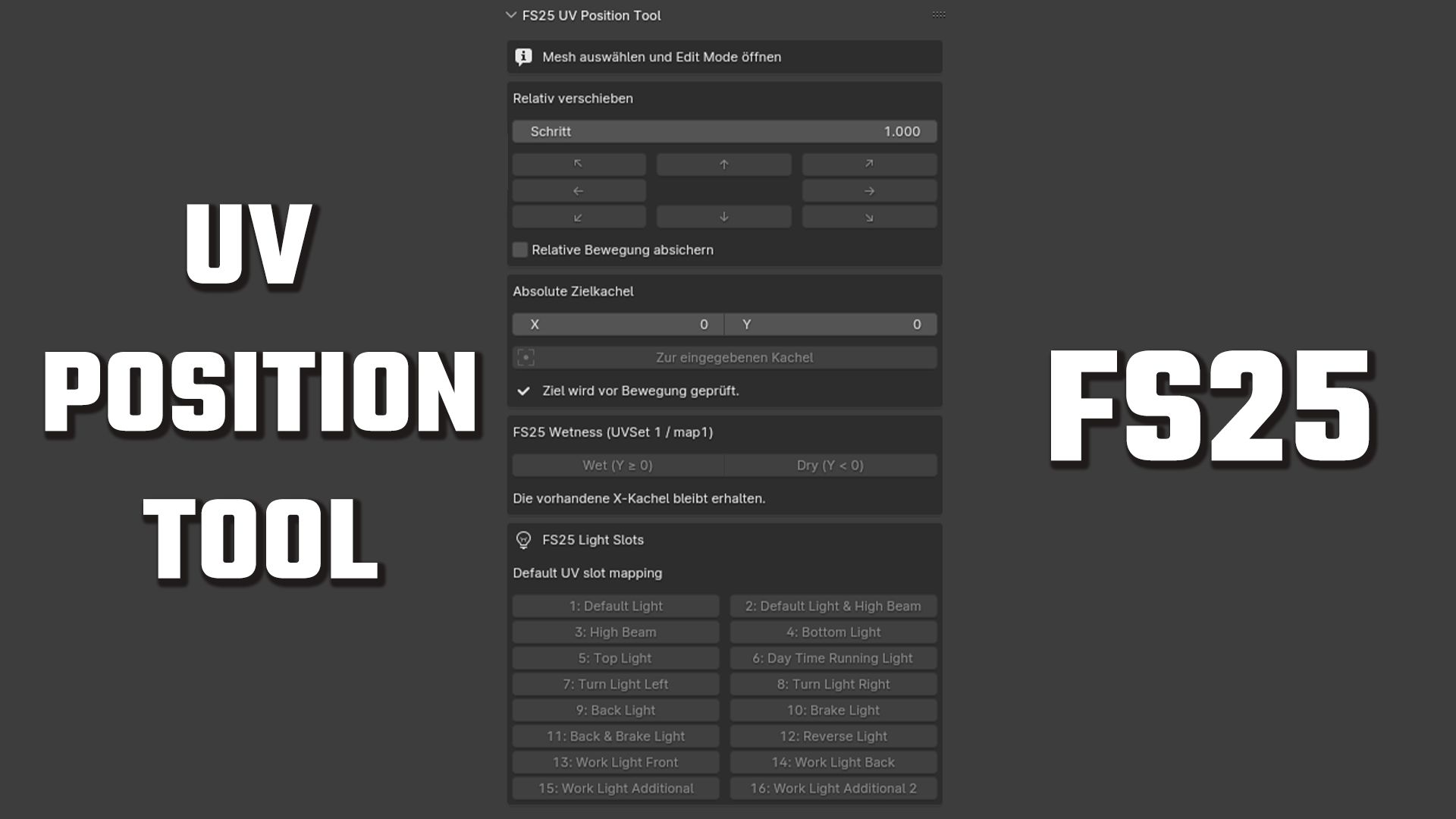
First public release of the FS25 UV Position Tool for Blender. Features : Relative UV movement in eight directions Configurable movement step Absolute UV tile positioning Wet and dry row helpers Direct access to all 16 Farming Simulator 25 light slots Safety check for selections spanning multiple UV tiles Multi-object Edit Mode support Undo support Compatibility : Blender 4.0 and newer-Tested with Blender 4.0, 5.1.2 and 5.2.1 LTS Installation : Download fs25_uv_position_tool_v1.0.0.zip below. In Blender, select Edit → Preferences → Add-ons → Install…, choose the ZIP file and enable the add-on. V1.0.0.1 The user interface has been made clearer. A new XML wizard has been added, which staticLightCompoundssignificantly simplifies the creation of FS25 files. Example output: Code 1)Select one or more mesh objects in Blender. 2)Open FS25 XML Assistant and choose Use selected meshes. 3)Review or edit each proposed XML node name. 4)Set the intensity for every mesh manually. 5)Disable entries that should not be included. 6)Copy the generated staticLightCompounds block or save it as an XML file.
DF Bunker X M31 – large multi-fruit silo V1.0.0.0
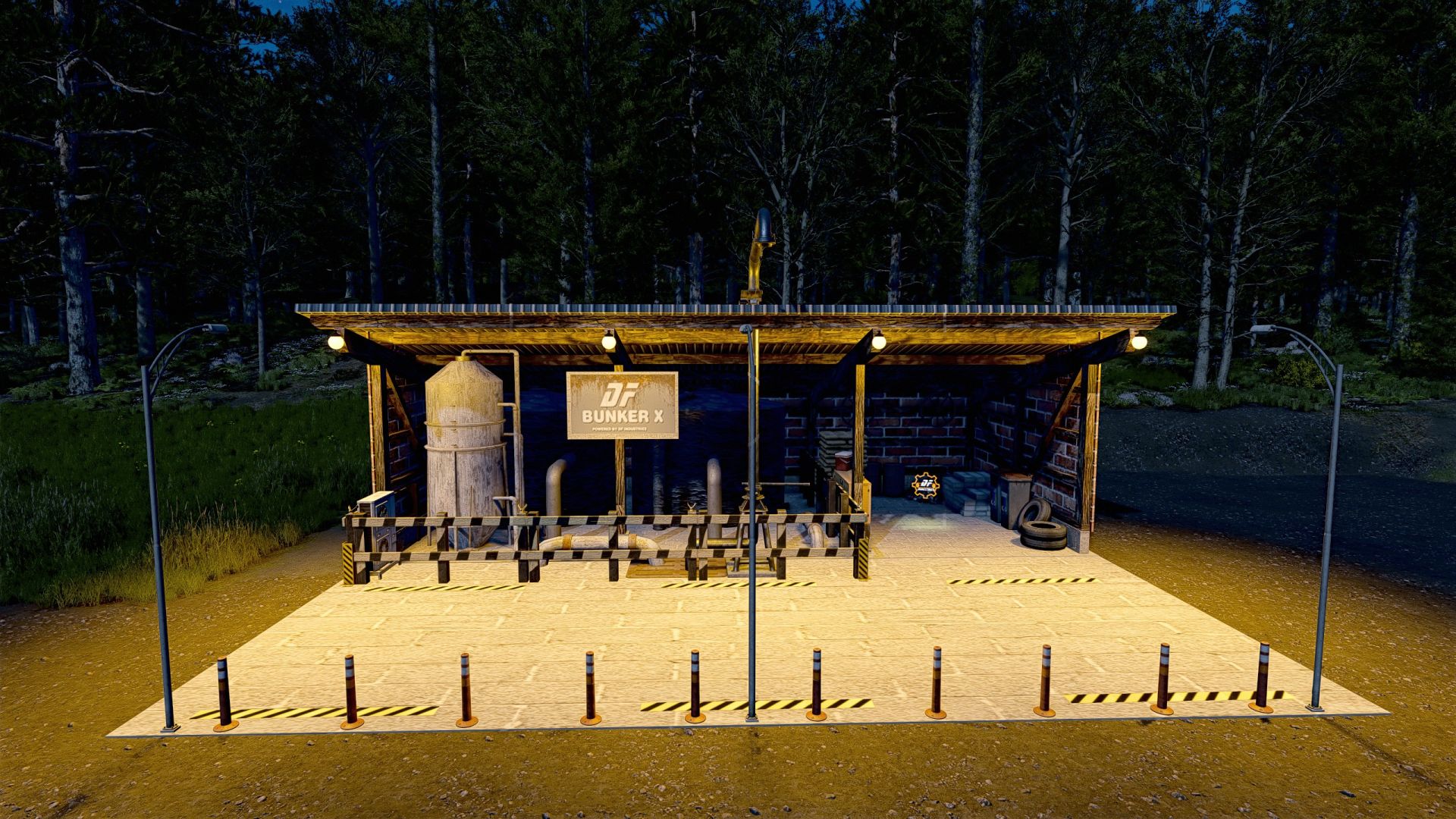
DF Bunker X M31 – large multi-fruit silo V1.0.0.0 As mod number 31, I present to you the DF Bunker X M31 – the ultimate logistics monster for your farm, packaged in an idyllic guise. Anyone who operates massive production facilities like the Global Cereal empire, or simply needs to temporarily store the harvest of entire German states, knows the problem: huge concrete silos often ruin the beautiful, traditional farmyard landscape. Bunker X solves this problem with pure understatement! From the outside, the building looks like a cozy, traditional wooden shelter with a beautiful half-timbered appearance. However, a state-of-the-art bunker complex is concealed at the rear. The highlights of the DF Bunker X M31: Gigantic capacity: A fabulous 130 million liters of storage space! True multi-fruit silo: Supports all standard bulk goods (BULK) of LS25 – including the new fruit types such as rice, spinach, peas and beans! (No liquids). High-speed logistics: An enormous loading speed of 2,000 liters per second ensures that even the largest departure trains are full in no time. Atmospheric night lighting: Fully illuminated courtyard area thanks to beautiful, warm shade lamps and integrated streetlights. Additional income: Integrated solar roof configuration in the store is optionally selectable for a small hourly side income. Absolutely clean: The mod is fully optimized, Giants TestRunner-tested, and leaves a 100% error-free log! Technical specifications: – Price: €58,000 – Maintenance costs: €15/day – Category: SilosSlots – (Console): approx. 3–11 slots Bring this logistics masterpiece to your farm and store your harvest until the peak price alarm sounds!

FS25 Round Bales Stop
FS25 Round Bales Stop In testing. **Addon Round Bales Stop** automates round baler operation. Standard round balers automatically stop the tractor to unload the bale and resume once the cycle is complete, while balers with a buffer chamber can work continuously. The mod provides automatic unloading, smart operation, and compatibility with AI, AutoDrive, and Courseplay. **Created by AgroZone.**
Round Bales Stop V1.0.0.0
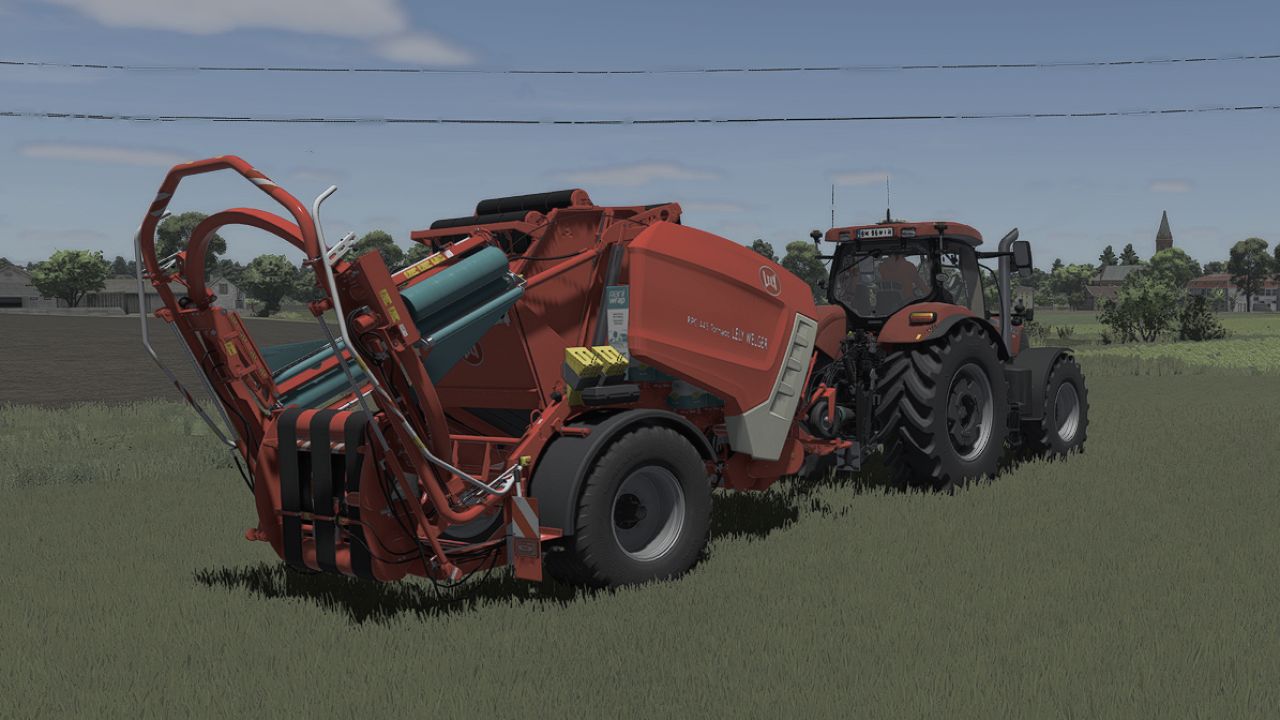
Round Bales Stop V1.0.0.0 Addon Round Bales Stop automates round baler operation. Standard round balers automatically stop the tractor to unload the bale and resume once the cycle is complete, while balers with a buffer chamber can work continuously. The mod provides automatic unloading, smart operation, and compatibility with AI, AutoDrive, and Courseplay. In testing.
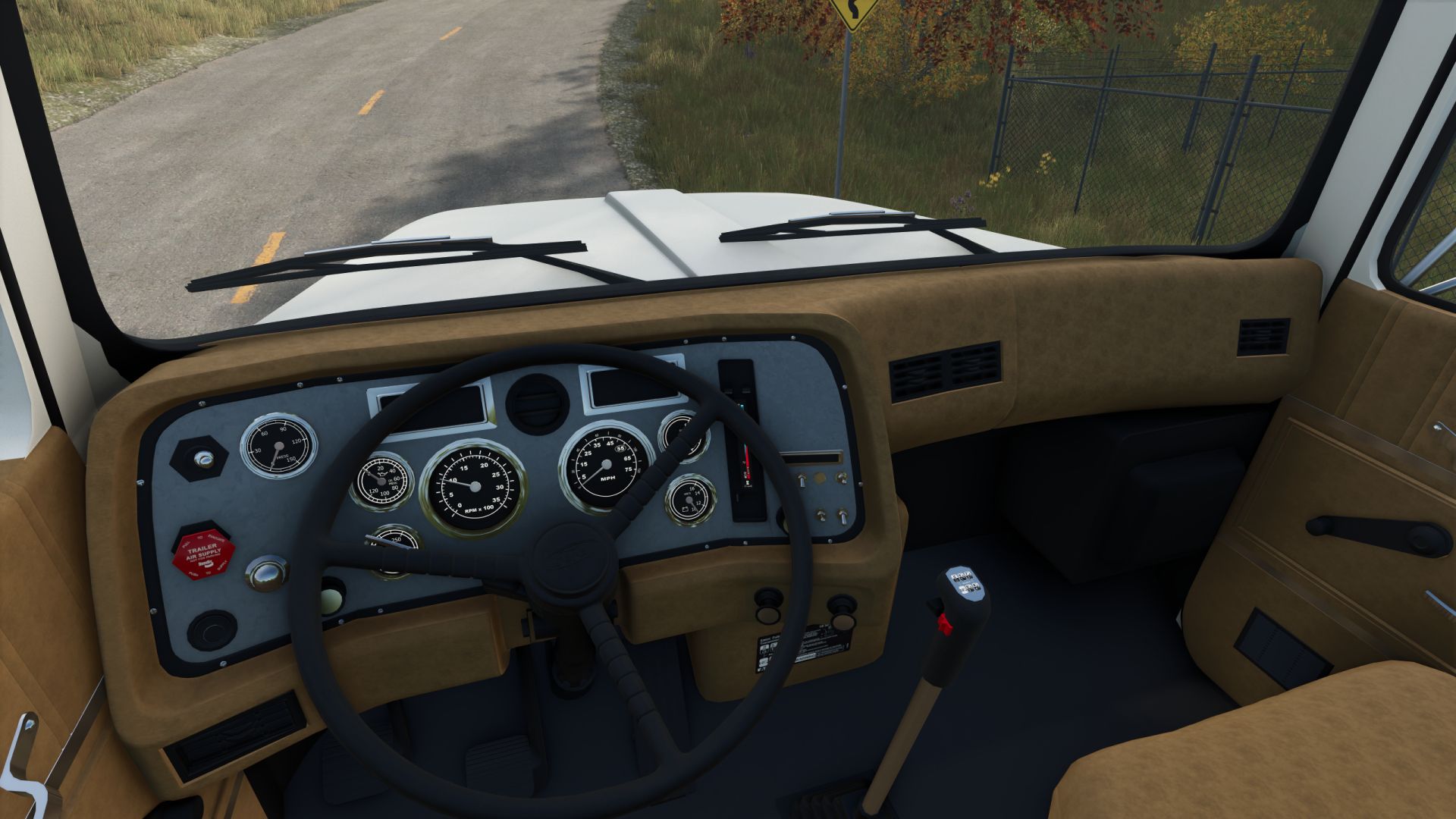
1991 Ford L9000 Dump V1.0.0.0
1991 Ford L9000 Dump V1.0.0.0 Specifications: Speed 135 km/h Selectable wheels Selectable headlights Selectable bumpers Selectable grills Selectable rear mudflaps Selectable sun visor Selectable license plates Selectable fender flares Selectable dump stripe Selectable color
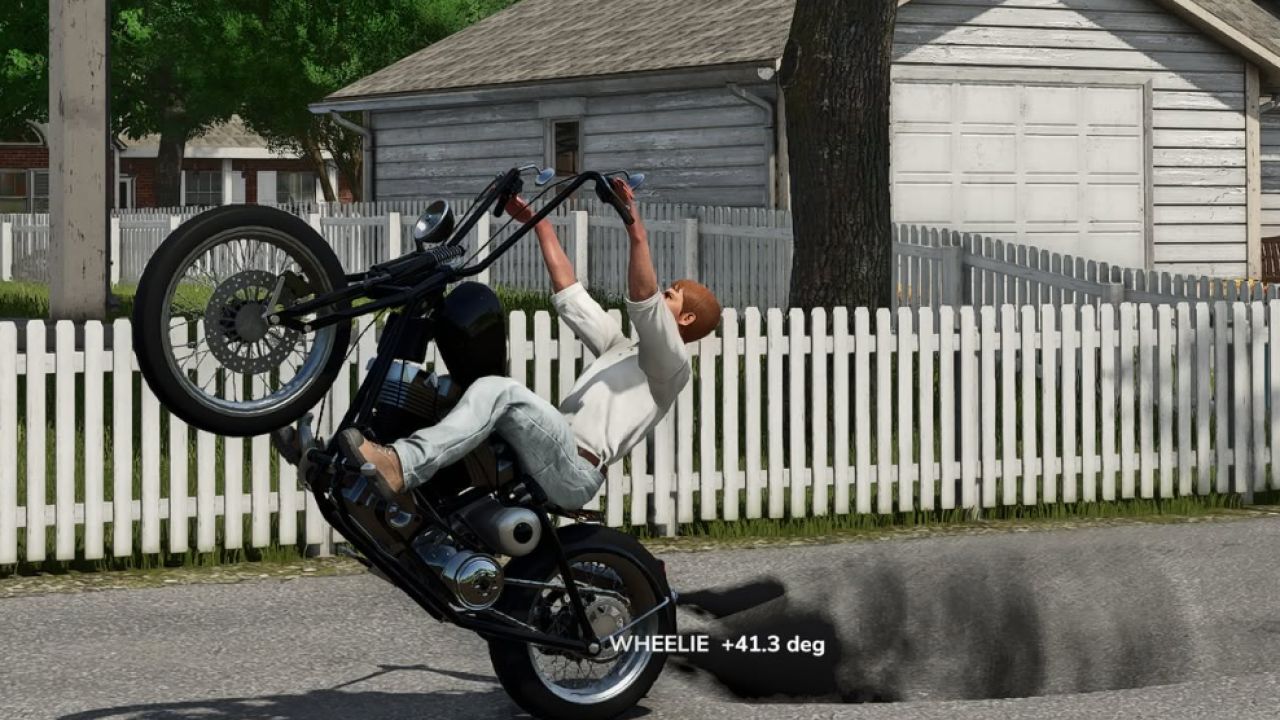
Blackstack’s Wheelie Extension V1.0.0.0
Blackstack’s Wheelie Extension V1.0.0.0 This mod adds a universal wheelie system to most ALL FS25 vehicles. Designed to work across everything from bikes and cars to larger trucks, the script applies controlled lift to bring the front end up and stable. Works with bikes, trucks & other compatible vehicles Dynamic wheelie assistance based on vehicle size Keyboard & controller support Controlled lift with reduced jumping Plug-and-play script extension Controls Keyboard: Hold O while accelerating to activate the wheelie. Controller: Hold LSB (Left Stick Button) while accelerating to activate the wheelie. Release the wheelie control to bring the front end back down. Changing Your Keybinds Don’t like the default controls? You can change them directly in-game. Go to: ESC → Settings → Controls Find the Blackstack Wheelie Extension controls, select the Wheelie action, and assign whatever keyboard key or controller button you want. Keybinds can be changed at any time without editing the mod files.
- 15 per page
- 30 per page
- 45 per page
- 60 per page
-
See more per page
Bigger pages, fewer clicks - and no ads anywhere.
Go Pro