Farming Simulator 25 mods
79,169 results- 15 per page
- 30 per page
- 45 per page
- 60 per page
-
See more per page
Bigger pages, fewer clicks - and no ads anywhere.
Go Pro
Farm Pool (Lending, Borrowing) FS25
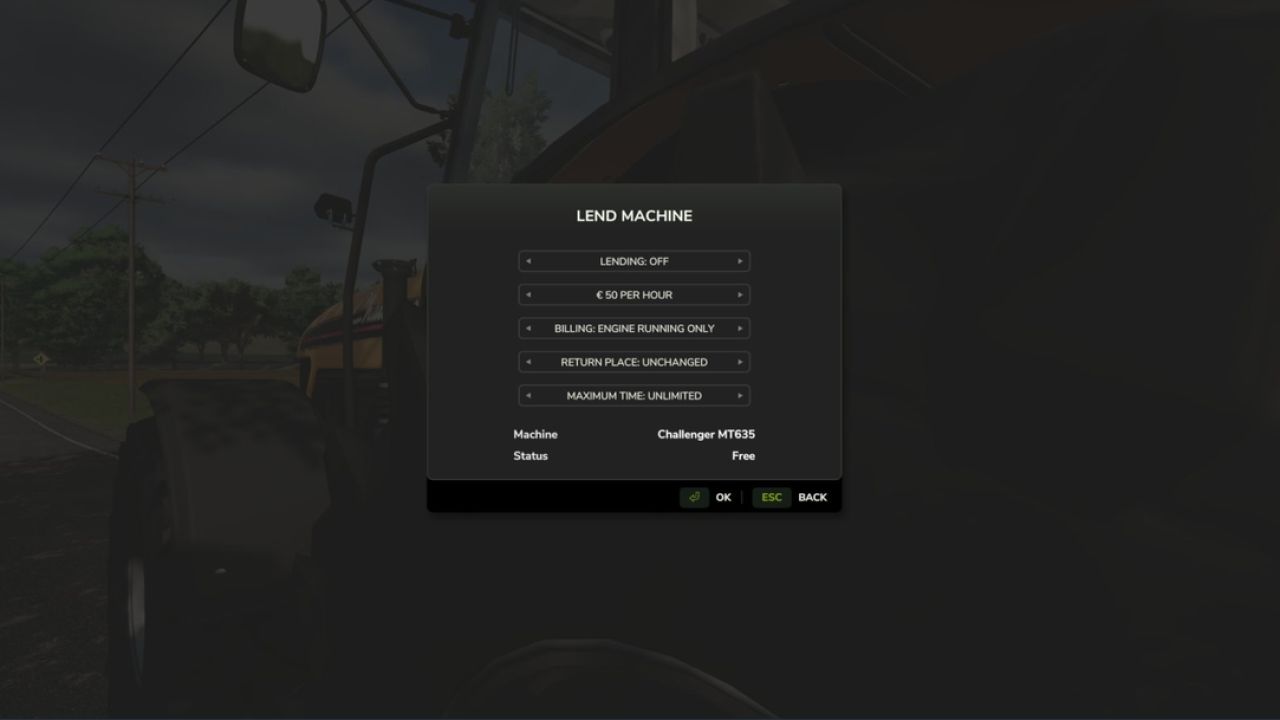
FarmPool allows farms in multiplayer to lend and borrow machines and implements. The owner decides which machine is offered, what it costs per hour, how it is billed, how long it can be borrowed and where it has to be returned. Other farms can take available machines and use them like their own. The machine always stays the property of its owner, while use, work and costs are assigned to the borrowing farm. Lending Look at one of your own machines or implements and press Left Shift + L. There you can switch lending on and set the price per hour, the billing type, the return place and the maximum loan time. While a machine is lent out, only the borrowing farm can use it. As the owner you can take it back at any time with the same key, as long as nobody is sitting in it. Borrowing Look at an available machine, press Left Shift + L and confirm. Afterwards you can get in, attach implements and work with the machine. The costs are charged to your farm and the work counts for your farm. Billing Every started hour is charged. For each machine you can choose between two billing types: - Only while the engine is running - Until returned When the machine is returned, missing fuel and new damage are charged as well. If the tank is full again and no additional damage was caused, there are no further costs. If the borrowing farm runs out of money, the loan ends. Return In the mode "Until returned" the machine has to be driven to the return place set by the owner. While you sit in the machine, it is marked by a circle. Switch off the engine and get out, then the machine is returned automatically. Overview With Left Shift + K you can show all machines currently offered in the FarmPool. By selecting a machine you can borrow it directly, return it or, as the owner, take it back. Console command - fpStatus: shows all machines in the FarmPool
Plantable Trees FS25
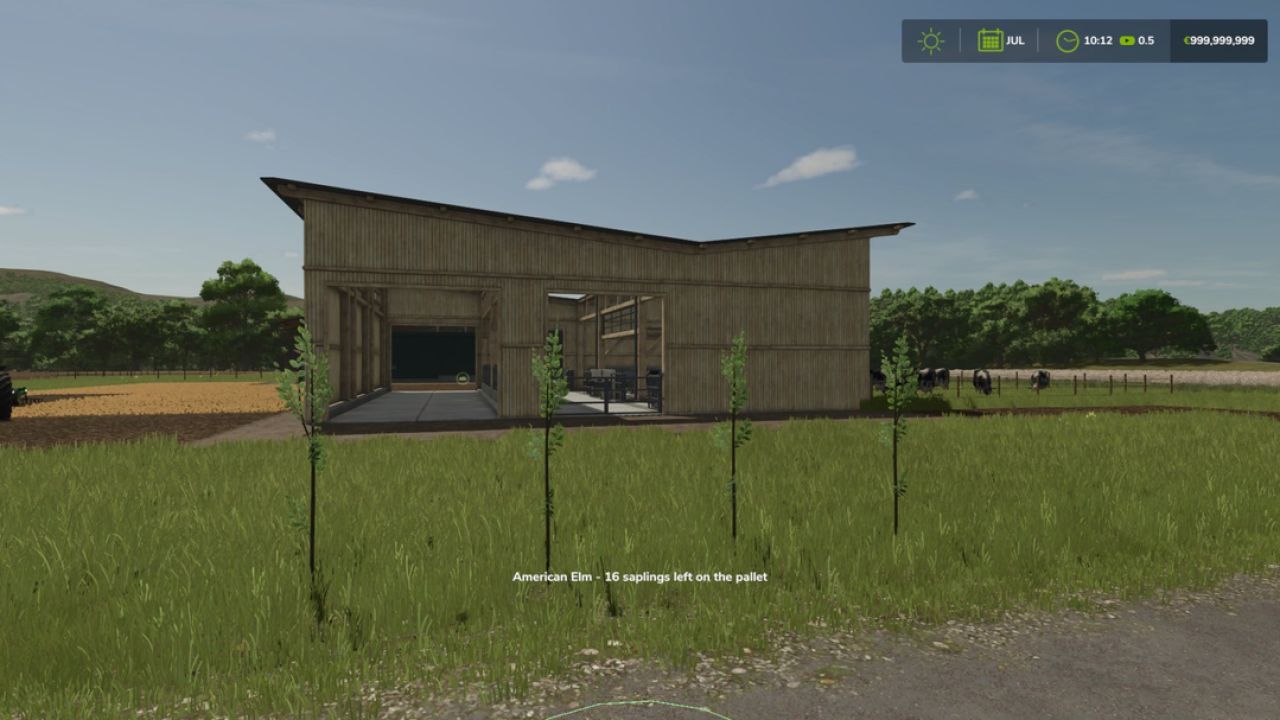
Plant trees without any machines, using only your hands! After buying the license you gain the ability to plant tree saplings by hand. The license can be bought in the shop in the category Tree Planters. For planting you only need a tree sapling pallet nearby. Every planted tree uses one sapling. Controls: After acquiring the license the hand tool can be selected. Stand near a tree sapling pallet and left click to plant the tree where you are looking. License price: 1,500$
Deutz Fahr M Serie v1.1.0.0
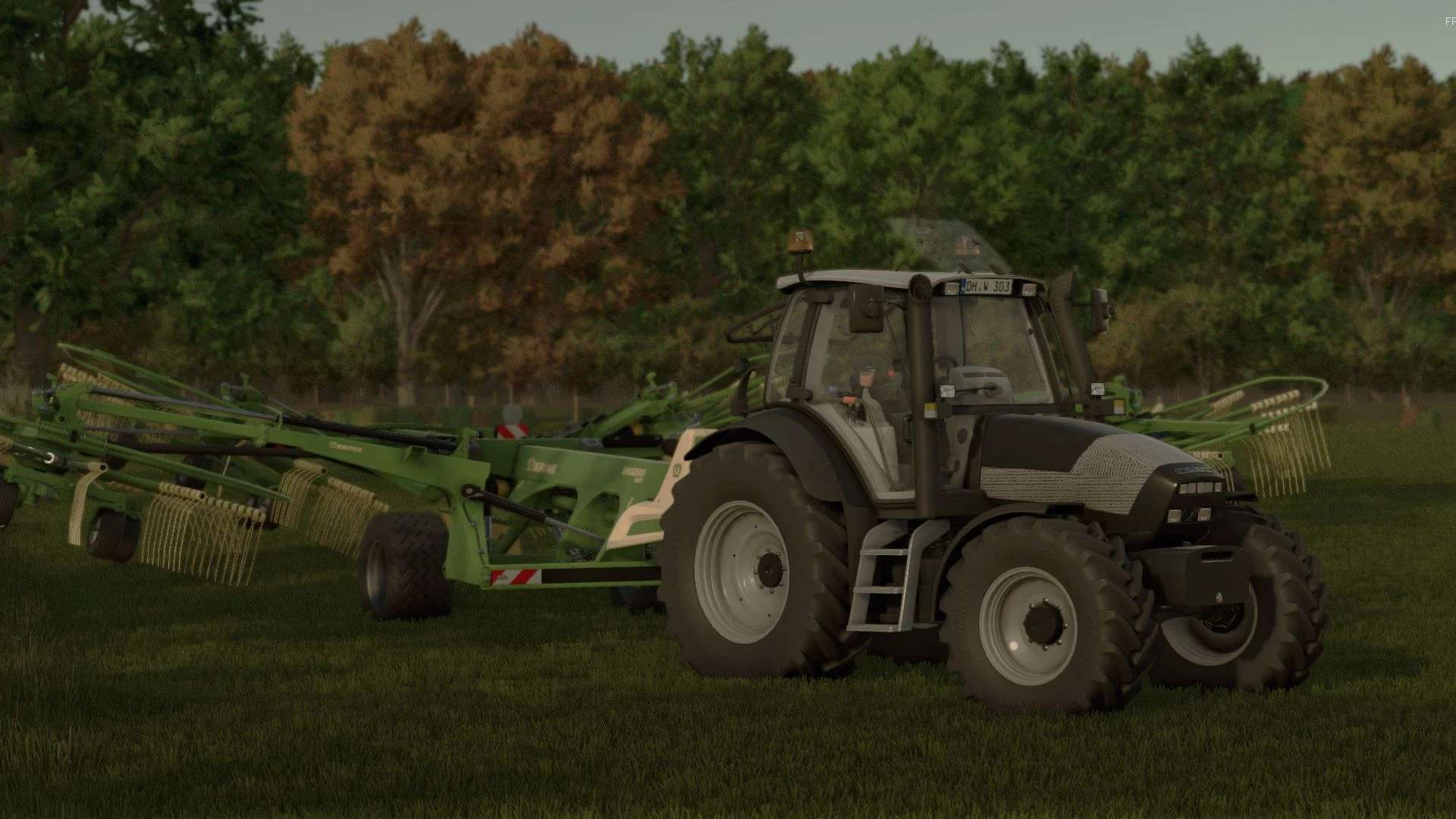
Deutz Fahr M Serie v1.1.0.0 Hiermit der DeutzFahr Agrotron M-Serie für FS25. Mit interaktiver Steuerung und vielen Konfigurationsmöglichkeiten verfügt der Traktor über die neuen FS25-Materialien und eine einfache Schmutzbearbeitung. V1.1.0.0 Neue Modelle hinzugefügt: TTV610 TTV620 Neue Farbkonfiguration Neue Felgen- und Reifenkonfigurationen sowie 1,5 Meter mehr Platz für Zwiebeln Farbkonfiguration des Motorhaubengrills (schwarz und grau) Auspuffkonfiguration (schwarz und chrom) Neue Kotflügel (klein und aus Metall) hinzugefügt Fehler behoben Modelle M600 121 PS M610 132 PS M620 155 PS M625 163 PS M640 171 PS TTV610 157 PS TTV620 165 PS Verfügbare Konfiguration Reifen Leuchtfeuer Dreipunktwurf und Gewichte Frontlader Vorder- und Hinterradkotflügel Frontscheinwerfer Grill Auspuff Farbkonfiguration Ich hoffe, es gefällt euch, und lasst mich wissen, was ich im nächsten Update ändern soll. Tags: Neue FarbkonfigurationNeue ModellePS
GAS MAD B2-110V (Prefab) V1.0
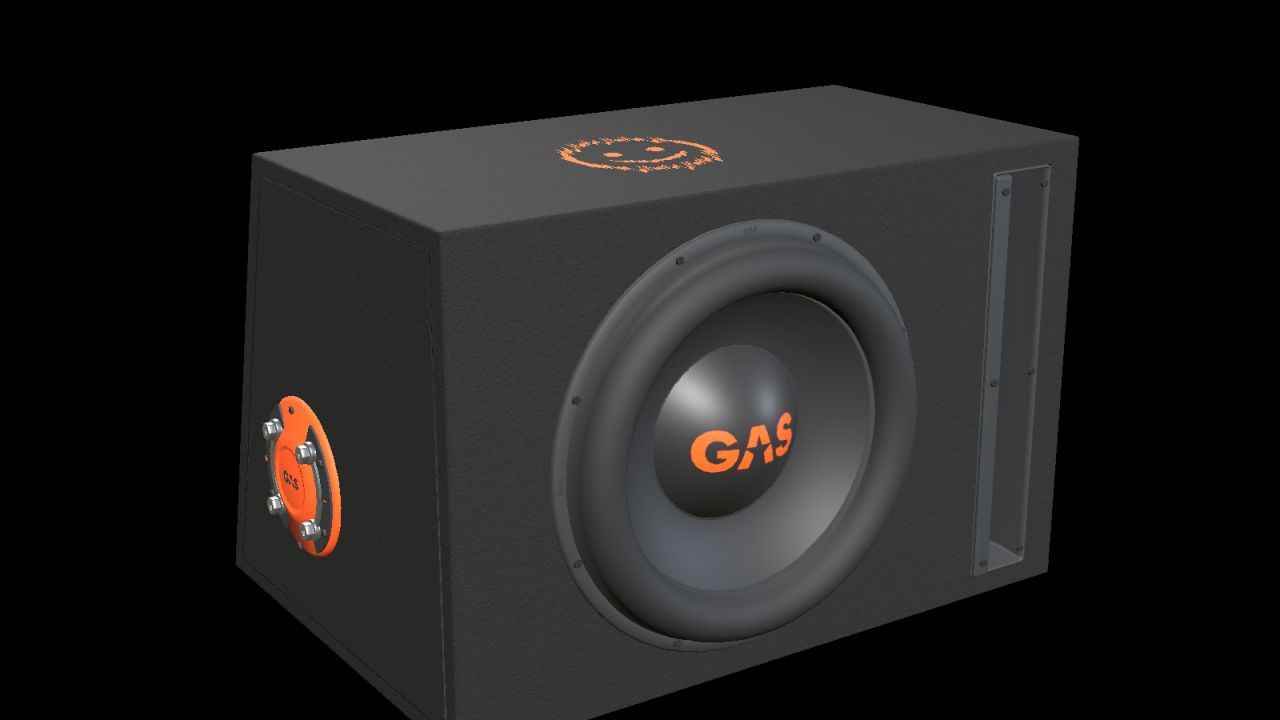
GAS MAD B2-110V (Prefab) V1.0 Add a detailed car-audio installation to your vehicle build with this decorative prefab for Farming Simulator 25. One 10-inch driver, an open vertical slot port, black carpet, orange GAS branding and a moulded side terminal with metal bridging plates. Real-scale model with separate materials and two detail levels. Nominal enclosure dimensions, width × height × depth (bottom/top where two depths are listed): 470 × 310 × 330/250 mm. Complete kit with I3D, DDS textures, editable Blender source, images and installation guides in English, Swedish and Norwegian. INSTALLATION Import the prefab into your vehicle mod with GIANTS Editor 10. Parent the complete root to a fixed body group and adjust placement. Follow README_EN.txt. This is a mod-building prefab with no separate shop entry. It is not a standalone playable mod to drop into the mods folder. FUNCTION Static decoration without audio playback, cone animation, separate physics or collision. Check placement and appearance in the vehicle in which it is installed. Version: 1.0.0.0 Model and FS25 prefab: NorthernLight Modding. GAS product designs, names and logos belong to Winn Scandinavia AB. See README_CREDITS.txt. GE images show GIANTS Editor. Studio images are supplemental Blender renders of the model, not gameplay screenshots. Author: NorthernLightModding Report bugs in the comments and help modders improve this mod. Always check the comments, you can find a solution. DOWNLOAD MOD
Kirikouano Menu HUD V1.6
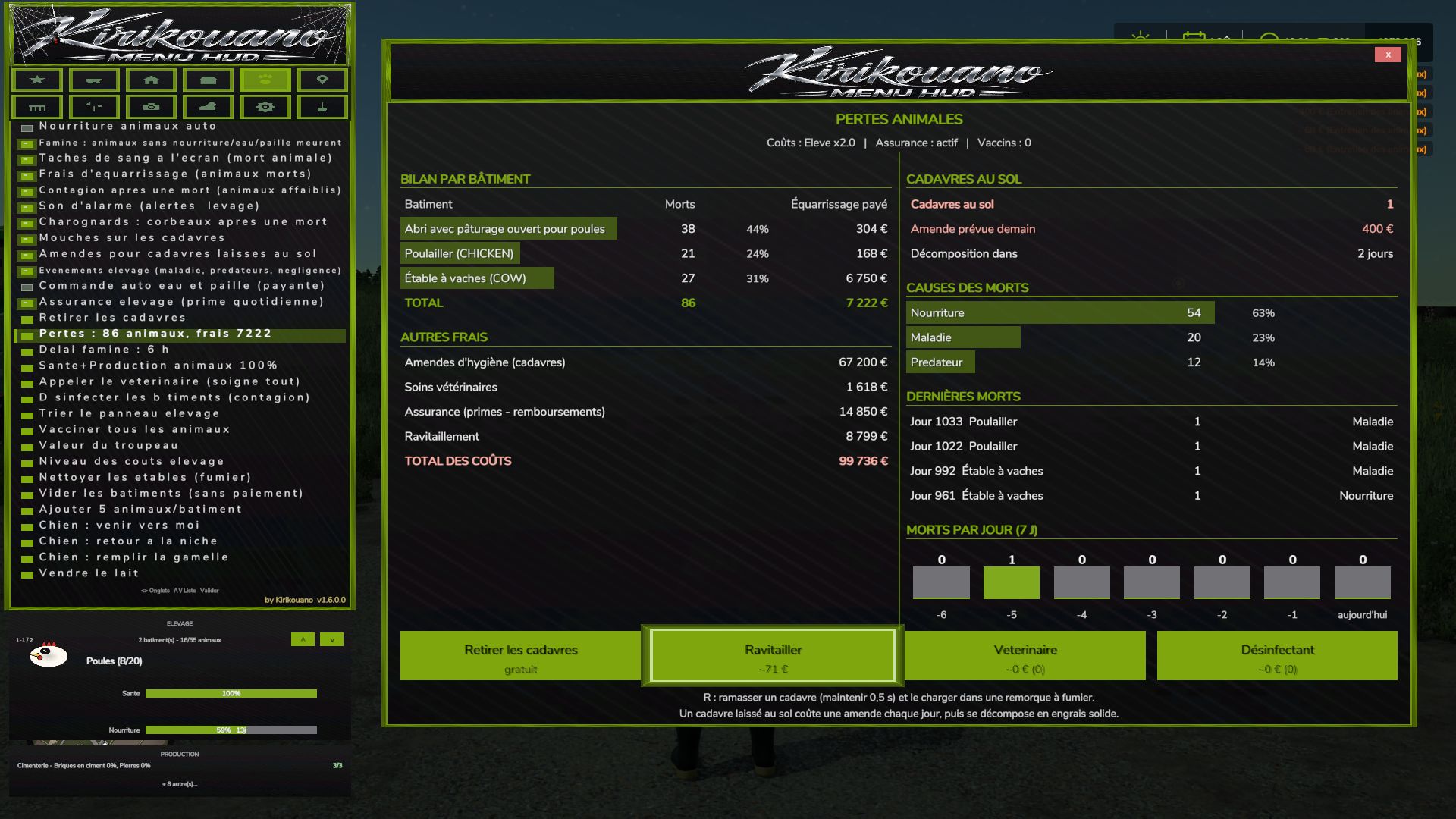
Kirikouano Menu HUD V1.6 Kirikouano menu: F12 opens/closes a modular and compact panel. Includes silver, full fill, no wear, flight, fast speed, strength, automatic doors/barriers and free terraforming (toggles); clean/repair/empty vats, choose grain, spawn pallets/bales, buy all terrain, field status editor, right overturned vehicle, quick save, movable and recolorable panel. Keyboard navigation (wheel/click or Up/Down/Enter) by default. Controller: no buttons automatically assigned (to avoid any conflict with your own settings) — assign the “KM_MENU_*” actions yourself in Options > Controls > Controller if necessary. The panel moves with the dedicated I/J/K/L keys (not the arrows, to avoid conflicts with the camera). Note: Time and Weather actions use game developer console commands and require the “-cheats” launch option; all other features work without it. V1.6.0.0 Controller and menu Full controller navigation in shops, signs and the death panel: D-pad to move, A to confirm, B to go back. Legend in the window. Green halo matching the menu color. The menu no longer blocks doors, jumping or crouching. VEHICLE tab split into sub-tabs: Maintenance, Fleet, Tools, Driving, Shop, IC. One button for the beacon. Complete translations in fr, en, de, pl, it. Automatic translation of notifications and signs. The language follows the game. Halloween Spider webs, swinging spider, scary sound when opening the menu. Hail, blood rain (red sky, red filter, drops on the screen). Weather sounds: haunted rain, demonic thunder with red lightning, wolves at night. Terror Pack: random events, from jumpscares to whispers. Scream when teleporting. Animal deaths Starvation: without food, water or straw, the animal dies. Prior warning, adjustable delay. Rendering fees, livestock insurance, blood stains on the screen, death sound. 3D carcasses on the ground, according to their actual age: adult, young, baby. Flies on the carcasses, carrion crows. Daily hygiene fine. Contagion that weakens the remaining animals. Pickup with R (held for 0.5 s), grouped, loading into a manure trailer. Once picked up, it produces manure. If not picked up, it decomposes into solid fertilizer placed on the ground, without filling trailers. Loss report by building, button to clean up the manure. Health and alerts Two-stage disease with a countdown before death. Overpopulation alert and contagion alert. Veterinarian: heals everything and clears the contagion. Estimated cost displayed. Disinfectant: cheaper, contagion only. Bell on every new alert, can be disabled. Alt+G: teleport to the building under alert, even with the menu open. Performance and reliability List caches, protection against deleted objects. No duplicate code or translations. Copyright in the scripts’ header. Author: KIRIKOUANO59 Report bugs in the comments and help modders improve this mod. Always check the comments, you can find a solution. DOWNLOAD MOD
GAS MAD A2-1200.1DFL (Prefab) V1.0
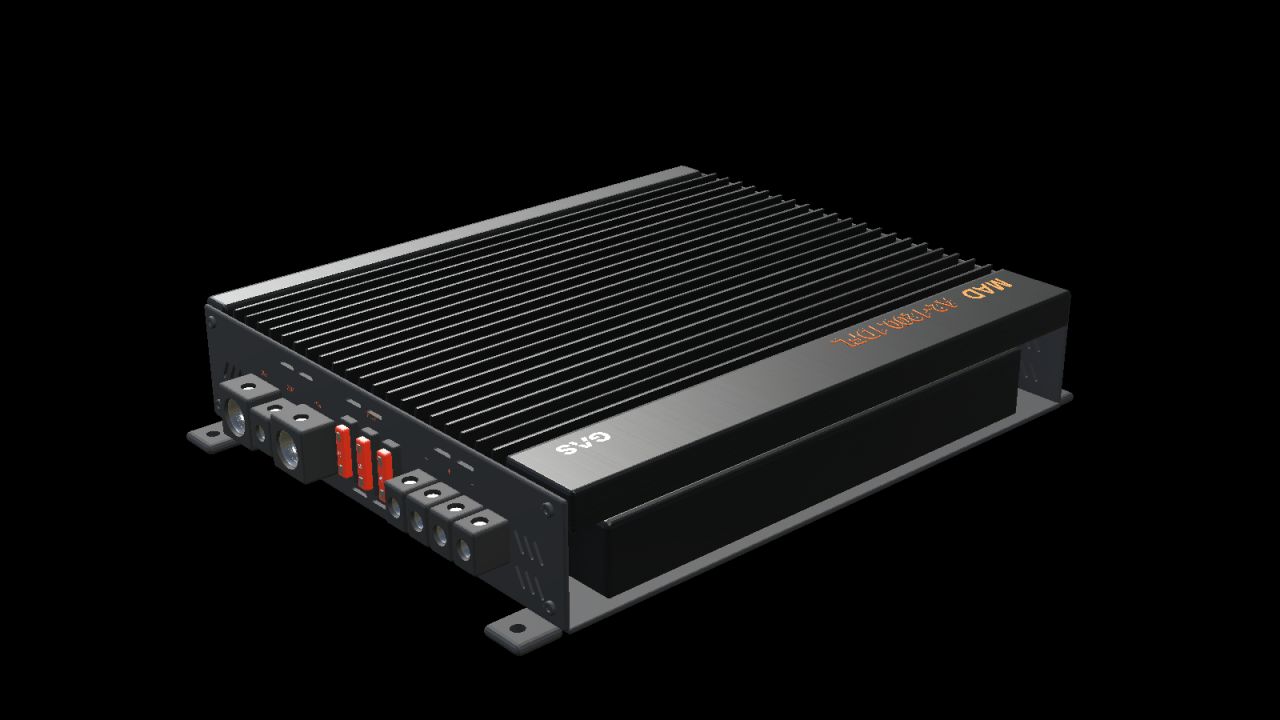
GAS MAD A2-1200.1DFL (Prefab) V1.0 Give your vehicle interior a detailed audio installation with this decorative prefab for Farming Simulator 25. Black amplifier with longitudinal cooling fins, orange markings, RCA connectors, controls, three fuses and open screw terminals. Four mounting feet with drilled holes. True-scale model with separate materials and two levels of detail. Nominal enclosure dimensions, length × width × height: 240 × 208 × 52 mm. Complete package with I3D, DDS textures, editable Blender source, images and installation guides in Norwegian, Swedish and English. INSTALLATION Import the prefab into the vehicle mod using GIANTS Editor 10. Move the entire root group to a fixed body group and adjust its position. Follow README_NO.txt. This is a prefab for mod builders and has no separate store entry. It must not be placed directly in the mods folder as an executable mod. FUNCTION Static decoration without audio playback, active controls, separate physics or collision. Its placement and appearance must be checked in the vehicle it is installed in. Version: 1.0.0.0 Model and FS25 prefab: NorthernLight Modding. GAS product design, name and logos belong to Winn Scandinavia AB. See README_CREDITS.txt. The GE images show GIANTS Editor. The studio images are supplementary Blender renders of the model, not in-game screenshots. Author: NorthernLightModding Report bugs in the comments and help modders improve this mod. Always check the comments, you can find a solution. DOWNLOAD MOD
Vehicle Selector FS25
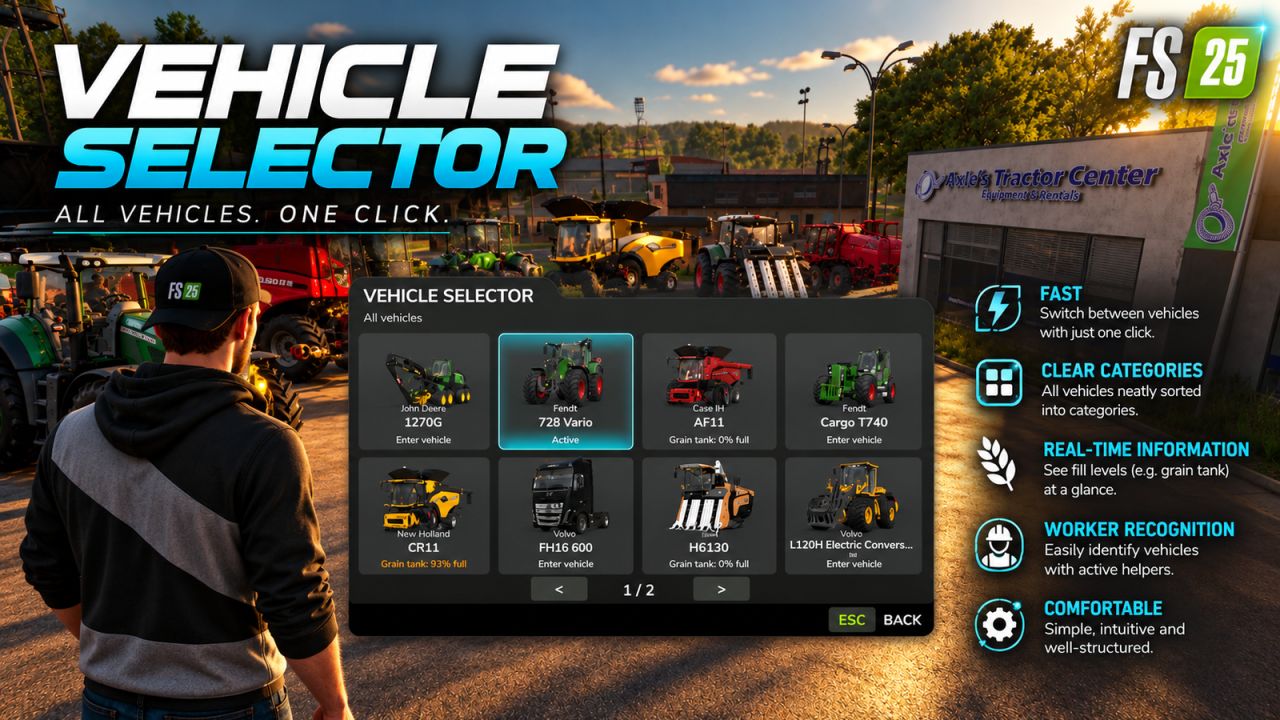
Vehicle Selector offers a quick and clear way to display all enterable vehicles on your farm and switch directly to the desired vehicle with a single click. Open the menu with Left Alt + V. Then simply click on a vehicle tile to close the menu and switch directly to the selected vehicle. The vehicles are automatically sorted into the categories Tractors, Harvesters, Loaders, Transport, Special Machines/Self-Propelled, Forestry and Other. The currently controlled vehicle is highlighted in cyan, while vehicles with an active AI worker are marked in yellow. This lets you immediately see which machines are currently in use. Harvesters with a limited internal grain tank also display the current fill level directly on the vehicle tile, including color-coded warnings as the fill level increases. The manufacturer and model are displayed on each tile. Larger vehicle fleets are automatically spread across multiple pages. Tip: For particularly quick access, Vehicle Selector can also be assigned to a mouse thumb button or any other freely assignable key. The standard method of switching vehicles with the TAB key remains unchanged.
Pflanzbare Bäume v1.0.0.0
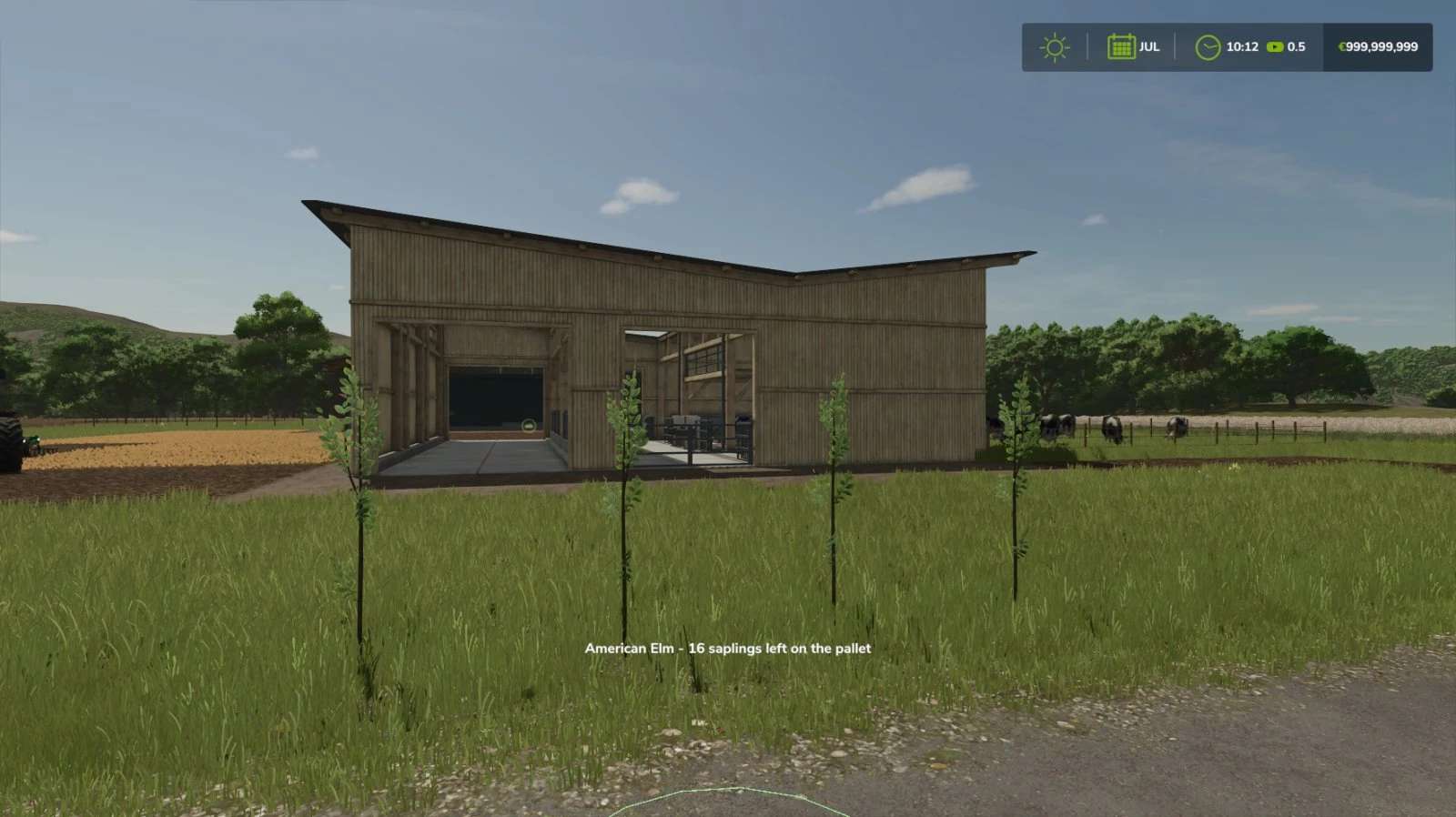
Pflanzbare Bäume v1.0.0.0 Bäume pflanzen – ganz ohne Maschinen, nur mit den Händen! Nach dem Kauf der Lizenz erhalten Sie die Möglichkeit, Baumsetzlinge von Hand zu pflanzen. Die Lizenz kann im Shop in der Kategorie „Baumpflanzer“ erworben werden. Zum Pflanzen benötigen Sie lediglich eine Baumsetzlingspalette in der Nähe. Für jeden gepflanzten Baum wird ein Setzling benötigt. Bedienelemente: Nachdem Sie die Lizenz erworben haben, können Sie das Handwerkzeug auswählen. Stellen Sie sich neben eine Palette mit Baumsetzlingen und klicken Sie mit der linken Maustaste, um den Baum an der gewünschten Stelle zu pflanzen. Lizenzpreis: 1.500 $ Tags: Die LizenzMaschinenNachdem SieStellen Sie
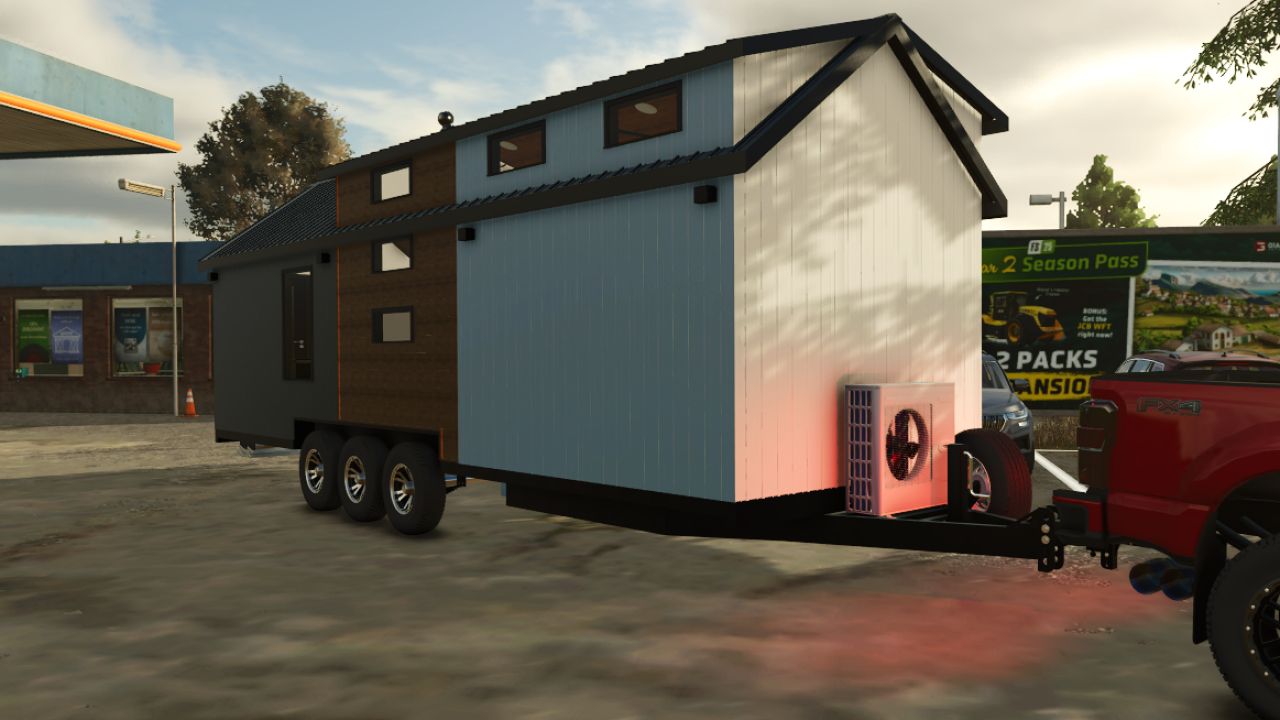
DBS TinyHome FS25
DBS TinyHome For FS25 Custom tiny home made from scratch. Full IC Control Support and more Working folding steps Working Lights Deployable Septic and electrical IC Controlled Sewage Working blinds Adjustable Hitch Wheel Chocks Full Detailed interior Hitch options Sleep Interior Credits: TN Fabrication
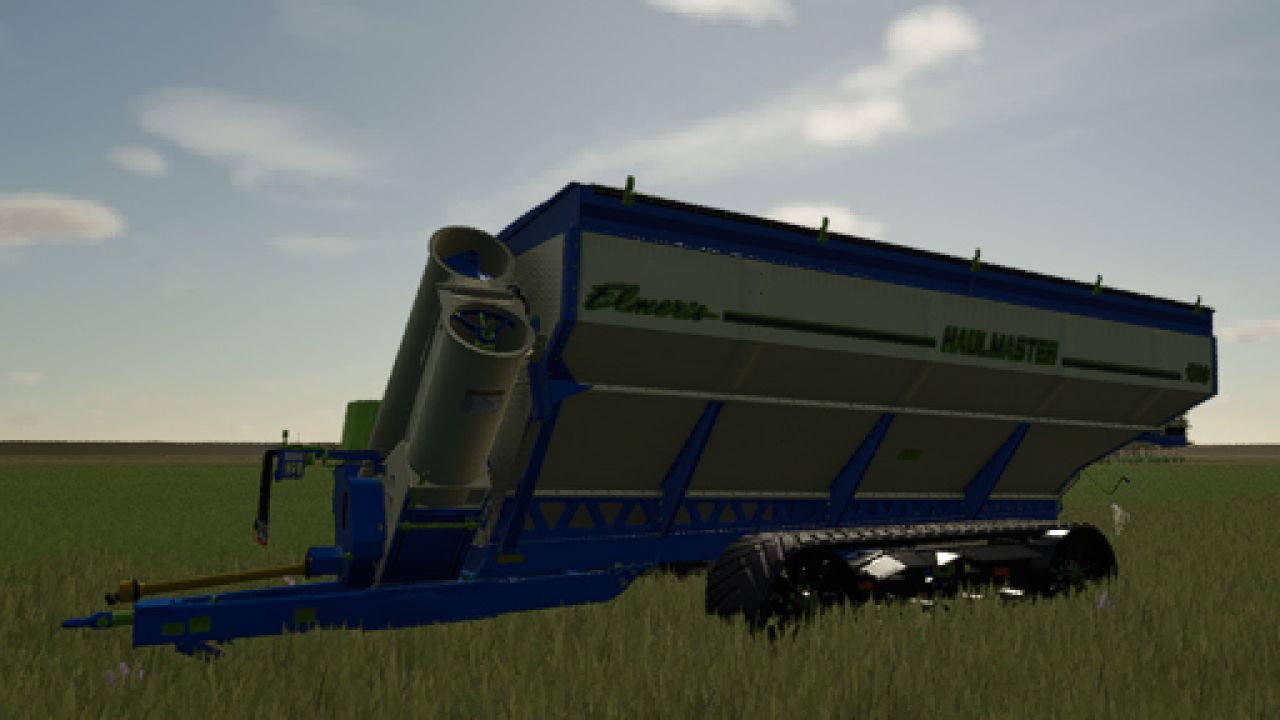
Elmers Mfg Haul Master V2.0
Elmers Mfg Haul Master V2.0 UPDATE 1.0: Vehicle: Elmers Mfg Haul Master trailer. Category: Screw Conveyor Trailers. Starting Price: $149590. Required Power: 250-350-450 hp. Hopper Capacity: 130000-170000-200000 l. Many crops have been added for transport. Color selection has been added for different parts. Standard sounds. UPDATE 2.0 FULL: 01. The XML file structure has been updated. 02. More paintable parts have been added. 03. Translations into several languages have been added. V2.0.0.0 UPDATE 2.0 FULL: 01. The XML file structure has been updated. 02. More details have been added for painting. 03. Translations into some languages have been added. Author: Alex Vium Report bugs in the comments and help modders improve this mod. Always check the comments, you can find a solution. DOWNLOAD MOD

Realistic Weather Lite V1.4.0.2
Realistic Weather Lite V1.4.0.2 Hello everyone! I am releasing a major update for this mod, which is now fully stable, tested, and 100% working. Credits & Inspiration: This mod is inspired by the original concept created by Arrow, further developed and optimized to deliver a smooth and immersive weather experience. HOW THE MOD WORKS (Features) Dense & Dynamic Fog: Very thick and rare fog, generated randomly during rain, snow, or cold winter mornings, with a density and height much higher than the base game. Atmospheric Transitions: Climatic changes and realistic effects during bad weather. Advanced Snow Accumulation: Detailed management of snow depth on the ground and random blizzards with significant snowdrifts. Hail & Vehicle Damage: Hailstorms cause wear and visual damage to uncovered vehicles (fully compatible with advanced damage management mods like Advanced Damage System). V1.4.0.2 Extended Game Info Display Integration: Extended Game Info Display has been fully integrated directly into the mod’s code for a seamless and conflict-free experience. Enhanced Snow & Blizzard InfoBox: Upgraded the on-screen info box to accurately display snow accumulation in centimeters during snowfalls and provide timely alerts when a blizzard is approaching. Author: mattiaw112, Arrowkb Report bugs in the comments and help modders improve this mod. Always check the comments, you can find a solution. DOWNLOAD MOD
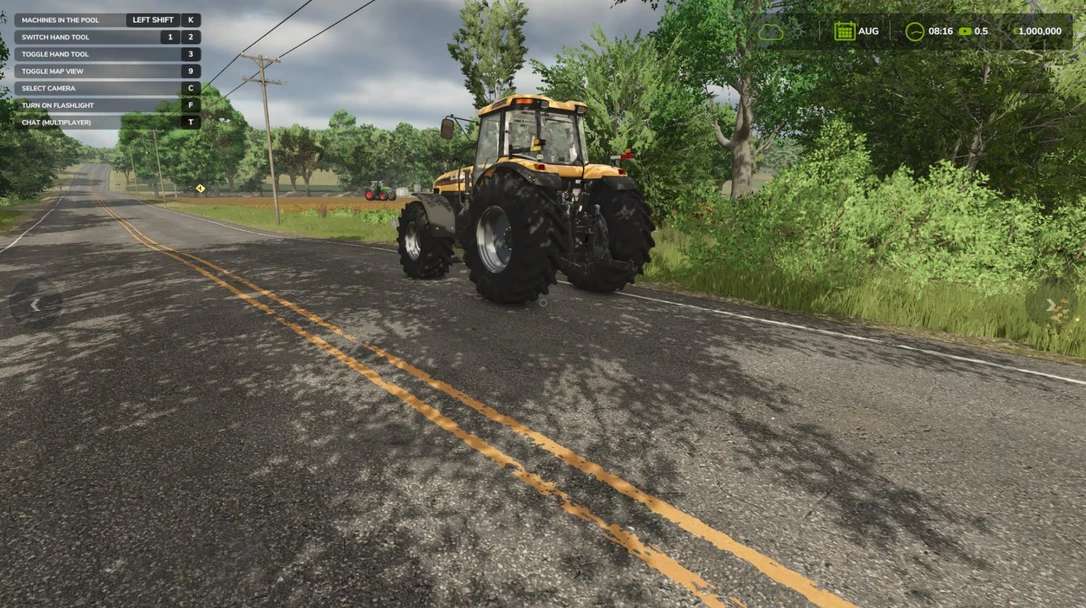
FarmPool v1.0
FarmPool v1.0 FarmPool allows farms in multiplayer to lend and borrow machines and implements. The owner decides which machine is offered, what it costs per hour, how it is billed, how long it can be borrowed and where it has to be returned. Other farms can take available machines and use them like their own. The machine always stays the property of its owner, while use, work and costs are assigned to the borrowing farm. Lending Look at one of your own machines or implements and press Left Shift + L. There you can switch lending on and set the price per hour, the billing type, the return place and the maximum loan time. While a machine is lent out, only the borrowing farm can use it. As the owner you can take it back at any time with the same key, as long as nobody is sitting in it. Borrowing Look at an available machine, press Left Shift + L and confirm. Afterwards you can get in, attach implements and work with the machine. The costs are charged to your farm and the work counts for your farm. Billing Every started hour is charged. For each machine you can choose between two billing types: Only while the engine is running Until returned When the machine is returned, missing fuel and new damage are charged as well. If the tank is full again and no additional damage was caused, there are no further costs. If the borrowing farm runs out of money, the loan ends. Return In the mode “Until returned” the machine has to be driven to the return place set by the owner. While you sit in the machine, it is marked by a circle. Switch off the engine and get out, then the machine is returned automatically. Overview With Left Shift + K you can show all machines currently offered in the FarmPool. By selecting a machine you can borrow it directly, return it or, as the owner, take it back. Console command fpStatus: shows all machines in the FarmPool Author: SimuTools Report bugs in the comments and help modders improve this mod. Always check the comments, you can find a solution. DOWNLOAD MOD
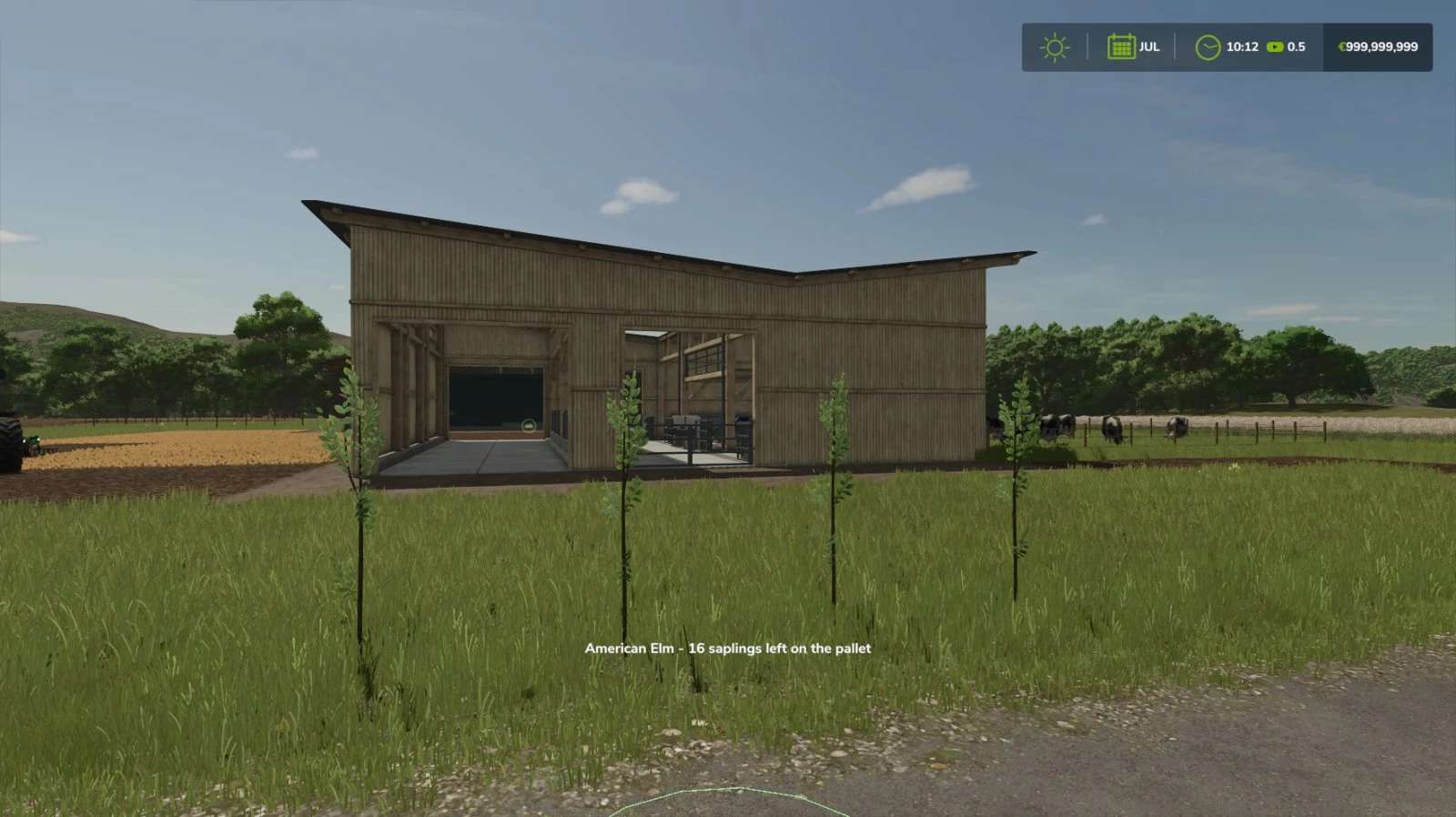
Plantable Trees v1.0
Plantable Trees v1.0 Plant trees without any machines, using only your hands! After buying the license you gain the ability to plant tree saplings by hand. The license can be bought in the shop in the category Tree Planters. For planting you only need a tree sapling pallet nearby. Every planted tree uses one sapling. Controls: After acquiring the license the hand tool can be selected. Stand near a tree sapling pallet and left click to plant the tree where you are looking. License price: 1,500$ Author: SimuTools Report bugs in the comments and help modders improve this mod. Always check the comments, you can find a solution. DOWNLOAD MOD
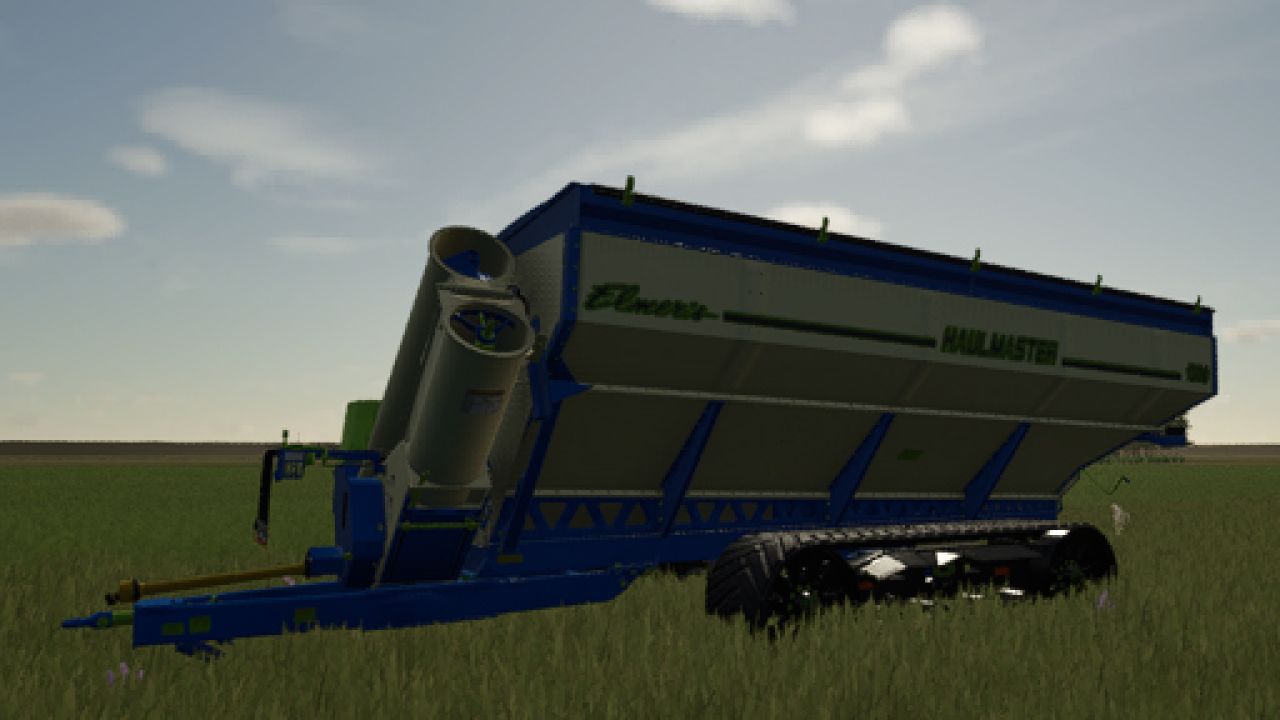
Elmers Mfg Haul Master FS25
UPDATE 1.0: Vehicle: Elmers Mfg Haul Master trailer. Category: Screw Conveyor Trailers. Starting Price: $149590. Required Power: 250-350-450 hp. Hopper Capacity: 130000-170000-200000 l. Many crops have been added for transport. Color selection has been added for different parts. Standard sounds. UPDATE 2.0 FULL: 01. The XML file structure has been updated. 02. More paintable parts have been added. 03. Translations into several languages have been added. UPDATE 2.0 FULL: 01. The XML file structure has been updated. 02. More details have been added for painting. 03. Translations into some languages have been added.
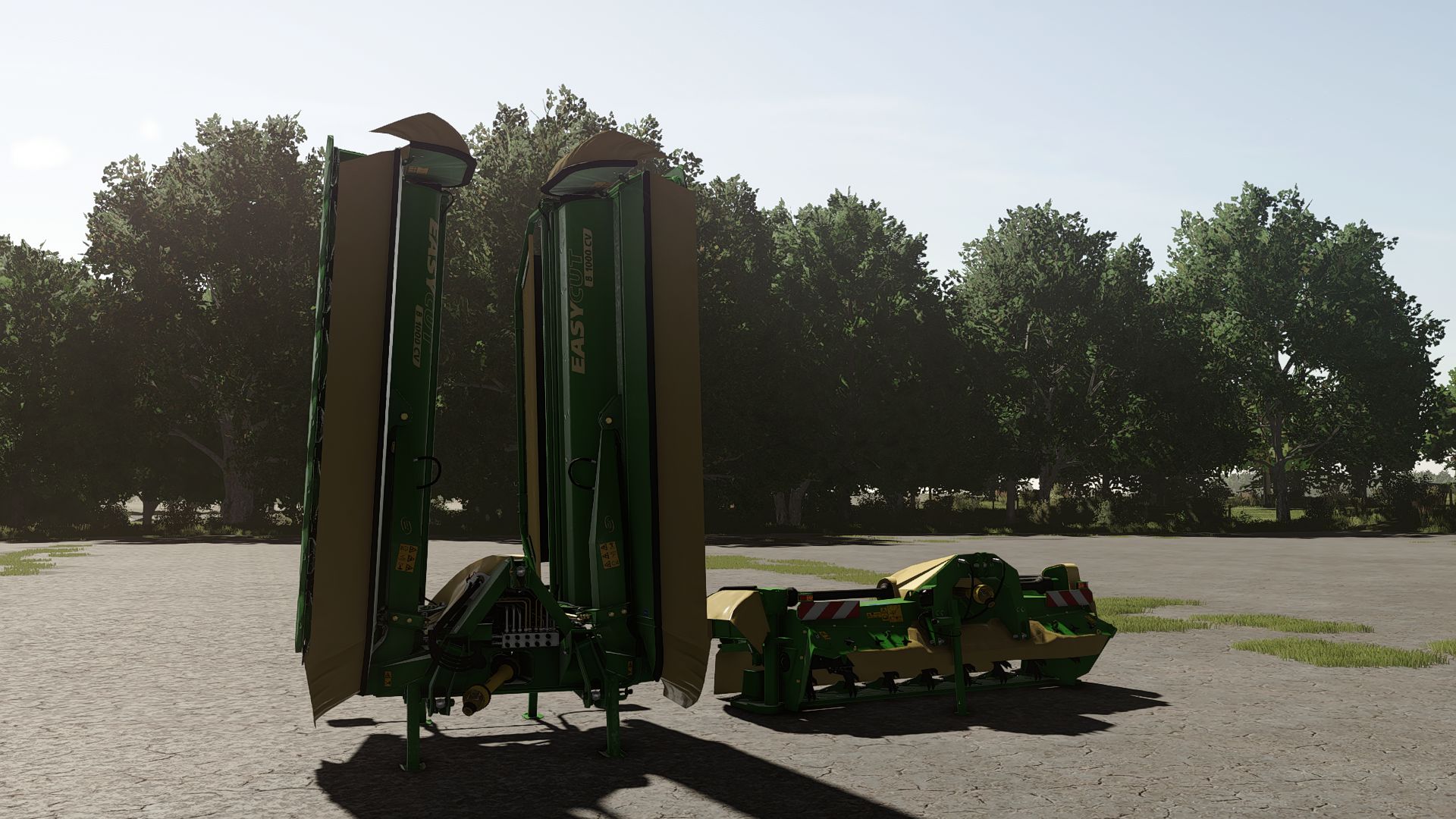
Krone EasyCut Pack FS25
Krone EasyCut Pack consisting of the front mower F360 CV and the rear mower combination B1000 CV Collect does not only offer a powerful triple mower combination but also the ability to collect the crop into a swath. The mowers in combination have a maximum working width of 10,10m with the rear mowers being infinitely variable. Depending on the work mode the crop can be distributed across the whole working width or collected into a swath from both sides or only one side. EasyCut F360 CV: Price: 23000 € Working width: 3,6 m Max. working speed: 22 kph Required power: 90 hp EasyCut B1000 CV Collect: Price: 83000 € Working width: 10,10 m Max. working speed: 22 kph Required power: 200 hp This mod is converted from FS22 to FS25. If you find any errors, please write. - Increased modDesc version - Version changed - New Mod/Store icons (FS25 version) - Updated to FS25 materials - Fixed width both - Increased modDesc version
- 15 per page
- 30 per page
- 45 per page
- 60 per page
-
See more per page
Bigger pages, fewer clicks - and no ads anywhere.
Go Pro