1 / 6
Mining / Pit Layers (TerraFarm Add-on) v1.4
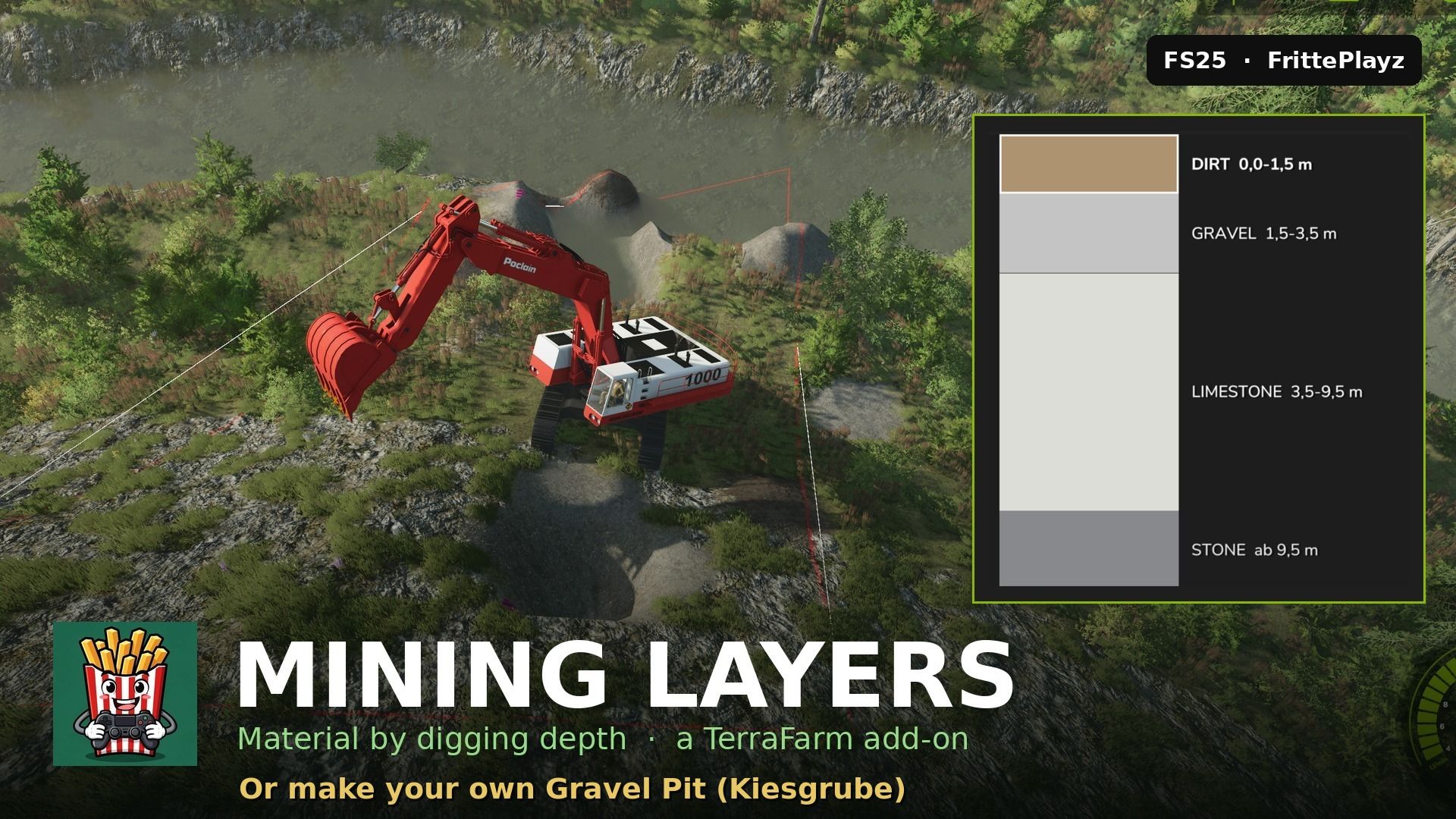
Make your own gravel pit, coal mine or limestone quarry in FS25 — real mining gameplay: The material in your bucket depends on how deep you dig — topsoil first, then gravel, then the pay seam, bedrock at the bottom. Works on any map, no map editing needed: draw a TerraFarm area around your future pit and start digging. NEW in 1.4.0: the pay seam is selectable. Build a coal mine (COAL), a gravel pit (LIMESTONE/STONE) or classic paydirt — set up in the in-game editor, per pit. – Geology per area — every pit can have its own layer stack – Spoil piles remember what you dumped (no gravel-to-paydirt laundering) – Automatic pit floor, slope handling, waterline clamping – Graphical layer editor + full manual in-game – Languages: English, German, French, Polish TIP for smooth digging: keep every layer at least 1.5 m thick (the editor enforces 1 m top / 1.5 m below) — with big machines like the PC 8000, 2 m per layer runs noticeably better. Requires TerraFarm by scfmod (GitHub only — keep folder name FS25_0_TerraFarm) and at least one machine with a TerraFarm configuration. PC/Mac only (script mod). Free, no paywall. Not affiliated with scfmod or GIANTS. Required: – TerraFarm
Visit Original Post
Also posted on
Download Links
Report a problem
Mining / Pit Layers (TerraFarm Add-on) v1.4
Advertisement
Remove ads