1 / 6
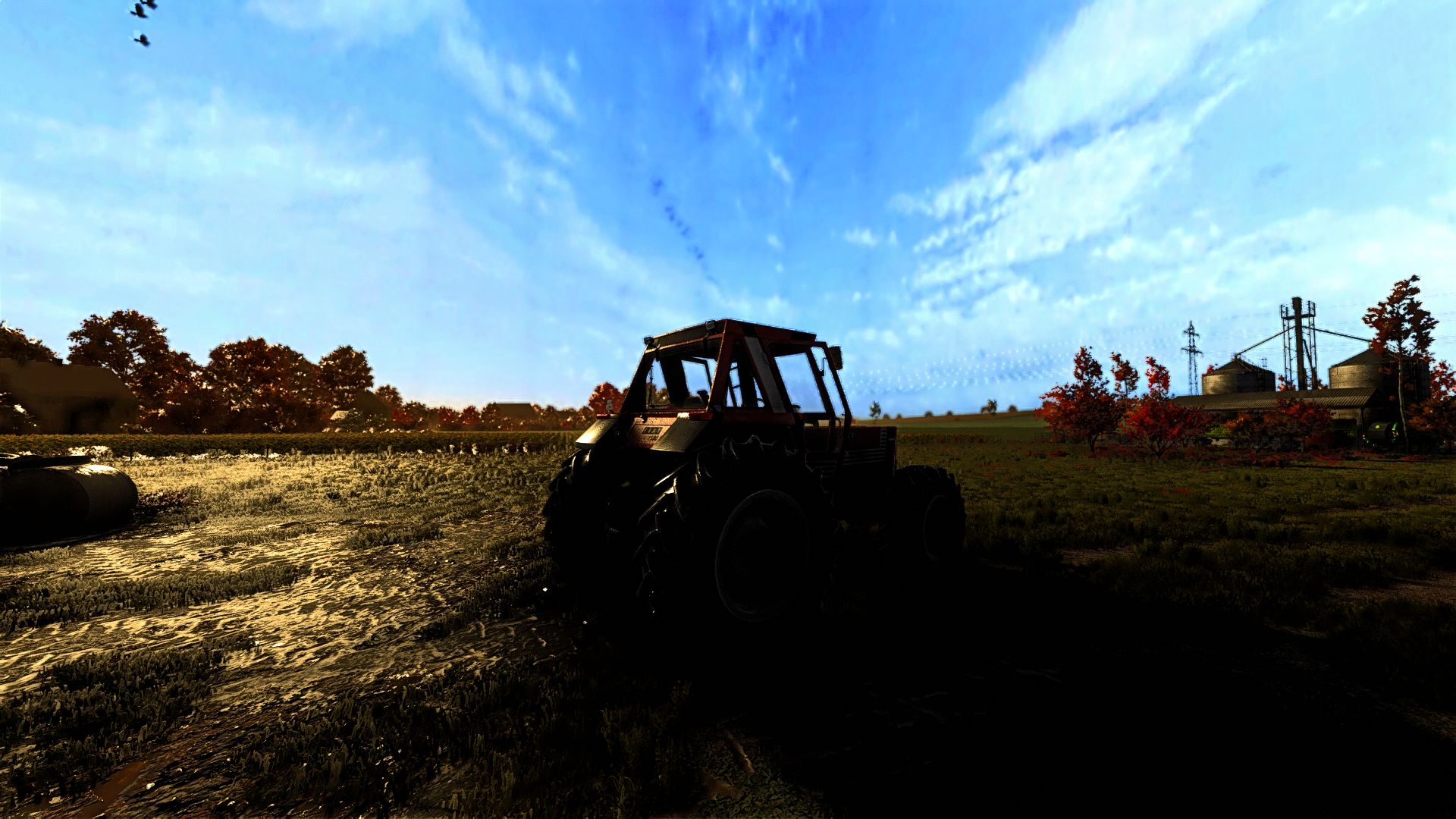
Next Realsim V2 FS25
Hello everyone! This is the second ReShade version, which allows you to enhance the game's graphics. Enjoy using it and happy farming—thanks for using my shader. . Install ReShade (reshade.me) for FarmingSimulator2025.exe (select DirectX 10/11/12). 2. Extract the ZIP file: - Copy the .ini file into the 'x64' folder next to FarmingSimulator2025.exe. - Copy the 'nextrealsim' folder into modsettings -> additionalsetting -> lighting. 3. Launch the game and press HOME (or POS1) to open the ReShade menu. 4. Select the .ini file from the top drop-down menu and click 'Select'. More versions coming soon! Enjoy the preset and happy farming!
Download Links
Report a problem
Next Realsim V2 FS25
Advertisement
Remove ads