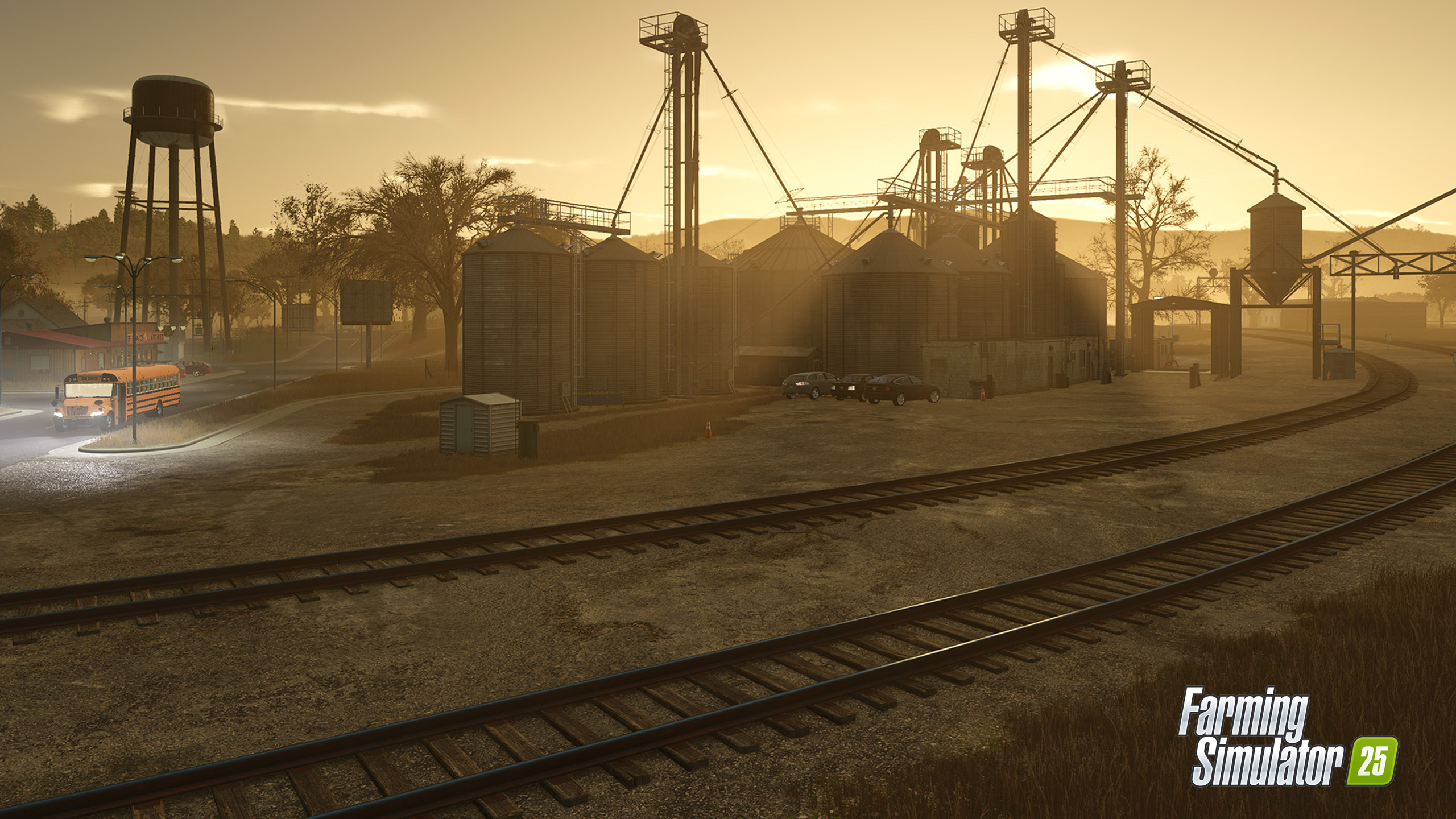
How to Use Trains in Farming Simulator 25
1 / 3

How to Use Trains in Farming Simulator 25

How to Use Trains in Farming Simulator 25 Trains have been a feature in the game since the previous Farming Simulator series was released. They’re not the most important vehicle in the game, but the train is a great way to transport your harvest. What are trains used for in FS25? Trains are used to transport various goods. The selling stations used by the train You can only use a train if your crops are stored between the yield collection center and silos. You’re allowed to store your crops in silos at no cost in the game, which makes it a great solution for all players. How to use a train in Farming Simulator 25? Unload any goods that you want to transport. If you want to load and transport goods with a train, add any yield to a train wagon and transport to silos and collection points that have train stations. Follow step by step: To use a train in Farming Simulator 25, you’ll need to switch between vehicles using the game menu options. A train is in the vehicles category. Rent the train. Go to the station to rent the train on the Exclamation Mark. The train will come to the station, and now you can drive it. Fill the train with crops that you have loaded before to your silo. Use the train to transport your goods till the end of the map. You will be asked to sell your crops at the last stop, so click yes to sell them and take your profit. As you can see, using a train in FS25 is easy. I hope you find a great use for this game element! Author: farmingsimulator25mods.com Report bugs in the comments and help modders improve this mod. Always check the comments, you can find a solution. (adsbygoogle = window.adsbygoogle || []).push({});

Download Links

We use essential cookies to keep you signed in and remember your theme. With your consent we also use functional storage (to remember preferences like downloaded mods, kept on your device) and ad cookies that help keep ModNest free. Pro members never see ads. Privacy & cookies.