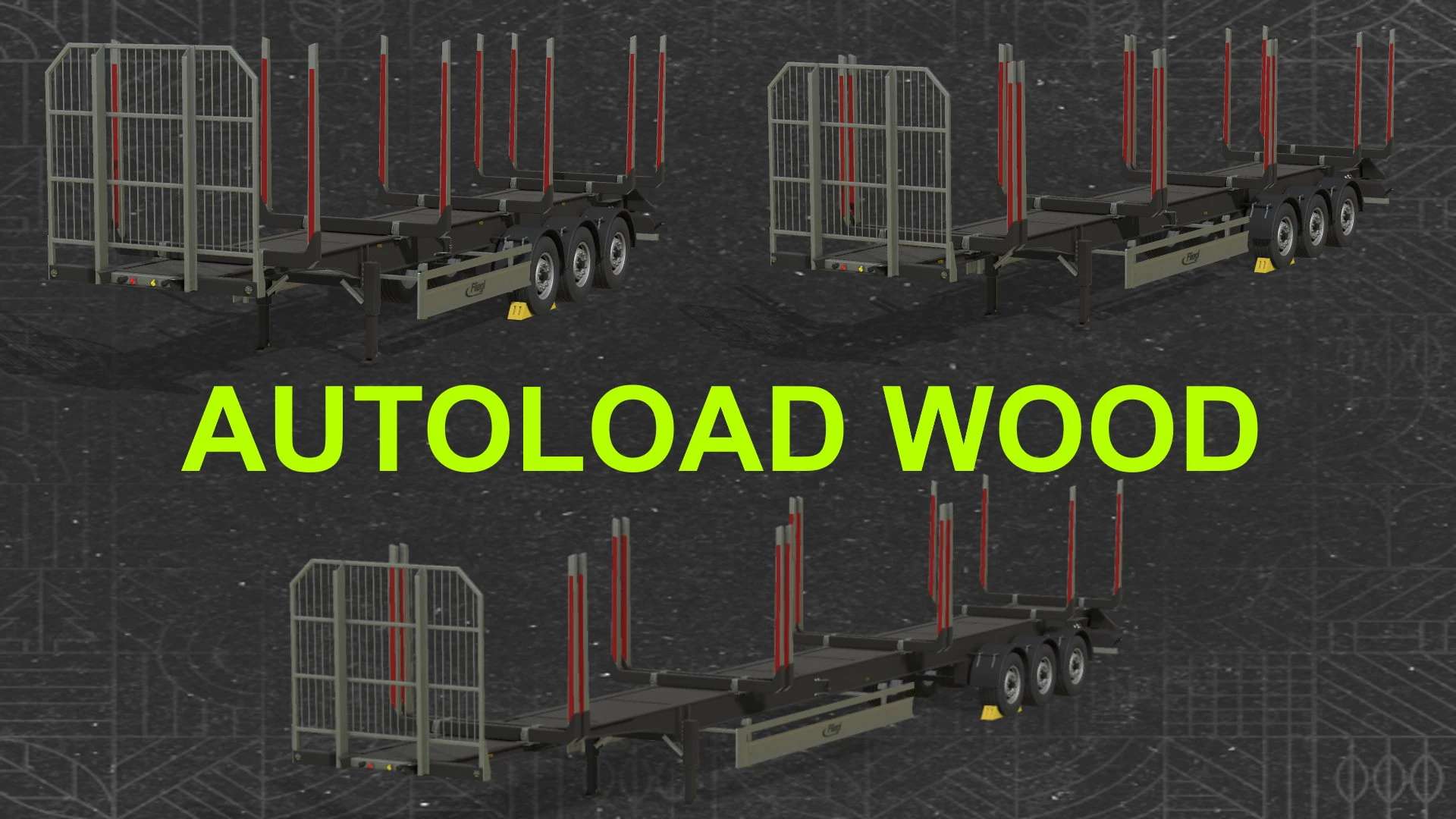
Fliegl Timber Runner Autoload Wood v1.0
Fliegl Timber Runner Autoload Wood v1.0 This is set of three log trailers, which have larger space between bunks, so you can load / unload them with front loader or big arm loaders. – Price: 39000 $/ 45000 $/ 55000 $ – Shop category: Wood transport / Semi trailers – Additional bunks which can be folded / unfolded when you are loading short logs to 3 or 4 piles (15m and 20m trailers) – Back attacher for trailer and trailerLow to all trailers – Body color configuration – Autoload script edited (logs are now sorted to the piles) – You can change number of logs piles on your trailer from 1 to 4 – You can switch between piles manually – You can show unload area to see where logs will be unloaded – You can show load area to see current pile – You can move, resize and rotate unload area – Count and total mass of loaded logs are displayed in F1 menu – All controls can be set in your Inputbindings – You can enable / disable F1 help, will be saved as global in xml config file 12m trailer: 1 pile up to 12m, 2 piles up to 6m or 3 piles up to 4m 15m trailer: 1 pile up to 15m, 2 piles up to 7.5m or 3 piles up to 5m or 4 piles up to 3.5m 20m trailer: 1 pile up to 20m, 2 piles up to 10m, 3 piles up to 6.5m or 4 piles up to 5m Default controls: KEY_X – fold / unfold additional bunks (15m and 20m trailers) KEY_B – start autoload KEY_Y – start unload KEY_O – change side (left / right) KEY_KP_enter – change number of piles KEY_KP_period – switch to next pile KEY_lctrl KEY_KP_minus – shift unload position KEY_lctrl KEY_KP_plus – resize unload position KEY_KP_0 – rotate unload position KEY_KP_multiply – show / hide load position (current pile) KEY_KP_divide – show / hide unload position KEY_lctrl KEY_t – show / hide F1 help controls (saved in xml config file) Author: kenny456, Marhu Report bugs in the comments and help modders improve this mod. Always check the comments, you can find a solution. DOWNLOAD MOD (adsbygoogle = window.adsbygoogle || []).push({});
Also posted on