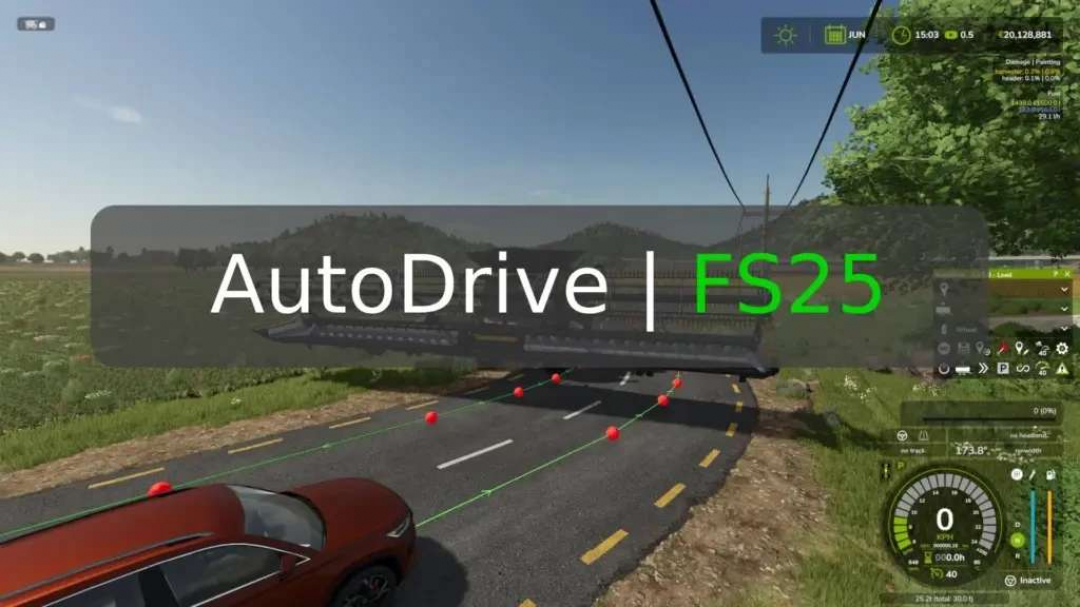
AutoDrive V3.0.0.8
This mod allows you to create a network of routes for vehicles to drive autonomously. Once set up, you can command a tractor near the network to drive to any point, such as the shop, field 1, or a sell point.Release 3.0.0.8 (03.12.2025): Bug fixes and improvements include disabling the mouse pointer when a player leaves a vehicle, AD drivers now ignoring the FS automatic engine start setting, UAL not unloading when destination points are rotated, train-related LUA errors, refueling trailers via key combination, synchronization issues in MP, tailgating AI traffic, handling of unknown “specialization,” unloading bales before AD departs, and optimizing combine unloaders for fruit leaving. Vehicle settings can now be saved and restored across different vehicles.Less messages from AD in MP: Notifications are shown with ‘X’ when a player is in the vehicle, but not for others; if no player is in the vehicle, ‘->’ and ‘X’ are shown for all farm members; notifications for vehicles belonging to other farms without a seated player are suppressed.Steering behavior and collision detection improvements: The “Look ahead distance (turn)” setting was removed and is now determined by the vehicle; collision detection now better follows steering; curves are driven more smoothly, though course adjustments may be needed.New features: AD target point display (#243). Users can choose whether to display target points on the helper map, mini-map, both, or none.Route network editing is now available in the “Landscaping” menu (#101): Player must be seated in a vehicle; HUD is hidden; editing uses mouse and keyboard shortcuts only.Unloading side can be adjusted in harvesters (only those with movable unloading pipes, e.g., choppers) (#313).UAL fill types can be selected in AD (#249, #316).Consecutive drive-through silos: Multiple silos in a row are treated as one, with unloading speed calculated to cover the entire length. Silos must have the same width; length can vary. The area of drive-through silos can be displayed using a specific key combination (FS key assignment “AD: developer action”).First release for FS25: Based on the latest FS22 version, may contain errors due to significant background changes by Giants. Please report issues on GitHub.Course Editor: Now maintained by @KillBait. If needed, delete version numbers from the filename.
Download Links
Report a problem
AutoDrive V3.0.0.8
Advertisement
Remove ads