1 / 5
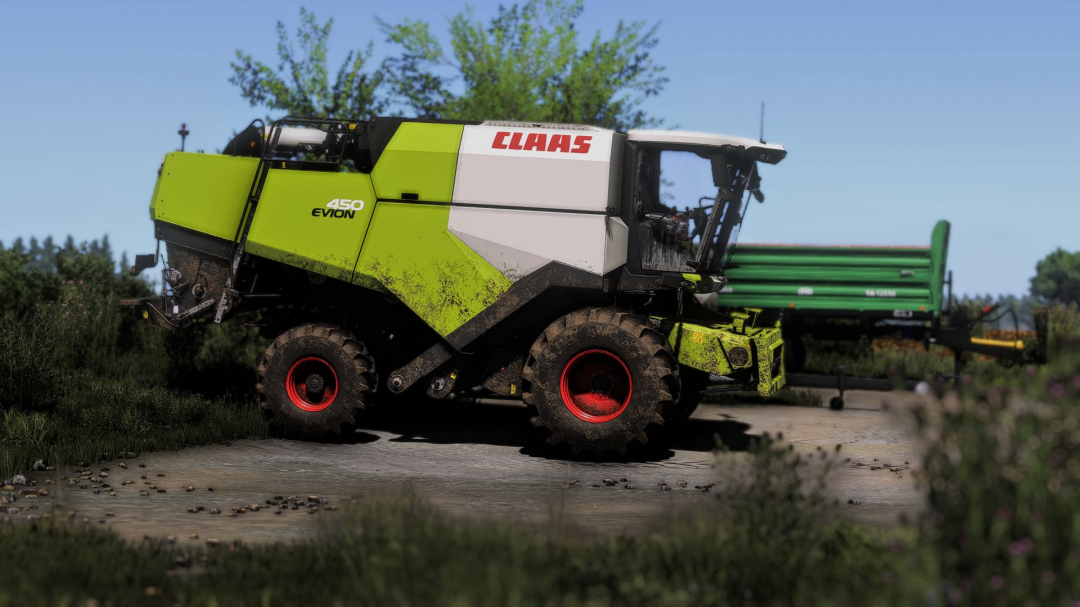
Shader 1 by CasiJR V1.0
I tried to create a nice shader, I hope you like it. Enjoy! Instructions: 1. Install the Additional Game Settings mod 2. Install Reshade – Choose Giants Engine 9.0.0.0 and DirectX10,11,12 – Install all effects 3. Navigate to C:/User/Documents/My Games/FarmingSimulator2025/modSettings and replace the FS25_additionalGameSettings folder (IMPORTANT: Make a backup of the original FS25_additionalGameSettings folder) 4. Go to Program Files (x86)/Steam/steamapps/common/Farming Simulator 25 (in my case) and place the Shader 1 by CasiJR.ini file into the x64 folder 5. Launch the game, press the “Home” button, and select “Shader 1 by CasiJR.ini” 6. In the “Additional Settings” tab, change your “Custom lighting” to “Sample”
Download Links
Report a problem
Shader 1 by CasiJR V1.0
Advertisement
Remove ads