Farming Simulator 22 mods
50,359 results- 15 per page
- 30 per page
- 45 per page
- 60 per page
-
See more per page
Bigger pages, fewer clicks - and no ads anywhere.
Go Pro
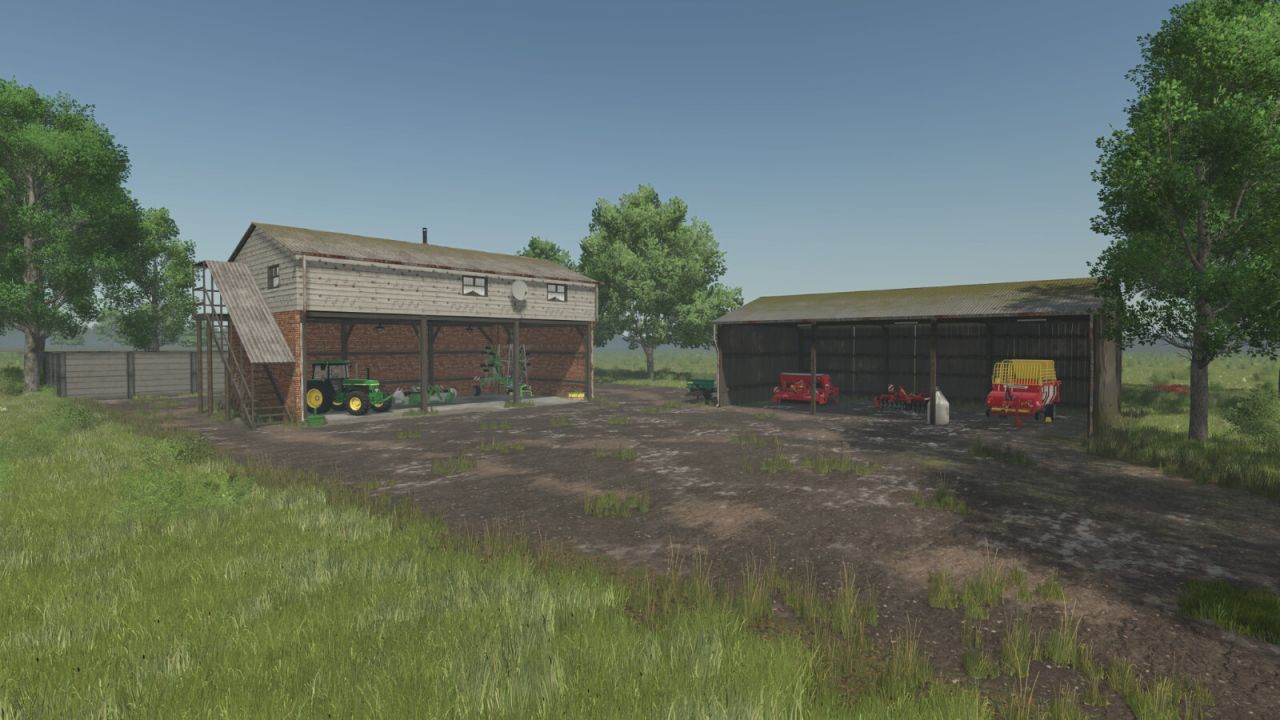
Pioneer Wilderness Country FS25
Pioneer Map gives you the freedom to shape your own farming setup on a large, open landscape. Whether you start from scratch or begin as a new farmer, the map is designed so you can build and organize your farm your own way. The essentials are in place so you can get started, and the rest is up to your imagination. The map covers a full 4x area, giving you plenty of room for large machinery and any layout you prefer. You can build your own town, set up an industrial zone for productions, or develop the land however you want. The map provides enough space and flexibility to support any style of building or expansion. In New Farmer mode you start with one farm and some basic equipment. The starter farm is set up for grass farming, so you can begin working immediately. Two additional farmsteads can be purchased and expanded. All buildings and placeables on all three farms can be sold through the construction menu, giving you full control over how each farm is designed. The map contains 53 farmlands ranging from 2.8 ha to 45.90 ha, all defined with natural borders so you can clearly see where your land begins and ends. Forestry areas are available in the north, southeast, and west. There are 7 fields on the map, including the starter field, and all of them offer contracts. Grass on farmlands outside of fields is decorative only and will not produce yield unless the land is cultivated first. Water can be collected from the lake for a small fee. Drive your tanker or barrel close to the shoreline to activate the trigger. If you own the Highlands DLC, the lake also supports fishing. Roads are built using paintable textures, allowing you to remove them, repaint them, or place your own road textures and placeables. A small abandoned stone quarry is located on field 254. You must purchase the farmland before extracting stone. The site does not include machinery, so you will need your own breaking and loading equipment. The breakable stones do not respawn, but each stone has a yield of 5000 litres, making the quarry a strong source of stone. The remaining area of the farmland can be used to set up stone, lime, or cement production for your construables if you wish. The map includes additional crops: rye, spelt, triticale, green rye, vetched rye, mustard, humus active, silage maize, flowering catch crop, winter wheat, summer wheat, winter barley, summer barley, alfalfa, and clover. - One sale point to sell to all products - Animal dealer - Pallet purchase via the warehouse - Gas station - Vehicle shop and repair workshop - Stone quarry on field 254 with a construable shed/barn - Farmland 45 has two construables and a field - Farmland 53 trailer in the middle of the forest with a tiny field, great when using hand tools - Additional paintable terrain textures - Customized license plate - Two extra farms on farmland 33 with field and a large forest area, and farmland 50 which has two small greenhouses with a free water point and a forest area. - Every placeable, fence, objects on farmland 33,42,45,50,53 and 254 can be removed via the construction menu - On starter farmland 42 there is a compost silo that works similarly to a bunker silo used for silage. It accepts a wide range of organic fill types and converts them into compost, which can then be sold at the shop. Accepted fill types: CHAFF, GRASS_WINDROW, DRYGRASS_WINDROW, SILAGE, FORAGE, MANURE, WOODCHIPS, PIGFOOD, STRAW, COMPOSTRAW, CLOVER_WINDROW, CLOVER_FERMENTED, DRYCLOVER_WINDROW, ALFALFA_WINDROW, ALFALFA_FERMENTED, DRYALFALFA_WINDROW, CHICKENFOOD - Standard soil map and standard growth calendar The map is built with a minimalistic, basic approach, keeping everything simple by design, so the player can use their imagination. This map might not be for everyone, as it offers large flat open spaces with some rolling hills further out, along with dedicated forestry areas. This map has one required mod. Thanks to the modders for the prefabs and the mod used. Thank you for your attention to this matter, and happy farming.
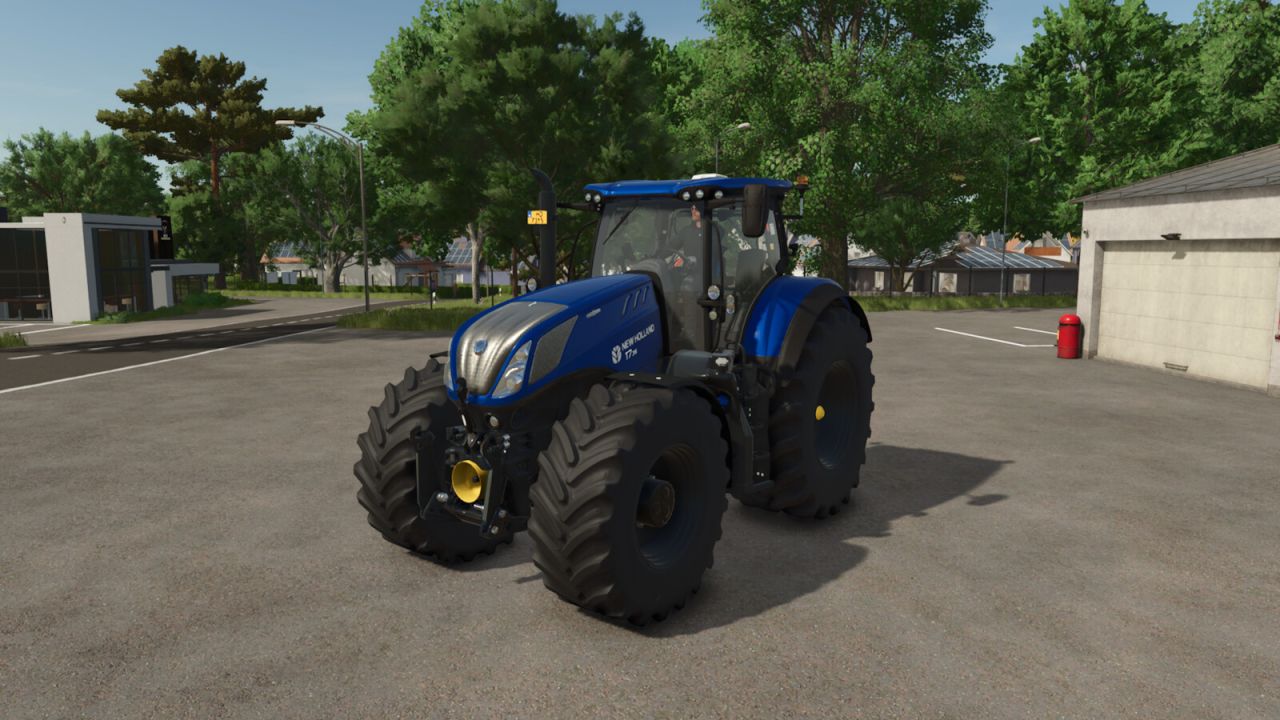
New Holland T7 HD Stage IV FS25
New Holland T7 HD Stage IV If you want to succeed in modern agriculture, you have to be powerful. Your farm has to be powerful, and most of your tractors have to be powerful. That’s why the T7 Heavy Duty Series was designed with a focus on versatility and power. Category: medium tractor Price: $240,000-252,500 Power: 288-313 hp Max. speed: 50 kph + Color configuration for main color and rims + Configuration for black interior + Interior sounds + Complete physics adjustment for weight, chassis, and front/rear hydraulics + Passanger seat + Crop sensors + Configuration for beacon type + Chrome exhaust grid configuration + LED flash lights configuration + Configuration for foldable warning signs + Configuration for air horn, light bar, MICHELIN Man + IC animations (Interactive Control by Vertex Dezign required) + CTIS configuration (prepared for Variable Tire Pressure script by HotShotPepper) Special thanks to: - jonas6804 for the realistic cabin sounds - Finanzamt31er for providing the PTG system - Kaymara for the MICHELIN Man
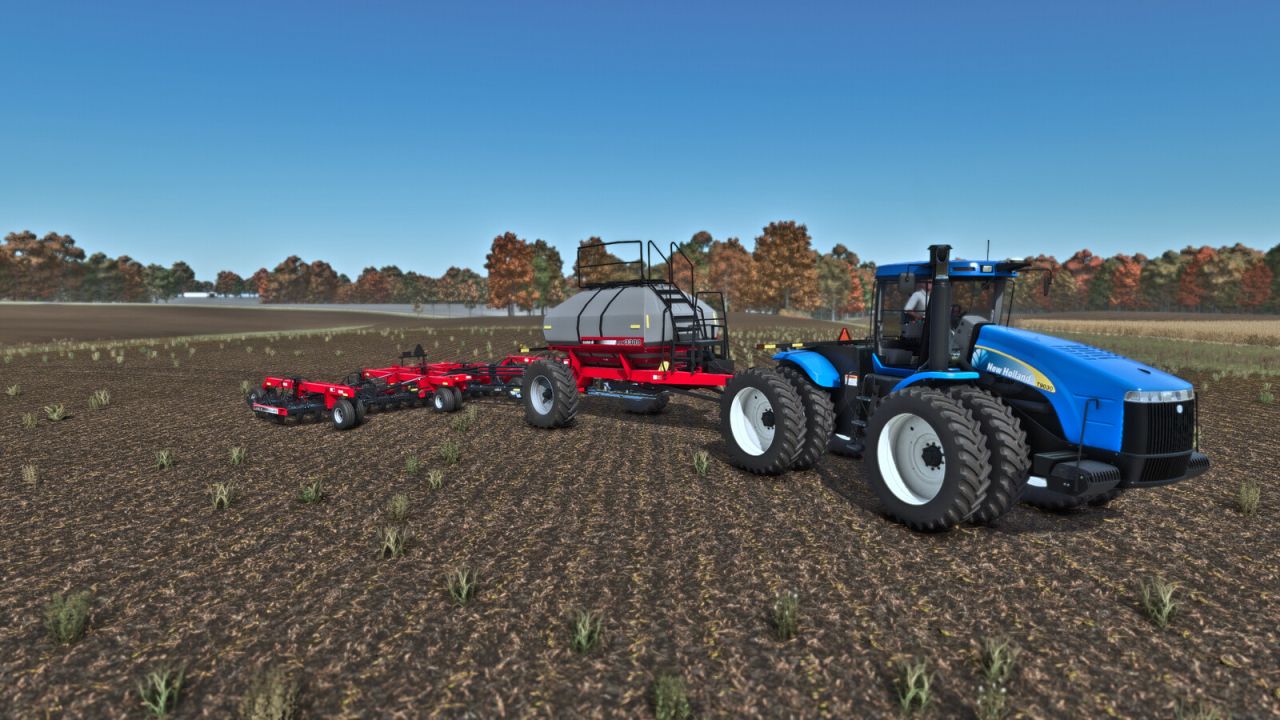
Case IH Precision Air 3380 W/ SDX40 Concord FS25
SDX40 Concord -Category: Seeding / Seeders -Price: SDX40 Drill $ 55.000 -Required power: 250 hp -Max. working speed: 15 kph -Working width: 12.0 m -Wing Tire configurations -Pull behind and pull between options -Precision Air 3380 -Category: Seeding / Seeders -Price: $ 25.000 -Capacity: 10.120l / 4.600l -Decal configurations -Tire configurations -Pull behind and pull between options
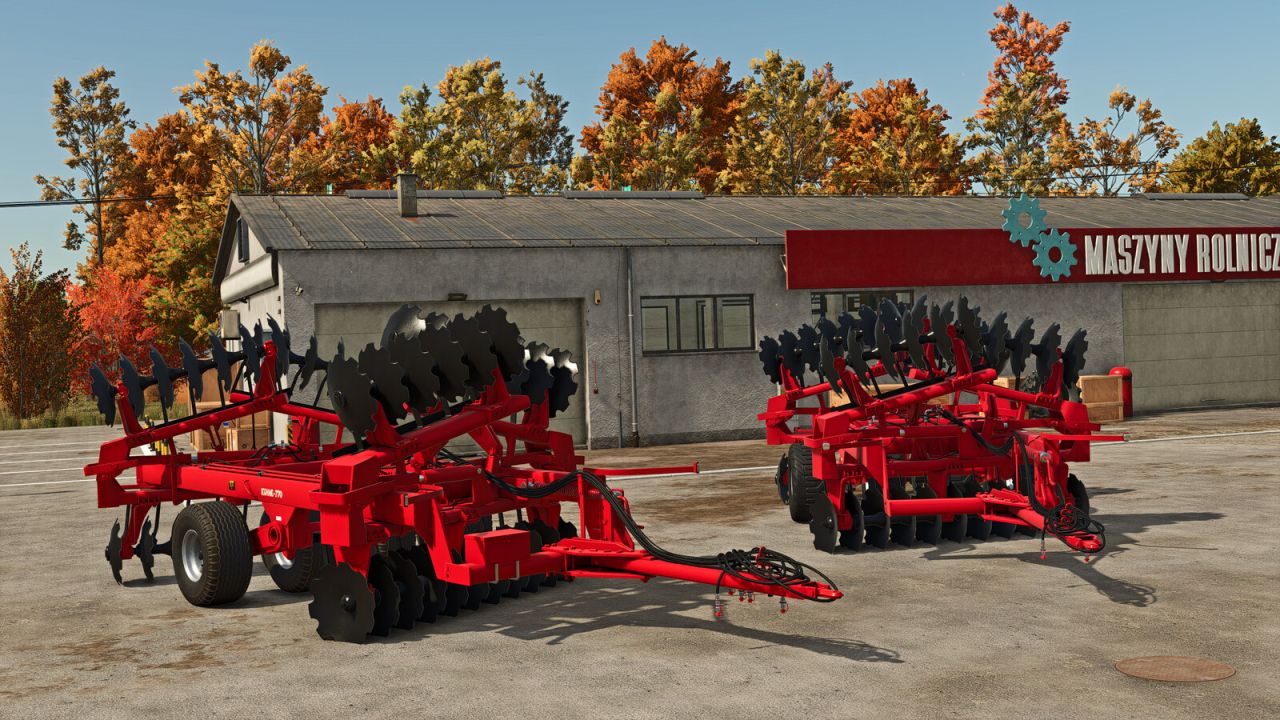
Kühne KNT 770 FS25
The KÜHNE KNT 770 is a heavy disc harrow manufactured in Hungary by KÜHNE Agricultural Machinery. Based on the well-known Case IH 770 platform, it features several design improvements for increased durability and field performance. Manufacturer: Kühne Model: KNT 770 Price: 25.000 $ Working width: 6,2 m Required power: 180-250 hp Working speed: 15 km/h Configurations: - Tire configuration - Main color configuration - Halogen or LED lights configuration -toolbox configuration
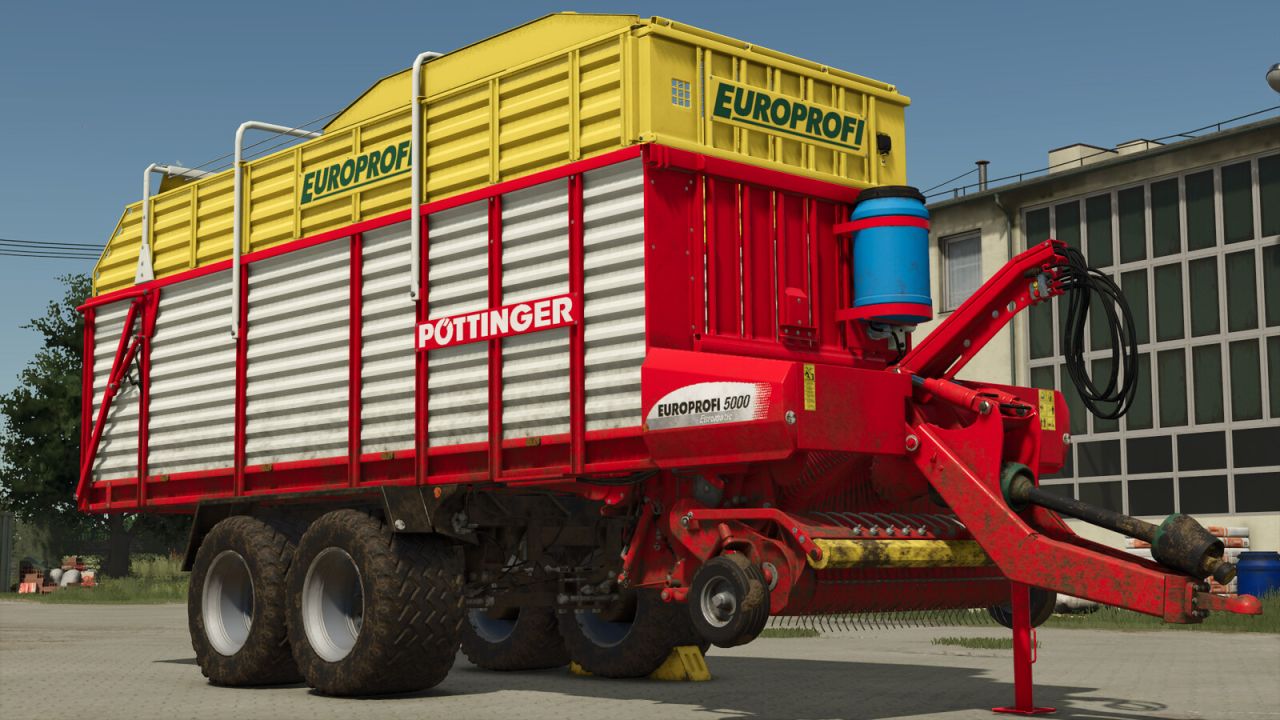
Pöttinger Europrofi 5000L FS25
Pöttinger Europrofi 5000L - Category: Forage Wagons - Price: 65,500 $ - Volume: 31,500 l - Working speed: 17 km/h - Required power: 145 hp Configuration: - Wheels - Ropes - Side door - Silage additive tank
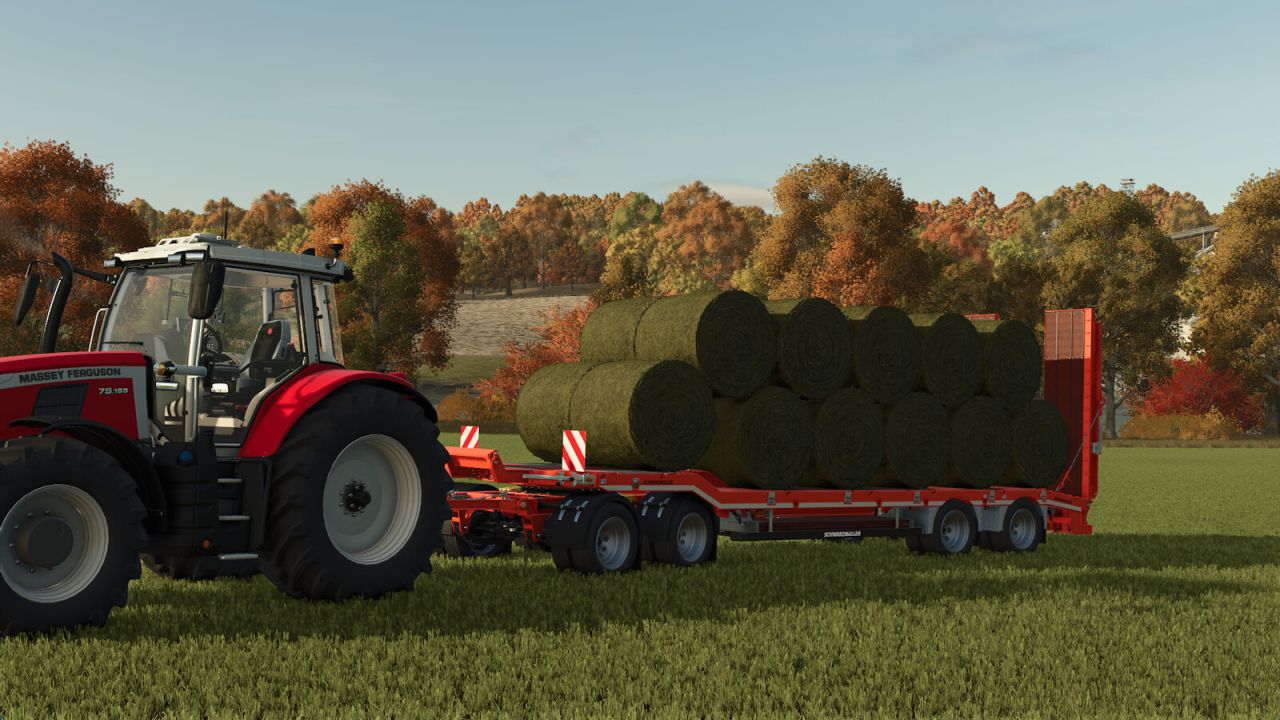
Lowloader Bale Autoload Pack FS25
The Lowloader Bale Autoload Pack includes: Fliegl DTS 5.9 Bale Autoload Price: from $30,500 Category: Low Loaders, Bale Loaders * Configuration: Standard or Bale Autoload * Configuration: Side guards * Autoload for - round bales (125cm: 18 bales, 150cm: 14 bales, 180cm: 12 bales, cotton: 2 bales, 85cm: 69 bales) - square bales (180cm: 18 bales, 220cm & 240cm: 15 bales, cotton: 1 bale) - 70cm high square bales (180cm: 24 bales, 220cm & 240cm: 20 bales) - Hesston square bales 240cm: 10 bales * Color choice for trailer * Extended rim color choice * Decal color choice * Loading platform width adjustable via mouse control Schwarzmüller Lowloader 4A Bale Autoload Price: from $60,000 Category: Low Loaders, Bale Loaders * Configuration: Standard or Bale Autoload * Autoload for - round bales (125cm: 22 bales, 150cm: 18 bales, 180cm: 16 bales, cotton: 3 bales) - square bales (180cm: 30 bales, 220cm & 240cm: 26 bales, cotton: 1 bale) - 70cm high square bales (180cm: 38 bales, 220cm & 240cm: 33 bales) - Hesston square bales 240cm: 14 bales * Color choice for trailer * Extended rim color choice Important note: - Changed key binding: Fold/unfold ramps with "O" (Toggle pipe), as "B" is used for the Bale Autoload working/transport position. How Bale Autoload works: Important notes: - Bale Autoload is only available when configured in the workshop/garage. 1. Move the trailer into working position with "B". Bales can now be collected. - In "EASY" working mode, the trailer automatically collects bales located up to 4m beside the trailer. - In "PRO" working mode, the bales must be placed on the trailer to be detected by Autoload. The working mode can be changed at any time with "Ctrl"+"Z". 2. After collecting the bales, move the trailer into transport position with "B". 3. To unload, start unloading mode with "Z". The unloading assistant controls are available during the unloading process. The bales can be moved in all directions and rotated on all axes. Select the unloading position and unload the bales with "Z". After unloading, end the unloading process with "Z". The unloading process can be cancelled with "X".
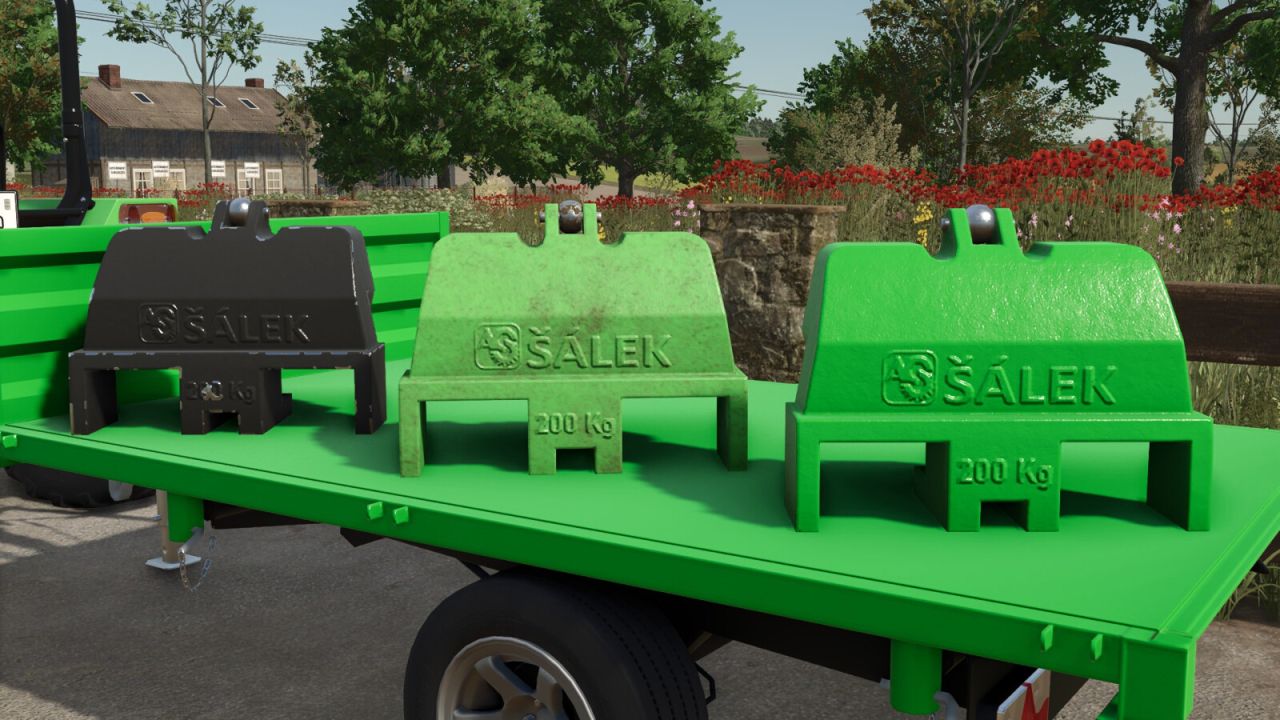
Salek PZ200 FS25
Category: Weights Salek PZ200: - Price: $850 - Weight: 200 kg - Color configuration
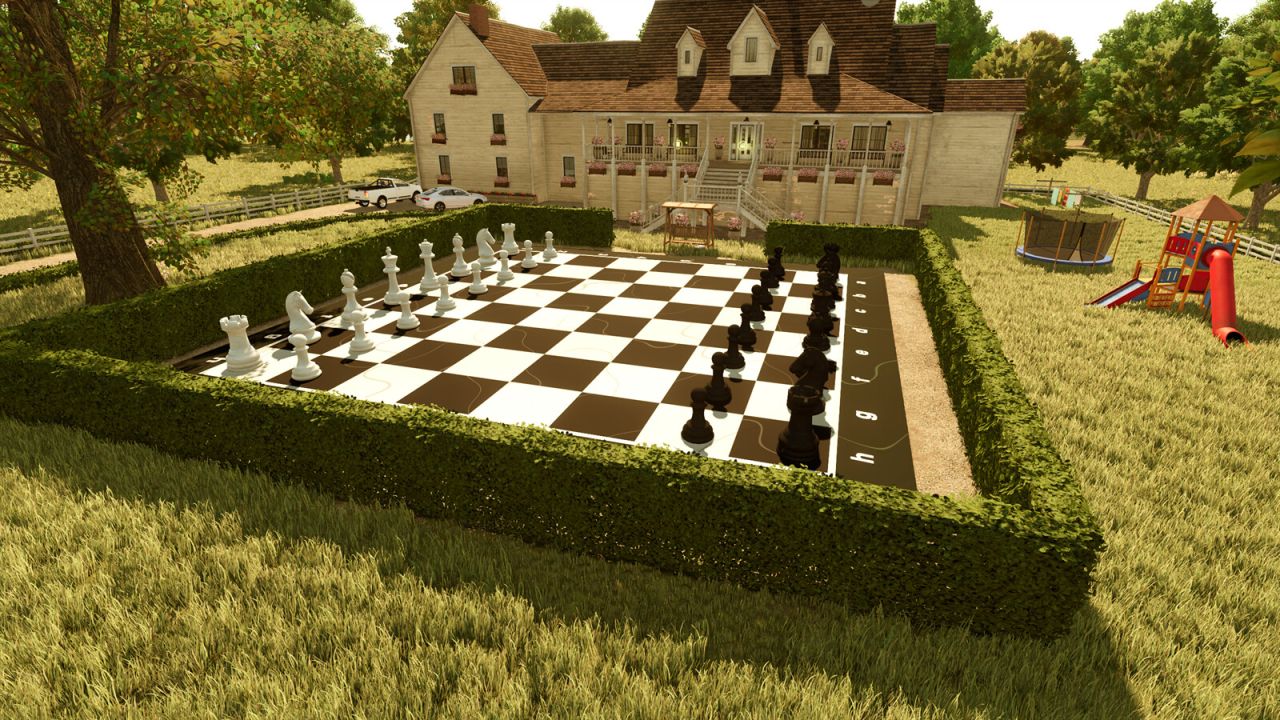
Playable Garden Chess Set FS25
Bring a full-scale marble chess match to your farm. The 16 m playing surface uses 2 m squares and includes all 32 human-sized pieces. Every piece can be picked up and moved by hand, while the whole set is installed as one construction placeable. Important: Moved piece positions are not saved. Reloading the savegame returns all pieces to their starting positions. Placeable Shop Category: Decoration Price: $12,500 Daily upkeep: $100 Functions: - One complete marble chess board - 32 movable pieces - 2 m squares with white coordinates - Piece positions reset when the savegame is reloaded
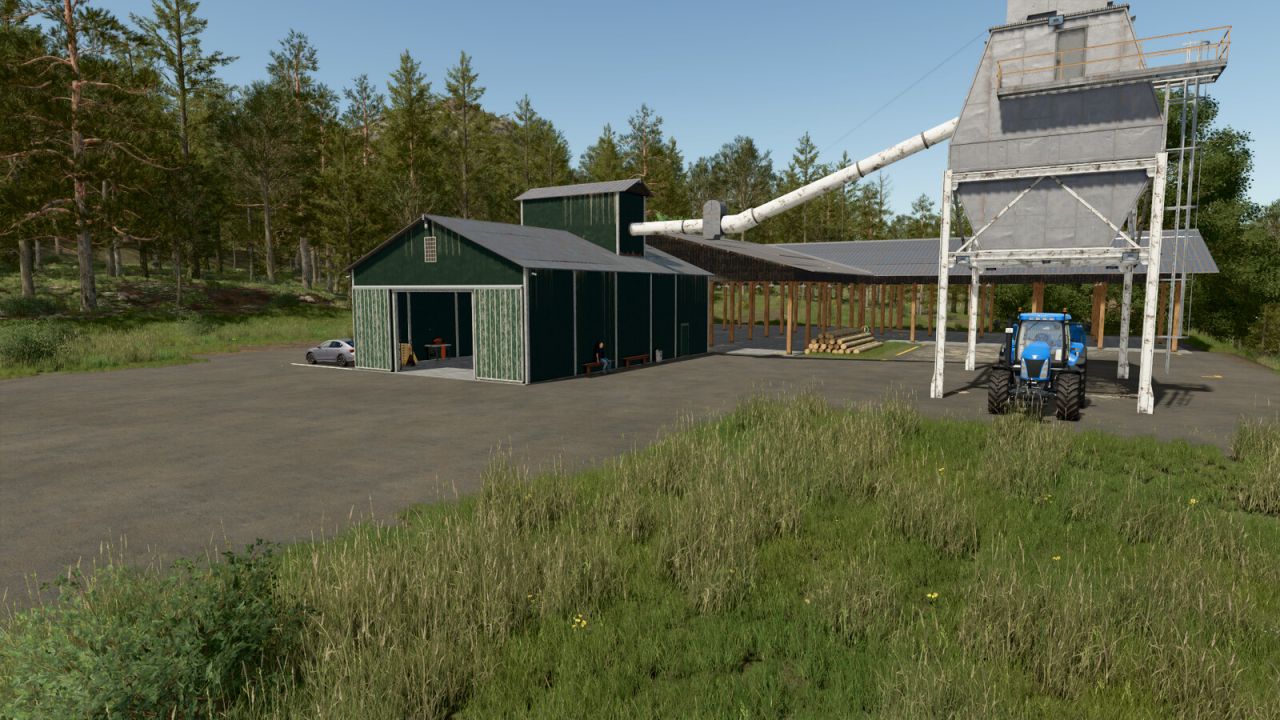
OLD SAWMILL - Woodchips Production FS25
OLD SAWMILL Features: Woodchips Production Farmhouse Small vehicle workshop Animated WoodMizer LT15 (requires the Straw Harvest Pack DLC) Categories: Production Sites Price: $600 000 Daily upkeep: $1000 Cycles per month: 24 Products: Wood Chips: 2060 L wood = 4120 L wood chips ($240 per month) Prefab wall: 576 L wood = 140 prefab wall ($48 per month) Wood Beam: 416 L wood = 183 wood beam + 150 L wood chips ($48 per month) Planks Long: 416 L wood = 275 planks long + 120 L wood chips ($48 per month) Planks: 416 L wood = 410 planks + 120 L wood chips ($48 per month)
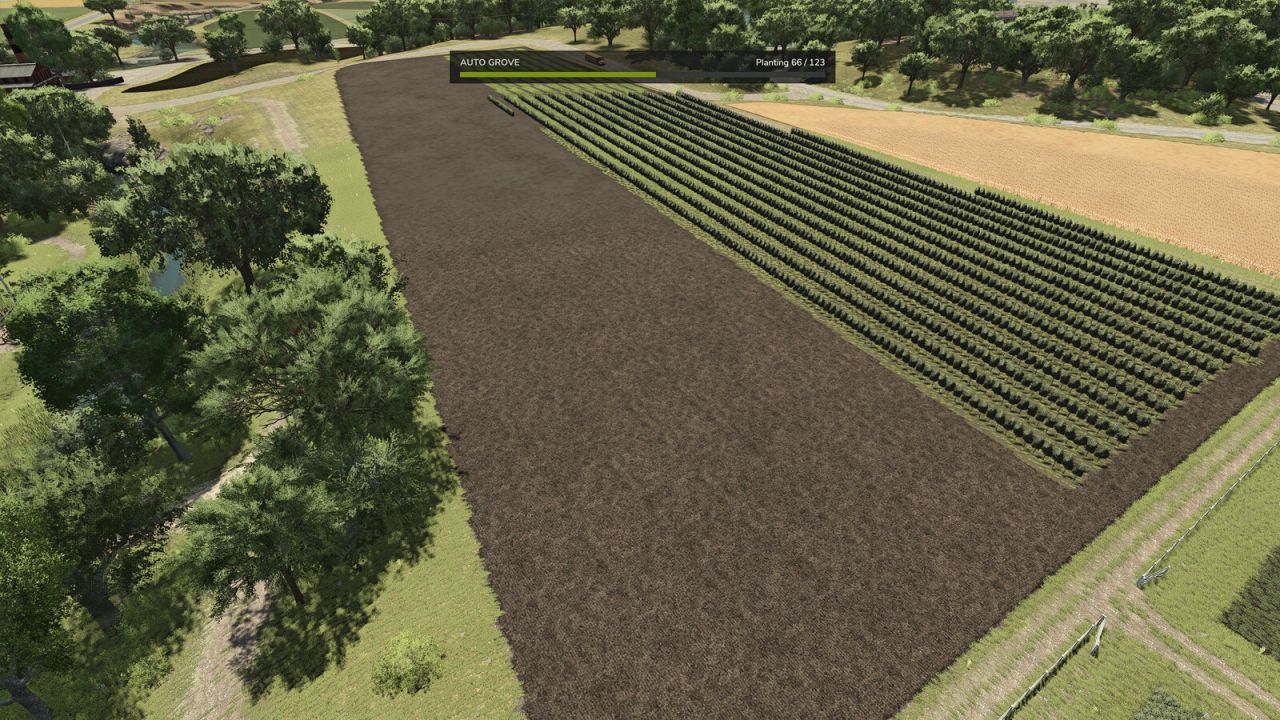
Auto Grove FS25
Plant a whole vineyard, olive grove or coffee grove in one go - and build complete rice fields the same way. Pick one of your fields, choose your crop, set the direction you want the rows to run, and the grove is laid out for you - evenly spaced, aligned to your heading and fitted to the shape of the field. No more placing every trellis section by hand. Choose rice, and the whole rice field is built from your field's real shape - ground leveled, ridge raised and water pump placed automatically. The grove is built from the game's own orchard placeables at standard spacing, so the finished result is exactly what you would have built yourself - and everything that works in a hand-built vineyard works here too, including guidance steering. Features: - Whole-field planting on any field your farm owns: grapes, olives, coffee (on maps that grow it, like Recanto da Alvorada) and rice fields (on maps that sell them) - Combined and extended fields are detected from the actual ground: plow two fields together, or grow a field with the ground tools, and the whole combined area is planted - Adjustable row spacing, from the crop's standard spacing up to 10 m for wider alleys and bigger equipment - Set the row direction in degrees, or let the mod suggest the best angle for the shape of the field - Courseplay Mode keeps the row heading on 5 degree steps, so a generated course lines up with the rows you planted - switch it off and the mod picks the absolute best angle for the field instead, and tells you what the difference is before you commit - Planting follows the game's seasonal calendar, exactly like vanilla sowing - Live preview of rows, sections and the exact cost before you commit - Rows follow the field boundary, including irregular and concave shapes - The field is cleared and tilled before planting, so no old crop is left between the rows - Priced at the vanilla rate - 25 per grape section, 35 per olive section, map prices for coffee and rice - and charged only for what was actually planted - Server owners can set a discount from 0 to 100 percent - Demolish a grove or rice field in one action and get a clean cultivated field back - Groves that run onto a neighbouring field are trimmed back rather than destroyed - On-screen progress while a grove is built, so you can close the panel and carry on farming - Requires Farm Manager rights, so farm hands cannot reshape your fields - Full multiplayer support, with every request checked on the server Press F6 to open the settings. There are no console commands and nothing to edit in a text file.
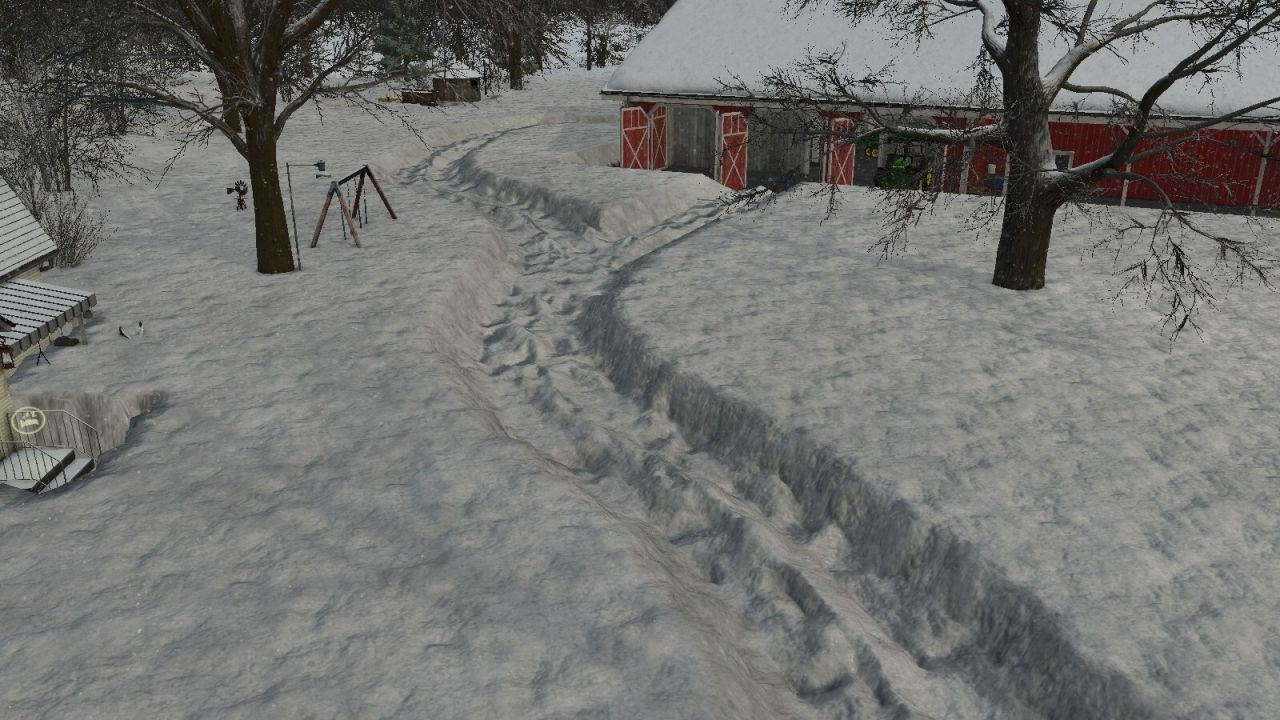
Real Snow FS25
Real snow that builds up: deep powder your vehicles sink into and compact, pass by pass - on any map. Pick a climate step, fine-tune temperature and snow amount, and give your map winters that finally feel like winter. CLIMATE PRESETS • One simple ladder of five steps: Arctic, Frosty, Default, Mild, Southern • Default sits in the middle and leaves the map weather untouched - go left for colder, right for warmer • Every step is only a starting position - the settings stay free SETTINGS • Temperature offset: shifts every temperature by -10 to +10 degrees • Snow amount as one simple level: Extreme, Very high, High, Default, Low, No snow - cold sits on the left on every row • All three rows are independent: picking a preset never touches your sliders DEEP SNOW • Higher snow levels also let the snow lie deeper - on Extreme up to almost three times the usual depth, about 1.3 m instead of 0.5 m • Vehicles sink into fresh snow and compact a firm track pass by pass, much like silage • Soft shoulders beside the track instead of hard snow walls • Melting and the seasons keep working as usual GOOD TO KNOW • A change takes effect with the next weather change. Ingame that can take up to a day: the mod sets what the game draws next, it does not cut into weather that is already running. • Settings are saved per savegame. • Multiplayer supported. The settings belong to the server, so only host and admin can change them.
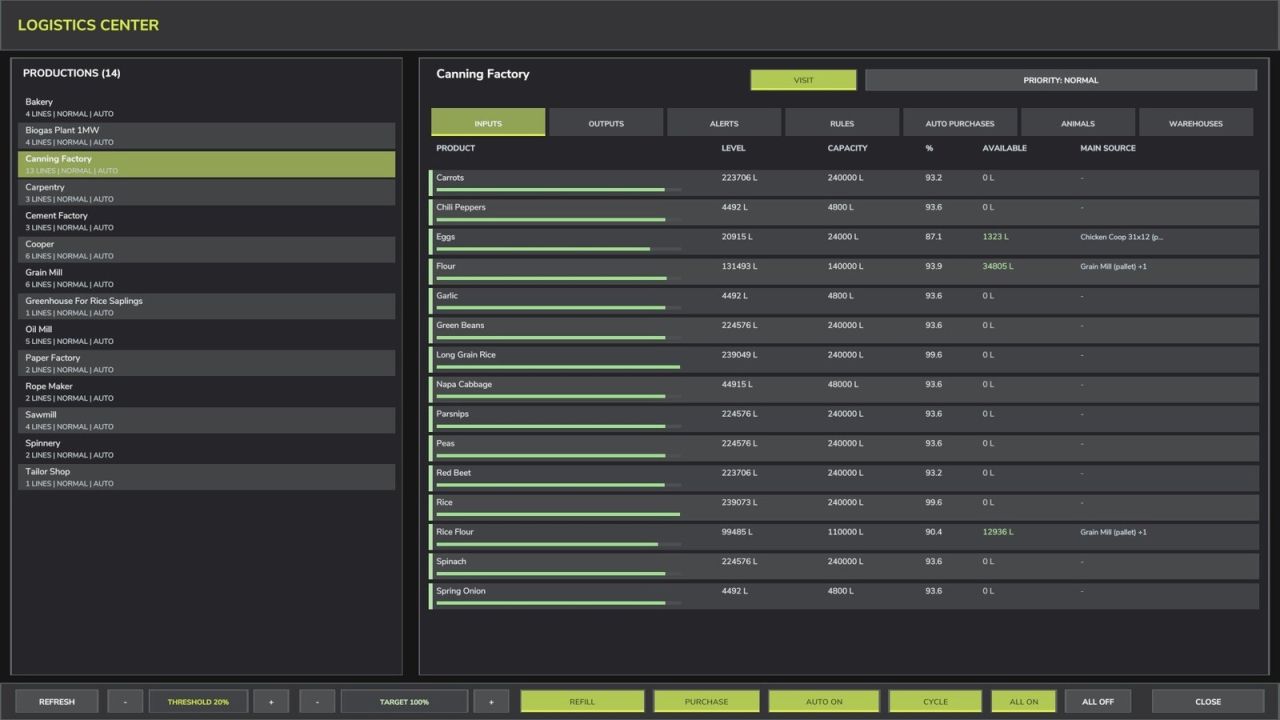
Production Supply Manager FS25
Production Supply Manager combines the logistics of owned productions, animal facilities and fixed silos in one full-screen interface. INCLUDED PLACEABLE - Universal Logistics Center: purchase price $25,000, daily upkeep $120 and capacity 100,000,000 litres. MAIN FEATURES - Global, per-production and per-ingredient warning thresholds and refill targets. - Stable alphabetical lists with selection and scroll position preserved. - Selective manual refills with an adjustable litre quantity for every product. - Free transfers from physically available stock in owned silos and compatible internal outputs. - Assisted purchases from the cheapest compatible buying point, with an optional configurable virtual supplier. - Controlled automatic purchases with protected balance and limits per cycle, day and product. - Animal input and output management, including feeding-robot ingredient bunkers. The base-game robot prepares the mixed ration. - Smart Total Mixed Ration shortcut for normal cow barns: hay, silage, straw and mineral feed are proposed together, mixed in fixed proportions and transferred directly to the barn. - Output modes: keep, distribute, sell now, sell in the selected month and send internal stock to the included silo. - Autonomous WAREHOUSES page for stock management and scheduled sales; warehouse modes never change stock availability for ordinary refills. - Optional Universal Logistics Center (shop category: Containers): 100,000,000-litre capacity, price $25,000, daily upkeep $120, and support for products registered by the map and active mods, including bulk materials, liquids, pallets and supported bales. Water supplied by this center is free. - Multiplayer support with separate settings for each farm and permission checks for farm-related changes. DEFAULT CONTROLS Left Alt + U: open or close the logistics center. Left Alt + I: refresh data. All bindings can be reassigned in the game settings.
Job Queue FS25
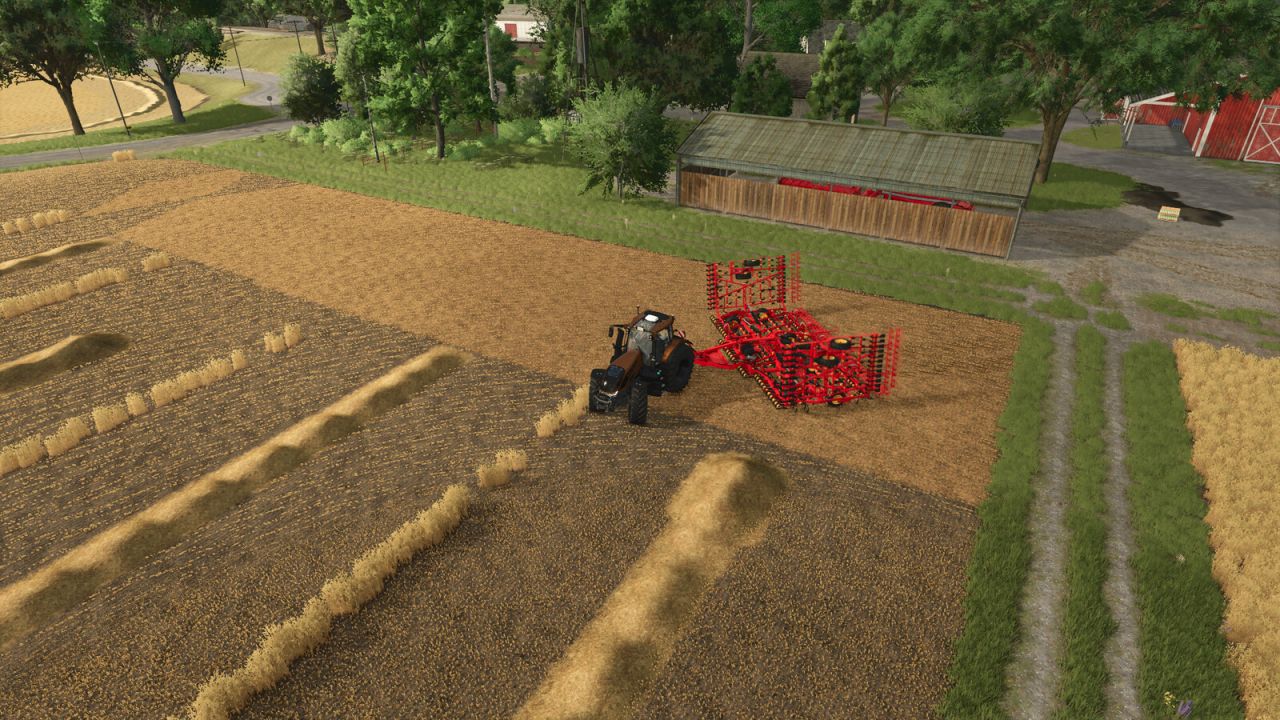
Queue several jobs for one vehicle. When the hired helper finishes, the next entry on the list starts on its own - field after field. An entry is either field work or a drive to a spot you click, so a drive placed on the yard as the last entry is what brings the machine home at the end. The panel also names the job the helper is on right now, so a machine already out working does not read as idle. A queue set up behind work already under way starts by itself, in either order: whether the helper was hired first and the fields queued behind them, or the fields were queued first and a helper hired the ordinary way afterwards. The helper still cannot change implements, so every queued field is worked with whatever is attached. Hotkeys: Left Alt + Q - open the queue panel (rebindable in the controls menu)
Hire A Worker FS25
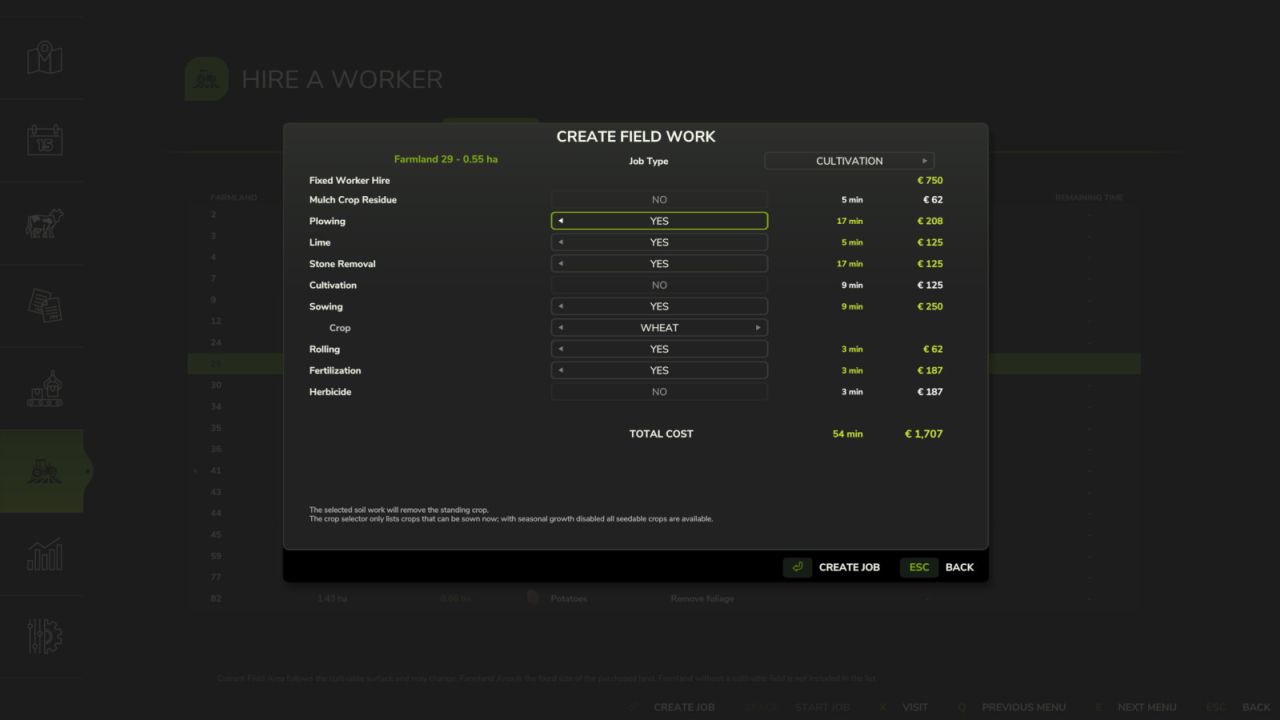
Run your farm with the support of professional contractors. From a dedicated menu, review your land, workable areas and recommended operations, then commission each job with clear costs and completion times. FIELD SERVICES - Plan, start, stop or cancel work on your land - Follow every stage and its remaining time - Schedule recurring field operations - Review completed and interrupted jobs in the history STORAGE AND LOGISTICS - Monitor silos, bunker silos, bale and pallet warehouses, husbandries and productions - Check products, quantities, capacities and active jobs at a glance - Sell stored materials or arrange transfers between facilities - Supply husbandries and productions from farm stock or purchase any shortfall - Include loose pallets and big bags when required - Automate supplies and sales with schedules and stock thresholds
Draw Distance FS25
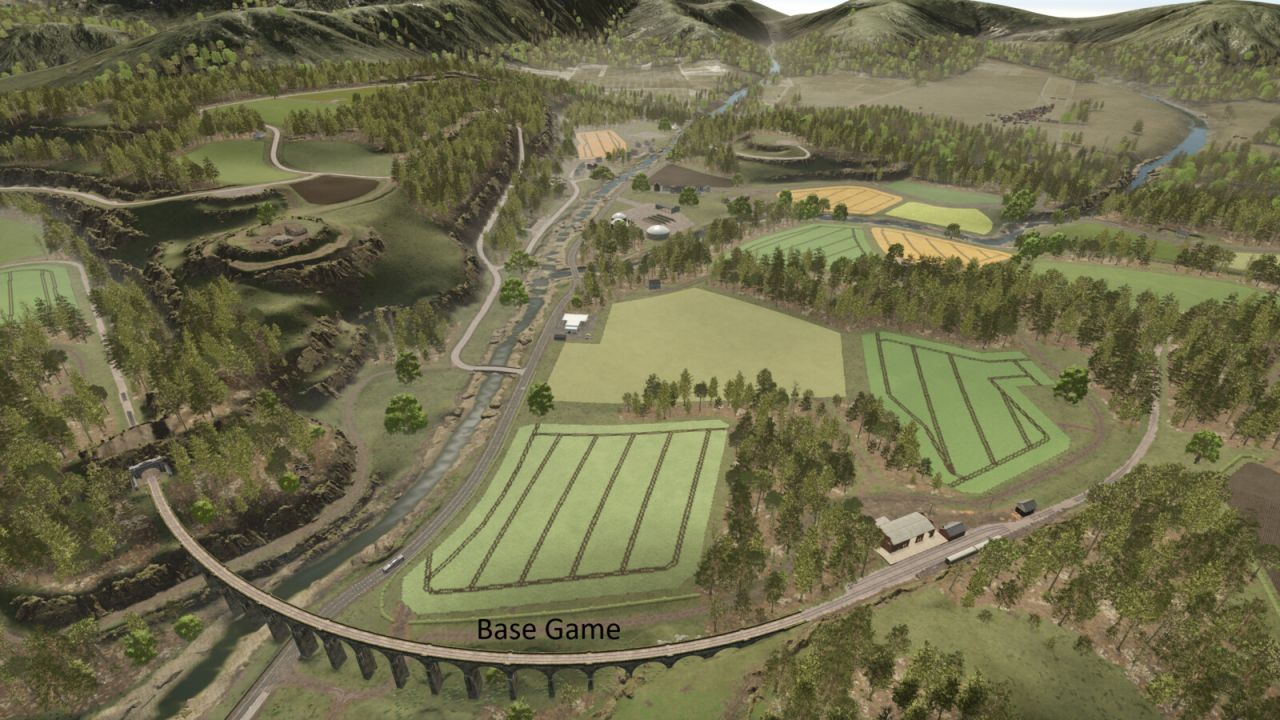
Extends the existing Object Draw Distance option in the Graphics settings with additional draw-distance presets. Presets: - Base Game - Enhanced (200%) - Extended (250%) - High (300%) - Very High (400%) - Ultra (600% objects/LOD and foliage) - Extreme (1000% objects; foliage limited to 600%) Base Game keeps Farming Simulator's own configured draw-distance values. The selected Draw Distance setting is stored in the standard modSettings directory and is shared across career saves. Console commands: - ddInfo - ddPreset [1-7] - ddSet object lod terrain ground foliage foliageLod - ddFoliage percent [optional LOD percent] - ddReset The ddFoliage command supports experimental values from 10% to 1500%. Values above the currently reserved foliage capacity usually require one save reload and may increase memory use or cause instability on some maps. Higher presets can significantly reduce performance and increase video-memory usage, especially on large or highly detailed maps. Ground displacement/detail distance is not exposed to Lua in the current game build and remains controlled by the base game.
- 15 per page
- 30 per page
- 45 per page
- 60 per page
-
See more per page
Bigger pages, fewer clicks - and no ads anywhere.
Go Pro