1 / 6
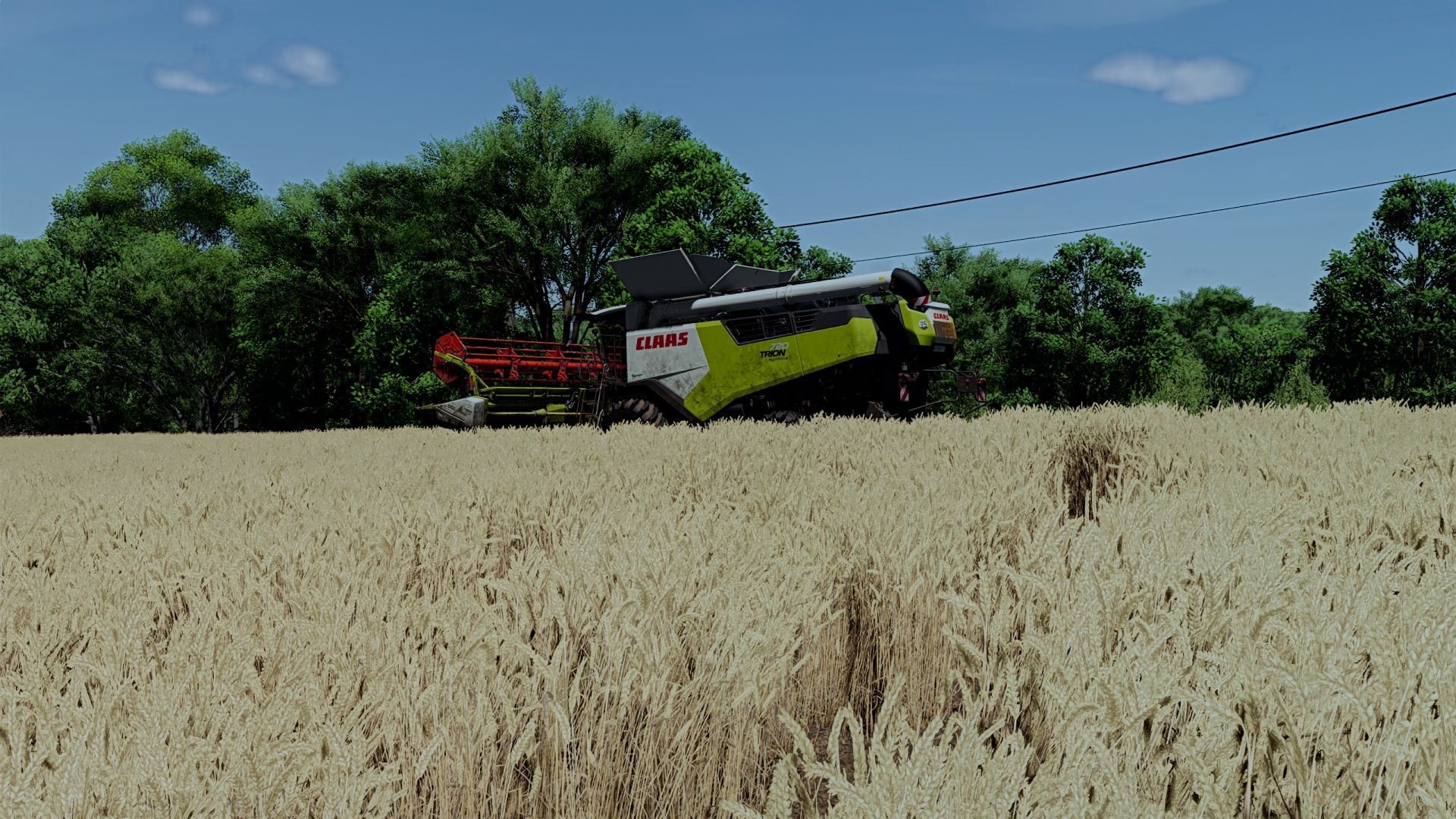
Realistic day/night shader FS25
My shader adjustment for HDR screen compatible Reshadme 6.5.1 and newer Installation: copy the franckylem35 folder to Documents\My Games\FarmingSimulator2025\modSettings\FS25_additionalGameSettings\lighting Copy the Franckylem35.ini file to Farming simulator 25\x64
Increased contrast, reduced blue effect, brightness adjustment
Improved daytime lighting and more realistic nighttime lighting
Shadow and lighting adjustments
Fixed the sun becoming dark before leaving the horizon. new environment that increases lighting and shadows
Coloring and contrast adjustments
Adjustment of the day/night cycle to have less interruption when switching from one to the other. several adjustments have been made to have a more realistic and natural effect.
Adding a filter to make the image less video games
Increased contrast and decreased night colors for a more realistic effect. Set game brightness to 0.7
Increased contrasts, adjusted lighting to make it more realistic.
Increased contrast and adjusted lighting. Set game brightness to 0.5
Increased contrast, reduced blue effect, brightness adjustment
Improved daytime lighting and more realistic nighttime lighting
Shadow and lighting adjustments
Fixed the sun becoming dark before leaving the horizon. new environment that increases lighting and shadows
Coloring and contrast adjustments
Adjustment of the day/night cycle to have less interruption when switching from one to the other. several adjustments have been made to have a more realistic and natural effect.
Adding a filter to make the image less video games
Increased contrast and decreased night colors for a more realistic effect. Set game brightness to 0.7
Increased contrasts, adjusted lighting to make it more realistic.
Increased contrast and adjusted lighting. Set game brightness to 0.5
Download Links
Report a problem
Realistic day/night shader FS25
Advertisement
Remove ads