1 / 4
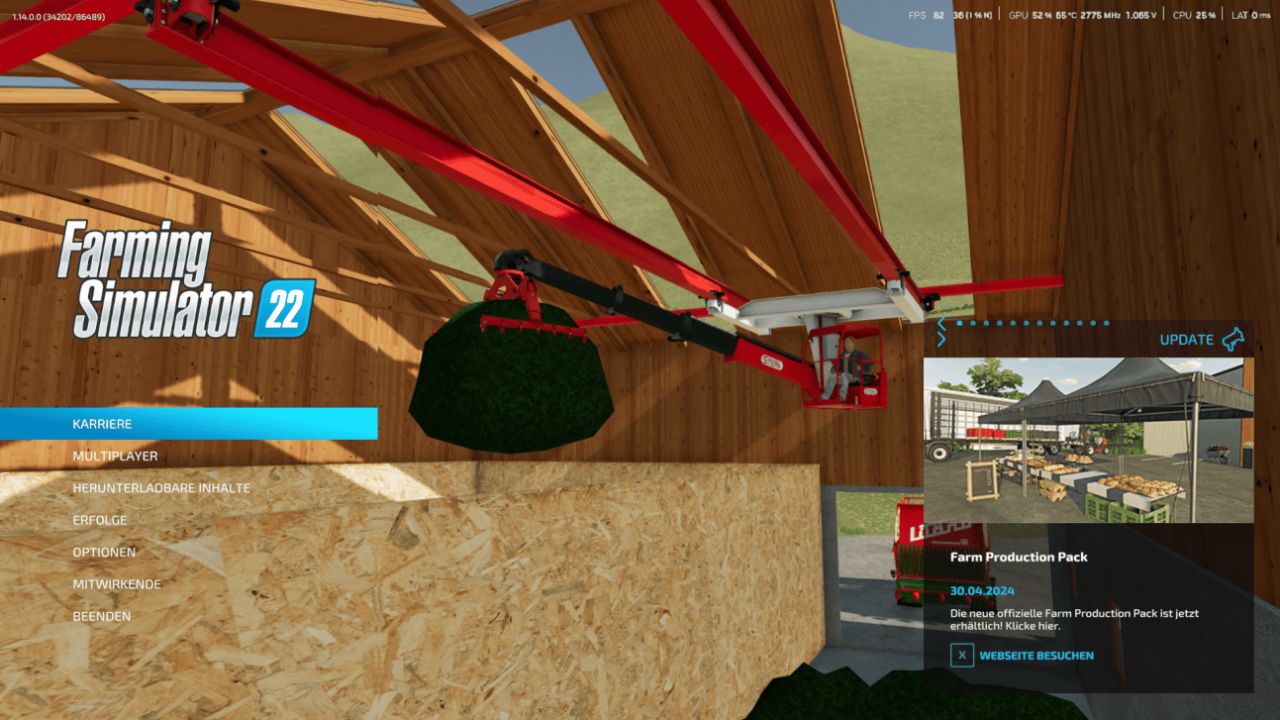
Start menu background MPM FS22
Tutorial: 1.) You go into your game directory (e.g. Steam \ Steamapps \ Common \ Farming Simulator 22) 2.) You go to the Shared section and scroll down a bit, so it says Splash_fall, Splash_spring, ... 3.) You copy the backgrounds that you have downloaded and insert them in the shared order 4.) LS22 restart and that's it Have fun with the backgrounds :)
Download Links
Report a problem
Start menu background MPM FS22
Advertisement
Remove ads