1 / 5
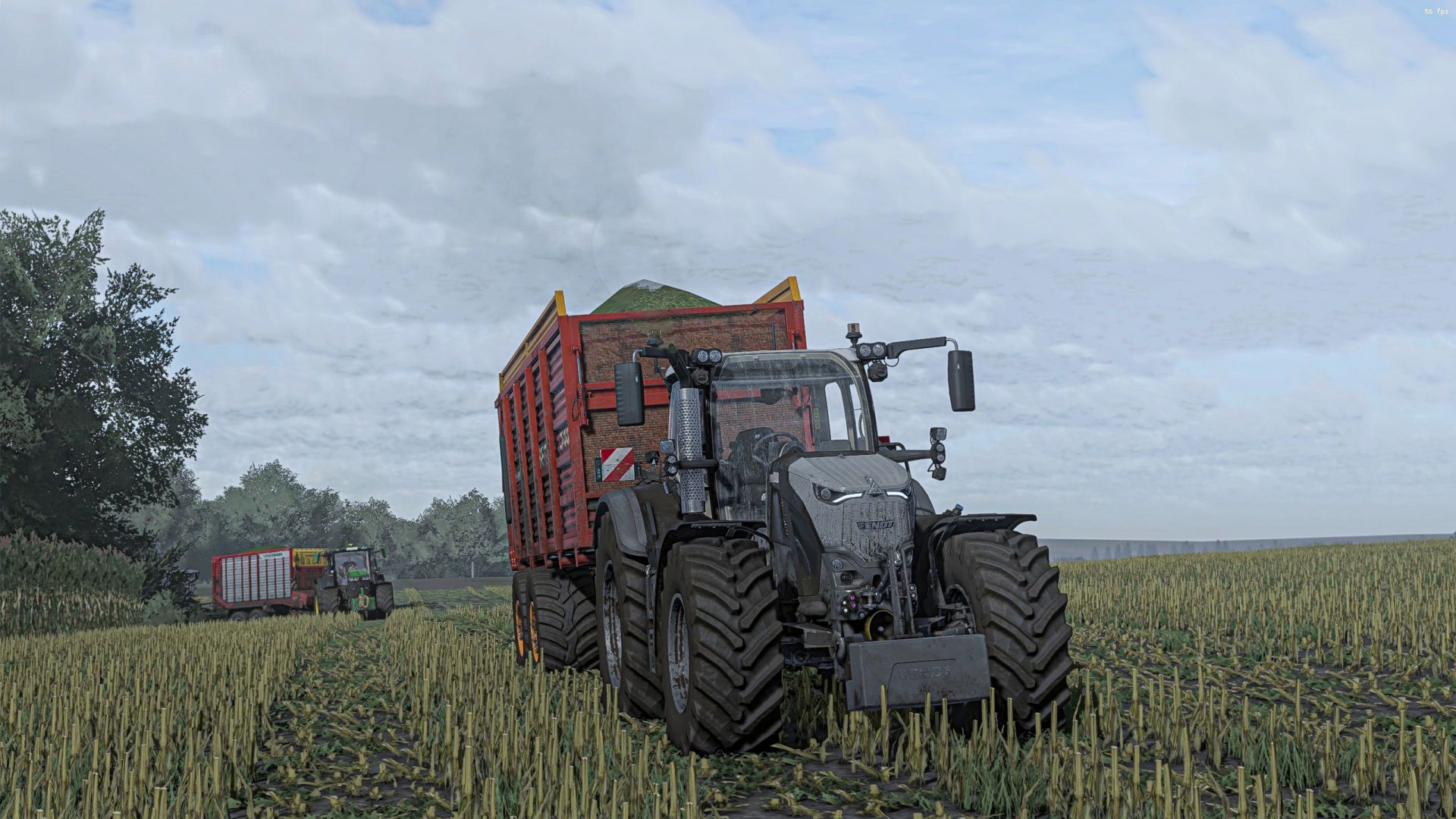
Reshade FS22
Install Reshade *Choose Giants Engine 9.0.0.0 and DirectX 10,11,12 *Select the initial setting of the installation that is found in the X64 folder and install the effects (or you can install all effects and it is simpler) Go to the Files program (x86) \ Steam \ Steamapps \ Common \ Farming Simulator 22 and place the X64 folder with Shaders2025.ini Start the game, press the "Home" button and select "Shaders2025.ini" After selecting, go to the "Accessories" tab and select the resolution
Download Links
Report a problem
Reshade FS22
Advertisement
Remove ads