1 / 6
Realistic Shader V1.2.0.0
Realistic Shader V1.2.0.0
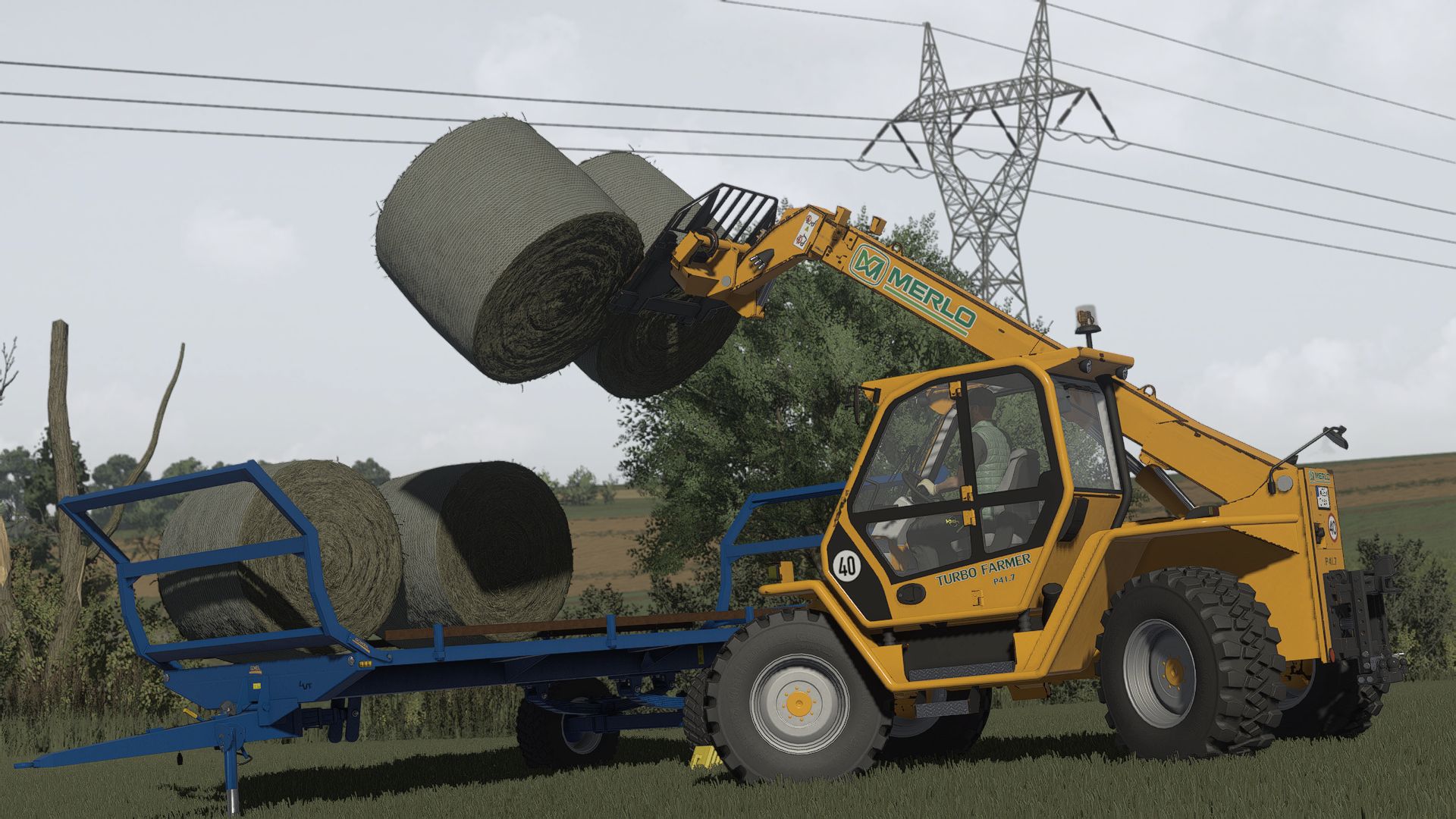
NO AI USED IN THE SCREENSHOTS! All screenshots were taken directly in-game using this shader preset. MIKI Shader v4 enhances lighting, colors, contrast, and overall visual quality while keeping a realistic look and good performance.
Installation Install ReShade 6.3.3 Select Giants Engine 9.0.0.0 and DirectX 10/11/12 Copy the included files into your Farming Simulator 25 folder Press Home in-game and select MIKI_SHADER_4.ini Choose your resolution in the Addons tab
V1.2.0.0 Fixed MXAO and some lighting flashes
Required mods: Additional Game Settings
NO AI USED IN THE SCREENSHOTS! All screenshots were taken directly in-game using this shader preset. MIKI Shader v4 enhances lighting, colors, contrast, and overall visual quality while keeping a realistic look and good performance.
Installation Install ReShade 6.3.3 Select Giants Engine 9.0.0.0 and DirectX 10/11/12 Copy the included files into your Farming Simulator 25 folder Press Home in-game and select MIKI_SHADER_4.ini Choose your resolution in the Addons tab
V1.2.0.0 Fixed MXAO and some lighting flashes
Required mods: Additional Game Settings
Visit Original Post
Also posted on
Download Links
Report a problem
Realistic Shader V1.2.0.0
Advertisement
Remove ads