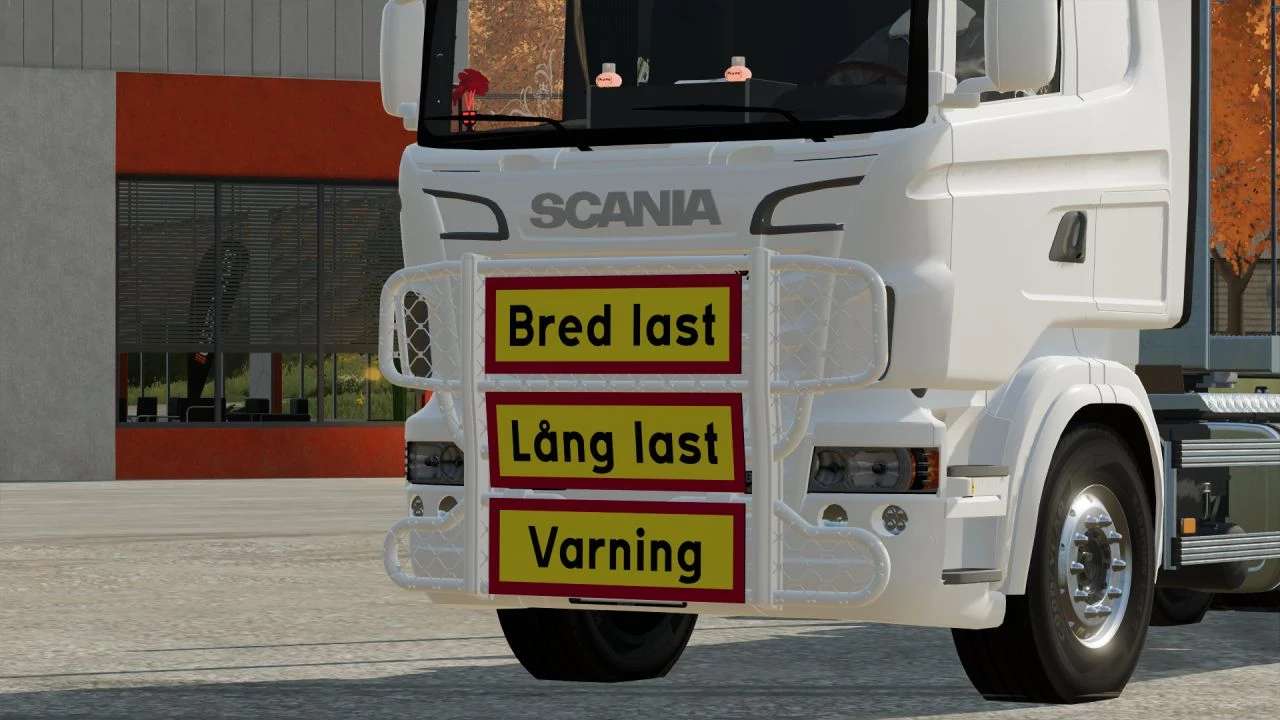
Swedish Warning Signs V1.0 – FS22
Swedish Warning Signs V1.0 – FS22 These signs are Swedish Warning Signs to put on your vehicles/attachments Instructions: 1. Place the i3d files and the texture file for the signs into your mod 2. Open your mod in GE (Giants editor) 3. Import the sign you want 4. Click Window -> Material Editing -> Albedo Map 5. Add the texture onto the sign 6. Put it into the Vehicle/object 7. Place it where ever you want it. 8. Dont forget to save 9. Have fun with it
Visit Original Post
Also posted on
Download Links
Report a problem
Swedish Warning Signs V1.0 – FS22
Advertisement
Remove ads