1 / 6
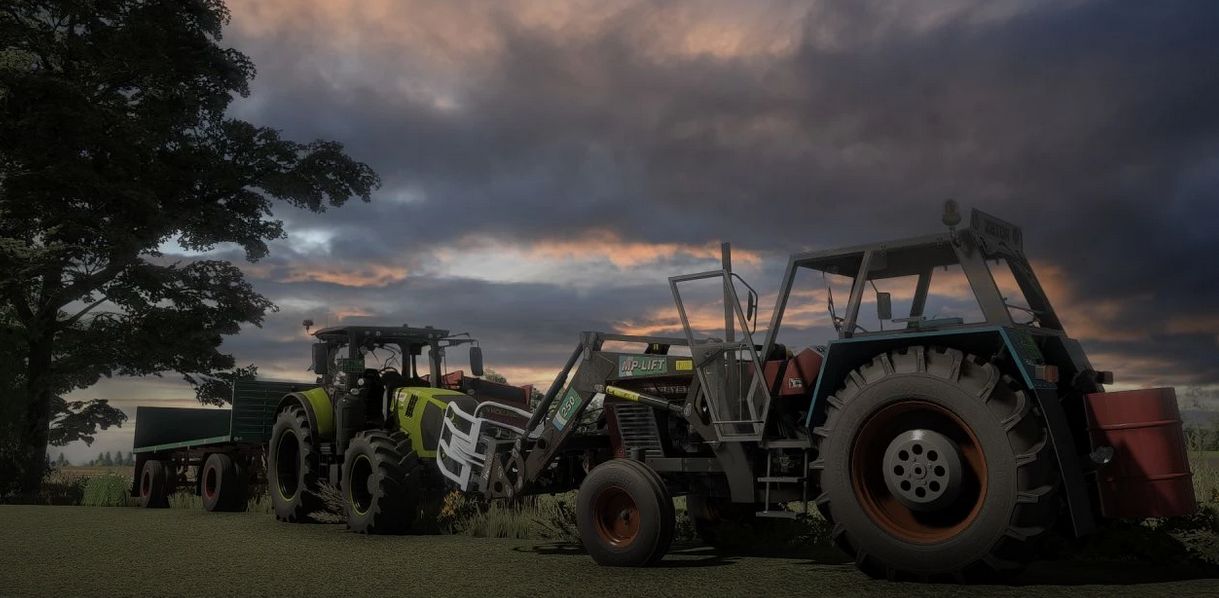
Shader v1.0 – FS22
Shader v1.0 – FS22 Instructions Install Reshade *Pick Giants Engine 9.0.0.0 and DirectX10,11,12 *Pick install preset, that is in x64 folder and install effects (Or you can install all effects and its more simple) Go in C:UserDocumentsMy GamesFarmingSimulator2022modSettings and put there FS22_additionalGameSettings folder and replace it Go in Program Files (x86)SteamsteamappscommonFarming Simulator 22 and put there x64 folder with file Shader9.ini Launch game and press “Home” button and select “Shader9.ini” When u have it selected go in “Addons” tab and pick your resolution When you are in launched game, go in settings and press ESC and go in “Additional Settings” tab and change your Custom lighting to Elmcreek
Visit Original Post
Also posted on
Download Links
Advertisement
Remove ads