1 / 5
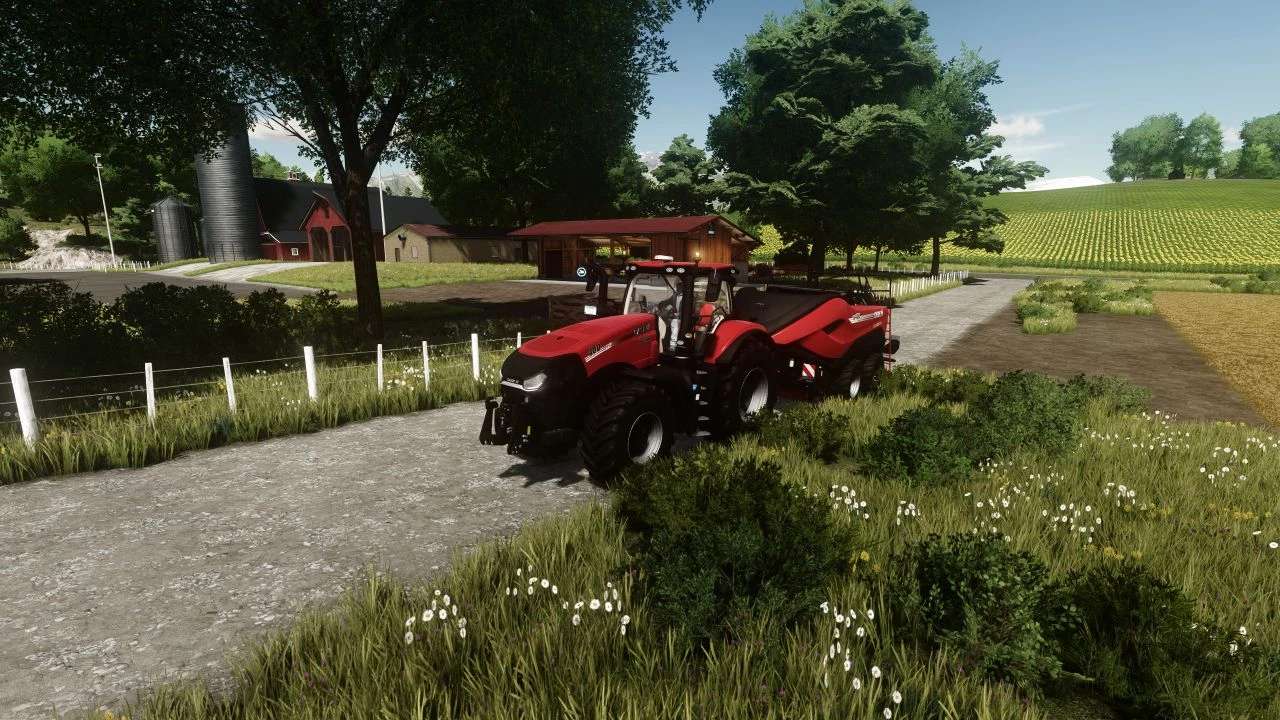
ReShade Presets (Ultra HDR + FSR) v1.0.0.0
ReShade Presets (Ultra HDR + FSR) v1.0.0.0 My Ultra HDR + FSR preset for FS 22. Low HDR – High HDR – ATTENTION: If you are new to this business, then for the presets to work you must first install ReShade itself, and then install the preset. The preset file must be placed in the root folder of “Farming Simulator 22/x64” Thank you for choosing my presset, good sowing!
Visit Original Post
Also posted on
Download Links
Advertisement
Remove ads