1 / 3
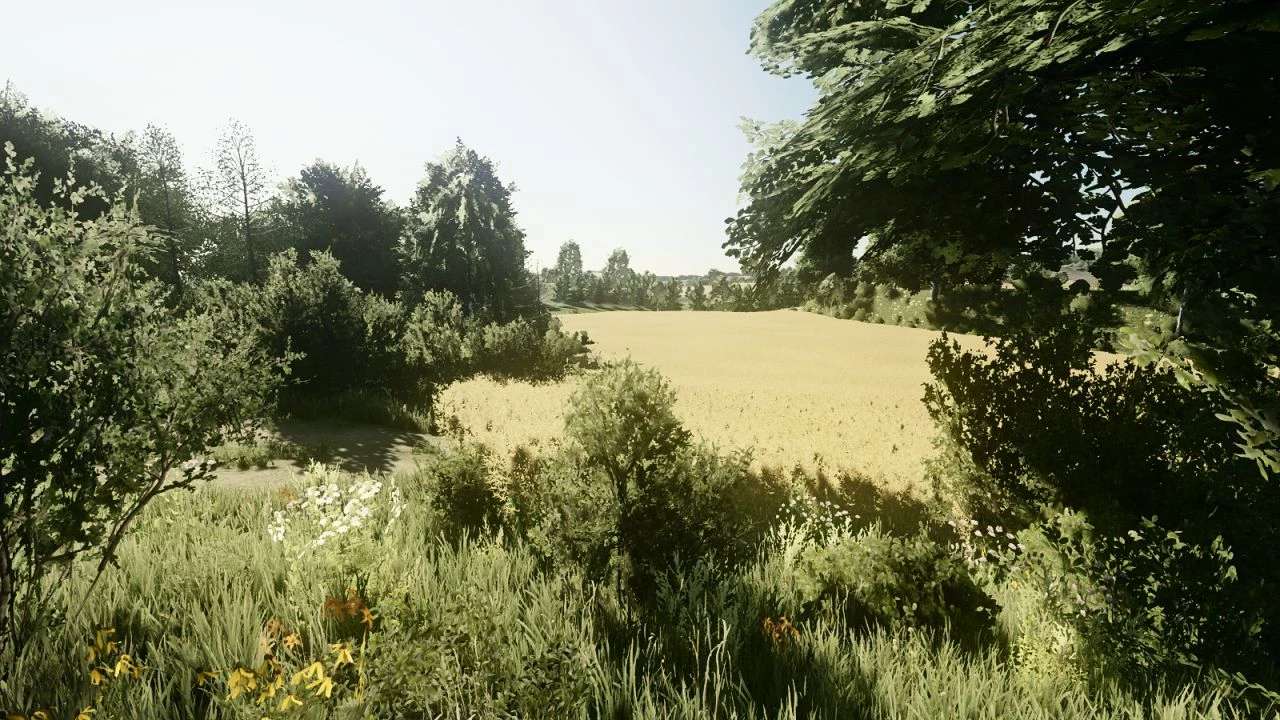
Reshade Preset Upper Bavaria 22 v1.0.0.0
Reshade Preset Upper Bavaria 22 v1.0.0.0 My preset for Upper Bavaria 22 Use for better graphical immersion. To install reshade visit the official website and download the updated version. Reshade.me install in the FS22 root directory or if you use x64 install in the x64 folder. When asked which preset you want to install, install mine or install all available presets, After that, place my preset inside the folder where you installed reshede. Open reshade in the game with the “HOME” key Activate reshade with the “ScrollLock” key Good game
Visit Original Post
Also posted on
Download Links
Advertisement
Remove ads