1 / 6
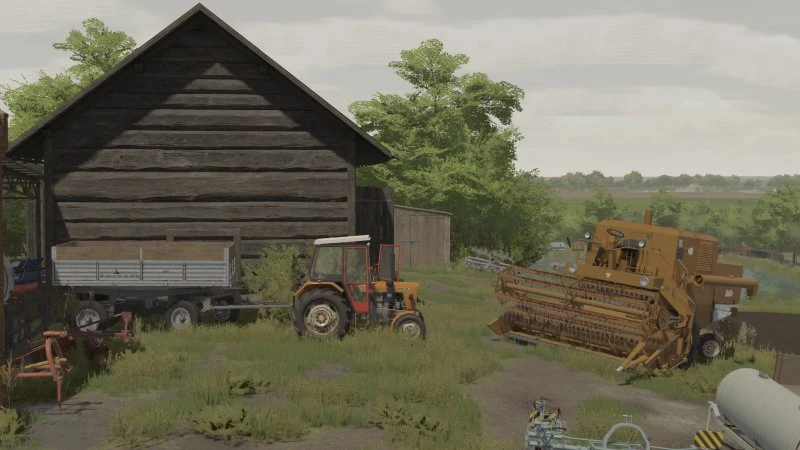
LIGHTING + NVIDIA FILTERS V1.0
Lighting Installation Path: C:\Users\Michal\Documents\My Games\FarmingSimulator2022\modSettings\FS22_additionalGameSettings\lighting – here we put the folder from the file. Now, in additional settings in the game, select the lighting folder. If someone wants, you can also put it in the game files to _mapUS_ NVIDIA Filters Installation Path: The file you download contains a text document. When you open it, you will see values to rewrite (Geforce Experience application required). After pressing ALT + F3, we add filters with the same names and values as in the file. Credits: kmiechol Download mod File File size Owietlenie Filtry NVIDIA 6 KB
Download Links
Report a problem
LIGHTING + NVIDIA FILTERS V1.0
Advertisement
Remove ads