1 / 7
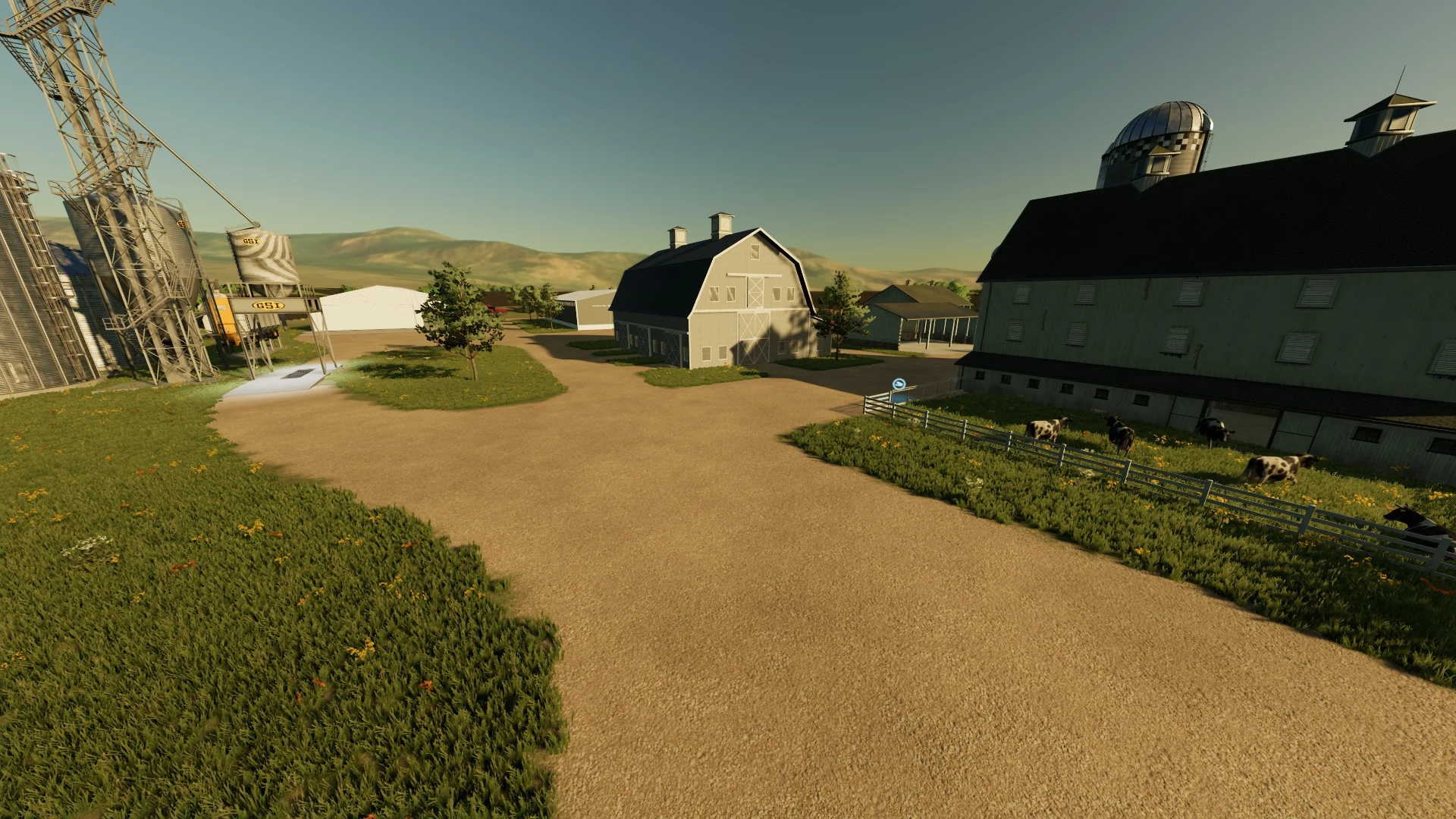
PRO FARM SAVEGAME ON UMRV V1.0
You guys really wanted me to make this farm build available to you all, so here it is! I built this farm on my YouTube Channel @HappyFarms. This is PC ONLY, sorry console players but there is no way for you to be able to use this. Download instructions are below. Install instructions: Download instructions 1. Download the Pro Farm Build Savegame zip file and the 2 mod packs. 2. Unzip mods folders and move mods into your mods folder. 3. Go to Documents -> My games -> Farming Simulator 22, and then look for your savegame folders. 4. Pick a savegame that you would like to use for the Pro Farm, and then open it. Delete everything inside and then copy and paste everything from the Pro Farm Build Folder and put it in that savegame. (Must unzip the Pro Farm Build’s folder and copy and paste, will not work otherwise) 5. Load up FS22 and go to that savegame you wanted to be Happy’s Ranch. There should be a map called UMRV. Credits: Happy Farms 5/5 - (1 vote) Download mod File File size Pro Farm Build UNZIP 21 MB Pro Farmbuild mods UNZIP 633 MB Pro Farm build mods #2 UNZIP 534 MB
Download Links
Report a problem
PRO FARM SAVEGAME ON UMRV V1.0
Advertisement
Remove ads