Farming Simulator 19 mods
55,654 results- 15 per page
- 30 per page
- 45 per page
- 60 per page
-
See more per page
Bigger pages, fewer clicks - and no ads anywhere.
Go Pro

FS19 Manually controlled wipers
FS19 Manually controlled wipers With the key combination “Shift + P” the wipers can be switched on and off manually. This gives you the option of switching the wipers on and off at any time. Even when it is not raining. This mod can be used in conjunction with the “Toggle wiperautomatic” mod.

FS19 Toggle wiperautomatic
FS19 Toggle wiperautomatic With the key combination “Shift + T” the automatic wiper system can be switched on and off. This gives you the option of switching off the wiper (e.g. in a hall), even though it is raining. Caution: if it is not raining, the wiper cannot be switched on. This mod can be used in conjunction with the “Manually controlled wipers” mod.
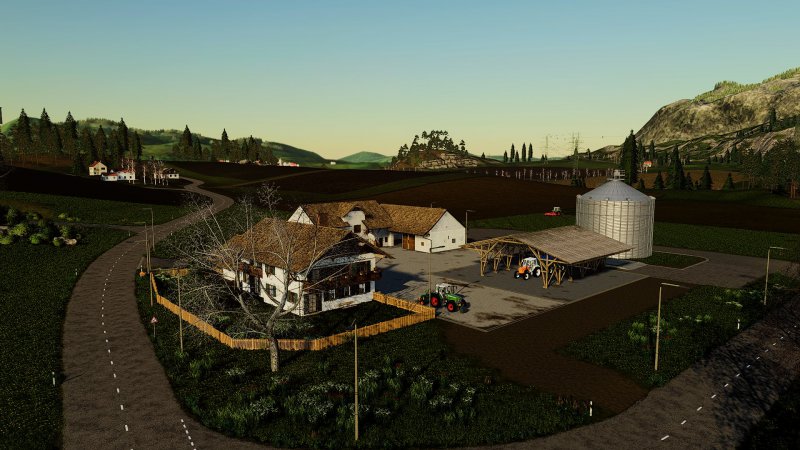
FS19 Map lighting
FS19 Map lighting Map lighting Added to xml Experts know what’s going on
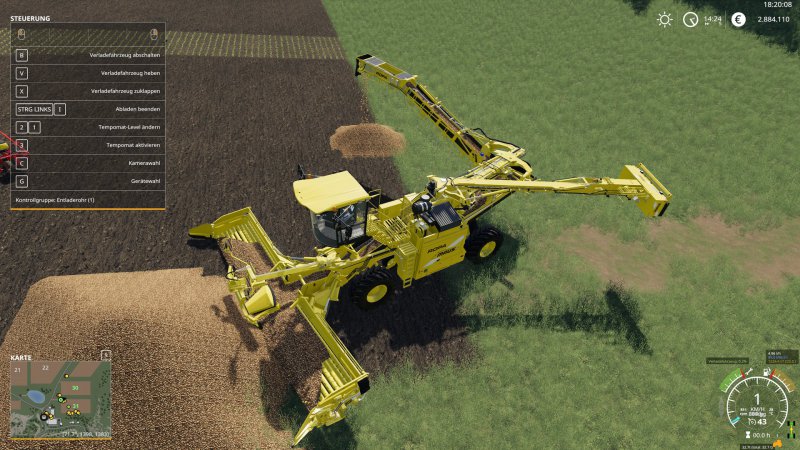
FS19 Standard Holmer and Ropa machines potato ready - simply with a small script! v1.0.1.0
FS19 Standard Holmer and Ropa machines potato ready - simply with a small script! v1.0.1.0 Version 1.0.1.0 Fix für den Error: ‘…/FS19_holmerAndRopaPotatoReady/HolmerAndRopaPotatoReady.lua:37: attempt to index field ‘fruitTypes’ (a nil value)’ Kleines Script, was es ermöglicht mit den Holmer und Ropa Maschinen Kartoffeln zu ernten Hallo an alle! Wolltet ihr auch schon immer mit dem Holmer Terra Dos T4 Kartoffeln ernten, wollt ihn aber nicht umbauen und vorallem nicht zwei verschiedene Schneidwerke nutzen? Dann ist diese kleine zip genau das richtige für euch. Einfach in den Modordner packen, und schon kann der standard Terra Dos T4 mit dem standard HR9 Schneidwerk Kartoffeln und Zuckerrüben ernten. Auch die standard Terra Felis, der Ropa Tiger und die Ropa Euro Maus werden zusätzlich mit Kartoffeln ausgestattet. Wünsche euch viel Spaß damit!
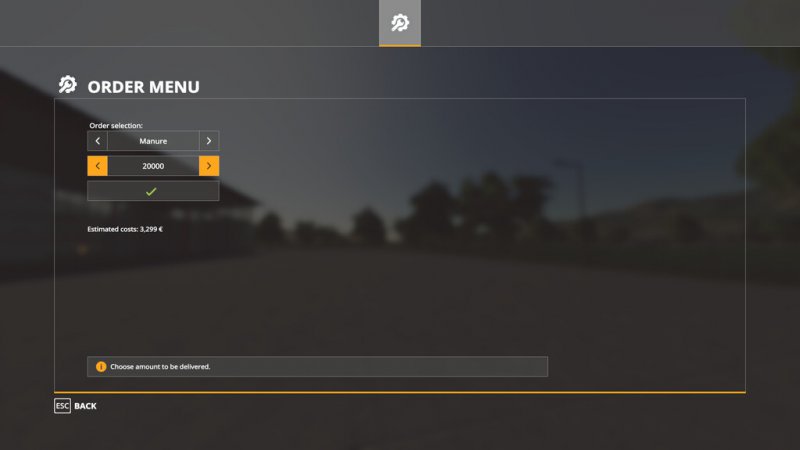
FS19 Order Menu
FS19 Order Menu A menu to buy tipable products for a price. Goods will be delivered at your position. Price is calculated through actual delivered goods. Place of delivery will be the actual place of the player. You need to be Farmmanager in multiplayer to be able to order things. The menu can be opend by pressing “CTRL(right) + B”.

FS19 Patch 1.5.1
FS19 Patch 1.5.1 Here’s the patch 1.5.1 for those who have problems with ne new patch

FS19 John Deere 6x20 Series Soundupdate
FS19 John Deere 6x20 Series Soundupdate Reworked sound for the John Deere 6×20 Series mod available in Modhub ( https://www.farming-simulator.com/mod.php?mod_id=159176 ). Installation: Copy the folder “sounds” located in the .rar file into FS19_JohnDeere6x20Series.zip and overwrite existing files.

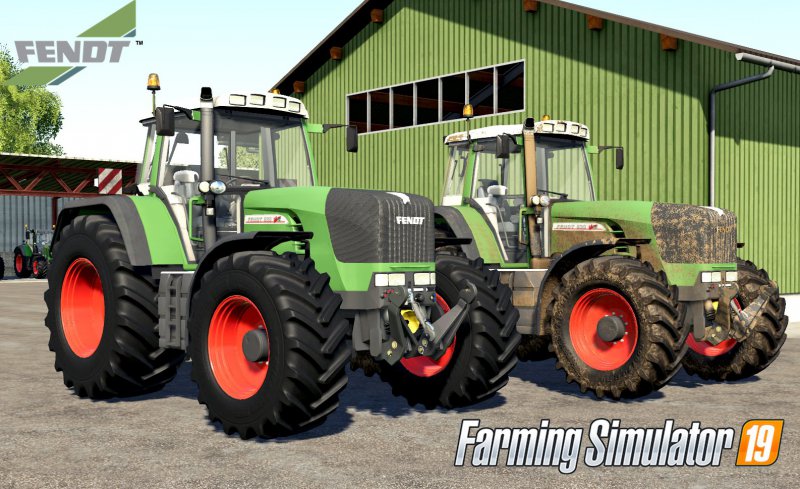
FS19 Fendt Vario 900 TMS Soundupdate mit Anleitung zum Einbau
FS19 Fendt Vario 900 TMS Soundupdate mit Anleitung zum Einbau Hallo zusammen, das ist mein erstes Soundupdate/ erster Mod das/ den ich gemacht habe also bitte nicht zuviel erwarten. Der Sound zur Beschleunigung hat einen Bug und zwar er läuft in Dauerschleife auch bei vollgas und in einer konstanten Geschwindigkeit. Aber bei vollgas ist er dann so leise dass man ihn kaum hört. Wenn einer eine Lösung hat bitte melden. Anleitung: Ihr entpackt die Zip und kopiert den ganzen inhalt. Ihr sucht euch einen Fahrzeugmod aus und entpackt auch diesen (am besten in einen neuen ordner). Dann fügt ihr Sounds in den sounds-ordner des mods ein. Anschließend sucht ihr euch die xml des mods heraus. beim 900 TMS Fendt heißt sie fendt so wie es hier steht. ihr öffnet die xml (am besten mit notepad ++) und sucht das wort “external” raus. Ihr schreibt diesen Pfad wie folgt um: So muss es dann aussehen. Als nächstes speichert ihr die xml ab. ihr schließt dann die xml. Als letztes Verpackt ihr den ganzen Inhalt des mods zu einer Zip und fügt diese dann in den mods-ordner des LS19 ein. Wenn ihr es genau so gemacht habt sollte es funktionieren. PS: Wenn kein Sounds-Ordner im Mod existieren sollte erstellt ihr einfach einen neuen ordner mit dem namen “sounds” Hier ist noch eine Anleitung als Video:

FS19 Vredestein Flotation Trac
FS19 Vredestein Flotation Trac Pack of Vredestein Flotation Trac tires that can be installed on your trailers. !IMPORTANT! – These tires can´t be used on console mods!

FS19 FarmingStudio20 0.1 BETA
FS19 FarmingStudio20 0.1 BETA Willkommen zu FarmingStudio20. Unser Meisterstück ist Fertig geworden und wir möchten die erste Version mit euch Teilen Was ist FarmingStudio20? FarmingStudio20 ist ein Editor um XML Dateien von Mods auszulesen und zu bearbeiten. Außerdem kannst du auch dein Savegame bearbeiten sowie die Log Datei Überprüfen. Es ist Leicht zu Bedienen und Schick Designt. FarmingStudio20 soll Usern die mühsame XML arbeit abnehmen. Wir Bemühen uns FS20 stetig zu Erweitern und zu Verbessern. solltet ihr Feedback haben so lasst es uns Gerne wissen. Unten seht ihr was wir Aktuell alles Geplant haben. Wie Funktioniert es? ModStudio: Zip Auswählen, Werte eintragen (Bei Sonstiges auf Übernehmen Drücken, Fertig) SavegameStudio: Savegame Auswählen, Werte eintragen (Bei dem Füllständen Übernehmen Drücken) Fertig LogStudio: Log Auslesen Drücken, Fertig Was ist Neu? Wir haben Neue Funktionen für euch mitgebracht. Wie installiere ich es? Ganz einfach, gewünsche Version Auswählen (mit oder ohne Updater) Installations Assistent Starten, Fertig Was ist Geplant für die Zukunft? Wenn ihr Weitere Vorschläge für uns habt lasst es uns Wissen Bekannte Fehler Derzeit keine Bekannt Ps: This version is currently only available in German. The other translations are still in progress (no translator currently available) INFO ZUR ÄNDERUNG DER MODS Bitte denkt dran, ihr ändert mods für EUCH! das Hochladen der veränderten mods ist ohne erlaubniss des Modders nicht gestattet!. Das Programm soll euch Private Änderungen möglich machen und nicht mehr. Von FarmingStudio20 Benötigte Daten / Zugriffe FarmingStudio20 Benötigt folgendes um Richtig zu Funktionieren: Noch ein kleiner hinweis für die leute die meinen ich hab nichts besseres zutun als auf euren pc nen Virus zu setzen… Also Spart euch bitte diese Kommentare ? Auch intressant Unser Multigaming Clan: Besuch uns SimLiveRadio: Besuch uns VirusScan: [100% VirenFrei! Siehe Selbst! FarmingStudio20 W.I.P Projekt (Forbidden Mods) Schau rein Und lass Feedback da :3

FS19 Real Mower
FS19 Real Mower With this mod your mowers will cut all weeds (flowers, bushes,…) on grass meadows outside of fields. -function is added to all vehicles with “mower” specialization -you can activate / deactivate mod function for current vehicle Controls: KEY_o – turn on / off mod function for current vehicle If you find any errors or issues, let me know in comment or to [email protected] and i will fix it in next version. Youtube video:
FS19 SprayerSectionControl v0.1.1.0
FS19 SprayerSectionControl v0.1.1.0 Section Control for sprayers in FS19 This script is beta. It should not make any problems but don’t hit me if your ingame sprayer or savegame won’t work anymore. Section control allows you to turn off certain parts (sections) of your sprayer if you don’t need the full working width. At the moment this is done completely automatic but in future there might be an option to control it manually. The script works with fertilizer and herbicide. Herbicide works only on grown weed – the section will turn off if there is no weed visible. Pre-emergence spraying is not possible at the moment. At first you will need the script. Download it here. The script alone does not give you any functionality, you need adapted sprayers too. If Giants had made one workArea per section, this would not be necessary. But as there is only one workArea for the full working width this is not possible. Converting sprayers to work with section control is not difficult. You need some entries in the XML and one workArea per section in the i3D. The workAreas need to be set up around each spraying section, with a little overlap to the next section. It is also needed to create a testArea which is a little bigger by increasing the length in driving direction for 1m. Image: (testArea uses the height node of the workArea in this example.) The XML part is mainly copy-paste. The following lines need to be copied into the sprayer’s XML file. Although the entries should be self-explaining I will explain them for you: That’s it! I recommend to set the delay of all effectNodes to 0 for instant turning on/off. A sample sprayer (Hardi Mega 2200 from the base game) prepared for section control is available here.

FS19 Led Rear Light
FS19 Led Rear Light Small Led rear light 4 function : Default static light Brake light Turn light Plate light Installation: Put the “lights” folder in the mods, put the XML path “lights / rear_light_led_left.xml” or “lights / rear_light_led_right.xml” in the mods XML file
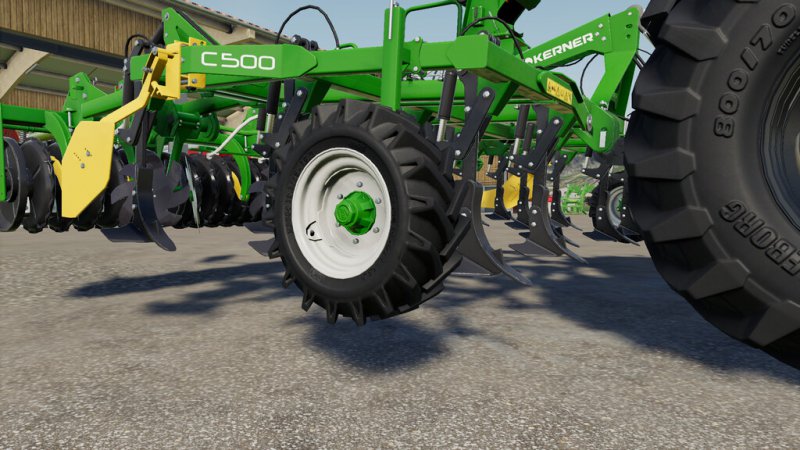
FS19 ADR Hub
FS19 ADR Hub Pack includes: -ADR hub 205/160/6xM18 (PC Version) -Lizard 205/160/6xM18 (console version)
- 15 per page
- 30 per page
- 45 per page
- 60 per page
-
See more per page
Bigger pages, fewer clicks - and no ads anywhere.
Go Pro