SnowRunner mods
2,775 results- 15 per page
- 30 per page
- 45 per page
- 60 per page
-
See more per page
Bigger pages, fewer clicks - and no ads anywhere.
Go Pro
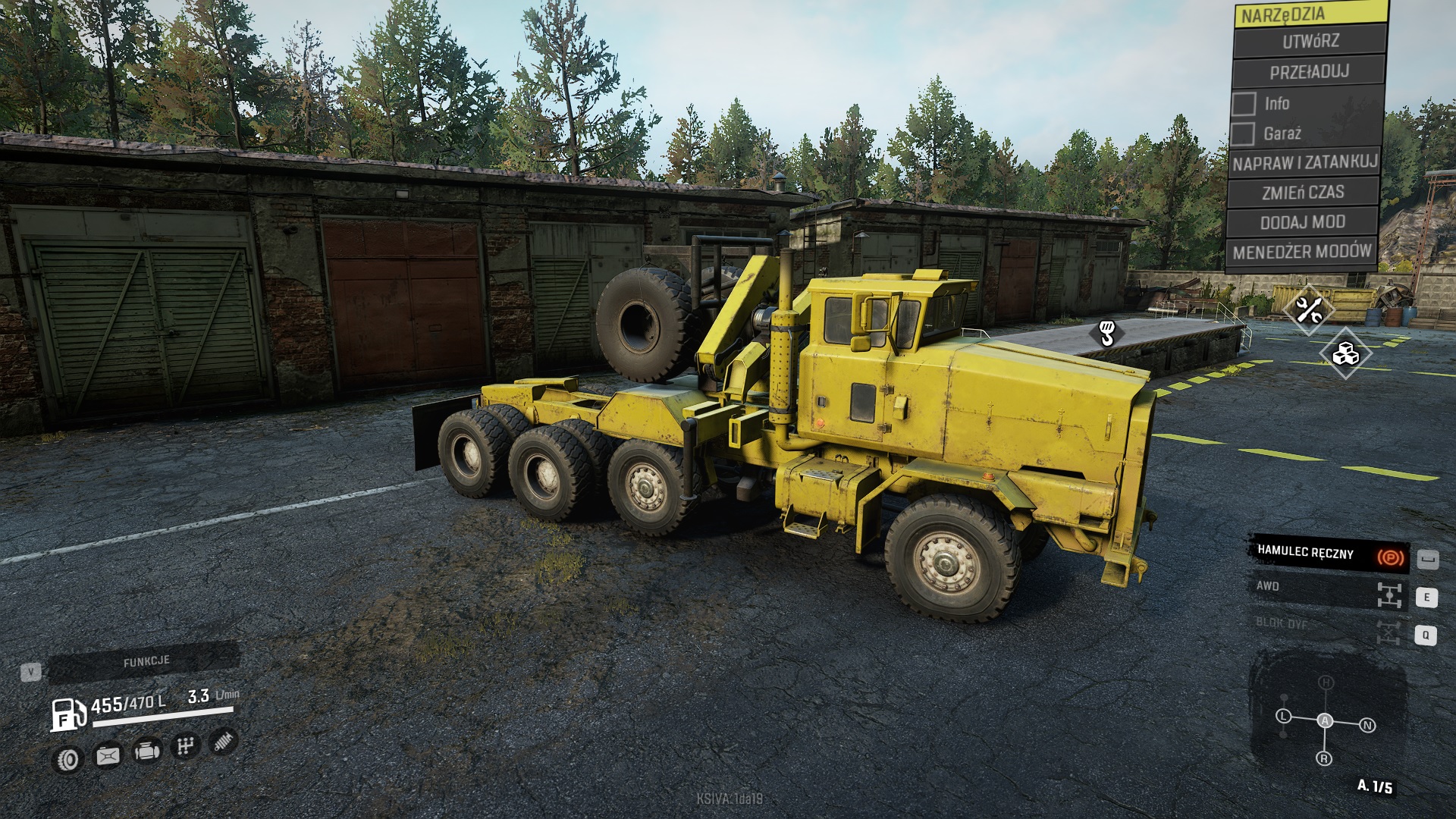
Modded LongHorn 3194 Truck V1.0
Modded LongHorn 3194 Truck V1.0 Version 2.0 1. Added bigger wheels set 2. modify suspension Little modification (only XML edit) of original game LongHorn 3194 1. Add minicrane 2. second axle little up 3. Diff lock added.

Ultra Particle Mod v.1.5 (Final version)
Ultra Particle Mod v.1.5 (Final version) V1.5 Changelog * Fixed a issue where all trucks where unlocked. * Added optional file that excludes the new exhaust effect. * Minor tweaks. This is the final version of the mod. As always, game developers always uses a very short life time on particles. And as always, i have to fix it. This mod gives you the following tweaks: * More mud particles that last for 400 seconds. * Mud now collides with wheels with more friction. * Mud is now up scaled by 0.2% (More mud than vanilla-game) * Leaves from broken trees and bushes now fall onto the ground and can now also collide with wheels!! I added collision code to the xml’s (leaves would fall through the map in vanilla game) * Exhaust last 5% longer than vanilla. * Wet Mud splashes on the ground/snow last forever. * Grass particles is now also present. * Twigs from bushes now last for ever and will also collide with wheels. * Snow particles from snowy wheater will not disappear and can even collect on top of vehicle. All these tweaks will bring a more enjoyable experience for gamers who really enjoy real simulator games. Please let me know in the comment section if you have any praise or complaints. HOW TO INSTALL: You can only install this mod manually! You CANNOT subscribe to it. There are two methods for installing this mod. One easy, and one a bit more complicated. Method 1: 2: Make a backup of your “initial.pak” file. it’s located under “C:\YourInstallFolder\SnowRunner\en_us\preload\paks\client” 4: Play the game Method 2: (This method is used if you have other mods that you do not wish to break!) 2: Backup your initial.pak file before editing it. 3: Open initial.pak file with winrar. 4: Once open, navigate “\classes\” 5: Drag the files from my zip folder into the winrar window and press OK. Some people have complained about the exhaust effect may seem buggy. So i’ve added two versions. One with new exhaust and one without it.
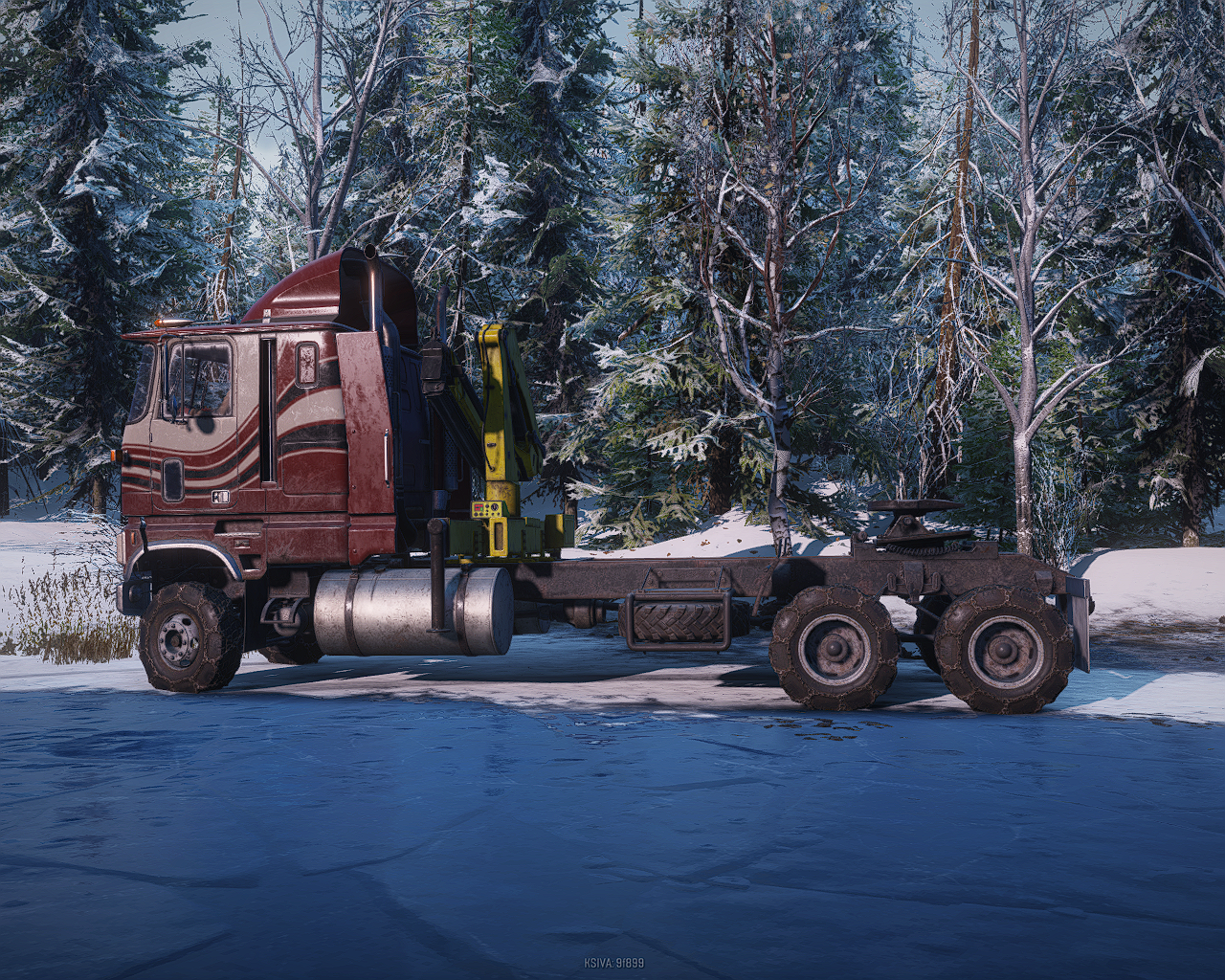
Ford CLT9000 AWD Truck V2.0
Ford CLT9000 AWD Truck V2.0 V2 added custom color Added chevy AWD transmission
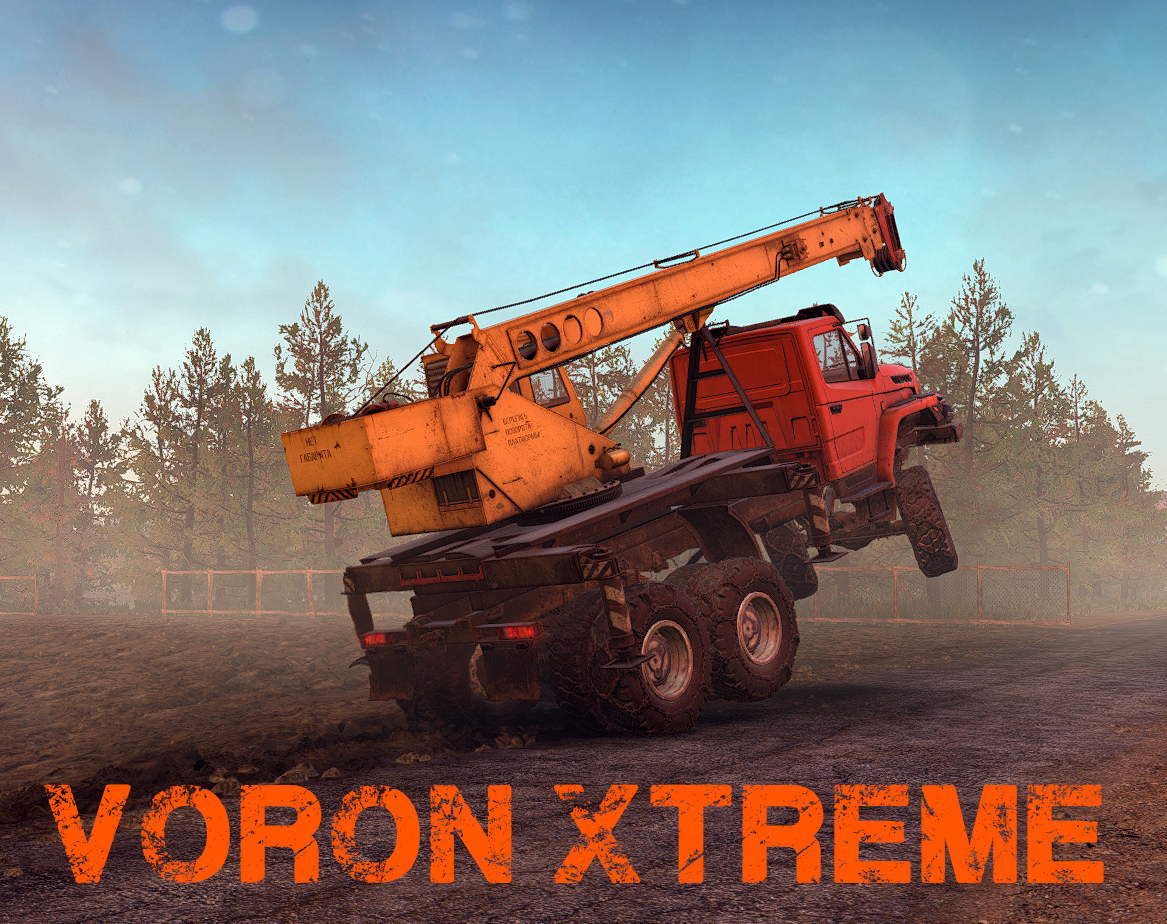
Voron Xtreme Truck V7
Voron Xtreme Truck V7 Changelog: – Better handling – Add description – Improve suspension – Better grip in mud/water – Better suspension – Color customisation support Just a Voron with somes extra : Do not use for a normal gaming. First ever test mod so don’t wait for a high quality mod !
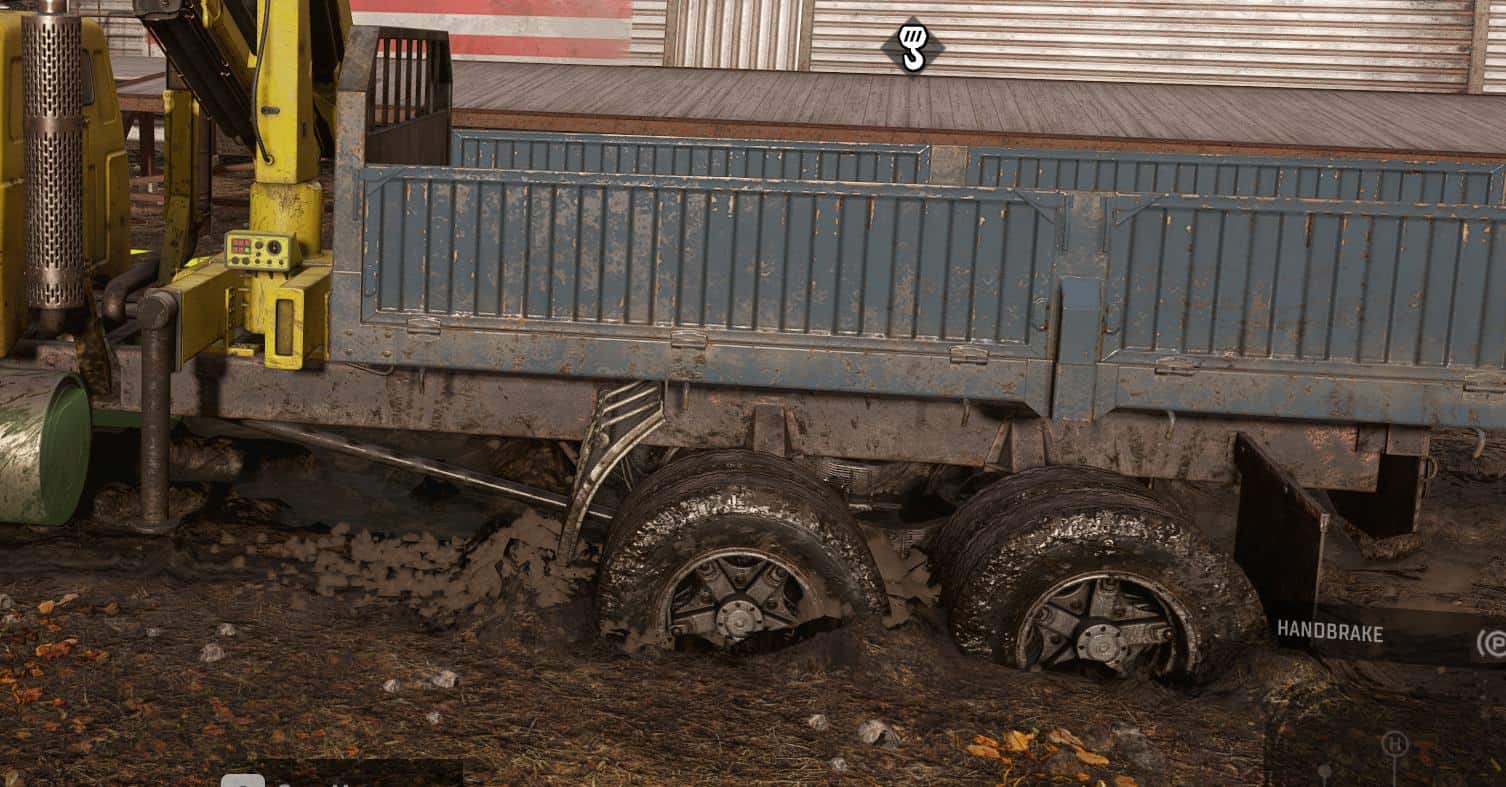
Ultra Particle Mod v1.4 Updated Mod
Ultra Particle Mod v1.4 Updated Mod As always, game developers always uses a very short life time on particles. And as always, i have to fix it. This mod gives you the following tweaks: * More mud particles that last for 400 seconds. * Mud now collides with wheels with more friction. * Mud is now up scaled by 0.2% (More mud than vanilla-game) * Leaves from broken trees and bushes now fall onto the ground and can now also collide with wheels!! I added collision code to the xml’s (leaves would fall through the map in vanilla game) * Exhaust last 5% longer than vanilla. * Wet Mud splashes on the ground/snow last forever. * Grass particles is now also present. * Twigs from bushes now last for ever and will also collide with wheels. * Snow particles from snowy wheater will not disappear and can even collect on top of vehicle. All these tweaks will bring a more enjoyable experience for gamers who really enjoy real simulator games. Please let me know in the comment section if you have any praise or complaints. HOW TO INSTALL: There are two methods for installing this mod. One easy, and one a bit more complicated. Method 2: (This method is used if you have other mods that you do not wish to break!)
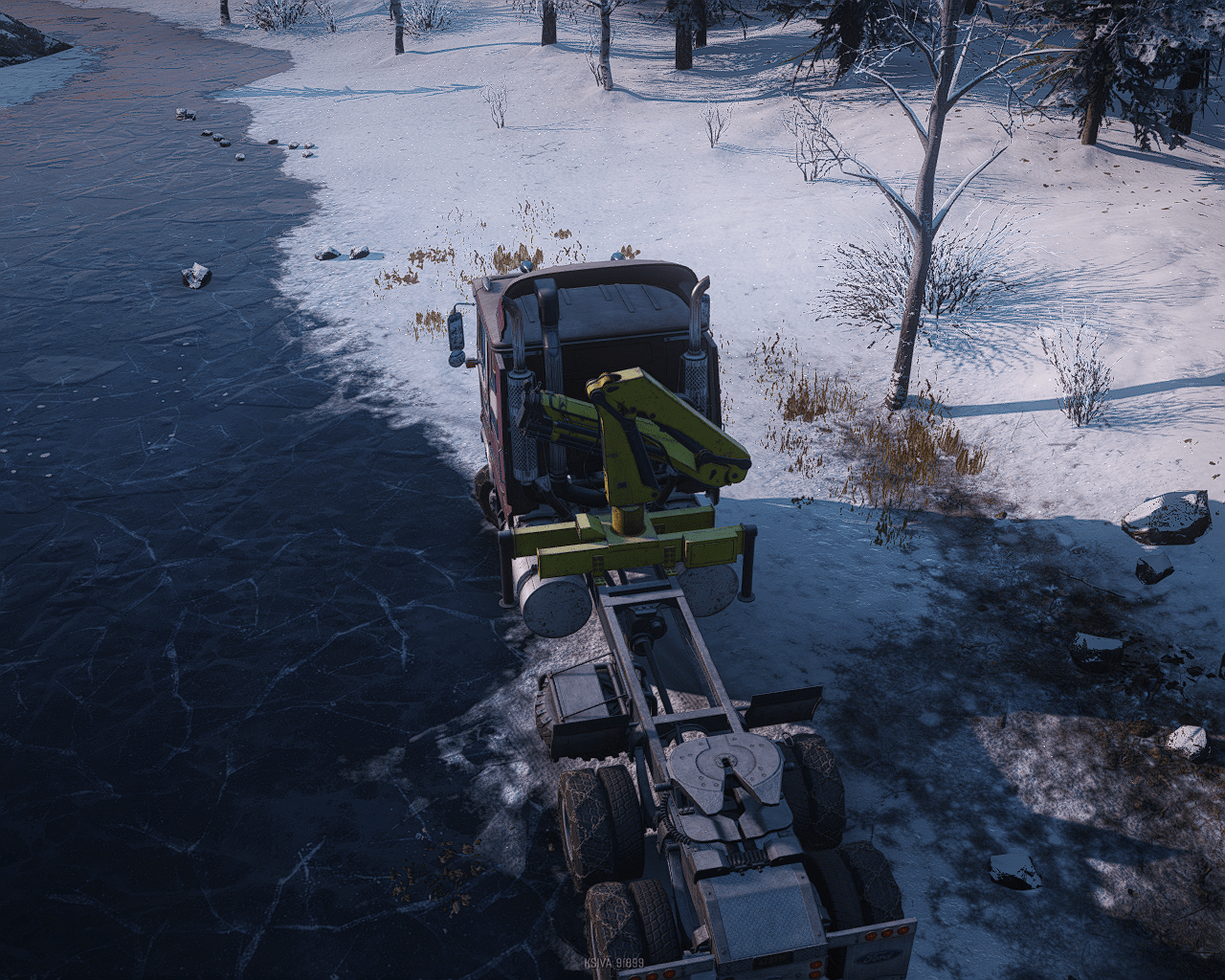
Ford CLT9000 AWD transmission V1.0 Mod
Ford CLT9000 AWD transmission V1.0 Mod Added chevy AWD transmission.
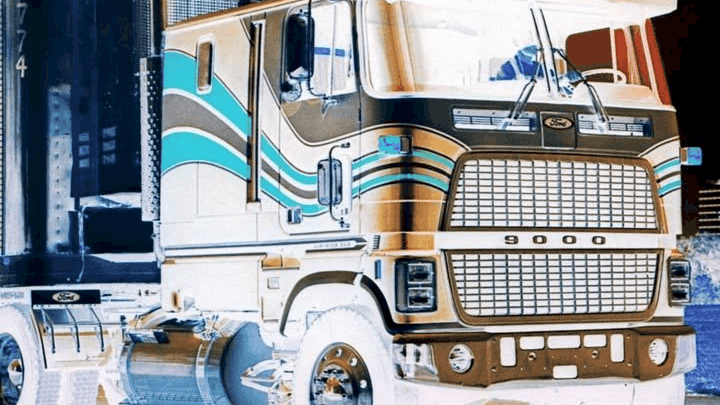
Ford CLT-9000 Heavy-Duty Truck V1.0 Mod
Ford CLT-9000 Heavy-Duty Truck V1.0 Mod A slightly less useless Ford CLT-9000 cabover with locking rear differentials and a custom dual-range 11-speed transmission for extra versatility. Available in an exclusive jet black color option.
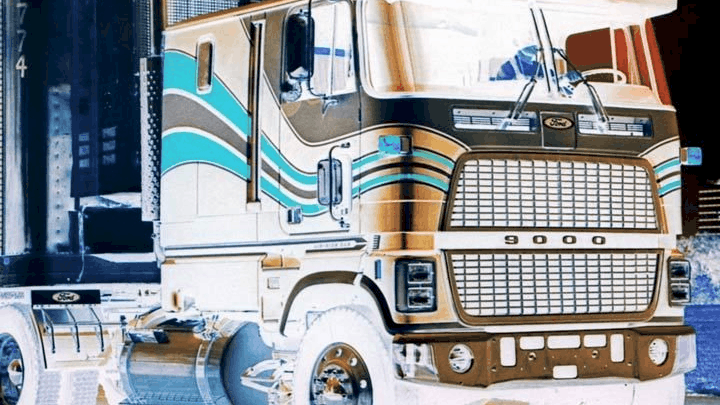
Ford CLT-9000 Heavy-Duty
A slightly less useless Ford CLT-9000 cabover with locking rear differentials and a custom dual-range 11-speed transmission for extra versatility. Available in an exclusive jet black color option. 25 Jul, 2022 23 Jun, 2020 8 Jul, 2020
SnowRunner Translator v1.0
SnowRunner Translator v1.0 This tool allows to edit any string from any of the 13 languages of the game. What it does is extracting the language file you want to edit in a simple .txt file that you can easily edit and then applies your changes back into the game. There are some strict rules to apply but it’s a good start to fix some labels or even to replace a language by your own if you are really dedicated. I wrote a quite complete user guide that is in the same archive as the tool. This tool was designed to edit SnowRunner language strings the easiest way possible. Where are language strings and how to update them in summary : The game has 13 language files and they are stored in a single file named initial.cache_block which is included in the game file initial.pak. So in order to edit strings we will need to extract a language file from there, edit the strings we want to change, and finaly update the initial.pak with our changes. Required : You will need WinRAR to update game files Extracting the language file : – You will need to find your SnowRunner “client” folder containing all the .pak files by default it shoud be C:\Program Files\Epic Games\SnowRunner\en_us\preload\paks\client – MAKE A BACKUP OF YOUR “INTIAL.PAK” FILE ANYWHERE ON YOUR COMPUTER. If antyhing goes wrong, you will be able to recover it this way. – Open ther initial.pak file with WinRar and extract the initial.cache_block file. – Place SnowRunner Translator.exe in the same folder you extracted the initial.cache_block file – Drag initial.cache_block over the icon of SnowRunner Translator icon – A small window appears. Select the language you wish to extract and hit the convert button – After a short time, a new .txt file is created, containing all the strings of the selected language Editing the language file – To edit the .txt file. I strongly recommend using Notepad++. – In the .txt file itself, you can see the variable name in capital letters, a tabulation and then the translated string between double quotes. – Be sure to keep this format and only add, delete or change text inside the quotes and nowhere else. Also don’t remove a single double quote. – THE MOST IMPORTANT RULE : In order to work, the final .txt file MUST BE THE EXACT SAME SIZE as the original file you got after conversion. In order to simplify things, I wrote the size in the name of the file so “English 909874.txt” means your final file MUST BE 909874 bytes after you edited it (for information, each char is encoded on 2 bytes). This means that if you remove some chars somewhere, you will need to add some chars elsewhere. We don’t care in which lines, as long as you only edit strings between quotes and that the final file size is the exact same as the original. There are empty strings in most of the language files (they are just two double quotes). find them and if you need to add chars to match the size, you can place them here. If you have too much chars, you will need to simplify some of your strings. Each language file has a different size. So if you intend to create a full translation to another language, you might use and replace a language with a similar verbosity or a higher one. Extract each language and check their size if needed. – Once you finished your changes, drag your .txt file again over SnowRunner Translator icon – After a short time, a message will tell that the initial.cache_block file has been updated (or will raise an error) That’s it. You can start SnowRunner and enjoy the changes. I hope this tool will ease the life of modders who want to improve some translations.
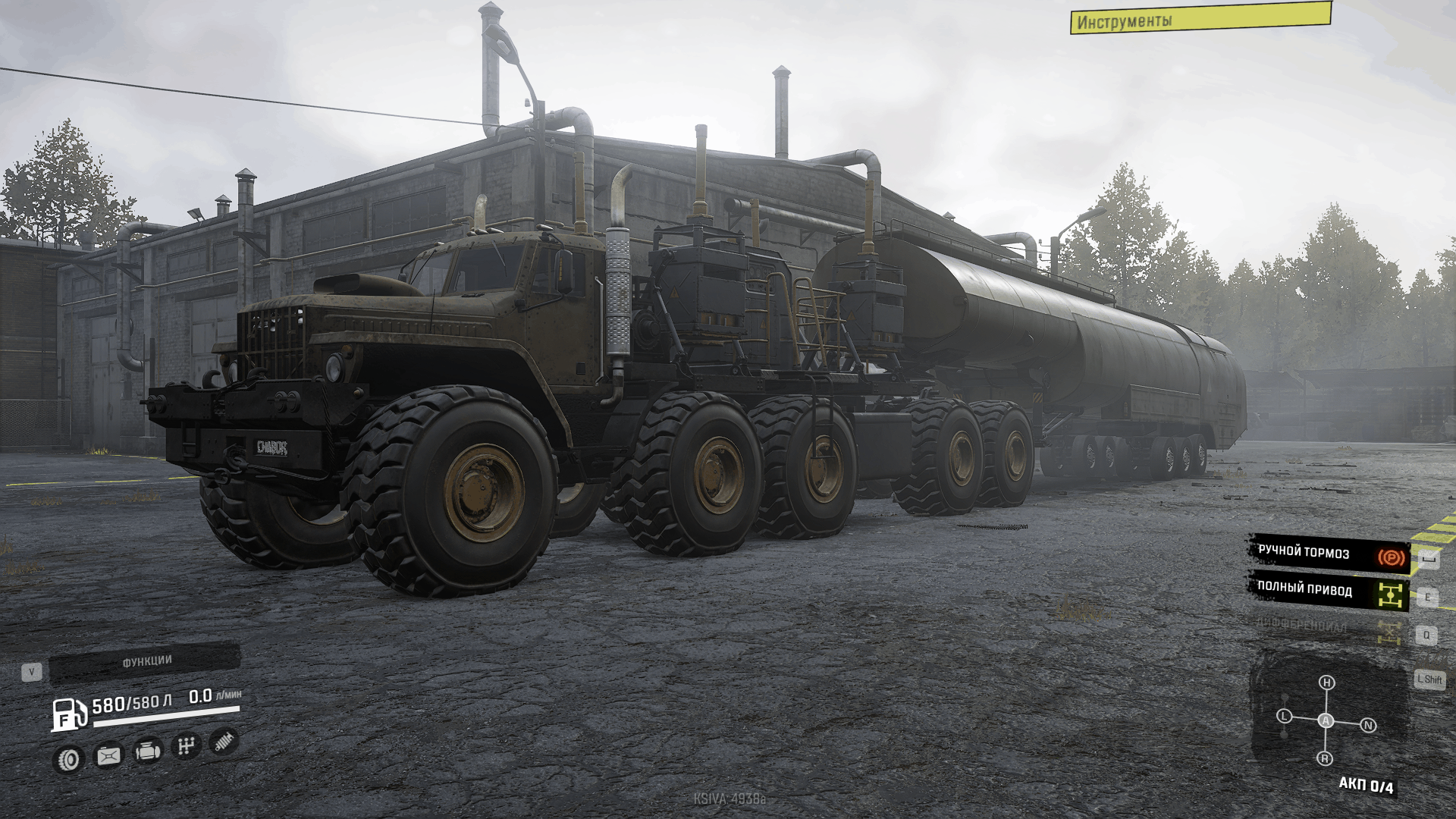
KrazChaborz Truck v2.0
A car for the RU location, but you can purchase it in Taimyr and play wherever you want. 01.05.2020 Added landmark, price reduced. Fixed some bugs such as snow in the cabin. Addons will be soon. 03.05.2020 Added some add-ons such as oversized trailers and small trailers. And a few other addons. More addons will be added in the future. 9 May, 2020 14 Dec, 2021 2 Jun, 2020
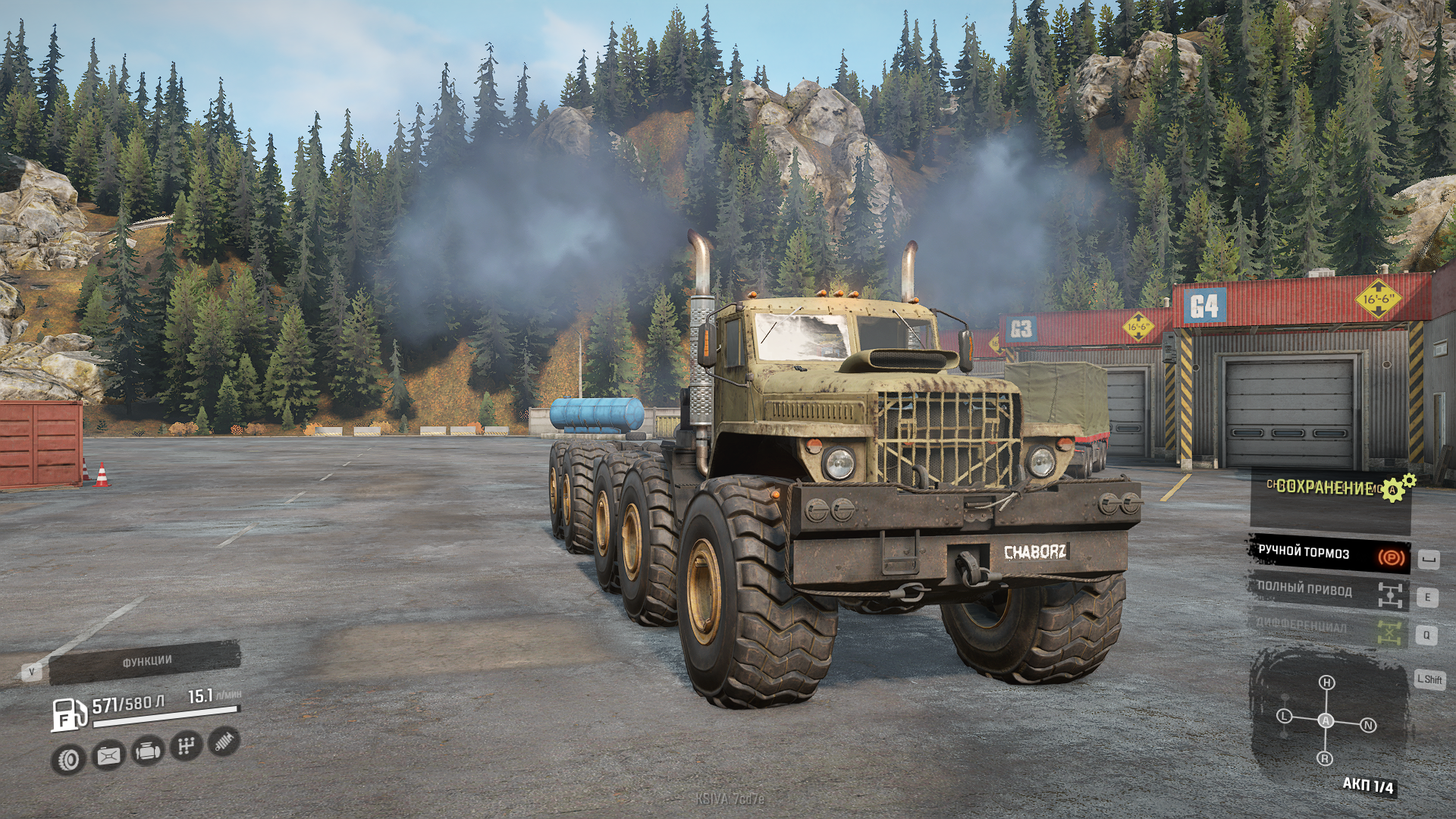
KrazChaborz v2.0 Mod
KrazChaborz v2.0 Mod The next truck in the Test version has been prepared for you. How it looks you can look at the images. v1.1 Added benchmark, price reduced. Some bugs, such as snow in the cabin, have been fixed. Addons will be soon. v2.0 Some add-ons have been added, such as oversized trailers and small trailers. And a few other add-ons. Other additions will be added in the future.

Sounds: Gearbox on the Craz v4 Mod
Sounds: Gearbox on the Craz v4 Mod Version 4 for SnowRunner (v4,7): I changed the sounds a bit, added the voice acting of turning on all-wheel drive and difflock. You all probably know my previous versions of sounds for the classic Spintires and for Mudruner. In this pack, I present my slicing of sounds from the classic video “gearbox on a canopy”, which adds even more sounds from the legendary video. Some players betray a good surroundings to the gameplay. Installation mod: Copy all contents from the archive, files and folders with replacement along this path: /SnowRunner/en_us/preload/paks/client/shared_sound.pak (opened by WinRar archiver or other archivers) / / trucks / common
Ultra Particle v1.4 BETA Mod
Ultra Particle v1.4 BETA Mod As always, game developers always uses a very short life time on particles. And as always, i have to fix it. This mod gives you the following tweaks: * More mud particles that last for 400 seconds. * Mud now collides with wheels with more friction. * Mud is now up scaled by 0.2% (More mud than vanilla-game) * Leaves from broken trees and bushes now fall onto the ground and can now also collide with wheels!! I added collision code to the xml’s (leaves would fall through the map in vanilla game) * Exhaust last 5% longer than vanilla. * Wet Mud splashes on the ground/snow last forever. * Grass particles is now also present. * Twigs from bushes now last for ever and will also collide with wheels. * Snow particles from snowy wheater will not disappear and can even collect on top of vehicle. All these tweaks will bring a more enjoyable experience for gamers who really enjoy real simulator games. Please let me know in the comment section if you have any praise or complaints. HOW TO INSTALL: There are two methods for installing this mod. One easy, and one a bit more complicated. Method 2: (This method is used if you have other mods that you do not wish to break!)
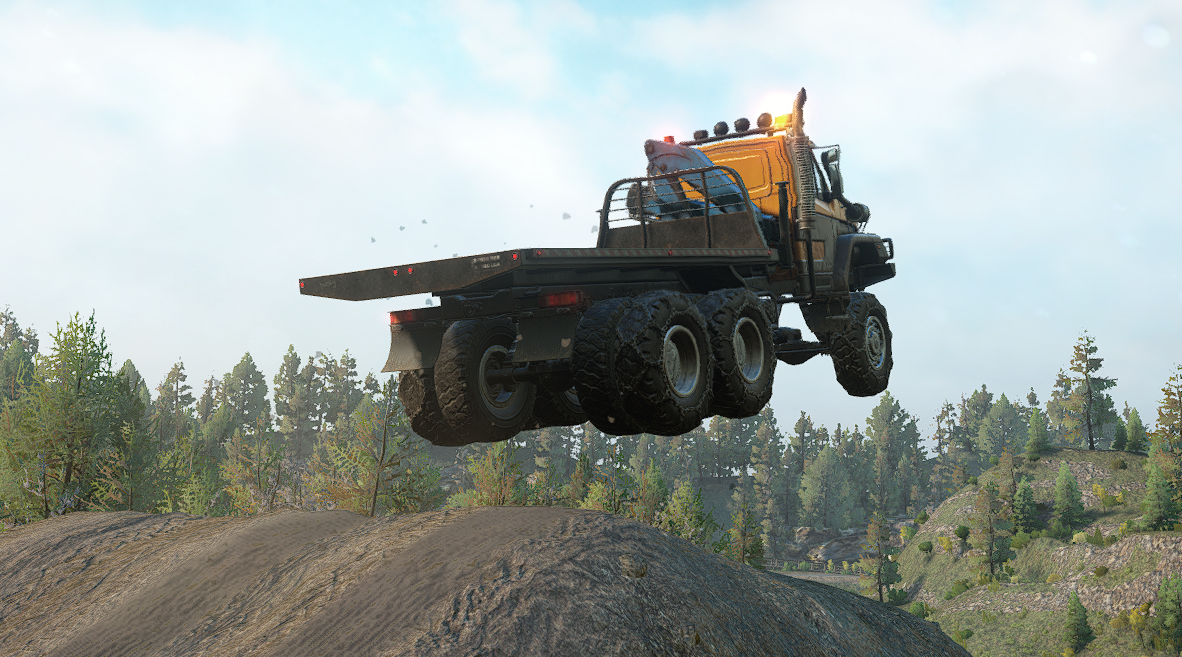
Voron Xtreme Truck V1.2.3 Mod
Voron Xtreme Truck V1.2.3 Mod Just a Voron with extra power, gearboxes/wheels and winch upgraded ! Do not use for a normal gaming. First ever test mod so don’t wait for a high quality mod !
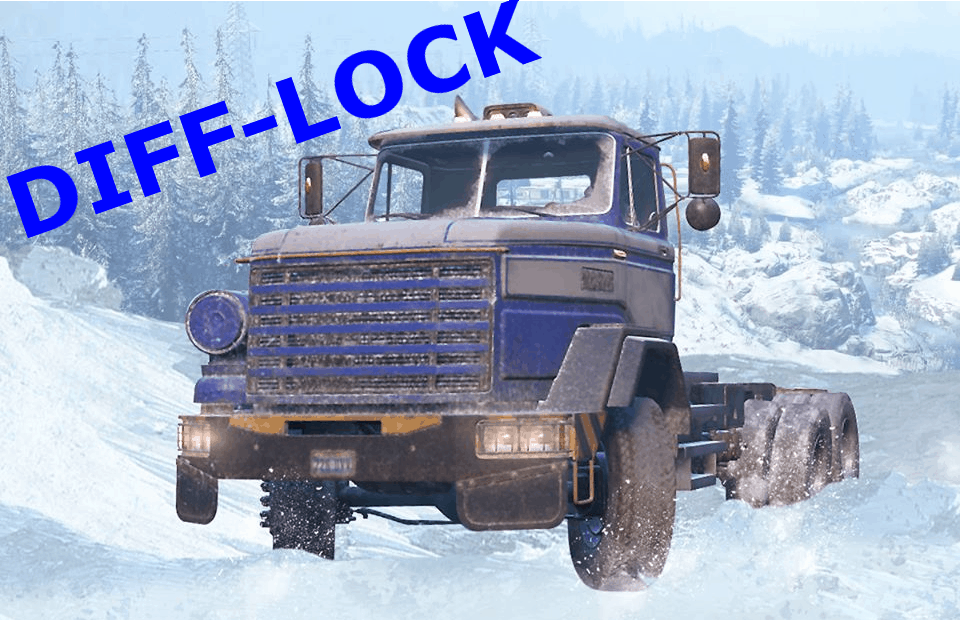
BM17 Difflock Released V1.0 Mod
BM17 Difflock Released V1.0 Mod Just adding the diff-lock option for this amazing Truck.
- 15 per page
- 30 per page
- 45 per page
- 60 per page
-
See more per page
Bigger pages, fewer clicks - and no ads anywhere.
Go Pro