1 / 16
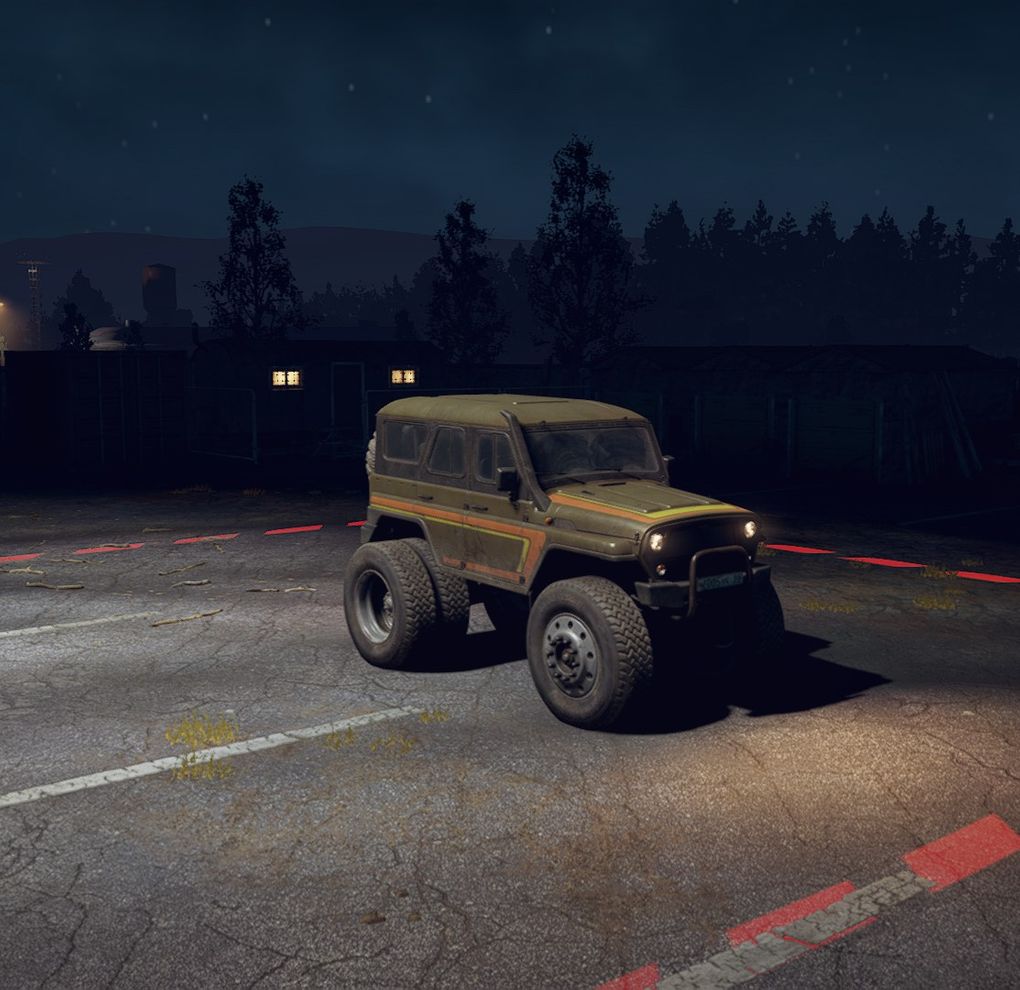
All Wheels V1.0
All Wheels V1.0
Installation:
1. We go along the SnowRunner \ en_us \ preload \ paks \ client path and find the initial.pak folder, open it through any archiver;
2. Inside the archive, go along the path initial.rar \ \ classes \ trucks and find the desired file for the truck, jeep, etc., with which we will manipulate. For example, chevrolet_kodiakc70.xml. Open this file with a text editor.
4. Some wheel sizes do not want to be set, so immediately change another line MaxWheelRadiusWithoutSuspension = “0.35” and change the numbers in quotation marks to 2.00 (MaxWheelRadiusWithoutSuspension = “2.00”). Then any wheels will get up.
4.1. By the way, so that any machine is available in the store at any location, we find the line Country = “RU” or Country = “USA” and change it to Country = “”, we do not write anything in quotation marks.
5. After all the changes, save the file and drop it back into the archive (if pulled out) and agree to a replacement, if not pulled out – we simply agree to a replacement.
PS. Everything is purely for fun. First, try changing one on one wheelbarrow, if you like – change to others. If you have questions – write.
Installation:
1. We go along the SnowRunner \ en_us \ preload \ paks \ client path and find the initial.pak folder, open it through any archiver;
2. Inside the archive, go along the path initial.rar \ \ classes \ trucks and find the desired file for the truck, jeep, etc., with which we will manipulate. For example, chevrolet_kodiakc70.xml. Open this file with a text editor.
4. Some wheel sizes do not want to be set, so immediately change another line MaxWheelRadiusWithoutSuspension = “0.35” and change the numbers in quotation marks to 2.00 (MaxWheelRadiusWithoutSuspension = “2.00”). Then any wheels will get up.
4.1. By the way, so that any machine is available in the store at any location, we find the line Country = “RU” or Country = “USA” and change it to Country = “”, we do not write anything in quotation marks.
5. After all the changes, save the file and drop it back into the archive (if pulled out) and agree to a replacement, if not pulled out – we simply agree to a replacement.
PS. Everything is purely for fun. First, try changing one on one wheelbarrow, if you like – change to others. If you have questions – write.
Download Links
Report a problem
All Wheels V1.0
Advertisement
Remove ads