Microsoft Flight Simulator mods
109,035 results- 15 per page
- 30 per page
- 45 per page
- 60 per page
-
See more per page
Bigger pages, fewer clicks - and no ads anywhere.
Go Pro
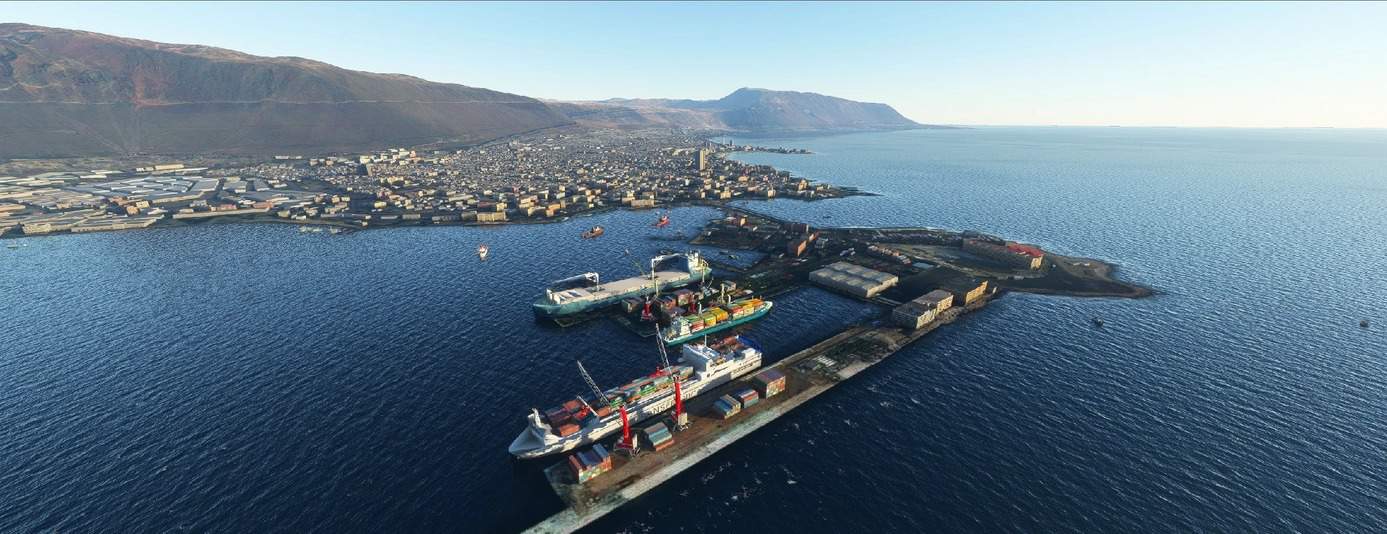
PUERTO IQUIQUE – CHILE v1.0
The Port of Iquique is located in the Tarapacá region, on the north coast of Chile and facing the Pacific Ocean (20 ° 12’22 ″ S 70 ° 9’34 ″ W). This privileged location makes it the natural entrance and exit of the central cone of South America, to and from international markets. INFRASTRUCTURE The port has approximately 20 hectares. of sheltered waters it is formed by the former Serrano Island that forms the base of a connection to the mainland and another of shelter of 846m in length in the direction 028 °. MSFS 2020 Scenery 21 Feb, 2021 MSFS 2020 Scenery 30 Sep, 2020 MSFS 2020 Scenery 6 Jan, 2021
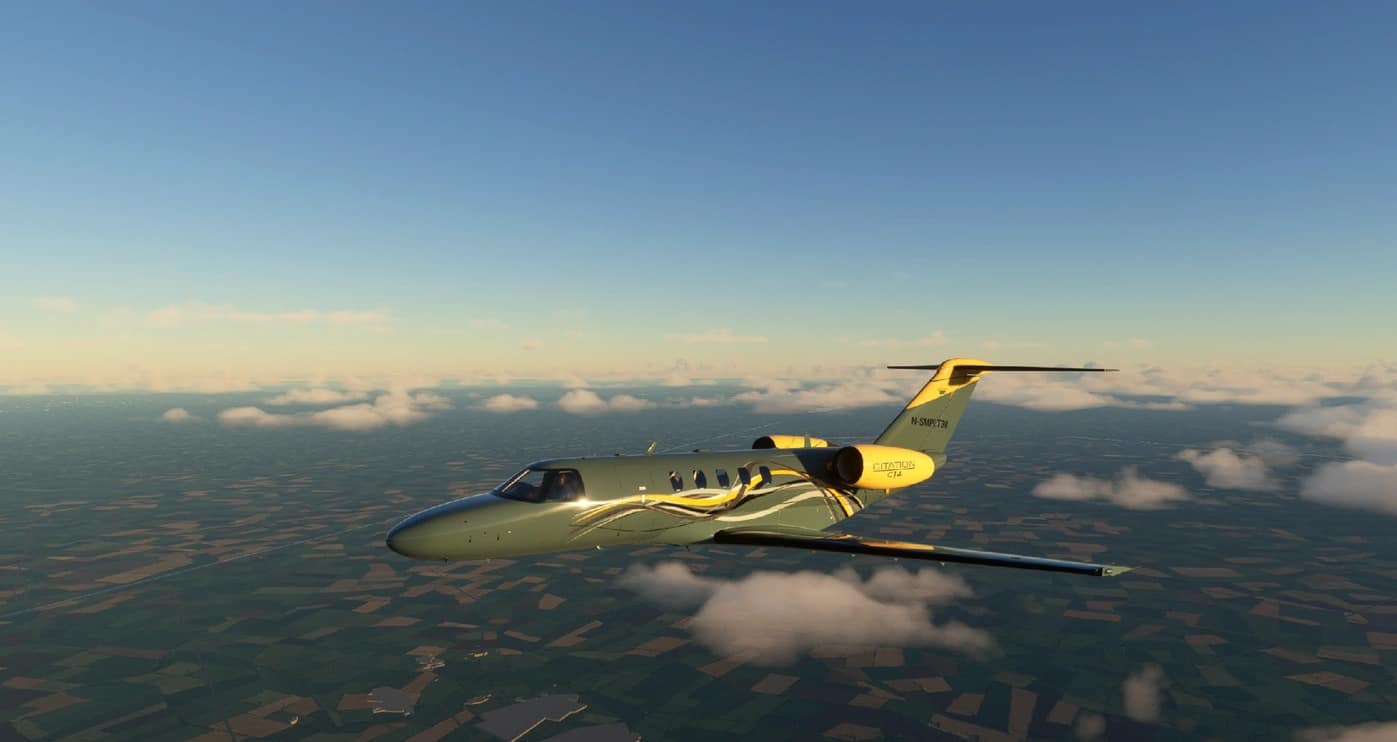
Citation CJ4 Yellow Gray v1.0
Wanted something different and created this livery. MSFS 2020 Liveries 21 Oct, 2021 MSFS 2020 Liveries 28 Mar, 2021 MSFS 2020 Liveries 17 Jan, 2021
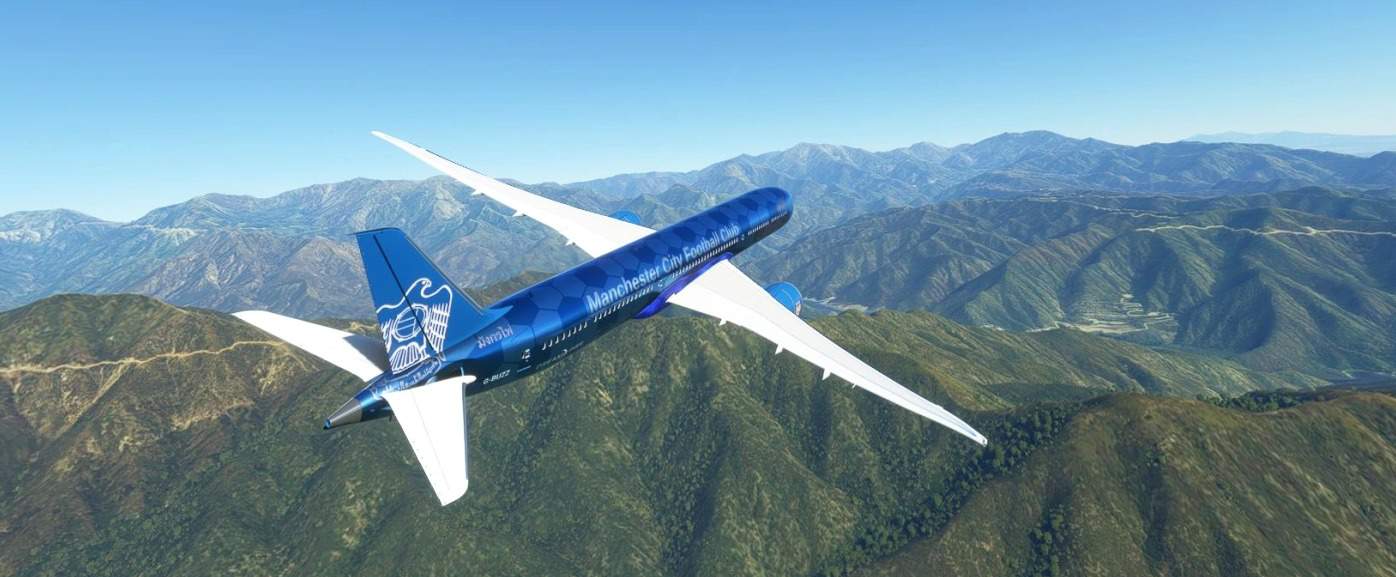
Etihad – Man City FC v1.0
This one was a real challenge getting the football pattern to look good on the UVmap distortion. Really injoyed the challenge and think this is my best one so far. This is the Etihad Blue Moon Rising Livery for Manchester City Football Club. Unzip and place in the community folder. Enjoy! 5 stars only please this one was a headache lol MSFS 2020 Liveries 21 Nov, 2021 MSFS 2020 Liveries 15 Oct, 2020 MSFS 2020 Liveries 8 Apr, 2021

Chris.O – Design || Savage and X-Cub 280hp Rotax Engine Power Mod v1.0
Ever wanted a high power engine in ur Cub? Here´s a mod that gives you a Turbo charged 280hp Rotax engine in the default Savage Cub, X-Cub as well as for the Got Gravel Savage Carbon! Hope you enjoy this rather funny mod!! MSFS 2020 Aircrafts 18 Oct, 2020 MSFS 2020 Aircrafts 11 Nov, 2023 MSFS 2020 Aircrafts 26 Sep, 2020
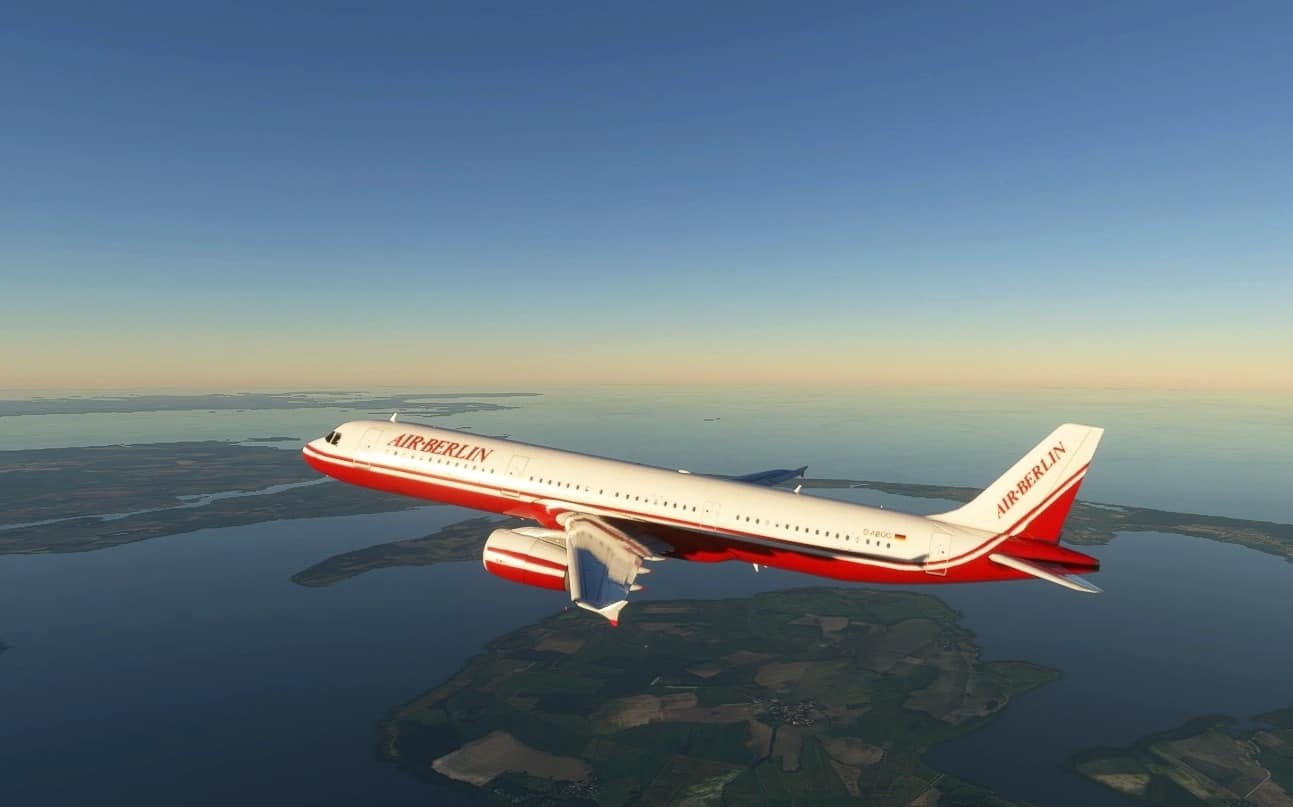
Air Berlin Retro Airbus A321 v1.0
This is the Retro livery from Air Berlin Airbus A321. The Mod from wassabisniper MSFS 2020 Liveries 15 Sep, 2021 MSFS 2020 Liveries 19 Oct, 2020 MSFS 2020 Liveries 21 Jan, 2023
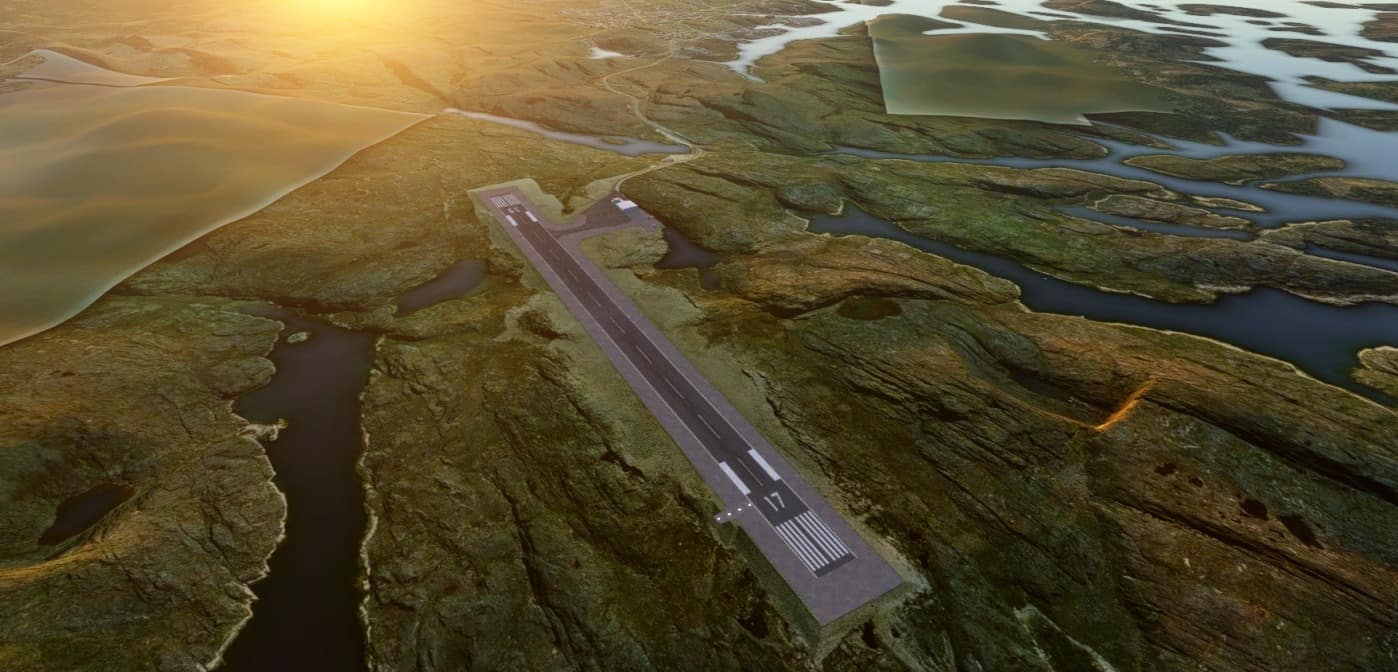
BGPT Paamiut Airport v1.0
My third airport in greenland! This is the third airport of my “Greenland packages” BGKK – Kulusuk The airport was missing in the game 1.0 Release -Added custom building -Removed trees and more -Added runway !! If you have any pictures of airports in greenland please contact me, beacuse its very hard to find pictures of the airports in greenland !! I have noticed the missing bing maps ground, i dont know why bing maps has blocked it. I was thinking about to import google maps instead but google maps have also a bit of problems here in greenland. Sry guys Hope you will enjoy GPS Coordinates: 62°00’43.7″N 49°40’09.7″W MSFS 2020 Airports 8 Feb, 2021 MSFS 2020 Airports 14 Feb, 2021 MSFS 2020 Airports 6 Oct, 2020
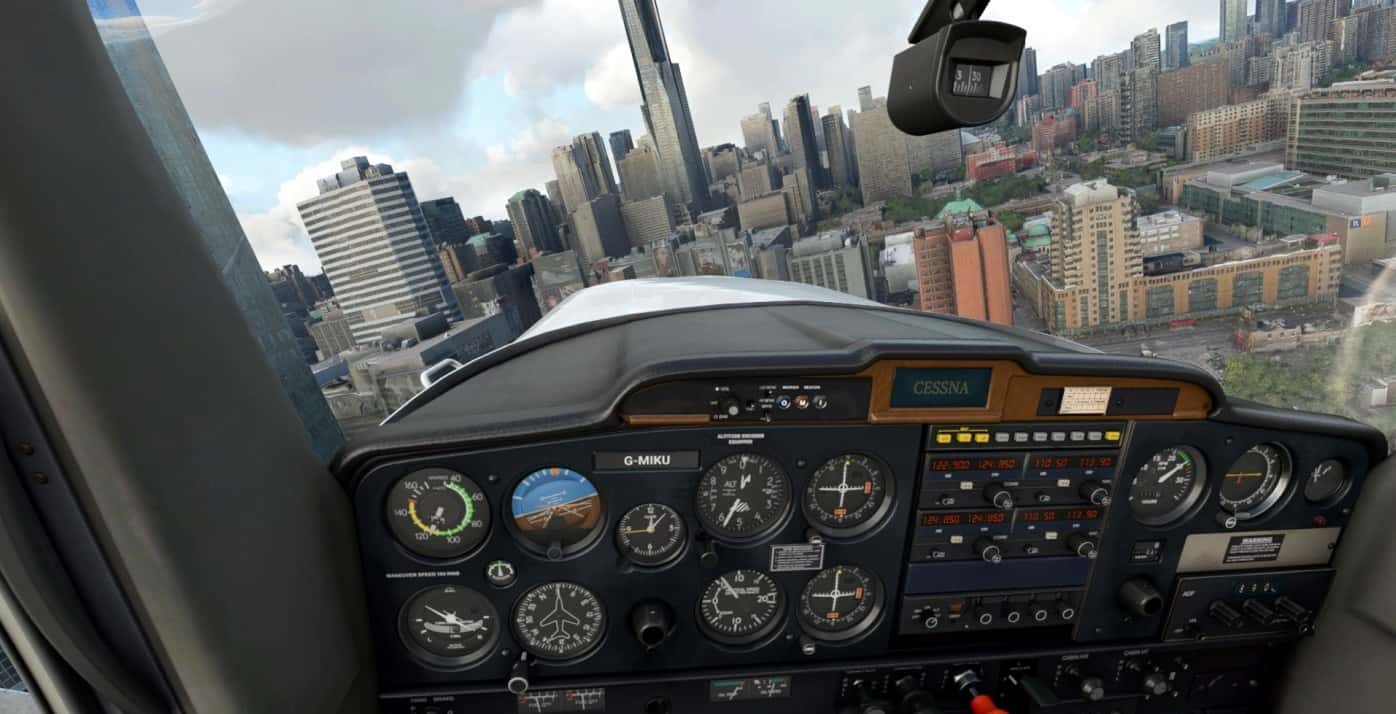
Cessna 152 Realism Livery v0.1.1
I saw that the Cessna 152 stock, while visually detailed, lacked some of the wear-n-tear that I love seeing in small GA aircraft like this. So I decided to create my own livery, with the intention of restoring some of that dirty feel to the aircraft. So far, I have updated the main panel of the aircraft, changing the colours and adding some scratches. In the future I intend to continue working through every cockpit texture, editing it to fit with this style. I may also add more tear to the current textures I have added to make them look a bit more torn, but I really wish to hear your feedback. I have plans for the exterior model, but this will likely come after I am happy with the current state of the inside. Thank you! MSFS 2020 Liveries 25 Aug, 2021 MSFS 2020 Liveries 7 Jun, 2022 MSFS 2020 Liveries 8 Apr, 2021
![[8K] Air Vanuatu v1.0](https://www.allflightmods.com/wp-content/uploads/2020/11/8K-Air-Vanuatu-v1.0-3.jpg)
[8K] Air Vanuatu v1.0
Air Vanuatu is an airline with its head office in the Air Vanuatu House, Port Vila, Vanuatu. It is Vanuatu’s national flag carrier, operating to Australia, New Zealand and points in the South Pacific. Its main base is Bauerfield International Airport, Port Vila. Installation Installation is simple. Just extract the folder in the ZIP file into the Community folder of Flight Simulator 2020. Close and restart FS2020 and the livery should show up under the Airbus A320 neo liveries. If you like my work, please do consider supporting me . it does helps for the time that I invest in doing this. MSFS 2020 Liveries 11 Jan, 2021 MSFS 2020 Liveries 26 Dec, 2020 MSFS 2020 Liveries 3 Nov, 2021
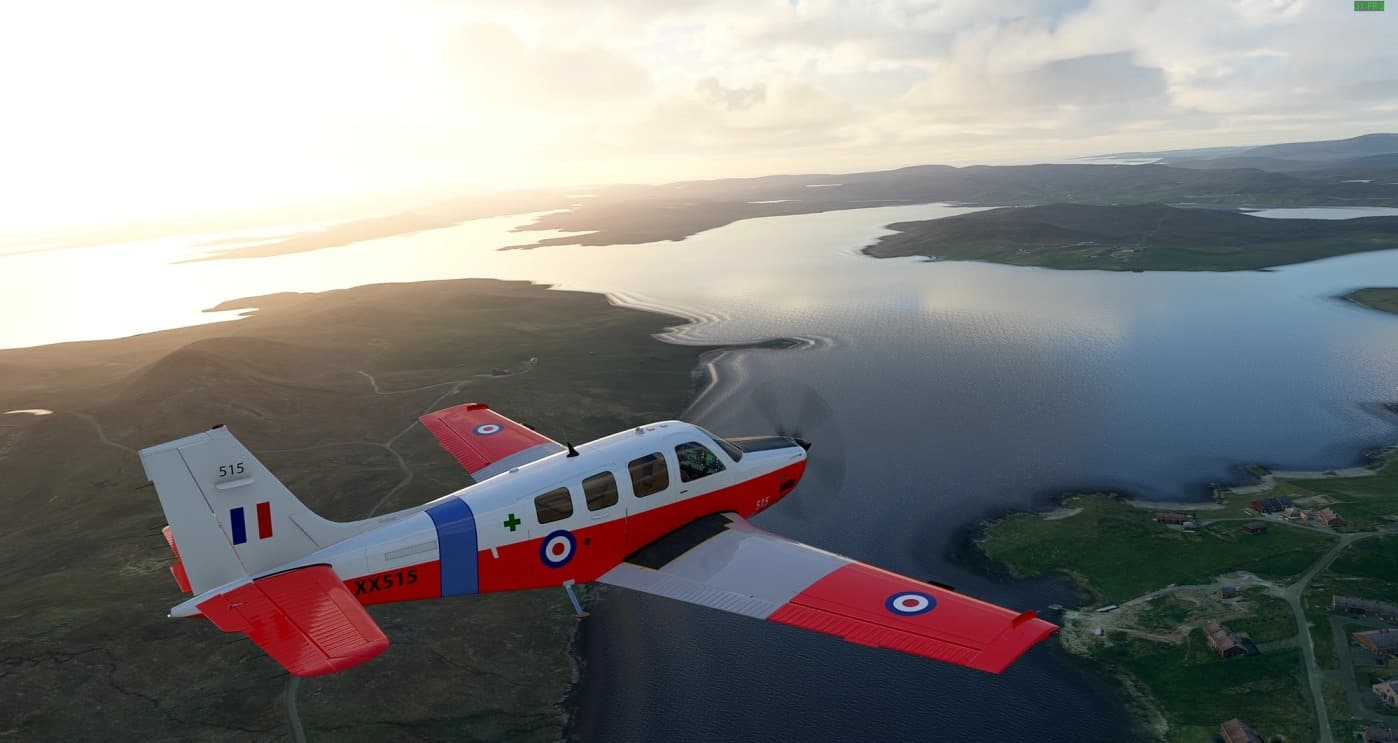
Asobo Beechcraft Bonanza RAF Trainer v1.0
Made this RAF fictional livery for those who want to fly in training colours. You will note because the wing is mirrored the text under the wing is missing due to only that reason. As always unpack the rar file and drop it into the communities folder. Please help and show your support by feedback…..Thanks! MSFS 2020 Liveries 23 Jan, 2023 MSFS 2020 Liveries 20 Jun, 2021 MSFS 2020 Liveries 30 Mar, 2021
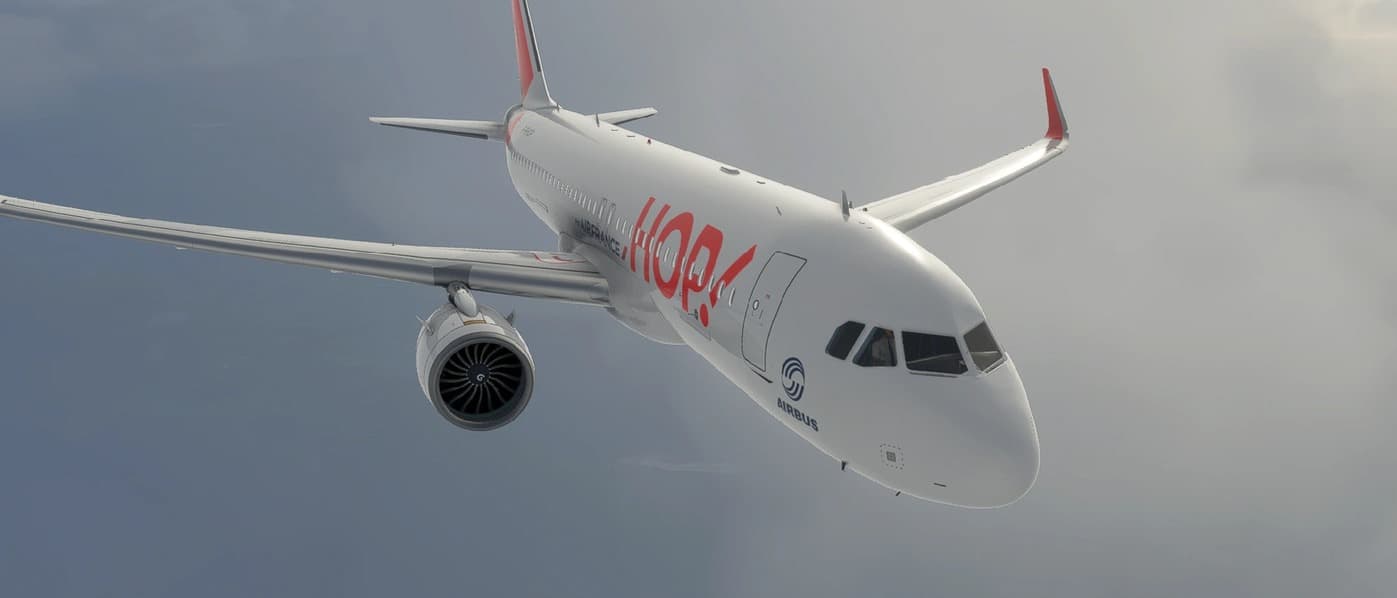
A320neo HOP! For AIRFRANCE v1.0
A320neo HOP! For AIRFRANCE Some minor modifications of color correction on some parts Stay polite and cordial in your comments, it may be that there are bugs due to limitations or your installation, or an error on my part, although I check a number of things before my releases, ask for things politely and with respect. The creation of this content takes time and it is offered to you graciously and kindly. So please be understanding and respect the creations and creators. If you like my work, please do consider supporting me … it does helps for the time that I invest in doing this. MSFS 2020 Liveries 22 Oct, 2021 MSFS 2020 Liveries 18 Apr, 2021 MSFS 2020 Liveries 19 Oct, 2020

ESGO Vårgårda v1.0
Vårgårda airfield is mainly used by Cirrus Skydivers and it is situated in western Sweden close to my other airports ESGH and ESGI. It´s nice to make short flights between the custom airports. Vårgårda has an asphalt runway so you can use it with the larger aircraft. Have a nice flight! MSFS 2020 Airports 16 Nov, 2021 MSFS 2020 Airports 17 Oct, 2020 MSFS 2020 Airports 24 Jan, 2022
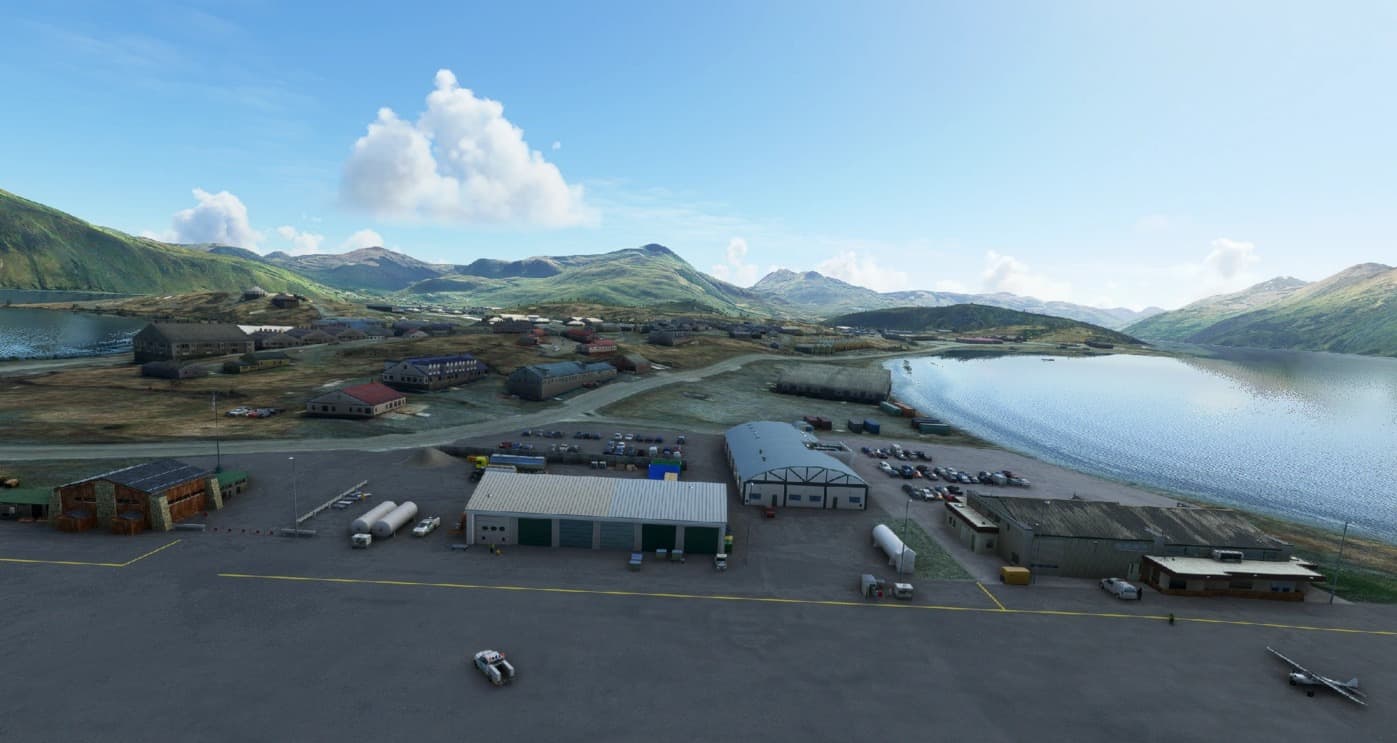
PADU-Unalaska Airport v1.1
PADU-Unalaska Airport, Aleutian Islands, Alaska Unalaska is your refueling station in the Aleutian Mountain Range on a long flight from Alaska to Asia. The islands harbour is named Dutch Harbour, also known from the tv seria “Deadly Catch”. The Airport has sceduled flights with both jet and propeller ac’s, and have a NDB and instrument procedures. If weather closes in on you during a flight across the Bering sea, PADU is the place to land. This scenery is created with the Microsoft SDK and stock objects only. Just unzip and put the padu folder into your MSFS Community folder. Enjoy your flight to Unalaska) JP GPS Coordinates: 53.898347, -166.543895 MSFS 2020 Airports 16 Jan, 2021 MSFS 2020 Airports 13 May, 2021 MSFS 2020 Airports 12 Dec, 2020
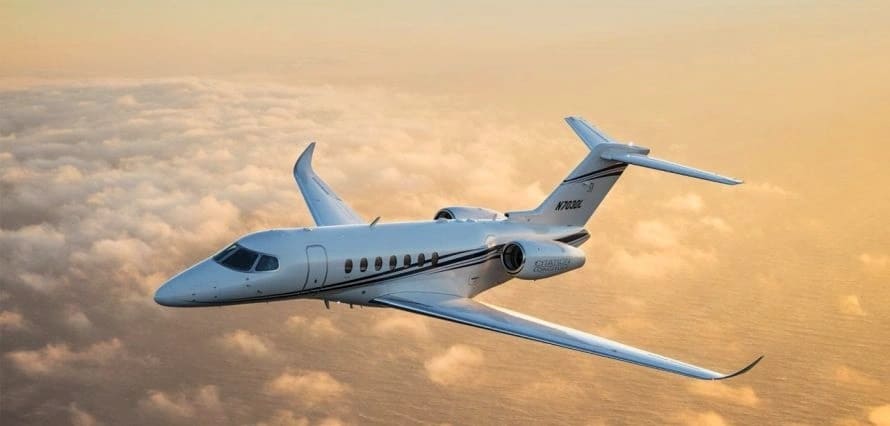
Asobo Cessna Citation Longitude Flight Dynamics Modifications Project Version v1.21
Version 1.21 is an interim fix that corrects autopilot IAS hold limit and increases roll authority for autopilot. Version 1.2 has been updated with the following improvements: This is still a work in progress, but this update will address a primary concern about using liveries along with these improvements to the handling and performance of the Longitude -Simplified installation -Should now work with other Longitude liveries -Additional refinements to handling -Addressed issue with autorotation at takeoff trim setting -Some refinements to engine performance and fuel burn -Updated autopilot limits and braking power -Corrected issue with electrical bus tie – now shows always on when engines are running Package Notes After reading user comments on the forums regarding the Cessna Citation Longitude model from Asobo concerning inaccurate weights, fuel consumption, handling, etc… and due to my own poor experience and frustration with Asobo’s starting efforts, I started work on revising a wide variety of parameters in the configuration files for the Cessna CJ4 model to match the specifications for the Longitude. I modified the layout.json file to bypass the encrypted configuration files and point to copied versions of non-encrypted files from the cj4. These files have all been heavily modified and with a fair amount of guesswork I’ve been able to produce a working version of the Longitude that is more docile in handling and produces performance numbers that much more closely match the real-world specs. Not a Longitude pilot, so my modifications are done purely by feel and speculation and comments on forum from those claiming to fly the type. Input from type-rated pilots with knowledge of the aircraft handling and envelope would be greatly valued. My adjustments are generally focused on performance and handling. Any issues with the G5000 suite and avionics in general are not the subject of this modification. If Asobo chooses to decrypt the xml files associated with the type, they could presumably start modifying and improving the avionics suite much like has been done with the cj4 and other un-encrypted aircraft. My first effort achieved the following: -Completedly eliminated porpoise and roll oscillations while using autopilot at all altitudes and airspeeds -Corrected aicraft weights, fuel loads, payloads, etc… -Increased number of payload stations to better approximate real-world -Modified engine performance and fuel burn rates at cruise (burns b/w 1600 to 2000 pph) -Significant reduction in the twitchy pitch, roll, and yaw sensitivities -Better approximation of takeoff, approach, landing, and stall speeds (clean and dirty) -Generally improved handling at all altitudes and airspeeds -Improved ground handling -Added a tail / logo light missing from Asobo’s original model. I modified a great many variables and parameters in the configuration files. I would greatly appreciate feedback on handling, control sensitivies, or other performance related parameters from knowledgable sources so I can continue to improve and update these modifications. If I missed something or you find a performance “glitch” please let me know. Installation: If you’ve previously installed V1.1 or V1.0 some cleanup is needed before installation of V1.21: 1. In your \LocalCache\Packages\Official\OneStore\asobo-aircraft-longitude\SimObjects\Airplanes\Asobo_Longitude folder remove the following files if they exist:- aicraft.cfg- systems.cfg- engines.cfg- flight_model.cfg 2. Remove the entire Asobo_Longitude-DynamicsFixV1 Folder into your \LocalCache\Packages\Community folder if it exists 3. Go to the Clean Install instructions below New / Update Install: 1. Recommend backing up all of your default Asobo Longitude files in the \Packages\Official\OneStore\asobo-aircraft-longitude. 2. Over-write the original “layout.json” file in the LocalCache\Packages\Official\OneStore\asobo-aircraft-longitude directory with the included new layout.json file I’ve provided. 3. Copy the “aircraft-longitudefdefix” Folder into your \LocalCache\Packages\Community folder. Overwrite prior version when prompted. 4. Go flying! Special thanks to JeffreyCobra for assitance with the install package, BanjoApocalypse for insights into the Longitude performance envelope, Dihedral977 for useful a/c performance documentation. Thanks to the flightsim community for comments, encouragement, and feedback, and of course to Asobo for developing an overall great product. MSFS 2020 Aircrafts 26 Nov, 2023 MSFS 2020 Aircrafts 16 Jun, 2021 MSFS 2020 Aircrafts 25 Oct, 2021
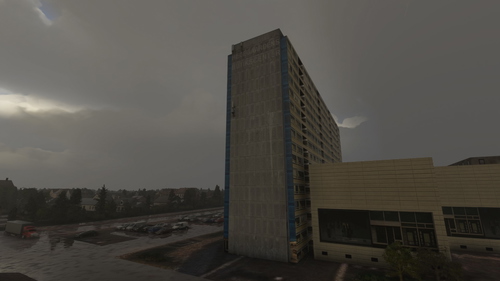
Hedeparken, Ballerup
Explore the high-rise building in Ballerup, located in the beautiful Copenhagen suburbs, with this detailed Microsoft Flight Simulator add-on.
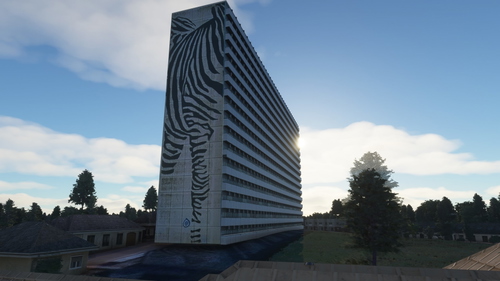
Bispevangen, Ballerup
Explore the detailed recreation of a 16-storey residential building located in Bispevangen, Ballerup, a suburb of Copenhagen.
- 15 per page
- 30 per page
- 45 per page
- 60 per page
-
See more per page
Bigger pages, fewer clicks - and no ads anywhere.
Go Pro