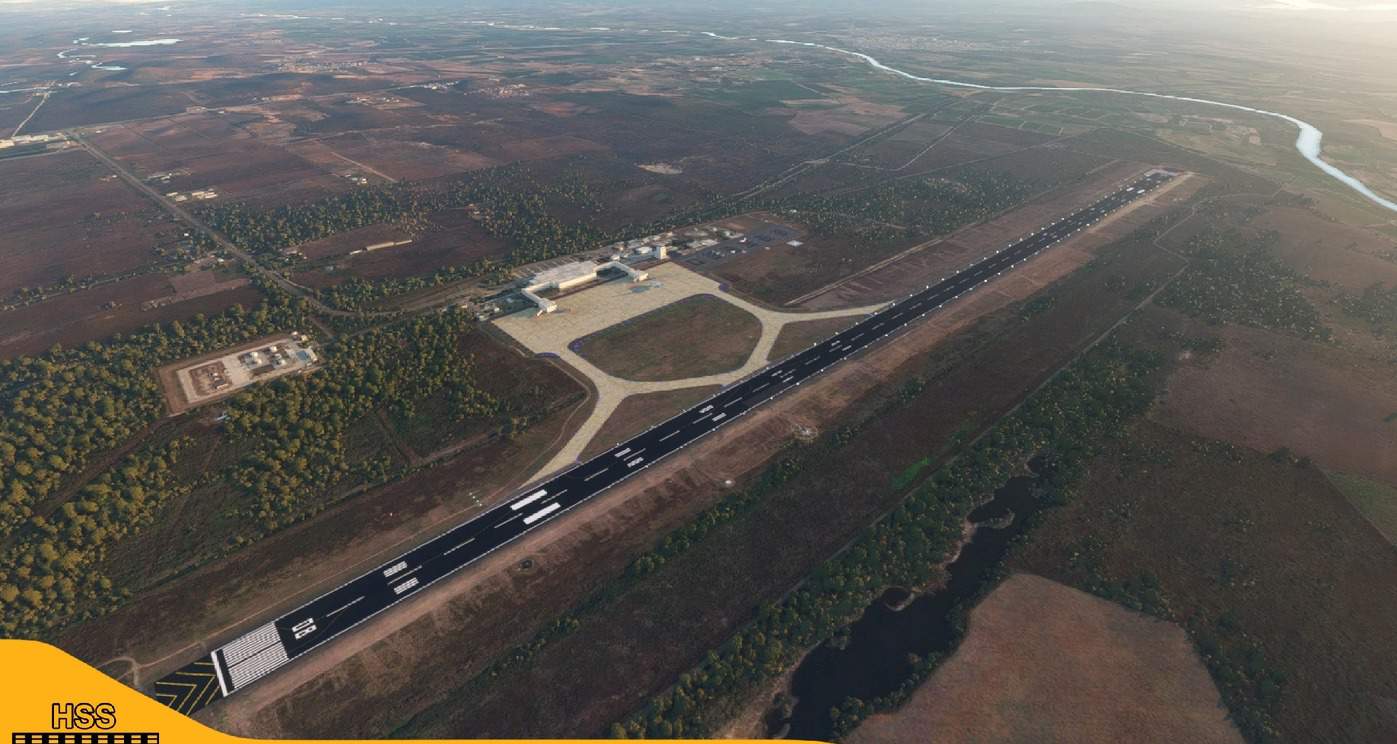
(MMMZ) Mazatlán International, México v1.01
This is a modification to the default MMMZ airport in MSFS. All modifications are done using Microsoft’s SDK and nothing else.
Features include: – Taxiways are properly assigned and mapped – Gates are re-worked and re-numbered – Runway materials updated to 2020 specifications in the real airport – Added night lighting to ramp areas – Hand-painted many taxi and apron lines for a more authentic feel – Added jetways
-More mexican airports to come in the future!
Installation 1. Unzip the .RAR file2. Place the folder hss-airport-mmmz-mazatlan-intl in your MSFS “community” foldeer in your MSFS installation location. – the location of your community folder may vary depending on where or how you bought the sim.
Happy landings!
GPS Coordinates: 23.166967, -106.270043
MSFS 2020 Airports
12 Dec, 2020
MSFS 2020 Airports
5 Nov, 2020
MSFS 2020 Airports
26 May, 2021
Features include: – Taxiways are properly assigned and mapped – Gates are re-worked and re-numbered – Runway materials updated to 2020 specifications in the real airport – Added night lighting to ramp areas – Hand-painted many taxi and apron lines for a more authentic feel – Added jetways
-More mexican airports to come in the future!
Installation 1. Unzip the .RAR file2. Place the folder hss-airport-mmmz-mazatlan-intl in your MSFS “community” foldeer in your MSFS installation location. – the location of your community folder may vary depending on where or how you bought the sim.
Happy landings!
GPS Coordinates: 23.166967, -106.270043
MSFS 2020 Airports
12 Dec, 2020
MSFS 2020 Airports
5 Nov, 2020
MSFS 2020 Airports
26 May, 2021
Download Links
Report a problem
(MMMZ) Mazatlán International, México v1.01
Advertisement
Remove ads