1 / 5
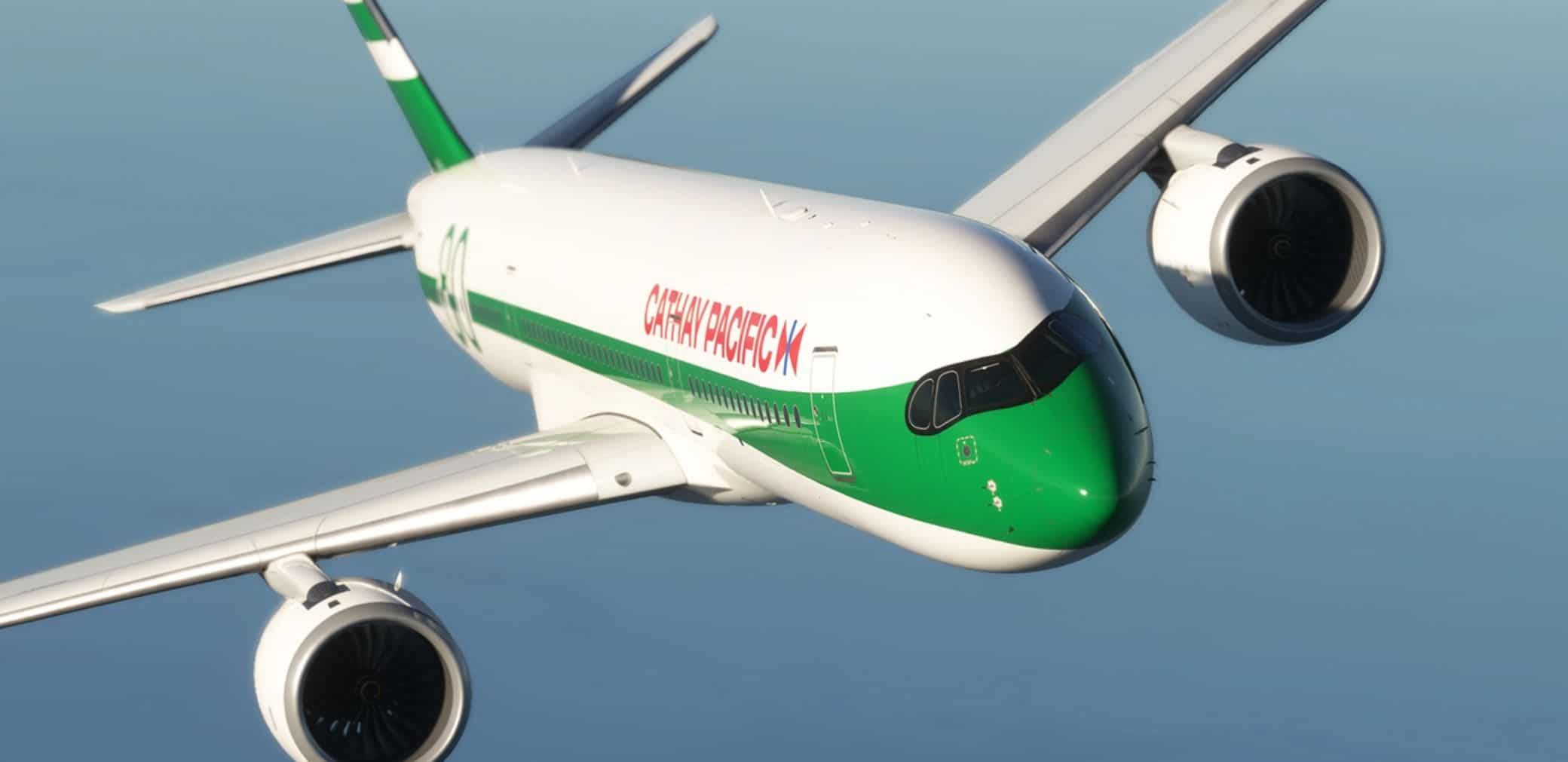
Cathay Pacific “80th Anniversary Retro” B-LRJ By WingtipLight v2.0
Installation Method: After decompression, place the files in the “Community” folder.
In addition: The livery of MFS2024 may exist some errors, this is a bug caused by the livery conversion, so I can’t avoid it. I haven’t buy MFS2024, so 2024 livery’s update will lag behind the 2020 livery.
Update: –Fix the green color overflow above the cockpit. –Fix the tail wing texture, change the same thickness white lines to one thick and one thin. –Fix the location of “CATHAY PACIFIC”.
MSFS 2024 Liveries
29 Nov, 2025
MSFS 2024 Liveries
23 Mar, 2025
MSFS 2024 Liveries
12 Dec, 2024
In addition: The livery of MFS2024 may exist some errors, this is a bug caused by the livery conversion, so I can’t avoid it. I haven’t buy MFS2024, so 2024 livery’s update will lag behind the 2020 livery.
Update: –Fix the green color overflow above the cockpit. –Fix the tail wing texture, change the same thickness white lines to one thick and one thin. –Fix the location of “CATHAY PACIFIC”.
MSFS 2024 Liveries
29 Nov, 2025
MSFS 2024 Liveries
23 Mar, 2025
MSFS 2024 Liveries
12 Dec, 2024
Download Links
Report a problem
Cathay Pacific “80th Anniversary Retro” B-LRJ By WingtipLight v2.0
Advertisement
Remove ads