1 / 4
Ashgabat UTAA (Airport & Lights Enhancement) v1.1
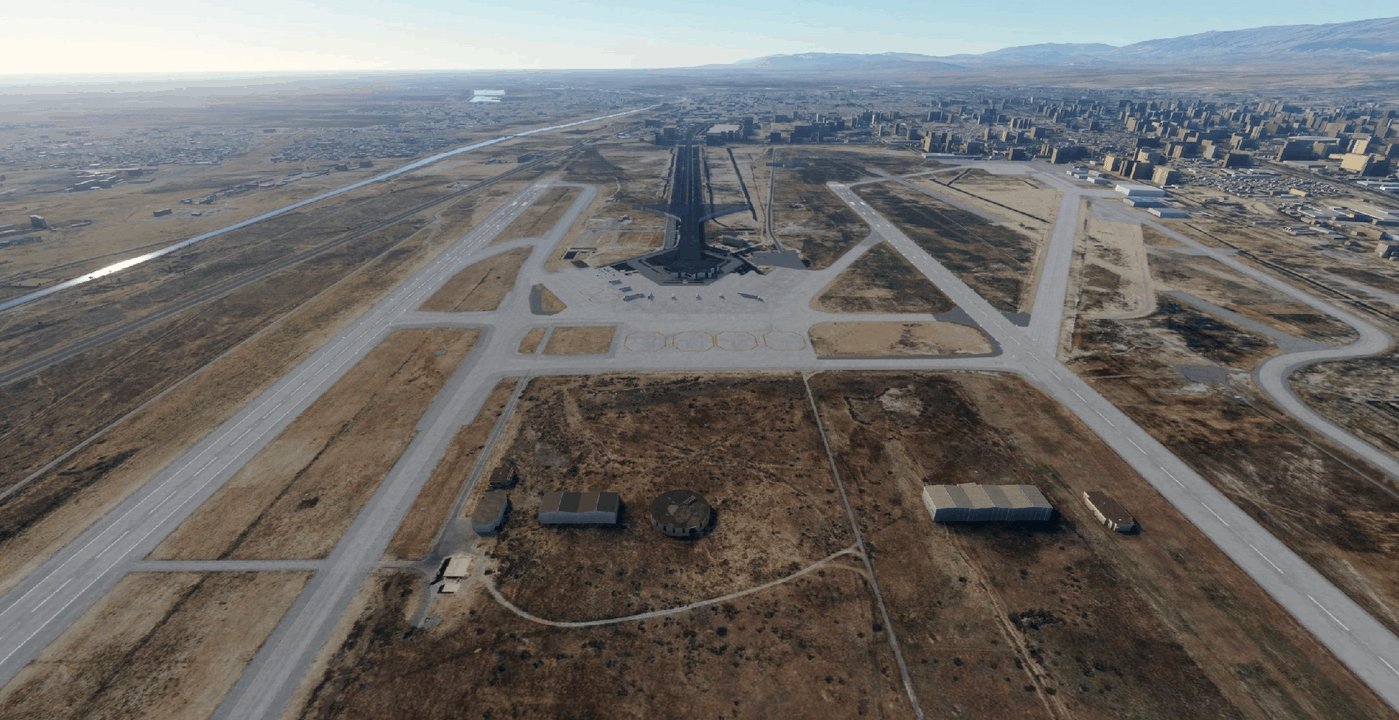
I was annoyed by these dark default airports, so I’ve decided to digg into the scenery editor a bit and here you go – lights for the apron, buildings and car parks at Ashgabat UTAA.
Not even close to real life, I’ve simply placed different mast types to have more fun with approaches at night. As default airport presents a very wrong terminal layout compared to the RL sat images, I’ve placed several buildings from the Japan update to get some kind of usable airport. Flattened the runways, added car parks in front of the airport (a bit according to sat images). Should be very FPS-friendly.
I’ve tried not to occupy any ramp positions, but the yellow centerlines and markings for these ramp positions can be quite confusing on the default airports. If you find any errors, let me know and send a screenshot. Otherwise – take it as it is, hope it works for you too, have fun!
Unpack the zip archive to the folder Ashgabat UTAA, then drag this folder to your community folder.
V1.1 Removed a building that blocked a road Added flood lights and a car park to the southern apron
GPS Coordinates: 37.98027979343375, 58.37572430622637
MSFS 2020 Airports
24 Nov, 2020
MSFS 2020 Airports
13 May, 2021
MSFS 2020 Airports
18 Oct, 2020
Not even close to real life, I’ve simply placed different mast types to have more fun with approaches at night. As default airport presents a very wrong terminal layout compared to the RL sat images, I’ve placed several buildings from the Japan update to get some kind of usable airport. Flattened the runways, added car parks in front of the airport (a bit according to sat images). Should be very FPS-friendly.
I’ve tried not to occupy any ramp positions, but the yellow centerlines and markings for these ramp positions can be quite confusing on the default airports. If you find any errors, let me know and send a screenshot. Otherwise – take it as it is, hope it works for you too, have fun!
Unpack the zip archive to the folder Ashgabat UTAA, then drag this folder to your community folder.
V1.1 Removed a building that blocked a road Added flood lights and a car park to the southern apron
GPS Coordinates: 37.98027979343375, 58.37572430622637
MSFS 2020 Airports
24 Nov, 2020
MSFS 2020 Airports
13 May, 2021
MSFS 2020 Airports
18 Oct, 2020
Download Links
Report a problem
Ashgabat UTAA (Airport & Lights Enhancement) v1.1
Advertisement
Remove ads