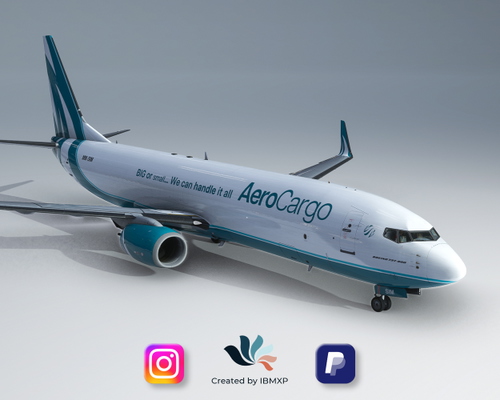
737-800BCF MM Simulations Livery | (MM-SIM)
This is a collaboration between me, IBMXP, and MM Simulations, an airport development company known for delivering extremely detailed airports for MSFS2020. Check their website, you can't imagine how well the airports are designed, and not only on the exterior, interiors are included as well! https://www.mmsimulations.com How to install? Simply unzip the zip folder and extract the .ptp file on Desktop, then open the PMDG Operation Center application; Click on Aircraft and Liveries > Livery Utilities; Click on "Install from PTP file" in the bottom left corner for each file; Wait a few seconds for the installation of each file and then open MFS! You're cleared for takeoff! How to add Eyebrows? Launch the simulator and select the livery you want to fly; Go to the FMC and click on PMDG SETUP - AIRCRAFT - EQUIPMENT; Go to the 14th page and click YES to activate Eyebrows!
Download Links
Report a problem
737-800BCF MM Simulations Livery | (MM-SIM)
Advertisement
Remove ads