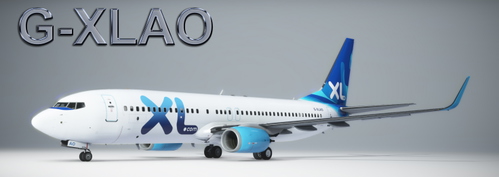
XL Airways G-XLAO
1. On the main menu, go to AIRCRAFT AND LIVERIES - LIVERY MANAGEMENT 2. ON Simulator select MICROSOFT FLIGHT SIMULATOR 3. On Installed products select PMDG 737-800 4. Select the variant model. 5. Below to the left you will see "INSTALL LIVERY FROM PTP. 6. navigate to the folder with your unzipped *.ptp file and doubleclick it. 7. fly!
Download Links
Report a problem
XL Airways G-XLAO
Advertisement
Remove ads