Farming Simulator 19 mods
55,652 results- 15 per page
- 30 per page
- 45 per page
- 60 per page
-
See more per page
Bigger pages, fewer clicks - and no ads anywhere.
Go Pro
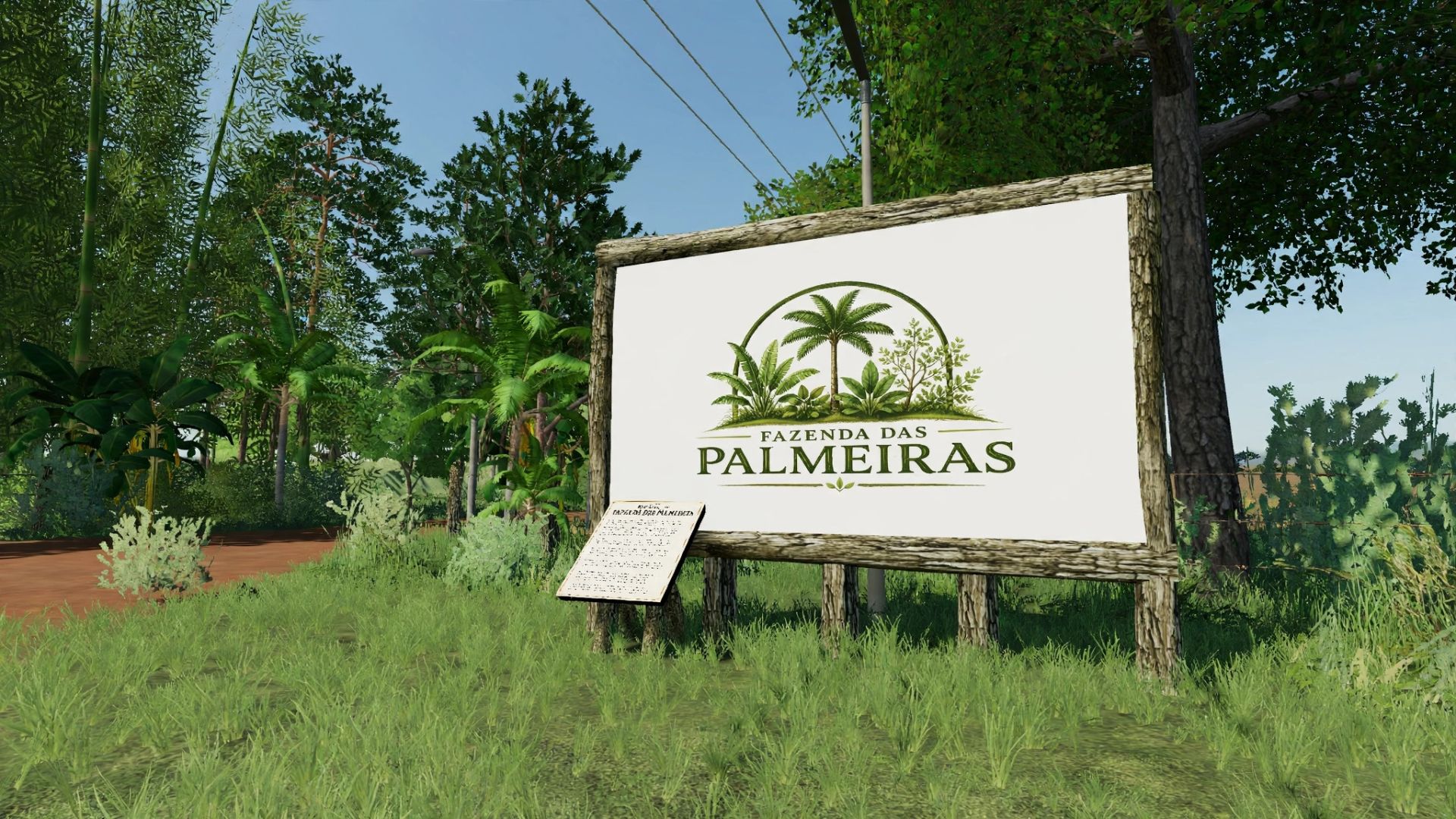
Fazenda das Palmeiras FS19
Welcome everyone to Fazenda das Palmeiras, a map developed with a focus on farming, realism and immersion. The map is currently in the BETA phase, meaning the project is still under development and some elements may be adjusted in future versions. During gameplay, you may also encounter bugs, errors or minor details that still need to be fixed. The goal is to continue improving the map through future updates, adding improvements, fixes and new features to make the experience increasingly complete, realistic and immersive. WHAT THE MAP OFFERS: • A lime station • A fuel station • A silo with selling prices based on real life • A vehicle and machinery dealership • Medium and large fields • A farm headquarters IMPORTANT ABOUT THE FARM HEADQUARTERS: The Fazenda das Palmeiras headquarters does not include a house by default. The player must install a house of their choice on the property. For a better experience, we recommend using the House Pack, available for free on the Farming Simulator 19 ModHub. PROJECT FUTURE: The project will continue to be developed and improved over time. The idea is to make Fazenda das Palmeiras increasingly complete and immersive and, in the future, also bring the map to Farming Simulator 22. Thank you very much to everyone who downloads, plays and follows the development of the project! ❤️ MG MODDING I wish everyone an enjoyable gaming experience and productive work at Fazenda das


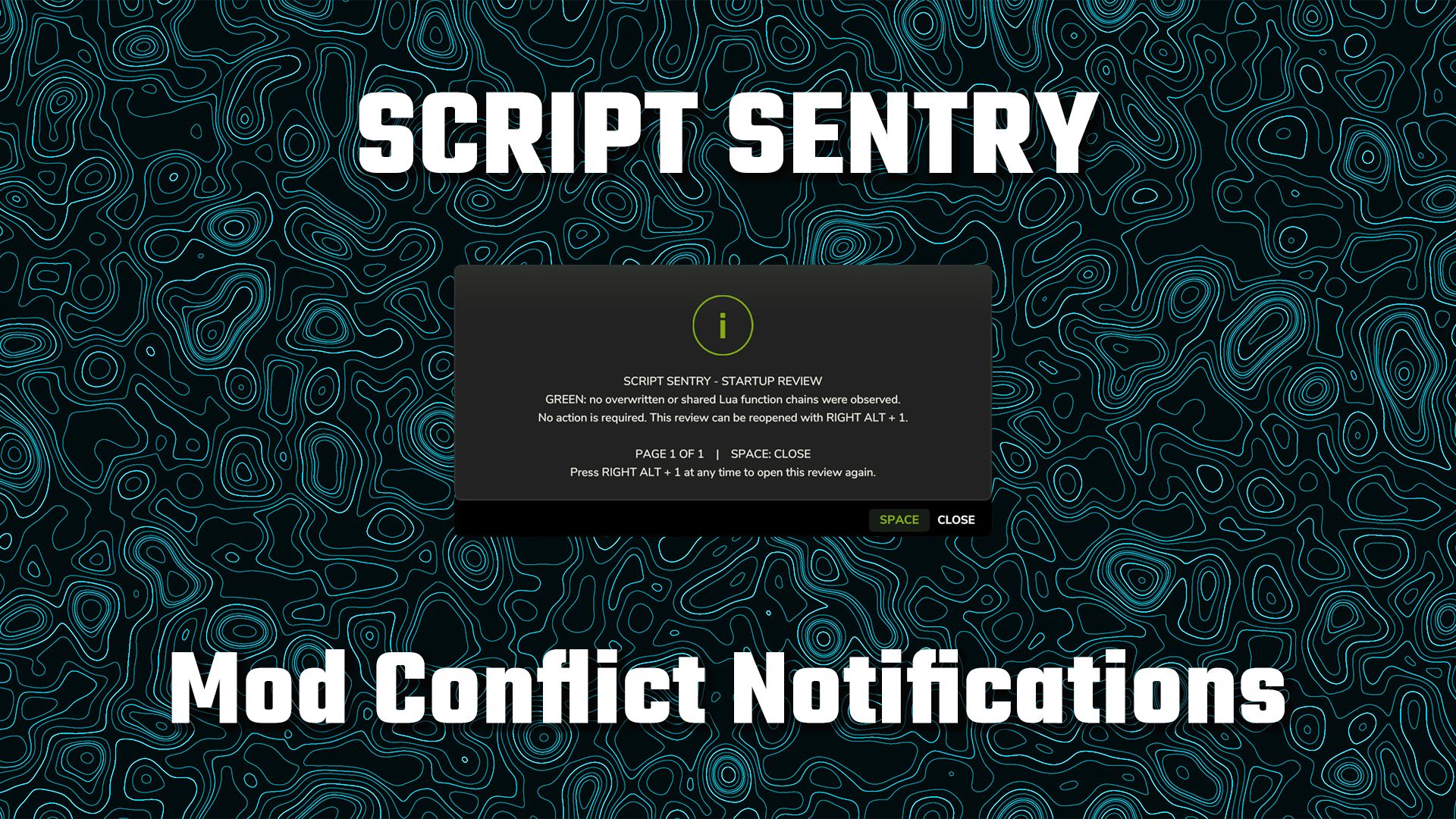
Script Sentry – Mod Conflict Notifications FS25
Script Sentry – FS25 Mod Conflict Notifications Have you ever installed a new mod and then discovered that another mod’s feature or control mysteriously stopped working? Script Sentry is a read-only diagnostic utility for Farming Simulator 25. It observes live Lua function chains during startup and provides an easy-to-read in-game review—no developer console or log reading required. How the review works GREEN: No broken function chains were found. AMBER: Multiple mods share a function, but the official function chain remains intact. No action is usually required unless a feature is missing. RED: A later mod replaced a function without preserving the previous implementation. Script Sentry identifies the mods involved, the affected function, and a recommended next step. The review opens shortly after gameplay begins and remains visible until you close it. Controls Space: Close the review. Right Alt + top-row 1: Reopen the review at any time. Longer reports are divided into numbered pages. Close the current page with Space and press Right Alt + 1 to open the next page. Script Sentry leaves no permanent icon, badge, or message covering the gameplay HUD. Features In-game startup review Detects observed Lua function-chain overlaps and replacements Names the mods and functions involved Separates intact shared chains from likely overwrites Native FS25 popup menu Review can be reopened whenever needed No developer console required No manual log reading required No savegame changes No keybinding-file changes No automatic conflict resolution No mod disabling or load-order changes No persistent gameplay HUD clutter Script Sentry is a notification and diagnostic tool. It is not a mod manager or generic log extractor. It reports what it observes and leaves every decision with the player.

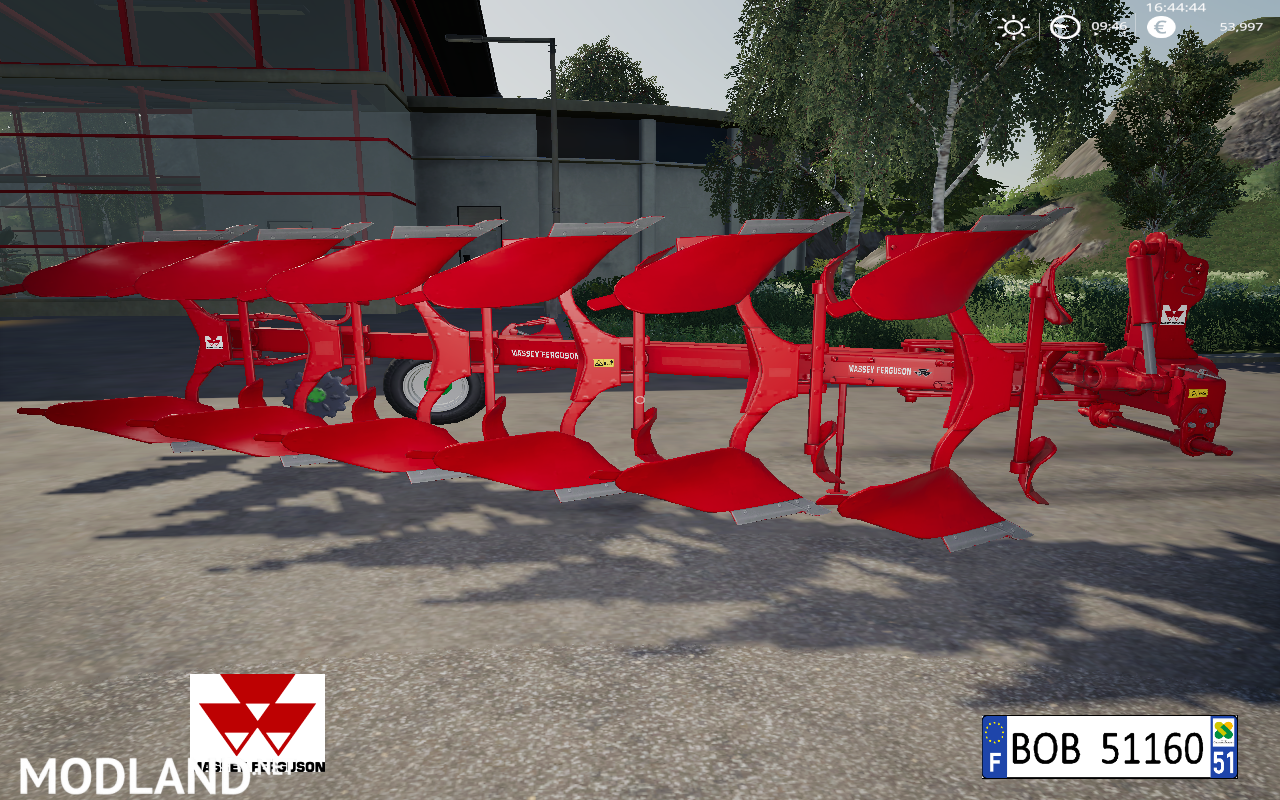
CHARRUE MASSEY FERGUSON BY BOB51160 v 1.0.0.1
CHARRUE MASSEY FERGUSON BY BOB51160 - Description: Bonjour a tous et a toute.Aujourd'hui je vous presente la charrue a 6 fers MASSEY FERGUSON.je vous souhaite bon jeux a tous.PS: pour ceux qui ont des questions faite le moi savoir, et pour ceux qui n'aime pas mon travaille s'abstenir de repon...
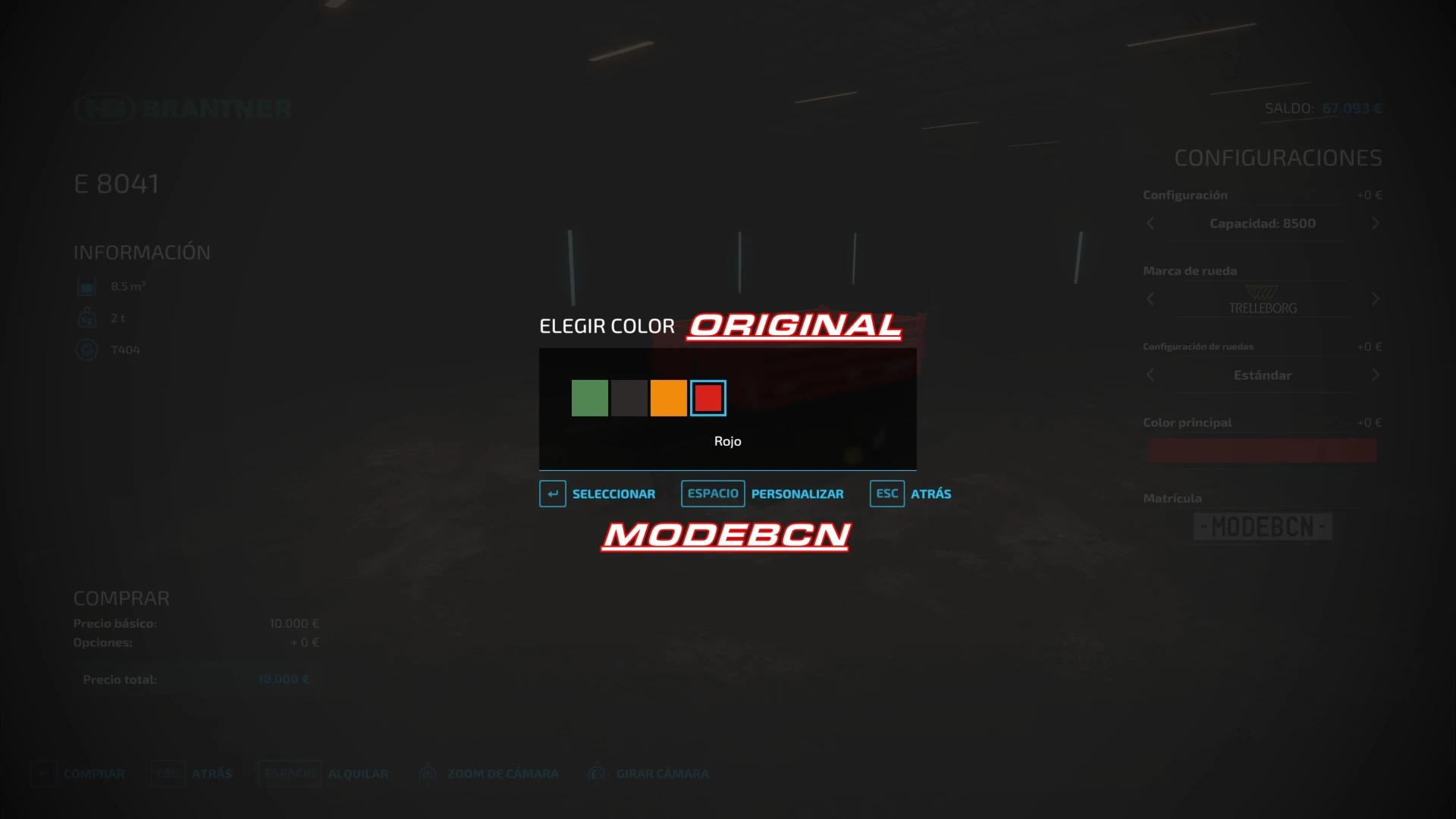
BrantnerE8041 With more colors added/Con más colores añadidos v 1.0
BrantnerE8041 With more colors added/Con más colores añadidos - Description: Modificación del mod FS22_brantnerE8041,Con más Colores añadidos, simplemente descomprime el archivo y arrastra el contenido dentro del mod Modification of the FS22_brantnerE8041 mod, with more colors added, just unzip the file and drag the...
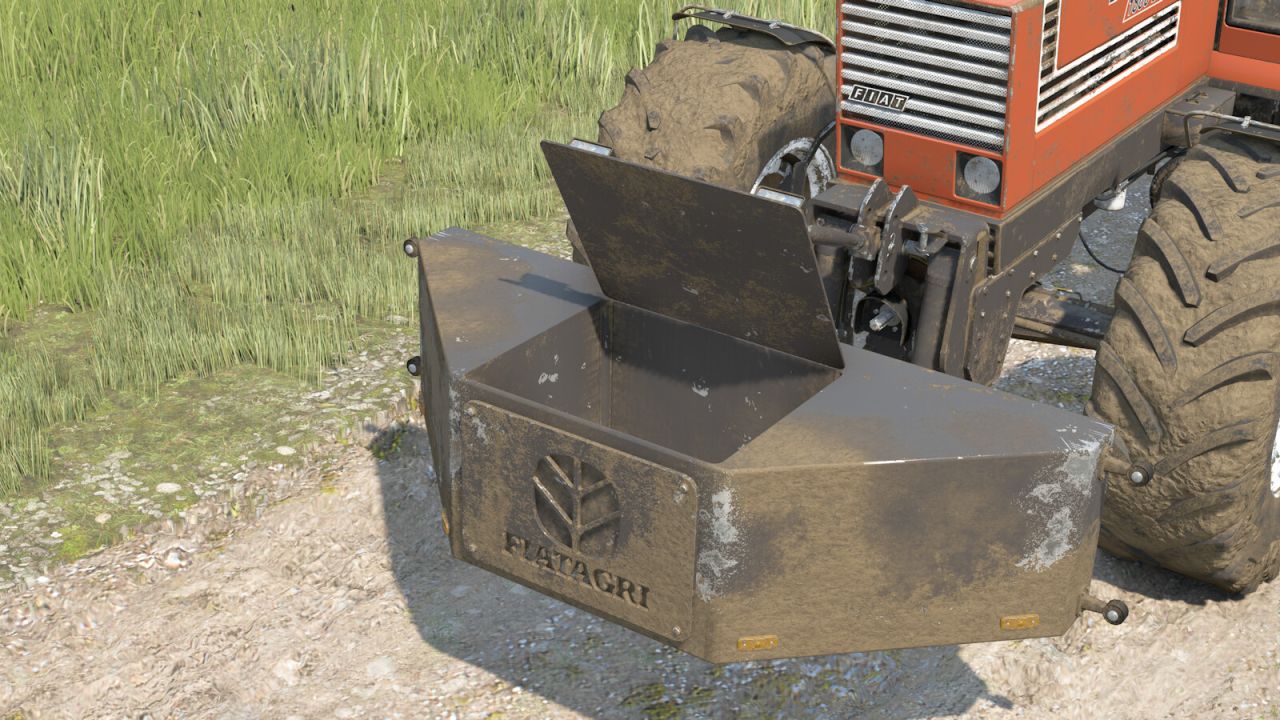
Fiat Weight1880 FS25
Fiat Weight (2900kg) Category: Weights Prices: - Single Weight (2900 kg): 1500 $
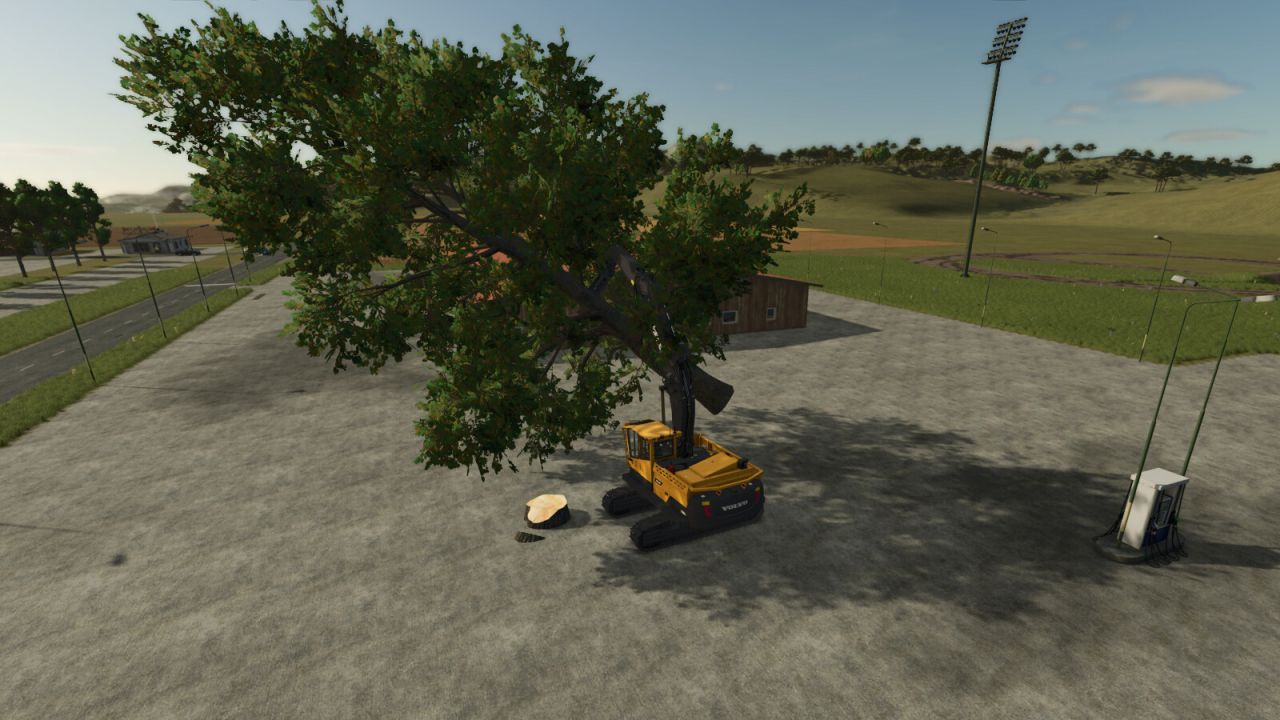
Smart Grip FS25
Improves the stability of logs, bales, pallets and big bags while transported with clamps, grapples and hooks. Reduces unwanted swinging and improves handling in singleplayer and multiplayer.
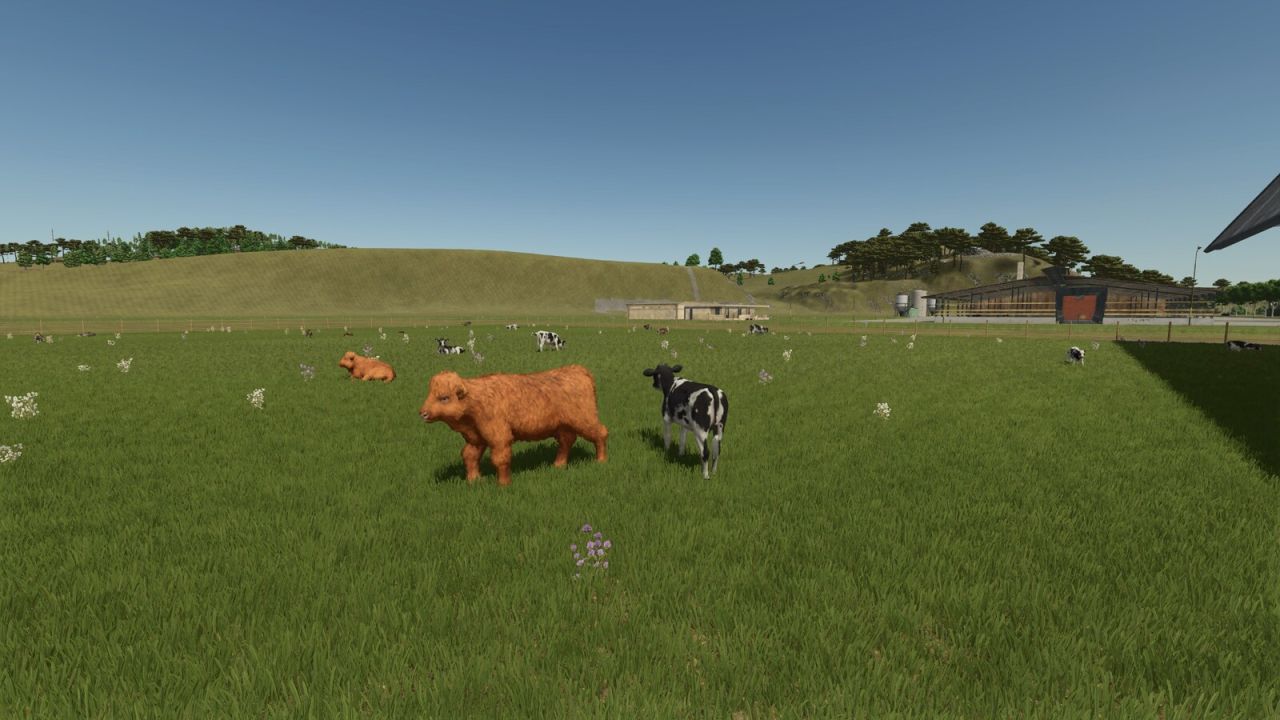
Storefront Stable Options For Husbandry FS25
NEVER SUFFER RANDOM CALVES ON YOUR SHOWCASE PASTURE AGAIN! Tired of your animals shamelessly revealing their TRUE age out on the pasture? Not anymore! With Storefront Stable, YOU decide - per stall, per breed - exactly which growth stage gets shown off outside. 50% calves and 50% stately adults? Only the tiny ones? Make an entire breed invisible? All possible, all included! And the best part: breeding, aging, milk, wool and every other production, plus your real animal count, remain COMPLETELY UNTOUCHED. We only redecorate the shop window - the business running behind it stays exactly as it was. One exception in our lineup: horses. They look equally majestic at every age, so there is simply nothing left to redecorate. Not available in stores. Just open the animal screen at your stall, set the displayed breeds and growth stages, and you're done. Works with the following animal species: - Cows / Cattle - Pigs - Goats - Sheep - Chickens
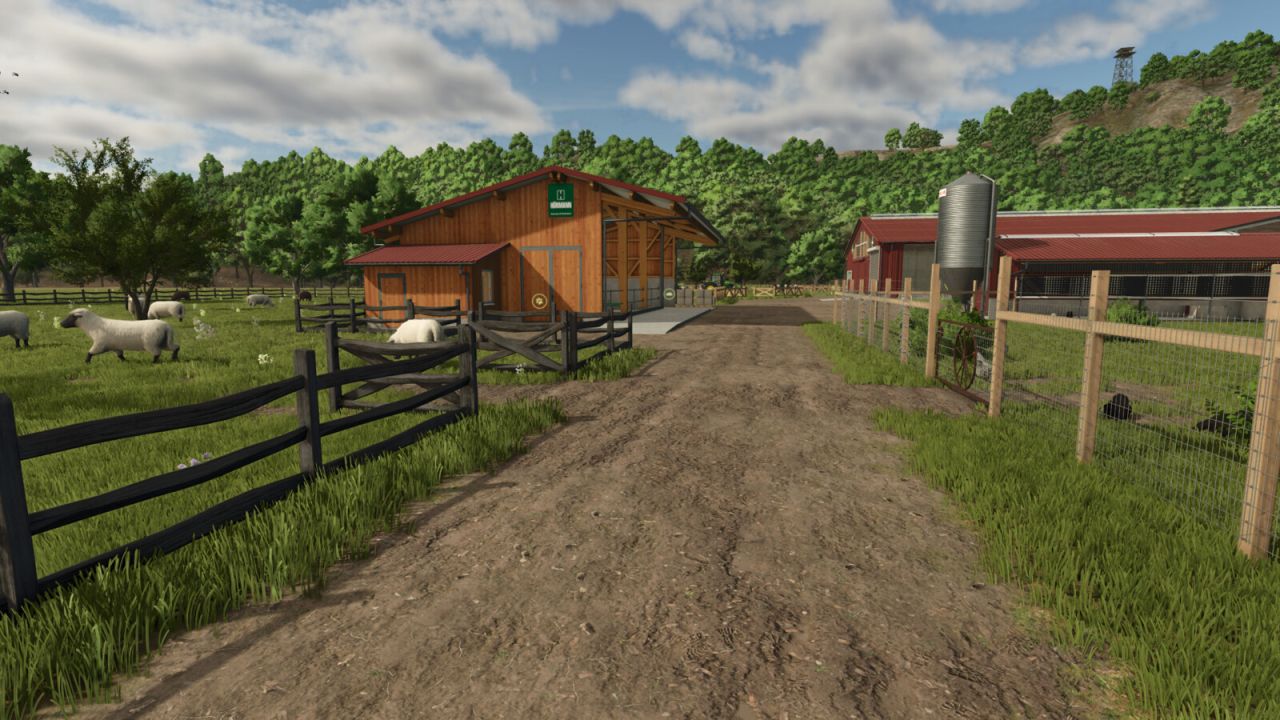
Husbandry Fence Manager FS25
Singleplayer only! Choose your style and build animal pastures that fit your farm. Husbandry Fence Manager allows you to choose a compatible base-game fence for animal husbandries and edit their pastures after placement. The mod works with both new and existing husbandries. There is no need to sell or replace a husbandry to change its fence or adjust the pasture layout. Features: - Choose a fence from the Customize menu when placing a new husbandry - Browse compatible base-game fences in the graphical Fence Browser - Change the fence style of an existing husbandry - Edit, redraw and resize pastures after placement - Animal capacity changes according to the size of the pasture - Supports compatible base-game husbandries - Supports compatible mod husbandries that use the standard Farming Simulator 25 pasture fence system How to use: New husbandry: - Select a compatible animal husbandry from the construction menu - Open Customize and select Fence - Choose a fence style from the Fence Browser - Continue placing the husbandry and build the pasture using the normal in-game fence tools Existing husbandry: - Open the husbandry information window - Select Edit Pasture to redraw or resize the pasture using its current fence style - Select Change Fence to choose a different fence style before redrawing the pasture The size of the pasture determines how many animals the husbandry can hold. Enlarging the pasture increases its capacity, while making it smaller reduces it. Helpful tip: - Different fence styles use different segment lengths - If the fence does not connect correctly to the final anchor point, adjust or redraw only the last few fence sections until it connects - Some fence styles may fit certain husbandries and pasture layouts better than others Compatibility: Using Husbandry Fence Manager together with other mods that edit or rebuild pasture fences after placement is not recommended. Different editing and anchor systems may conflict and create incorrect fence layouts. The mod supports compatible base-game husbandries and mod husbandries that use the standard Farming Simulator 25 pasture fence system. Husbandries with fixed fences built directly into the building model cannot be edited. Only fence styles included in the base game are available in this release. Please note: Open gates do not allow animals to escape. Animal containment is handled by the husbandry system, so gates can be left open for vehicle access. Husbandry Fence Manager is currently singleplayer only. Multiplayer support is planned for a future update.
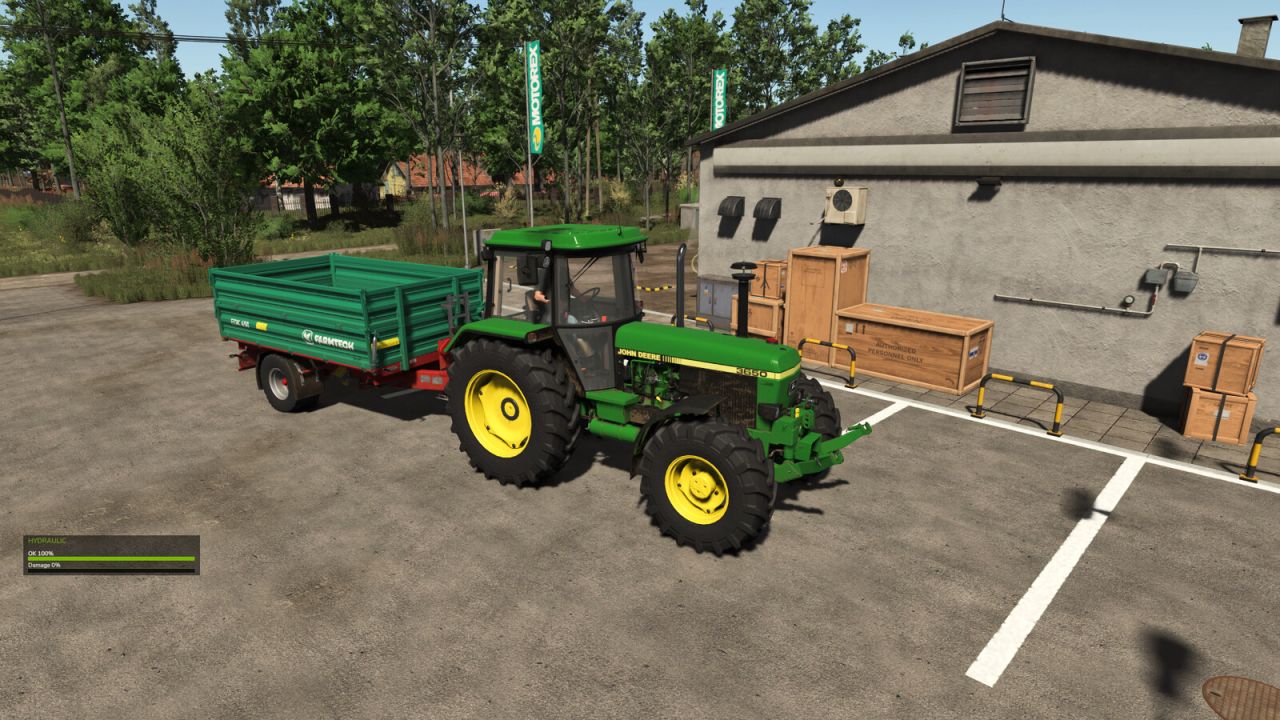
Hydraulic Broken Trailer FS25
Adds hydraulic condition and failure to tippable trailers. Each full lift/unload cycle wears the hydraulic. The HUD shows hydraulic OK and damage percentage. When the condition reaches 0%, the trailer body stays raised and Repair Hydraulic becomes available in the workshop. Partial damage can be restored with Service Hydraulic in the workshop. If the trailer is detached while raised/unloading, the body stays up until it is attached again.
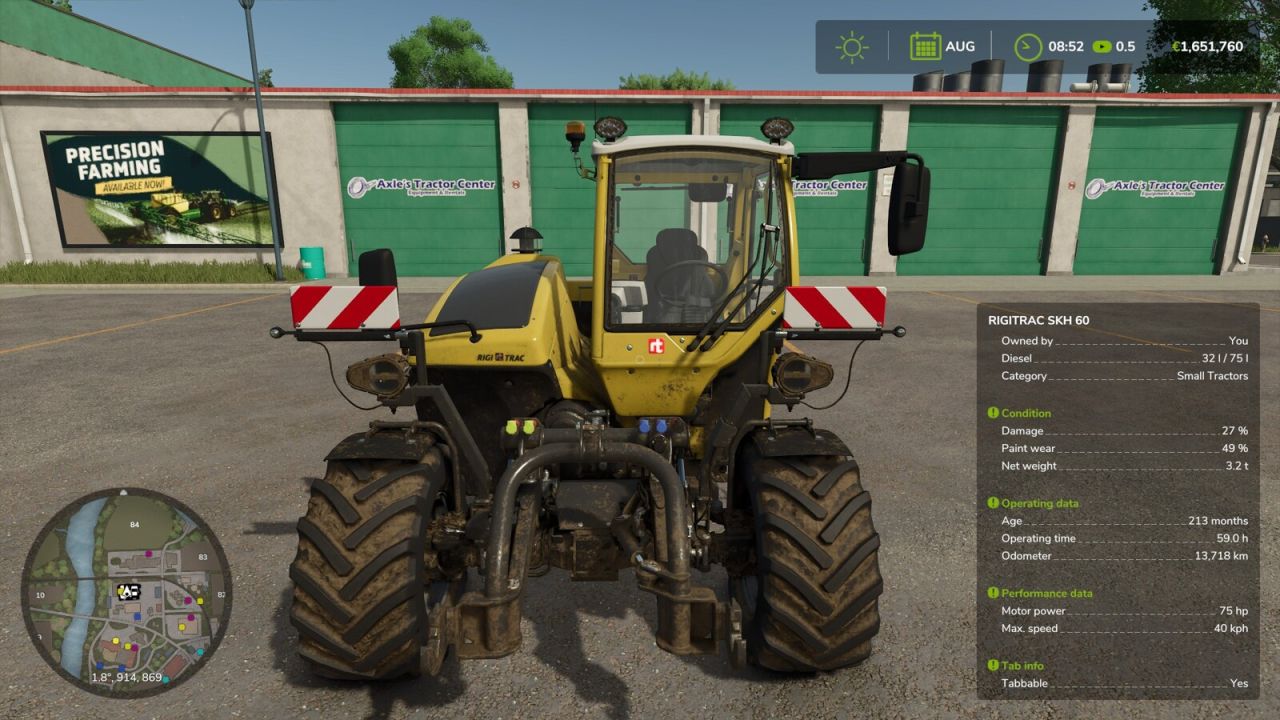
Additional Vehicle Info FS25
Extends the vehicle/implement info box shown near a vehicle with lots of additional information - cleanly grouped into sections that can each be shown/hidden individually in the settings menu. Always visible: - Shop categor(y/ies) of the vehicle/implement - Diesel/methane tank: current fill level AND capacity (instead of just the fill level) Section "Condition": - Damage (%) - Paint wear (%) - Net weight and total weight (including attached implements) Section "Operating data": - Age - Operating hours - Odometer Section "Capacity": - Every tank, numbered, with its capacity - The currently loaded good shown directly under its tank (useful for implements with several differently filled tanks) - Bale net/twine rolls on balers shown as a count (current/maximum) Section "Performance data": - Motor power and max. speed (on motorized vehicles) - Power required, working width and working speed (on implements) Section "Weights": - Wheel weights required (yes/no) - Ballast weight required Section "Tab info": - Whether the vehicle can be cycled through with Tab (yes/no) - Whether it is excluded from the Tab order (yes/no, requires the mod "FS25_SortableVehicleTabbing") Settings (Game settings > General): - Show headers on/off (global) - Show separators on/off (global) - Each of the five sections above can be switched on/off individually Compatibility: - Automatically detects the mod "Info Display Extension" and hides its overlapping lines to avoid duplicates
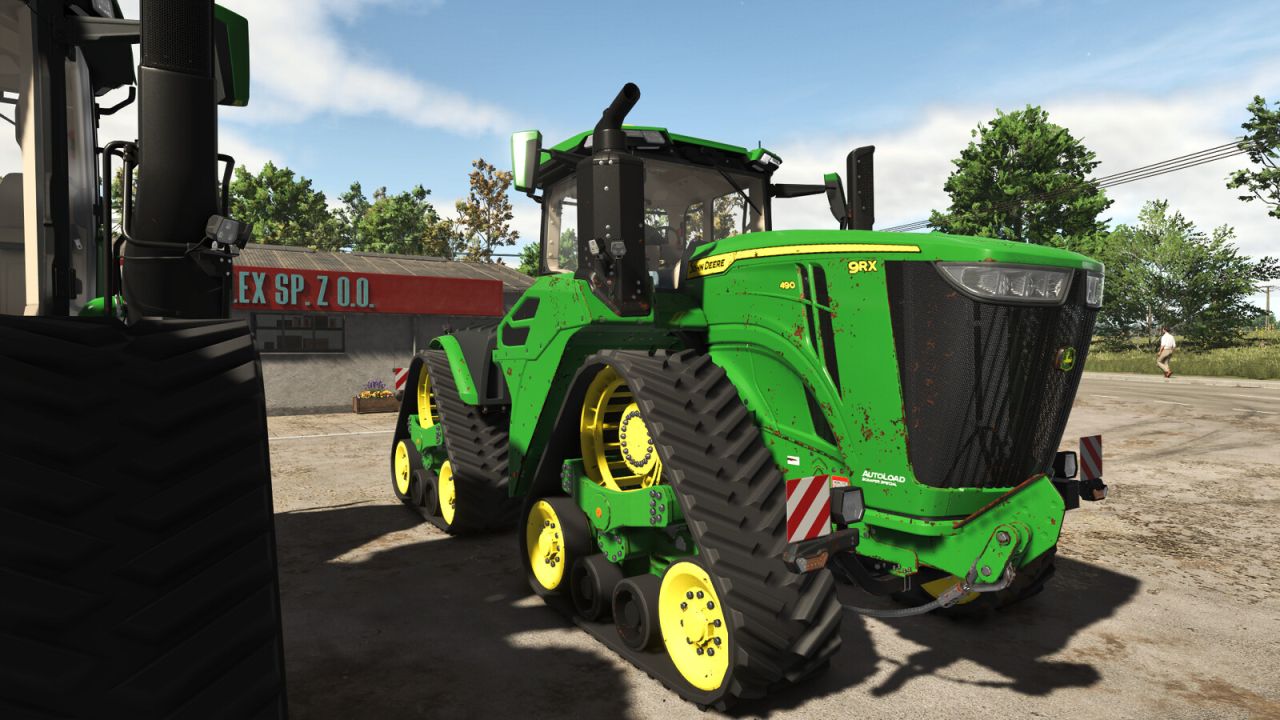
Rust Wear Shader FS25
Applies a rust/junk look to vehicle and equipment paint wear through FS25's native wearable shader parameters. The original custom vehicleShader.xml plus rustDiffuse/rustSpecular textures are bundled in this mod under shaders/ for per-vehicle use.
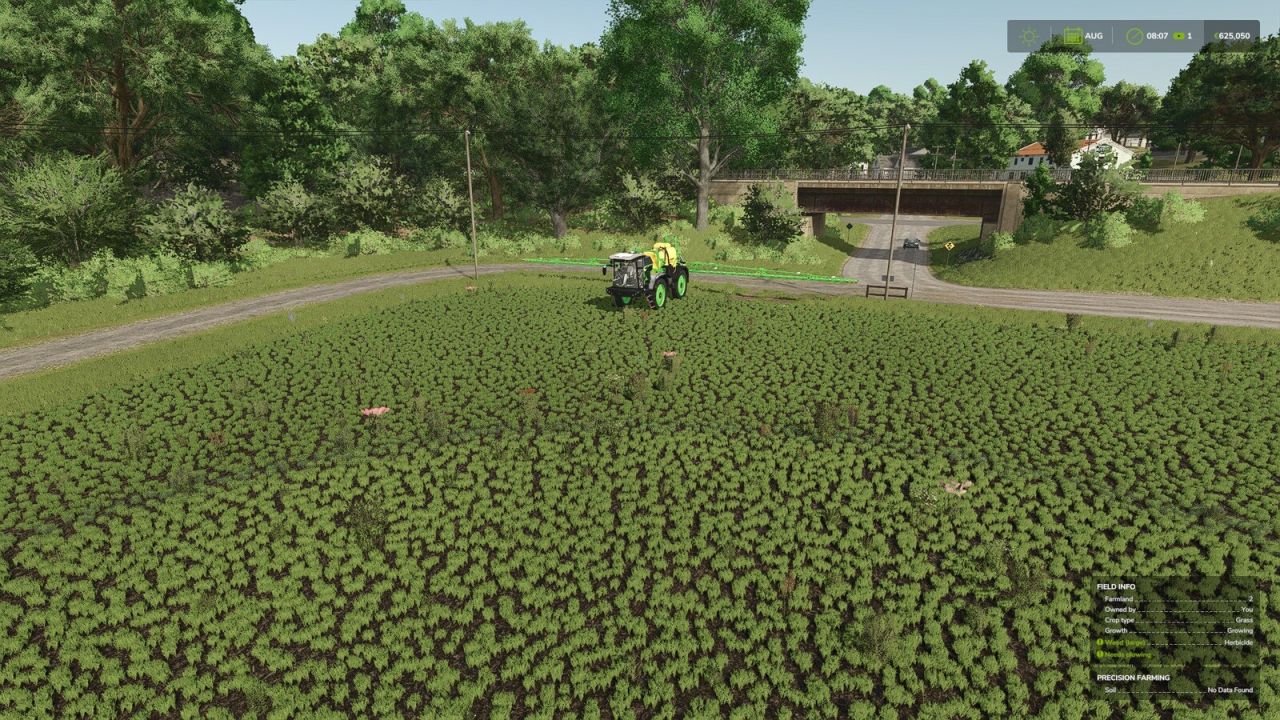
Herbicide Weed Cleanup FS25
After spraying herbicide, dead weeds normally remain visible as withered plants on the field until the ground is worked again. This mod clears that withered weed foliage in the background, so sprayed areas end up looking clean again. A game setting ("Immediate" / "Delayed") lets you choose between clearing within a couple of seconds or only once a month. The delayed option further reduces the load, which is already small since it only covers the sprayed area, and is useful on busy dedicated servers. Works exactly like the base game's herbicide effect otherwise: spot spraying, Precision Farming, environmental score, etc. are unaffected, and only the leftover withered weed graphics are cleared. Fully compatible with dedicated servers and multiplayer. GitHub: https://github.com/Nalathan01/FS25_HerbicideWeedCleanup/issues
- 15 per page
- 30 per page
- 45 per page
- 60 per page
-
See more per page
Bigger pages, fewer clicks - and no ads anywhere.
Go Pro