1 / 2
FS19 Mouse Driving
FS19 Mouse Driving
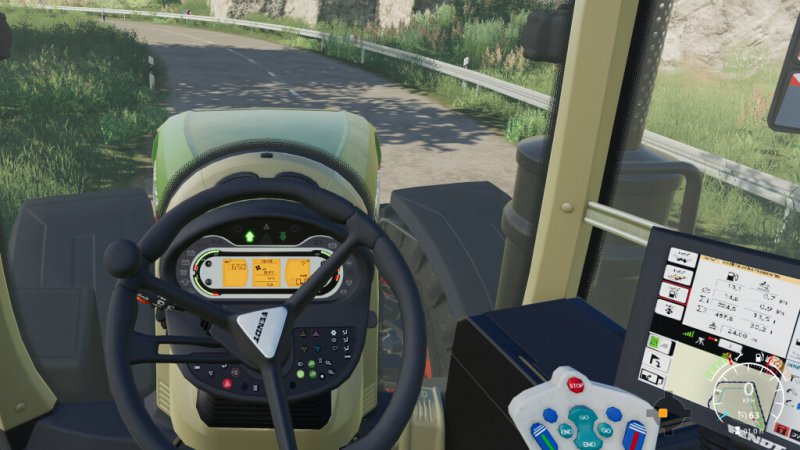
This mod will provide you with the ability to use the mouse to drive vehicles.
Enable it by pressing CTRL + SHIFT + M, move the mouse up and down to accelerate/brake and from right to left to steer.
If you need to disable mouse control temporarily to move the camera you can hold down CTRL and the control will temporarily switch to the camera.
Both input key bindings can be customized from the game menu.
If you want to further customize your driving experience, press RSHIFT + R to open the mod’s settings panel.
This mod will provide you with the ability to use the mouse to drive vehicles.
Enable it by pressing CTRL + SHIFT + M, move the mouse up and down to accelerate/brake and from right to left to steer.
If you need to disable mouse control temporarily to move the camera you can hold down CTRL and the control will temporarily switch to the camera.
Both input key bindings can be customized from the game menu.
If you want to further customize your driving experience, press RSHIFT + R to open the mod’s settings panel.
Visit Original Post
Also posted on
Download Links
Report a problem
FS19 Mouse Driving
Advertisement
Remove ads