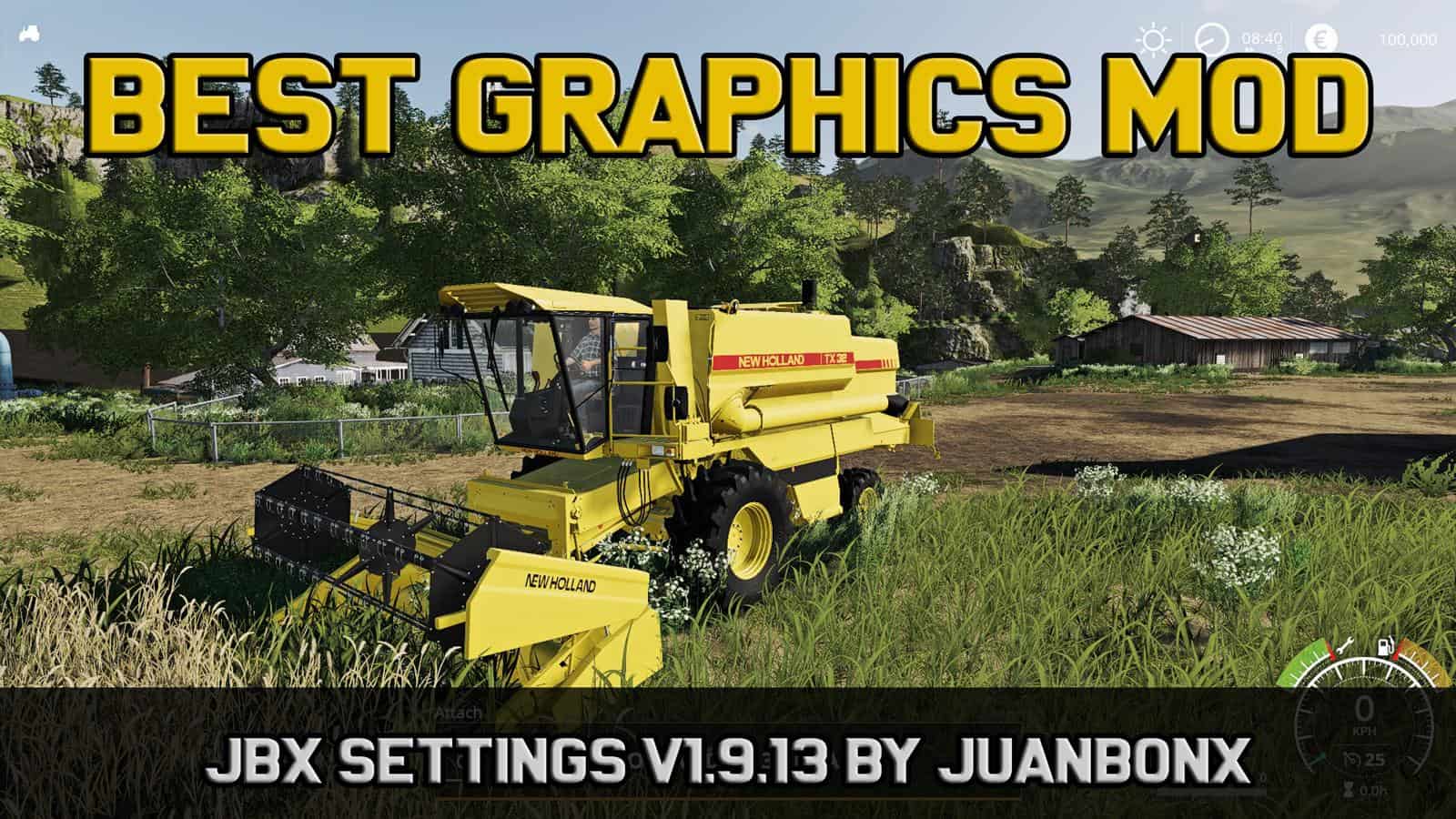
JBX Settings v1.9.13 – Reshade Mod
JBX Settings v1.9.13 – Reshade Mod Description: The post-processing effects of Reshade + JBX Settings v1.9.13 offer more realistic graphics and compatibility with many Games. Features: – Better Lighting – Better Color – Better Contrast – No Pure White – Sharpness and Focus – Better Color Temperature Changelog v1.9.13 for Reshade: Adjustments and Improvements in Clarity, LiftGammaGain and Tonemap. – Better Color Saturation – Better Color Temperature – Less Clarity and Details – Updated PDF installation guide for Reshade – Updated JBX-Settings-Shaders (Folder) – Updated ReShade.ini v1.9.8.B for SweetFX and eFX: Adjustments and Improvements in LiftGammaGain and Tonemap. – Better Color Saturation – Better Color Temperature – Less Sharpness – Updated PDF installation guide for SweetFX – Updated SweetFX (Folder) Note: Before proceeding with the installation we must remove all the previous Reshade or SweetFX files. Adjustments required* in the Game General: – Resolution: The Maximum of the Monitor (*) – Fullscreen: ON – Brightness: 1.0 Advanced Configuration: – Hardware Profile: Very High – Anti-Aliasing MSAA: 8x (*) – Texture Filtering: Anisotropic 16x (*) For better visual quality apply all the graphic settings I recommend. It affects the performance* Compatible: Con la mayoría de los juegos – With most games You can not use any JBX settings or copy part of them in other modifications without my authorization and credit.
Visit Original Post
Also posted on
Download Links
Report a problem
JBX Settings v1.9.13 – Reshade Mod
Advertisement
Remove ads