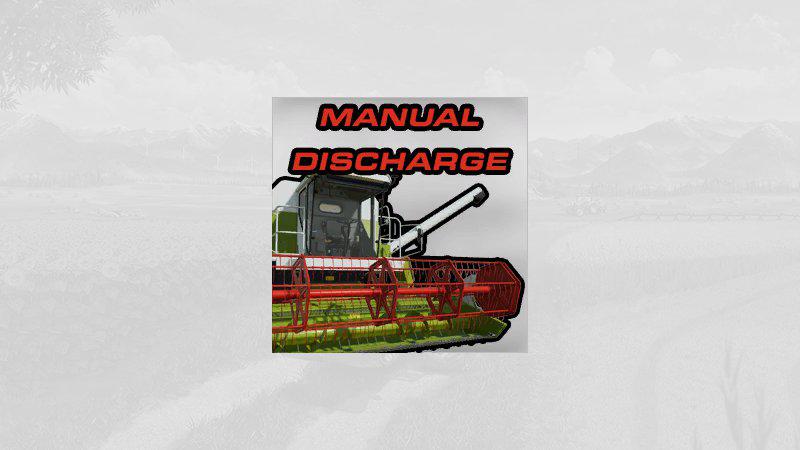
Manuelles Uberladen v1.0.5 FS19
Manuelles Uberladen v1.0.5 FS19 Version 1.0.5.0 Changelog: Pipecam added Translations for: Polish, French and Italian added Key assignment for the PipeCam: Keyboard: (on an English keyboard this is the key ) Controller: + + This script allows you to start and stop overloading manually. I have a little script for you here, which makes working with combine harvesters, harvesters, or transfer trucks a bit more realistic. With this script it is possible to start and stop overloading yourself. So no longer just drive over the trailer. But be careful, if you drive away from the trailer while unloading, it will tip onto the ground. The same applies if you make a mistake when starting off and don’t hit the trailer with the pipe. It is not a mistake, it is wanted. So be careful. I also made it configurable. This means that every thresher, harvester and overloading wagon should have a configuration name ‘Manual overloading’ in the shop. If you choose ‘No’ there, manual overloading is deactivated for which a vehicle is deactivated. The standard value is ‘yes’, so you also have to start the overloading manually on missions when you rent the equipment. But you can’t unload to the ground here because the land doesn’t belong to you. So it’s a little more relaxed. Key assignment to start and stop overloading: Keyboard: Controller: + I think that was all … Have fun with the mod! MFG Ifko Credits:Ifko
Visit Original Post
Also posted on
Download Links
Report a problem
Manuelles Uberladen v1.0.5 FS19
Advertisement
Remove ads