Farming Simulator 17 mods
22,536 results- 15 per page
- 30 per page
- 45 per page
- 60 per page
-
See more per page
Bigger pages, fewer clicks - and no ads anywhere.
Go Pro
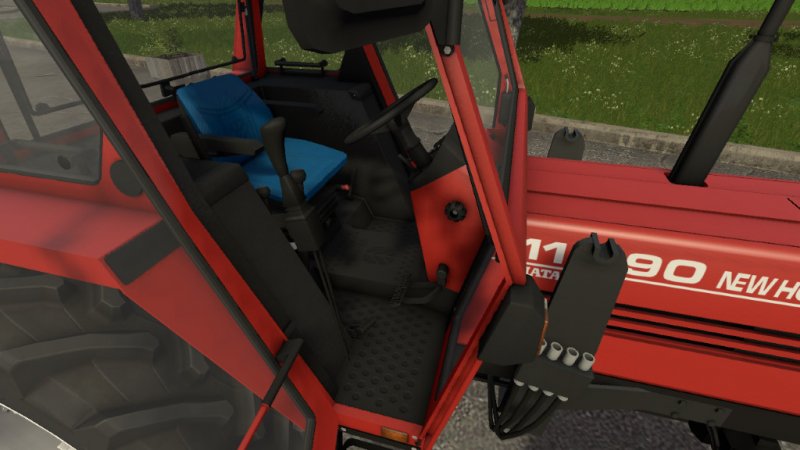
FS17 Quicke Mount Frame and Joystick
FS17 Quicke Mount Frame and Joystick Find inside the file a mount frame and joystick that you can add to your tractor for better matching the loader Quicke Q930. Read the readMe_addMountFrameToTractor.txt and follow instructions.
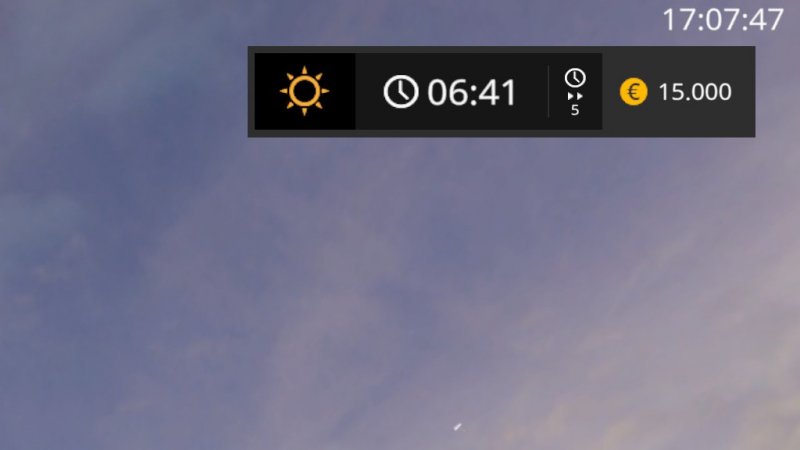
FS17 RealClock Mod v1.1
FS17 RealClock Mod v1.1 Shows the current real time in the upper right corner. Changelog: v1.1.0.0 + Add support for UI Scale setting
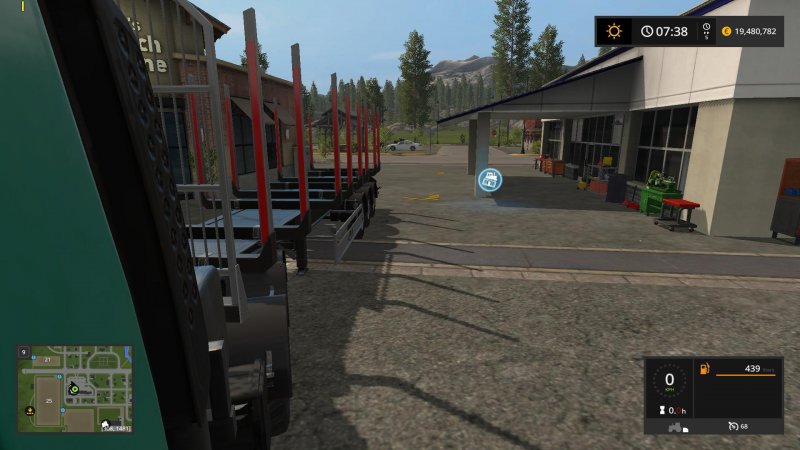
FS17 Reversing camera for truck v1.1
FS17 Reversing camera for truck v1.1 With this mod you can look back throw the left window when you are reversing with truck and trailer (like in ETS2). v1.1 – added controls for position of reverse camera – you can now use reverse camera for any vehicle instead of truck only – helptext will show when reverse camera is active, you can enable/disable it by NUM_0 – setted position of camera will be saved for current vehicle in your savegame Controls: KEY_KP_0 – show/hide help controls KEY_KP_minus – move camera outside KEY_KP_plus – move camera inside KEY_KP_multiply – move camera forward KEY_KP_divide – move camera back KEY_KP_period – reset position of reverse camera If you find any errors or issues, let me know in comments or to [email protected] and i will fix it in next version.
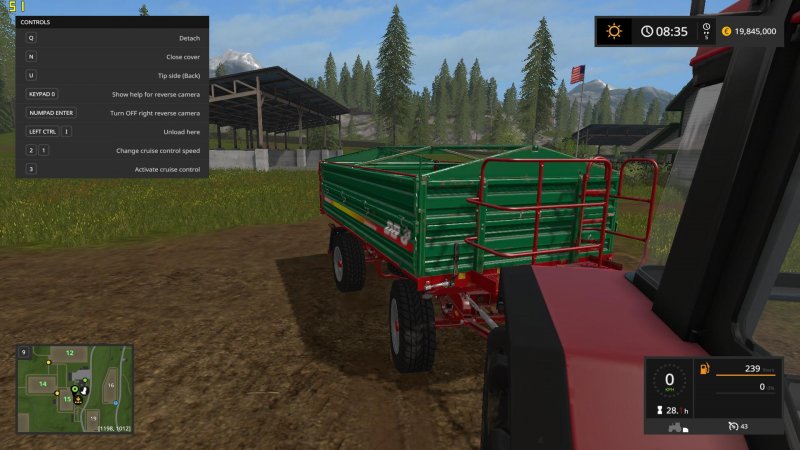
FS17 Reversing camera for truck v1.2
FS17 Reversing camera for truck v1.2 With this mod you can look back throw the window when you are reversing with truck and trailer (like in ETS 2). v1.2 -added option to turn on reversing camera on right side -no super realistic with truck, but it could be cool for tractors -right camera can be turn on/off by presing KEY_KP_enter when you are looking to the right v1.1 – added controls for position of reverse camera – you can now use reverse camera for any vehicle instead of truck only – helptext will show when reverse camera is active, you can enable/disable it by NUM_0 – setted position of camera will be saved for current vehicle in your savegame Controls: KEY_KP_0 – show/hide help controls KEY_KP_minus – move camera outside KEY_KP_plus – move camera inside KEY_KP_multiply – move camera forward KEY_KP_divide – move camera back KEY_KP_period – reset position of reverse camera If you find any errors or issues, let me know in comment or to [email protected] and i will fix it in next version.

FS17 FarmingTablet v2.2
FS17 FarmingTablet v2.2 You want to become an up-to-date farmer? Then the time has come to use the state-of-the-art tablet for your farm work. Open the tablet with STRG + Y. Close it by pressing STRG + X. This mod (tablet) is required for all available apps. Function overview: Options: – Selection of background design for homescreen and apps – Deactivation of pop-up notifications Notifications: – Pop-ups ingame Appstore: – Equip your tablet with new apps Other: – To return to homescreen click on “TechFarm” sign Caution! As every other tablet this one has a battery as well. You need a docking station to recharge it. The docking station can be found under ‘placeable objects’. Changelog: v2.2.0.0 – more Settingspossibilities – Fix for Multilanguage – FarmingTablet based on a new system -> no Support for old apps! Use the new apps. – First Adaption to MpManagement-App – Others Bugfixes v2.1.0.0: – Release
FS17 FarmingTablet - App: Horsch Management v1.1
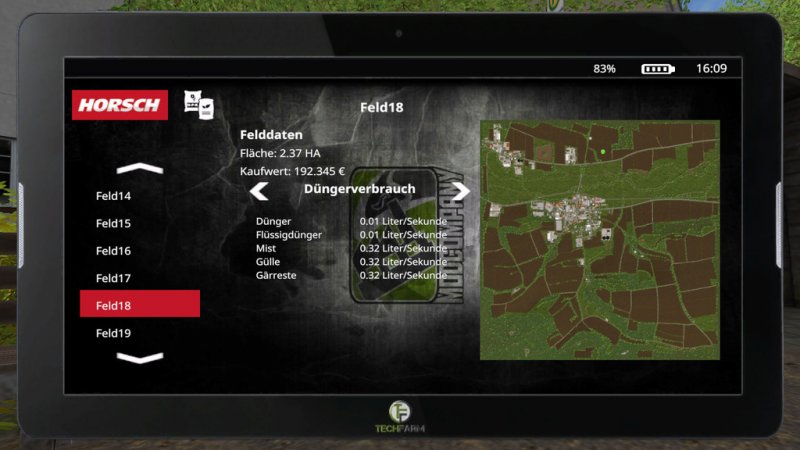
FS17 FarmingTablet - App: Horsch Management v1.1 ##- App for FarmingTablet -## This App works only in combination with FarmingTablet. App functions: – Calculates needed seeds per field for all fruits – Shows used fertilizer per second (always the same) – Shows prices and field size Value/Purchase Price: 3.000€ Changelog: – Adaption to FarmingTablet 2.2.0.0 – Menu can now clicked faster – Consumption now also for fertilizer – Others Fixes

FS17 FarmingTablet - App: FactoryExtension v1.2
FS17 FarmingTablet - App: FactoryExtension v1.2 ##- App for FarmingTablet -## This App works only in combination with FarmingTablet. App functions: – Lists all buildings marked by Fabrikscript and mCompanyFactory-Script – In-/Output overview – Location overview Compatible Mods: – Stappenbach 17 – Sawmill – Placeable Fermenter – Slurry Storage – Slurry Seperator – Slow Bee Pack – … Value/Purchase Price: 2.000€ Changelog: – Adaption to FarmingTablet 2.2.0.0 – Others Fixes
FS17 FarmingTablet - App: Farmsilosystem v1.2
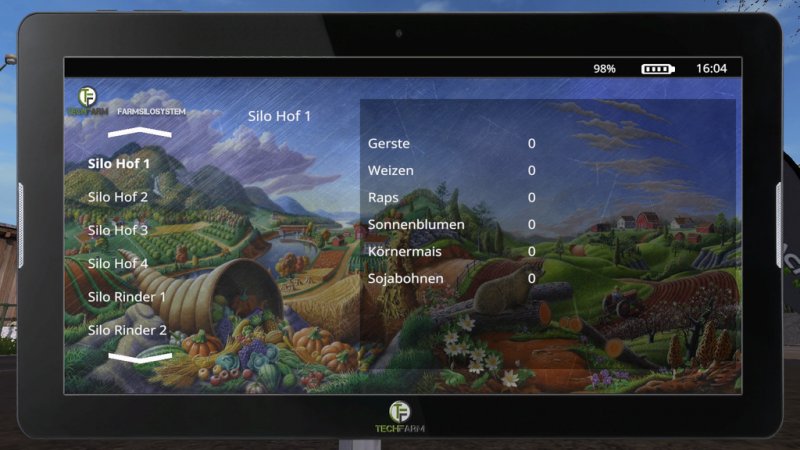
FS17 FarmingTablet - App: Farmsilosystem v1.2 ##- App for FarmingTablet -## This App works only in combination with FarmingTablet. App functions: – Lists all buildings marked by Famsilosystem-Script (no default stocks!) – Location overview Compatible Mods: – Placable Farmsilosystem – Stappenbach 17 (Available Soon) – further Maps Value/Purchase Price: 5.000€ Changelog: – Adaption to FarmingTablet 2.2.0.0 – Others Fixes
FS17 FarmingTablet - App: Animalstatus v1.2
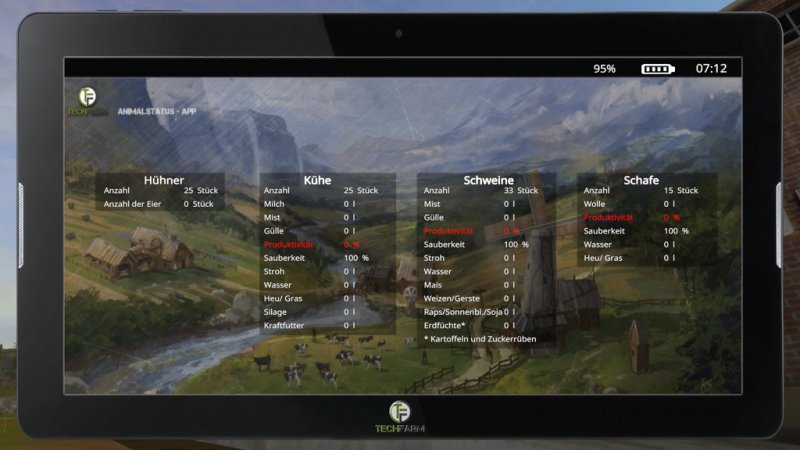
FS17 FarmingTablet - App: Animalstatus v1.2 ##- App for FarmingTablet -## This App works only in combination with FarmingTablet. App functions: – Overview for all Animals Value/Purchase Price: 6.000€

FS17 FarmingTablet - App: StorageOverview v1.1
FS17 FarmingTablet - App: StorageOverview v1.1 ##- App for FarmingTablet -## This App works only in combination with FarmingTablet. App functions: – Lists all silos (Farmsilo, Storage from Trains) Value/Purchase Price: 3.000€
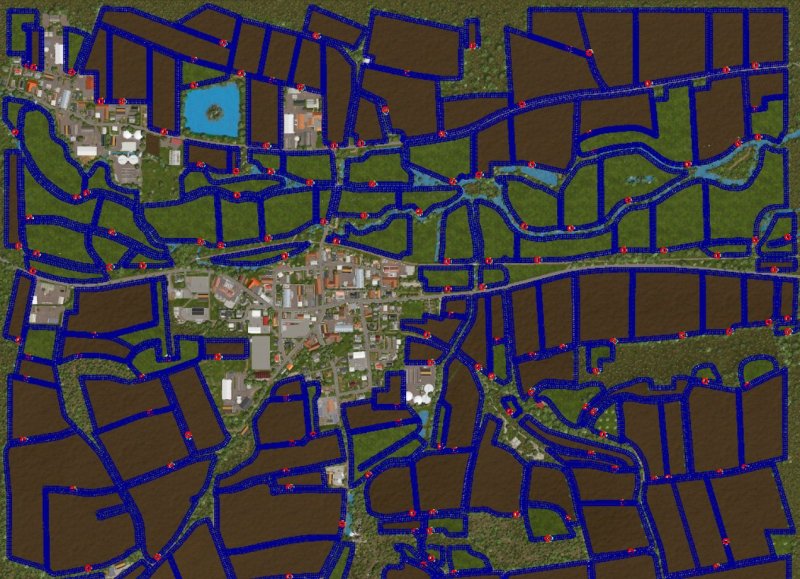
FS17 Stappenbach fix for CoursePlay v1.0.0.1
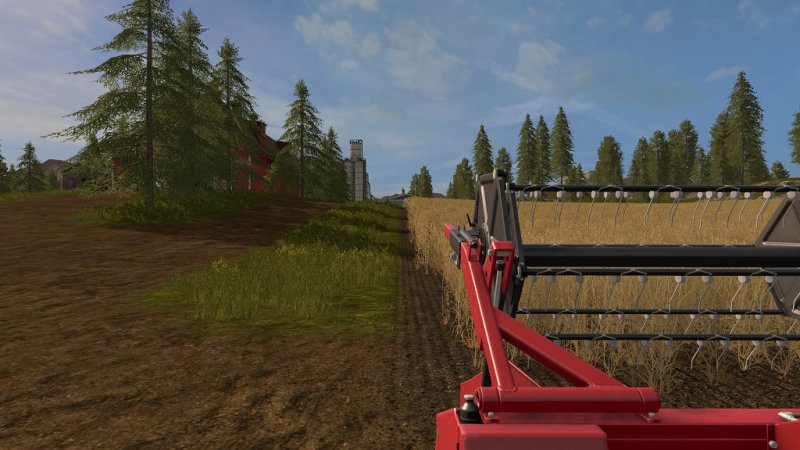
FS17 Stappenbach fix for CoursePlay v1.0.0.1 Courseplay has some problems with the field boudaries on the Stappenbach-Map. We propared a fix for this issue. It contains a complete set of field scans. You hav to add it uncompressed as XML to your savegame. With this fix, you will get speed improvements while starting the map and scanning the fields and correct field definitions for your helper to work with. In case of joining fields, you can drive with the vehicle to the field and overwrite the previous custom field scan for the new joint fields that courseplay will find for you. Drive the tractor around the field and you will see different scans and select the one most convenient for your new field configuration. For multiplayer, I recommend you to use mogli’s AI Vehicle. It works ok in 80% of the fields. We are working on more accurate field boundaries for the next update. I expect you to get better game experience with courseplay in this narrow and exciting stappenbach map.
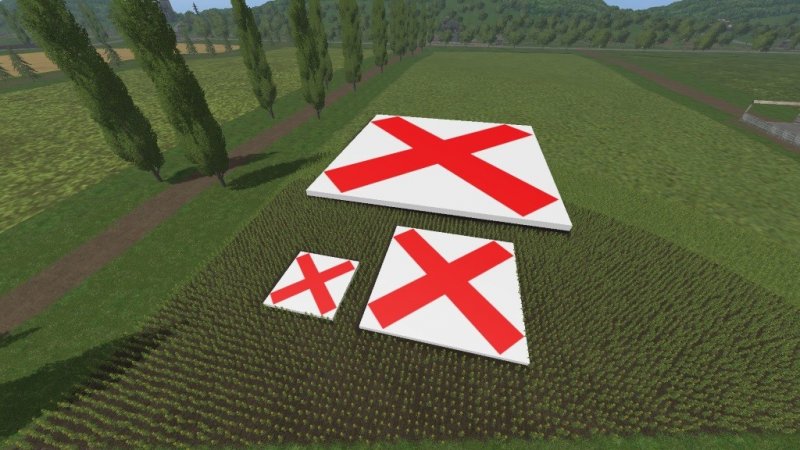
FS17 Grass Be Gone
FS17 Grass Be Gone When you place this logo it will remove all fruit on the ground, sell the placeable to remove the logo. Available in sizes 5X5, 10X10, and 25X25. Price: 5X5 10 € 10X10 40 € 25X25 250 €
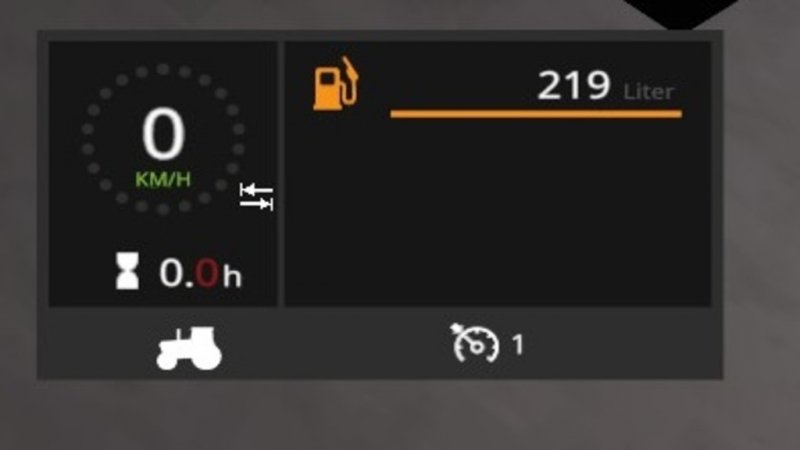
FS17 Park Vehicle
FS17 Park Vehicle You can (de)activate the tabbing of the current vehicle with Ctrl + T. The current parking state is saved in Singleplayer. In Multiplayer the parking state is only set for yourself

FS17 Ekotune
FS17 Ekotune Most farmers will know what Ekotune is, but for those who don’t know, Ekotuning allows for a piece of equipment to have its power increased. WARNING: this mod adds an entire new set of tractors not modify the originals that allow for the Ekotune option, you can find them in the “tractors” category, or under the brand “Ekotune”
- 15 per page
- 30 per page
- 45 per page
- 60 per page
-
See more per page
Bigger pages, fewer clicks - and no ads anywhere.
Go Pro