Euro Truck Simulator 2 mods
176,856 results- 15 per page
- 30 per page
- 45 per page
- 60 per page
-
See more per page
Bigger pages, fewer clicks - and no ads anywhere.
Go Pro
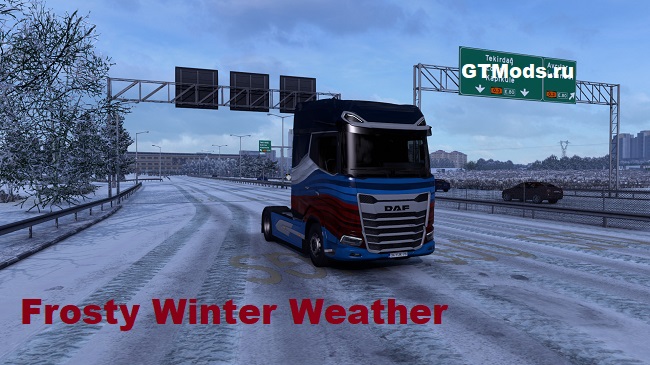
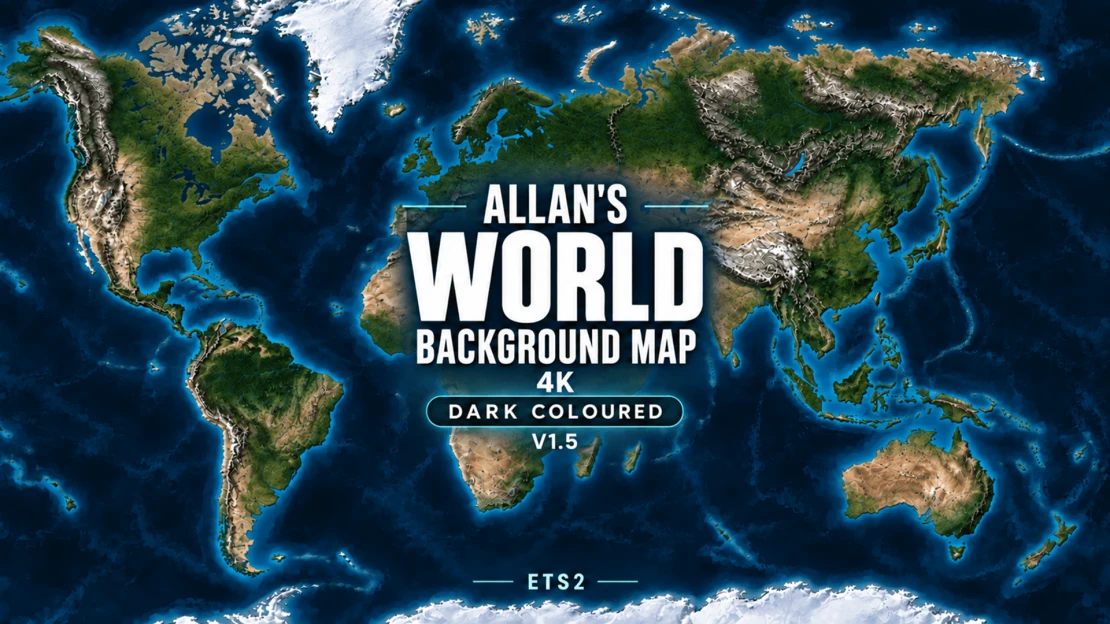
Allan's World Background Map 4K - Dark Coloured - ETS2
Allan’s World Background Map 4K A detailed world-map background for Euro Truck Simulator 2, featuring light shaded terrain, natural land colours, clear coastlines and muted blue water. Designed for use with map combinations, with original background islands for Grand Utopia, Vanemap and PJ Indo, plus a separate fictional island for Antarctica. V1.5 – Coastline and island improvements This update improves background alignment around: • Visby and Gotland. • Southeast Iceland near Reyðarfjörður and Höfn. • Eastern Orkney near Kirkwall. • Southern Kuressaare. • Ventspils. • The Curonian Spit near Zelenogradsk. • The northern shore around Patras. • Argostoli, including the southwest access road and terminal area. The update retains the earlier UK map-display alignment, Wick and Exeter refinements, corrections around Kerch, Taman, Anapa and Mariupol, and the Montpellier–Marseille and western Corsica/Ajaccio improvements. Existing terrain detail, the Light colour scheme, resolution, zoom settings and World Map interface correction are retained. Some local coastal offsets remain, including the larger road loops near Birsay. The eastern Orkney improvement is a partial correction. Alignment can vary with your installed map combination. Installation and load order • Enable this background in Mod Manager. • Activate only one background-map edition at a time. • Disable previous editions and other background maps. • Place this background above your gameplay map packages. • FullScreen Maps is optional. If used, place it above this background and use a version suitable for your game. • Use either the Workshop version or the standalone download, not both together. This mod provides the visual map background. Roads, cities and playable areas come from the game and your installed map mods. Credits Created by Allan. Geography: Natural Earth (public domain). Terrain: Mapzen/Tilezen Terrain Tiles. Adapted by Allan: geographic reprojection, regional fitting, relief shading, colour grading, original fictional islands and texture compression. Source providers do not endorse these modifications. This is a game background, not a navigational or survey map. Terrain provider acknowledgements • ArcticDEM terrain data DEM(s) were created from DigitalGlobe, Inc., imagery and funded under National Science Foundation awards 1043681, 1559691, and 1542736. • Australia terrain data © Commonwealth of Australia (Geoscience Australia) 2017. • Austria terrain data © offene Daten Österreichs – Digitales Geländemodell (DGM) Österreich. • Canada terrain data contains information licensed under the Open Government Licence – Canada. • Europe terrain data produced using Copernicus data and information funded by the European Union – EU-DEM layers. • Global ETOPO1 terrain data: U.S. National Oceanic and Atmospheric Administration. • Mexico terrain data source: INEGI, Continental relief, 2016. • New Zealand terrain data Copyright 2011 Crown copyright (c) Land Information New Zealand and the New Zealand Government (All rights reserved). • Norway terrain data © Kartverket. • United Kingdom terrain data © Environment Agency copyright and/or database right 2015. All rights reserved. • United States 3DEP (formerly NED) and global GMTED2010 and SRTM terrain data courtesy of the U.S. Geological Survey. Global NOAA source credit: DOC/NOAA/NESDIS/NCEI > National Centers for Environmental Information, NESDIS, NOAA, U.S. Department of Commerce. Incorporated US government material is not subject to copyright protection within the United States. Sources and licence information https://www.naturalearthdata.com/about/terms-of-use/ https://www.naturalearthdata.com/downloads/10m-raster-data/10m-natural-earth-2/ https://registry.opendata.aws/terrain-tiles/ https://github.com/tilezen/joerd/blob/master/docs/attribution.md Display-coordinate reference: https://github.com/simroads/ts-map/blob/master/TsMap/Helper.cs Sprogø shoreline: © OpenStreetMap contributors, derived from relation 7141469. Source and game-coordinate derived data are distributed under ODbL 1.0. The island artwork uses Allan’s existing palette; no OpenStreetMap rendered tiles were copied. https://www.openstreetmap.org/relation/7141469 https://www.openstreetmap.org/copyright https://opendatacommons.org/licenses/odbl/1-0/ Source geometry and derived data are included with the standalone package and as clearly labelled source-data comments in the Workshop manifest.
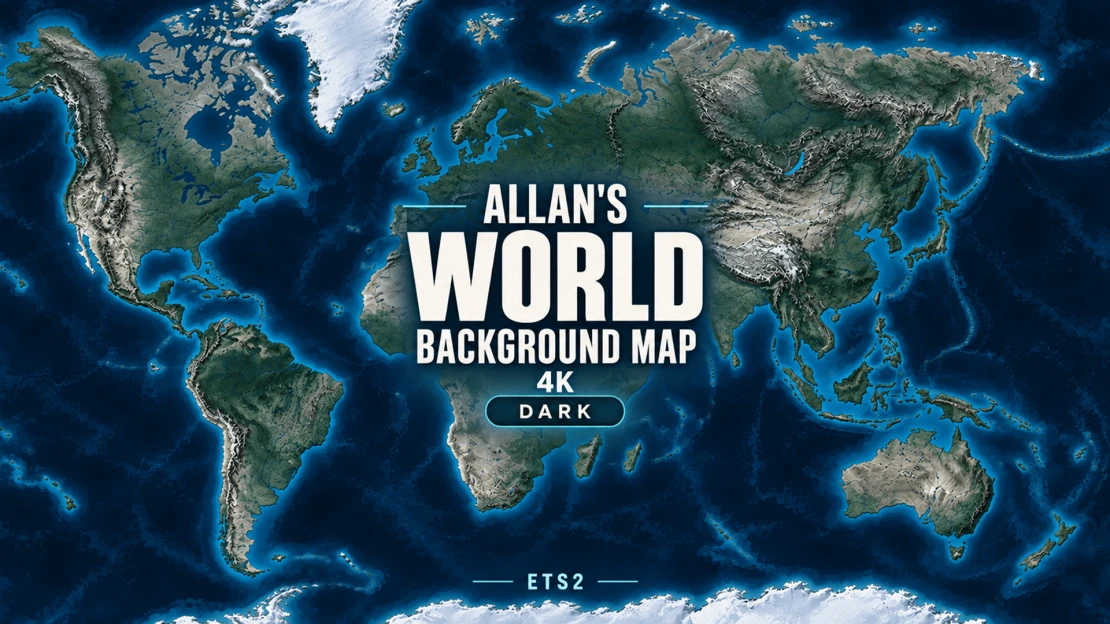
Allan's World Background Map 4K - Dark - ETS2
Allan's World Background Map 4K - Dark - ETS2 A detailed dark world background for Euro Truck Simulator 2, with deep navy oceans, slate terrain and silver unexplored roads. Preserves the geography, original islands, detail and balanced zoom levels of the Light edition. Includes original islands for Grand Utopia, Vanemap and Pj Indo, plus a separate fictional frozen island for the Antarctica map mod. The frozen island does not represent the real Antarctic continent. FullScreen Maps is an optional companion from GMC Community. If you use it, load it above this background in your mod load order. Enable only one background map (Light or Dark), and disable the local copy if using the Workshop version. Playable roads are supplied by your map mods; their scale and placement may not match real geography exactly. Built for the ETS2 1.61 setup. World Map zooms: 100,000 / 50,000 / 15,000 / 5,000. Credits Created by Allan. Geography: Natural Earth (public domain). Terrain: Mapzen/Tilezen Terrain Tiles. Adapted by Allan: geographic reprojection, regional fitting, relief shading, dark navy/slate colour grading, original fictional islands and texture compression. Source providers do not endorse these modifications. This is a game background, not a navigational or survey map. Terrain provider acknowledgements • ArcticDEM terrain data DEM(s) were created from DigitalGlobe, Inc., imagery and funded under National Science Foundation awards 1043681, 1559691, and 1542736. • Australia terrain data © Commonwealth of Australia (Geoscience Australia) 2017. • Austria terrain data © offene Daten Österreichs – Digitales Geländemodell (DGM) Österreich. • Canada terrain data contains information licensed under the Open Government Licence – Canada. • Europe terrain data produced using Copernicus data and information funded by the European Union – EU-DEM layers. • Global ETOPO1 terrain data: U.S. National Oceanic and Atmospheric Administration. • Mexico terrain data source: INEGI, Continental relief, 2016. • New Zealand terrain data Copyright 2011 Crown copyright (c) Land Information New Zealand and the New Zealand Government (All rights reserved). • Norway terrain data © Kartverket. • United Kingdom terrain data © Environment Agency copyright and/or database right 2015. All rights reserved. • United States 3DEP (formerly NED) and global GMTED2010 and SRTM terrain data courtesy of the U.S. Geological Survey. Global NOAA source credit: DOC/NOAA/NESDIS/NCEI > National Centers for Environmental Information, NESDIS, NOAA, U.S. Department of Commerce. Incorporated US government material is not subject to copyright protection within the United States. Sources and licence information https://www.naturalearthdata.com/about/terms-of-use/ https://www.naturalearthdata.com/downloads/10m-raster-data/10m-natural-earth-2/ https://registry.opendata.aws/terrain-tiles/ https://github.com/tilezen/joerd/blob/master/docs/attribution.md Display-coordinate reference: https://github.com/simroads/ts-map/blob/master/TsMap/Helper.cs
![Special Multi-Axle Trailers – Ownable [BETA]](https://ets2.lt/wp-content/uploads/2026/09/fsp-import-1-41.jpg)
Special Multi-Axle Trailers – Ownable [BETA]
Special Multi-Axle Trailers – Ownable Add the game’s special multi-axle trailers to your fleet! This mod makes them available to purchase and own, using the original SCS models. INCLUDED CONFIGURATIONS • Lowloader 4+2 — 6 axles. • Lowloader 4+2 Extended — extended 6-axle configuration. • Lowloader 5+3 — 8 axles. • Lowbed 7+3 — 10 axles. WHERE TO FIND THEM Trailer Purchase → Standard Trailers. REQUIREMENTS • Euro Truck Simulator 2. • Special Transport DLC. • Tested on version 1.61.1.0s (64-bit). IMPORTANT — BETA RELEASE Successful tests have covered shop availability, the configurator, purchasing and empty driving. Job availability and loaded operation have not yet been verified. This mod does not unlock escorted Special Transport jobs for owned trailers. It does not modify AI traffic, escort vehicles or special routes. It retains the factory appearance and does not add an accessory pack. Purchase prices and lengths declared in the economy definitions are provisional. Back up your save before use. Due to their size, these trailers may not fit certain loading areas, garages or narrow roads. The truck, paint job and accessories shown in the screenshots are not included. Blade Hauler is not included. Credits: SCS Software — original models and game assets. gusge + Codex — ownable trailer conversion and mod packaging. This is a definition-based mod using installed game assets. No SCS models or textures are redistributed. To report an issue, please include the trailer configuration, your game version and relevant messages from game.log.txt.
![Glass Transport Trailer – Ownable [BETA]](https://ets2.lt/wp-content/uploads/2026/09/fsp-import-1-39.jpg)
Glass Transport Trailer – Ownable [BETA]
GLASS TRANSPORT TRAILER — OWNABLE Add the original glass transport trailer to your fleet in Euro Truck Simulator 2! This mod makes the stock glass inloader available to purchase through Trailer Purchase → Standard Trailers, for transporting packed glass. FEATURES • Ownable stock glass transport trailer. • Original three-axle model and factory appearance. • Standalone mod — no other transporter mods required. COMPATIBILITY Tested on ETS2 1.61.1.0s (64-bit). Designed for the 1.61.x series. HOW TO USE 1. Subscribe and activate the mod in Mod Manager. 2. Find the trailer under Trailer Purchase → Standard Trailers. 3. Purchase and connect it, then look for compatible jobs in the Cargo Market. IMPORTANT • BETA release: please report any issues. • Retains the factory finish; custom skins and additional tuning accessories are not included. • Job availability depends on location, companies and installed DLC. • Do not activate the local and Workshop versions together. • Back up your save before use. Sell any owned trailers from this mod before removing it. • The truck and truck paintwork shown in the screenshots are not included. Uses the original game models by reference; no SCS vehicle models or textures are redistributed. Credits: SCS Software — original assets. Mod: gusge + Codex. Credits: Kwstakis
![Truck Transport Trailer – Ownable [BETA]](https://ets2.lt/wp-content/uploads/2026/09/fsp-import-1-40.jpg)
Truck Transport Trailer – Ownable [BETA]
TRUCK TRANSPORT TRAILER — OWNABLE Transport trucks with your own trailer in Euro Truck Simulator 2! This mod adds the stock truck transporter to Trailer Purchase → Standard Trailers. FEATURES • Ownable three-axle truck transporter. • Cargo configurations for Scania, Volvo and DAF trucks, pickups and vans. • Red, blue and green factory colour options. • Original game models and cargo placement. • Standalone mod — no other transporter mods required. COMPATIBILITY Tested on ETS2 1.61.1.0s (64-bit). Designed for the 1.61.x series. HOW TO USE 1. Subscribe and activate the mod in Mod Manager. 2. Open Trailer Purchase → Standard Trailers. 3. Select the appropriate cargo configuration and purchase the trailer. 4. Connect it and look for compatible jobs in the Cargo Market. IMPORTANT • BETA release: please report any issues. • Job availability depends on the selected configuration, location, companies and installed DLC. • Factory colour options are included; custom skins, additional accessories and modular wheel upgrades are not included. • Do not activate the local and Workshop versions together. • Back up your save before use. Sell any trailers purchased from this mod before removing it. • The towing truck and its custom paintwork shown in the screenshots are not included. Uses original game models by reference; no SCS vehicle models or textures are redistributed. Credits: SCS Software — original assets. Mod: gusge + Codex. Credits: Kwstakis
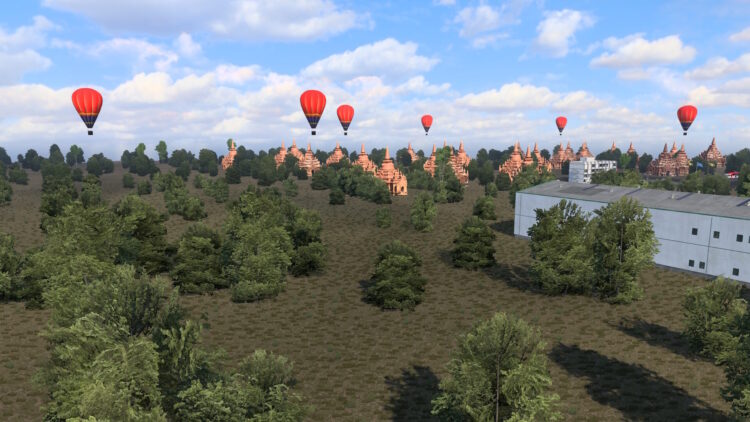
ETS2 SOUTHEAST ASIA MAP VER 0.2.8.2
UPDATE: Added Russian-language descriptions at the Hoa Binh Hydropower Station Fixed flickering issues in Mandalay Added some new areas in Northern Myanmar Fixed an invisible wall issue in northern Thanh Hoa Province, Vietnam DESCRIPTION: 3 countries (Myanmar,Vietnam,Laos) Can be used in combination with Promods, JRR, Rusmap, MAPA EAA, Southern Region, Kazakhstan, Sibirmap, Road To Asia and other maps All DLC maps are required to work(Greece DLC also can be use) It is highly desirable to have a background map that includes Asia (otherwise you will not see this map) Credits: Xiguawangzi3399, Wongchiucheong Join Discord Server
PAKIET 04 ROMEO I JULIA RUCH DROGOWY 1.61 ETS2
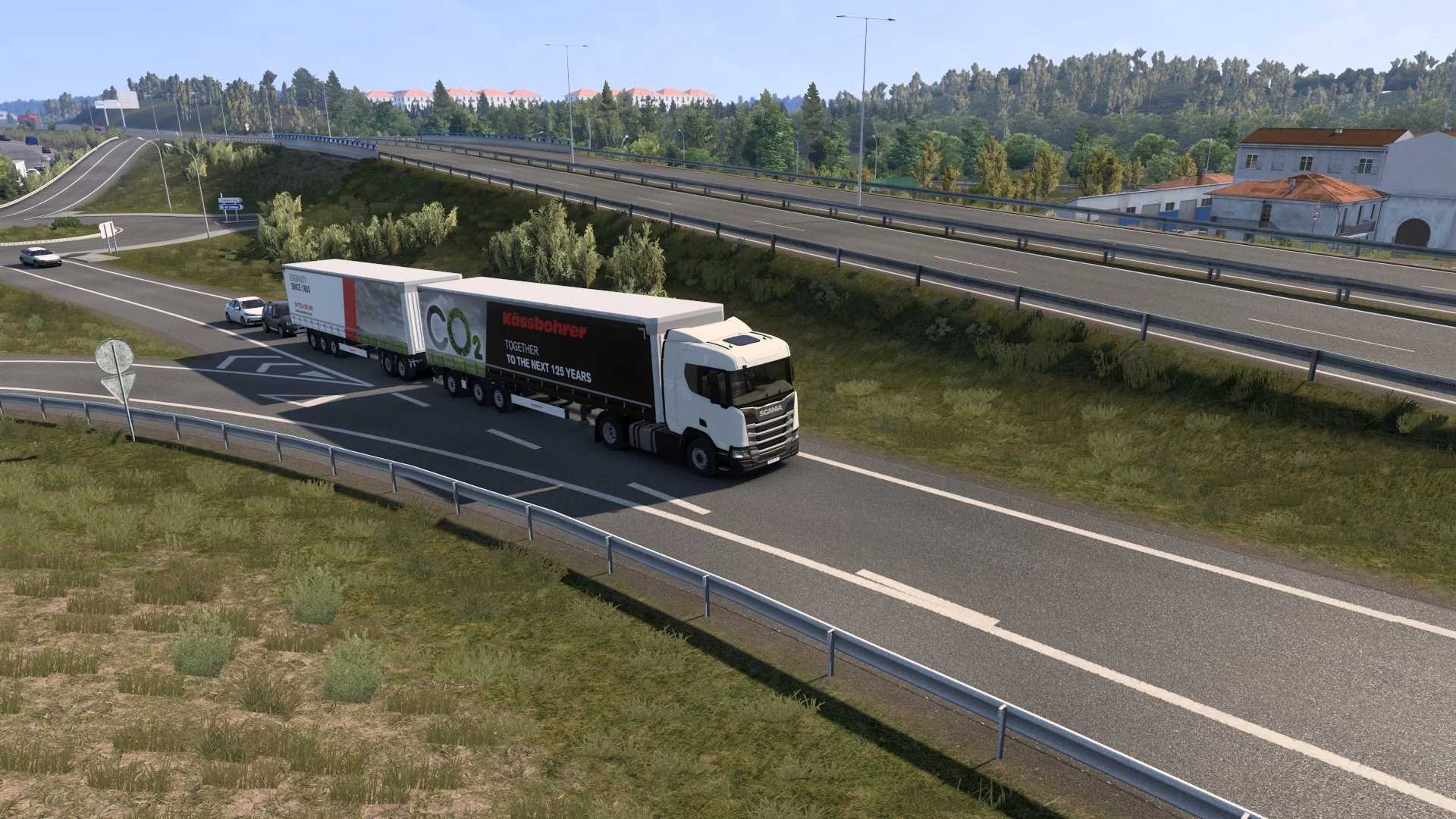
PAKIET 04 ROMEO I JULIA RUCH DROGOWY 1.61 ETS2 Ograniczenia prędkości dla istniejących pojazdów Ai nie są zmieniane, mój mod zmienia ograniczenia prędkości tylko dla pojazdów ratunkowych, motocykli i samochodów sportowych Cykl semaforów został ulepszony, aby dopasować go do zwiększonego natężenia ruchu (czas trwania żółtego światła po zielonym również się wydłuża, nie potrzeba do tego dodatkowego modu) od wersji 1.38 Drogi 1×2 i 2×1 mają dłuższe zielone światło dla dróg dwupasmowych w porównaniu z drogą jednopasmową na tym samym skrzyżowaniu Wolniejsze pojazdy można spotkać przy niskim zagęszczeniu ruchu tylko na drogach z pasami ruchu 1×1, a przy większym zagęszczeniu na drogach wiejskich Klasyczne samochody i motocykle można również zobaczyć na drogach wiejskich o małej gęstości ruchu i ograniczonej prędkości Sztuczna inteligencja może wyprzedzać na prostej linii ciągłej na drogach 1×1
PACK 04 ROMEO AND JULIET TRAFFIC 1.61 ETS2
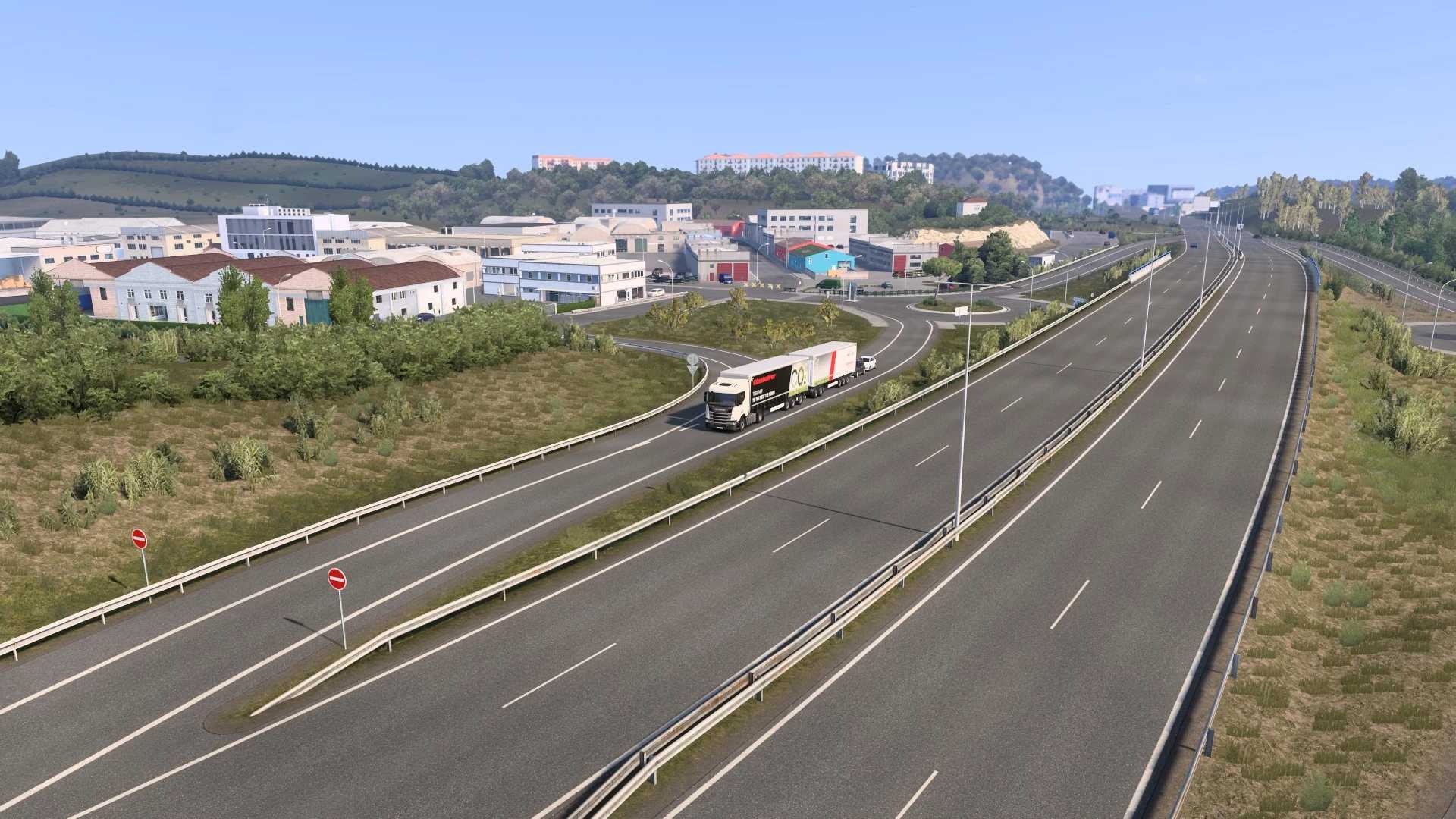
Euro Truck Simulator 2 Mods | American Truck Simulator Mods | September 25, 2026 PACK 04 ROMEO AND JULIET TRAFFIC 1.61 ETS2 Speed limits for existent Ai vehicles is not affected, my mod only changes speed limits for emergency, motorcycles and sport cars Semaphore cycle was improved to match with increased traffic density (yellow duration after green is also increased you don’t need an additional mod for this) from 1.38 1×2 and 2×1 roads have longer green for 2 lanes roads vs the one lane road within the same crossroad Slow vehicles can be seen with low density in traffic only in roads with 1×1 lanes and with higher density on country roads Classic cars and motorcycles can also be seen on country roads with low density and reduced speed Ai can overtake on simple continuous line on 1×1 roads
KAMERA ODLEGŁOŚCI 25 09 2026 1,40 1,61 ETS2
KAMERA ODLEGŁOŚCI 25 09 2026 1,40 1,61 ETS2 TEGO MODU NIE TRZEBA WYODRĘBNIAĆ, UMIEŚĆ GO W FOLDERZE MODYFIKACJI GRY W MIEJSCU, W KTÓRYM GO POBRAŁEŚ ABY UŻYĆ TEGO MODU, NALEŻY UŻYĆ KAMERY 2, NASTĘPNIE STEROWAĆ ODLEGŁOŚCIĄ PRZYCISKIEM PRZEWIJANIA MYSZY W TĘ I W PRZÓD
DISTANCED CAMERA 25 09 2026 1.40 1.61 ETS2
Euro Truck Simulator 2 Mods | American Truck Simulator Mods | September 25, 2026 DISTANCED CAMERA 25 09 2026 1.40 1.61 ETS2
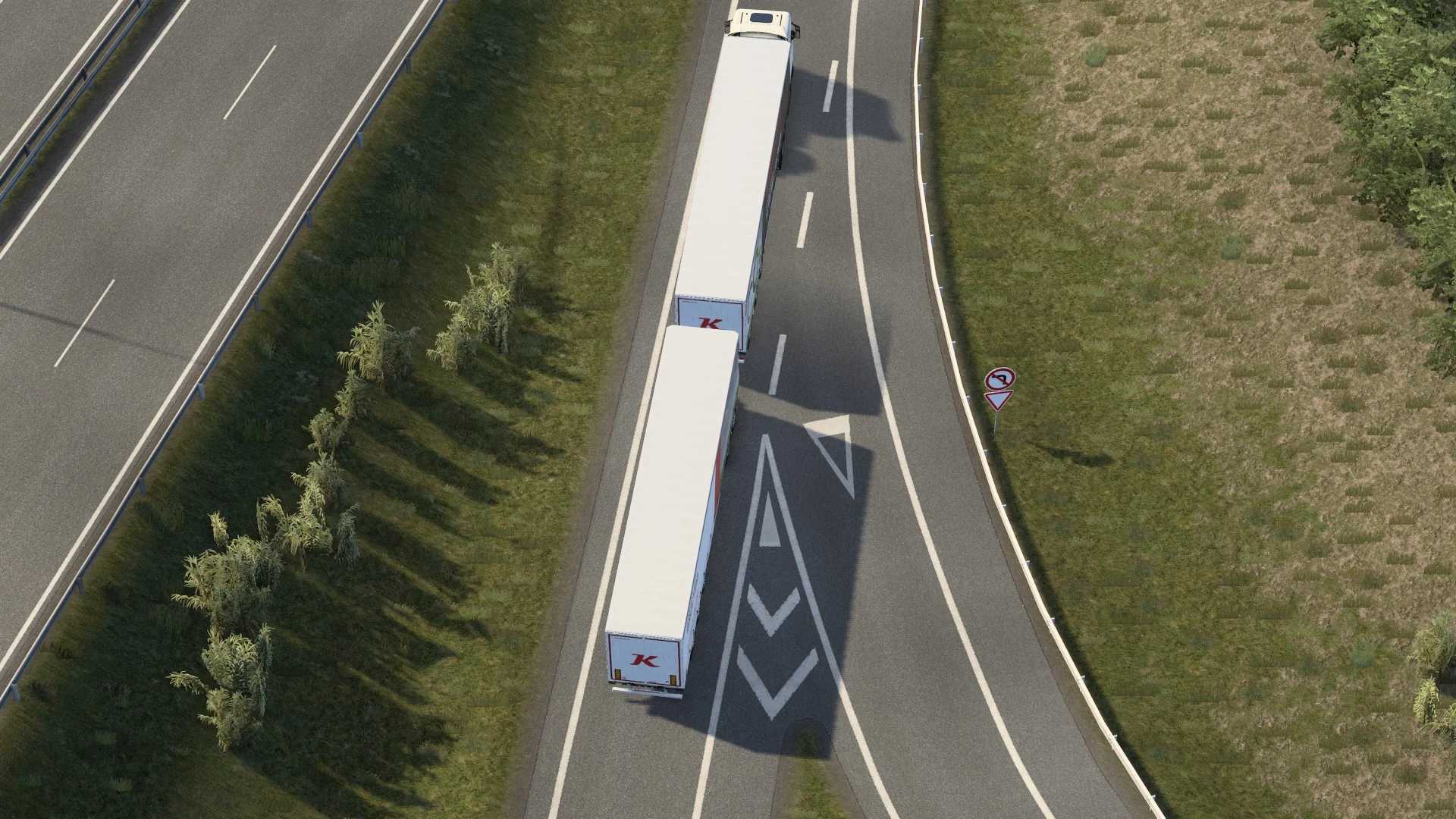
FOTOGRAFIA ULTRAZOOM 25 09 2026 1,40 1,61 ETS2
FOTOGRAFIA ULTRAZOOM 25 09 2026 1,40 1,61 ETS2 TEGO MODU NIE TRZEBA WYODRĘBNIAĆ, UMIEŚĆ GO W STANIE, W JAKIM GO POBRAŁEŚ, W FOLDERZE MODYFIKACJI GRY.
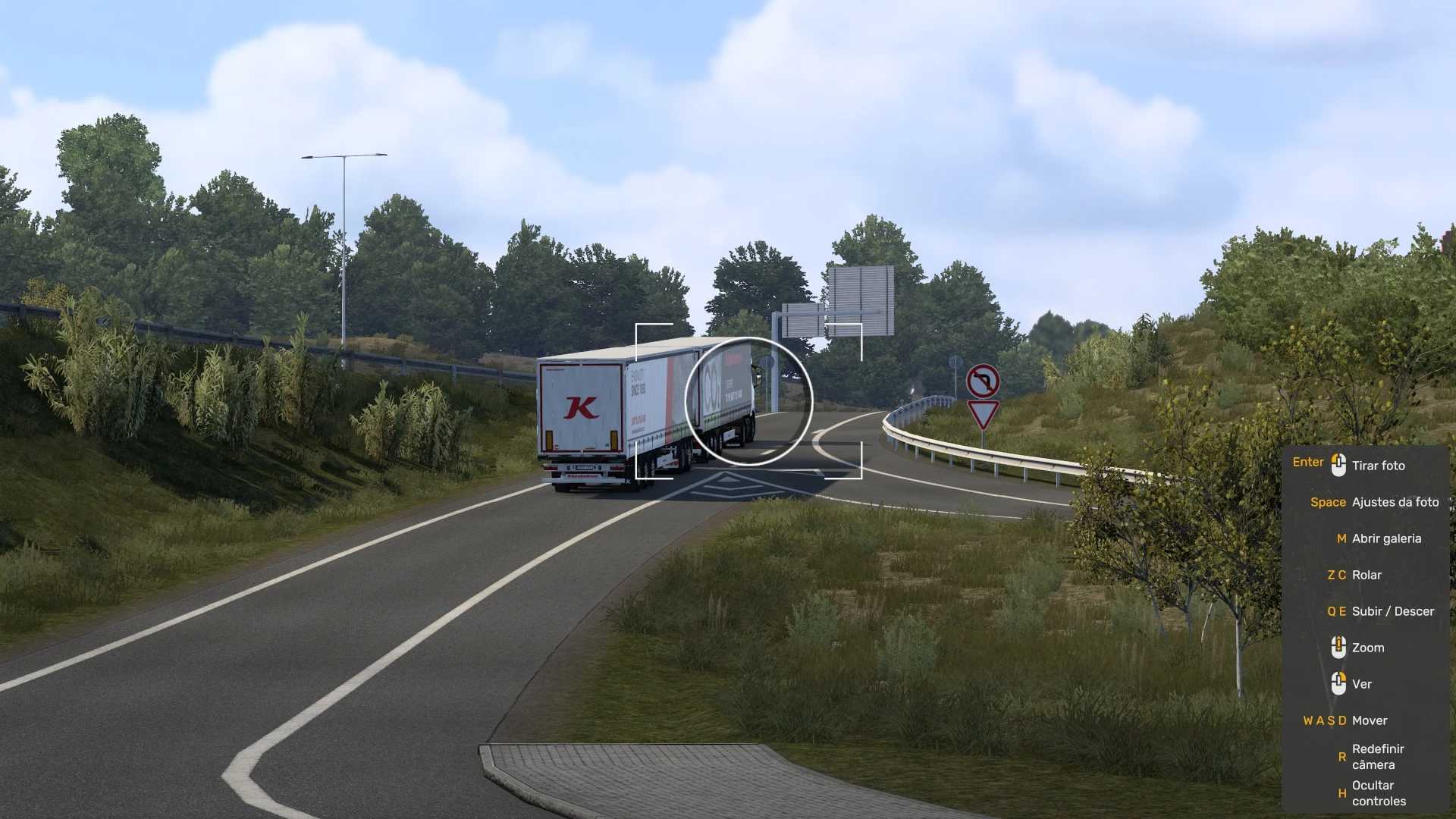
ULTRA ZOOM PHOTOGRAPHY 25 09 2026 1.40 1.61 ETS2
Euro Truck Simulator 2 Mods | American Truck Simulator Mods | September 25, 2026 ULTRA ZOOM PHOTOGRAPHY 25 09 2026 1.40 1.61 ETS2
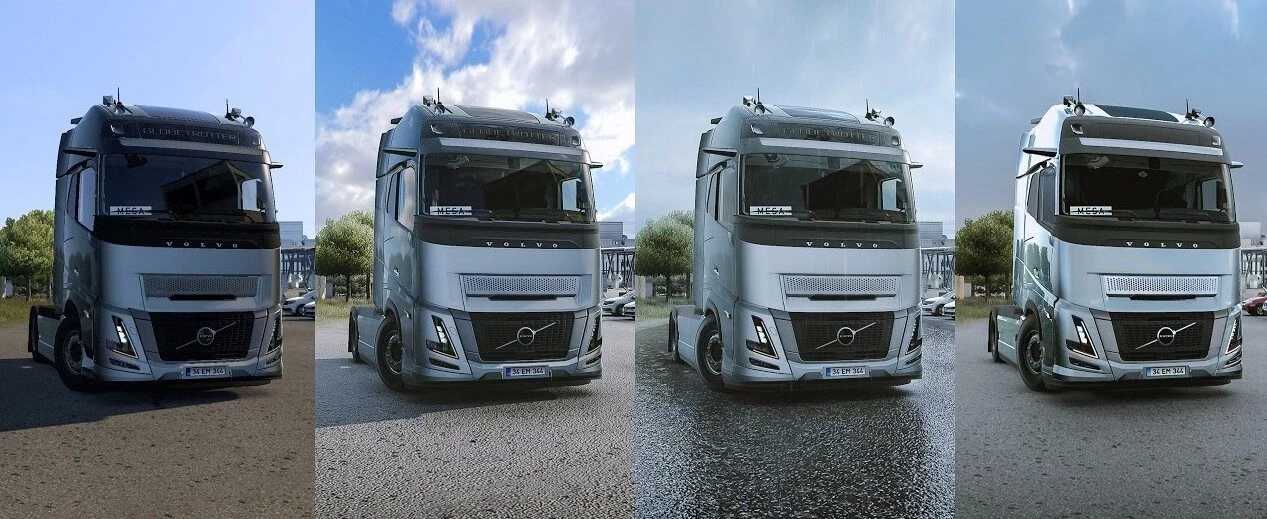
Ulepszenia oświetlenia 1.61 ETS2
Ulepszenia oświetlenia 1.61 ETS2 Wtyczka do zmiany grafiki i oświetlenia Ulepszenia oświetlenia; Tymczasowe wygładzanie krawędzi; DLAA/DLSS 3.7; Rozmycie ruchu. Przejdź do folderu ETS2/ATS Przejdź do folderu „bin/win_x64” Skopiuj i wklej „dxgi.dll” i „nvngx_dlss.dll” (dla DLSS) Uruchomienie gry z DirectX 11 Naciśnij klawisz „END” lub „CTRL+P”, aby otworzyć menu w grze Dlss tylko dla Nvidii
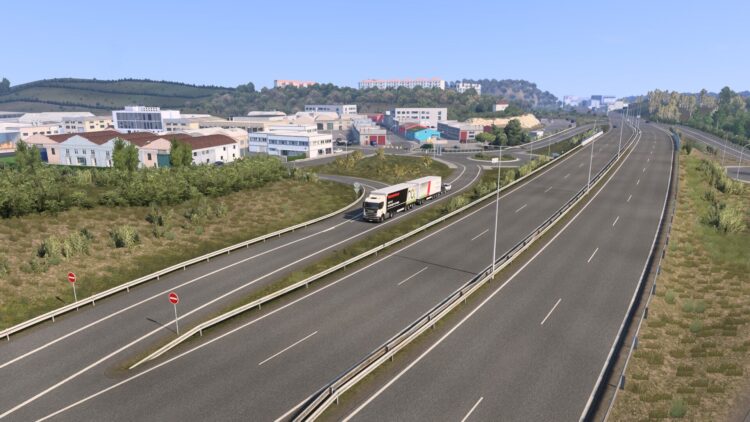
DISTANCED CAMERA ETS2 BY RODONITCHO MODS 1.40 1.6 25 09 2026
ATTENTION!!!!! TO USE THIS MOD YOU MUST USE CAMERA 2 THEN CONTROL THE DISTANCE WITH THE MOUSE SCROLL BUTTON BACK AND FORTH CHECK OUT ALL MY MODS MODS FOLDER 2022 https://modsfire.com/modpacks/3ma0X2cGQF MODS FOLDER 2023 https://modsfire.com/modpacks/95u18zKIE0 MODS FOLDER 2024 https://modsfire.com/modpacks/701L183ZKq MODS FOLDER 2025 https://modsfire.com/modpacks/byIAAawRpB MODS FOLDER 2026 https://modsfire.com/modpacks/uSemxB58rH” Credits: RODONITCHO MODS
- 15 per page
- 30 per page
- 45 per page
- 60 per page
-
See more per page
Bigger pages, fewer clicks - and no ads anywhere.
Go Pro