Euro Truck Simulator 2 mods
176,792 results- 15 per page
- 30 per page
- 45 per page
- 60 per page
-
See more per page
Bigger pages, fewer clicks - and no ads anywhere.
Go Pro
DBM Upscaled Clusters- sharp dials and screens 1.61
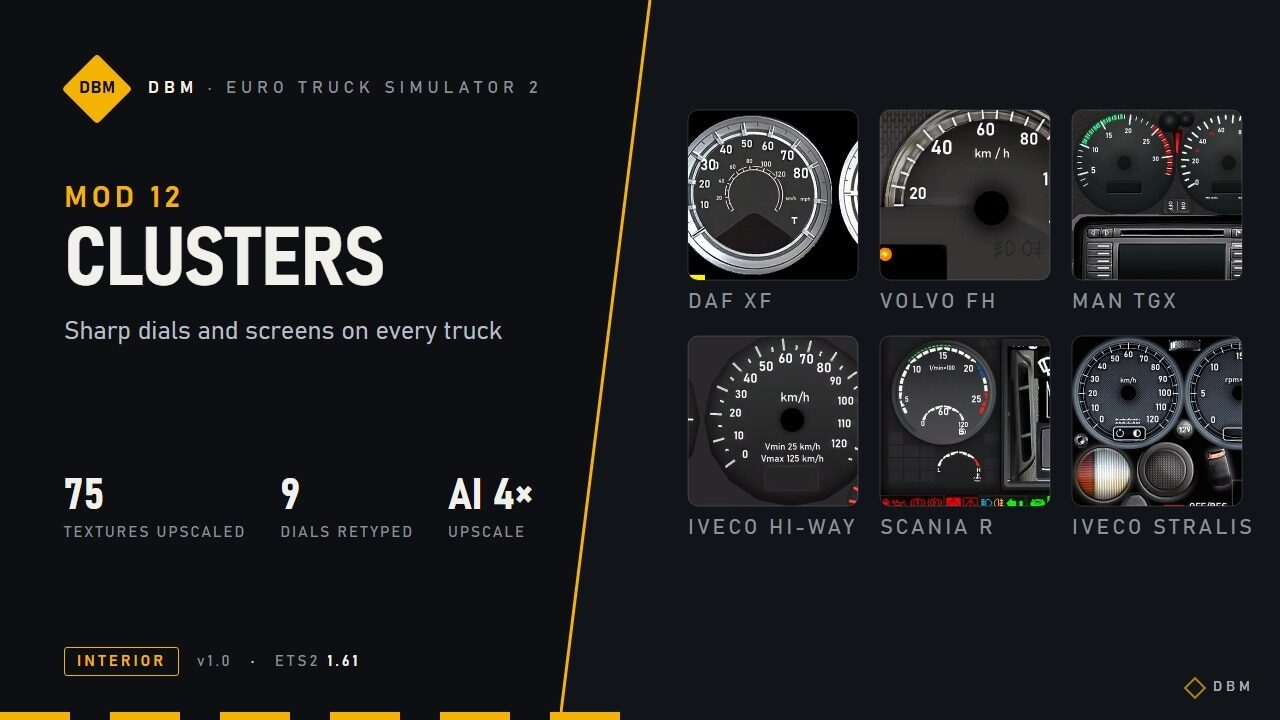
Part of The Complete DBM Pack – all DBM mods, subscribe with one click DBM Clusters HD – sharp dials and screens on every truck If you like it, a thumbs up 👍 rating helps a lot – it lets more players find the mod. Thank you! Every instrument cluster in the game is a tiny texture, stretched up to full screen. This mod rebuilds them sharper, and redraws the numbers and labels on the analogue dials as crisp text. What changes AI-upscaled clusters. 75 dial, screen and icon textures across all trucks, base game and DLC, upscaled 2-4x with a Real-ESRGAN model: warning lights, menu icons, dial faces and bezels come out with clean edges.Numbers and labels redrawn as vector text. On 9 analogue clusters every scale number and label (“rpm x 100”, “km/h”, “Vmin 25 km/h”, “AdBlue”, “1/2”, “MAX”…) is typeset again in a clean DIN-style font instead of being blown up from a few pixels. They also light up at night exactly like the originals.Small screens in the middle of the dials fixed. The pixel-precise crops the game uses for the centre display were adjusted to the new resolution, so nothing shifts or looks cut off.Gauges left untouched on purpose. Bars, needles and gradient masks that the game reads as data (rev and speed bars, cruise indicators) stay exactly as in the base game, so they keep behaving correctly. Trucks covered Vector text + upscale: Volvo FH (2009), DAF XF (old and Euro 6), MAN TGX, Scania R (2009), Iveco Hi-Way, Iveco Stralis, Renault T.Upscale of screens and icons: Scania R/S 2016, Scania S 2024E, Scania 2025, Mercedes Actros (2009, 2014), Renault T 2024, Renault E-Tech T, Renault Magnum, MAN TGX (Euro 6, 2020), Iveco S-Way, DAF XD / 2021, DAF XF Electric, Volvo FH (2012, 2021, 2024). Text that the game draws live (fuel litres, clock, radio station, trip data) uses the game’s own fonts and is not changed by any texture mod. Compatibility Works with any lighting mod, with Lighting Nova, Truck Interiors and all other DBM mods.Replaces the cluster textures and the dashboard files of: Scania R/S 2016, Scania S 2024E, Mercedes Actros 2014, Iveco Hi-Way, DAF XF Euro 6 and Renault T. Other mods that change the same files will conflict; whichever is higher in the load order wins.Does not touch the navigation screen, so map and GPS mods keep working.Put it above map mods (ProMods, RusMap …). Order between DBM mods does not matter.Safe to add or remove at any time. Performance The mod is about 255 MB. The extra VRAM is small, the cluster textures are tiny next to the rest of the cab. Tested setup I play with the whole DBM pack enabled at 4K (3840×2160), DLSS 5 at 100% scaling, on an RTX 5070 Ti (16 GB). VRAM use with everything on is about 9-11 GB. On 8 GB cards, lower the texture quality or the scaling. Crash on loading? Set a bigger page file High-resolution texture mods make the game load several GB of textures at once. If Windows runs out of memory (RAM + page file), ETS2 crashes while loading or when driving into a new area – even though the mod itself is fine. Windows search: View advanced system settings > Performance Settings > Advanced > Virtual memory Change.Untick Automatically manage, pick your fastest drive (SSD), choose Custom size and set both Initial and Maximum to 32768 MB (32 GB) or at least the size of your RAM.Click Set, then OK, and restart the PC. Credits Upscaling: Real-ESRGAN (Remacri model) via Upscayl. Numbers and labels redrawn by hand, dial by dial. Game version Built and tested for Euro Truck Simulator 2 1.61.x. It may also work on earlier game versions, but those are not officially supported. If you use an older version, test it before relying on it. DBM – Euro Truck Simulator 2 mods. Credits: Claude Shannon
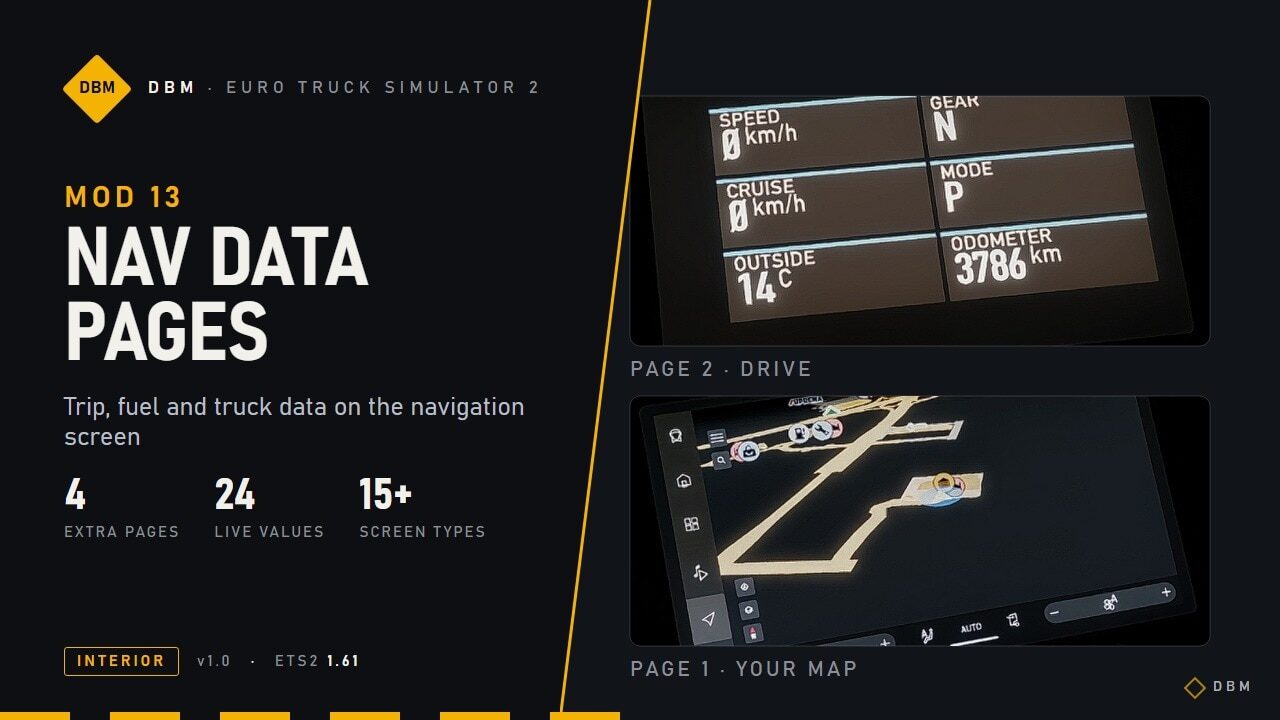
DBM Nav Data Pages – trip, fuel and truck data on your navigation screen 1.61
Part of The Complete DBM Pack – all DBM mods, subscribe with one click DBM Nav Data Pages – trip, fuel and truck data on your navigation screen If you like it, a thumbs up 👍 rating helps a lot – it lets more players find the mod. Thank you! Your truck already knows its fuel use, range, ETA and temperatures – but the navigation screen only shows the map. This mod adds four extra pages with those numbers, laid out like a modern OEM display. What you get Page 1 stays your normal map. Press the infotainment key (the backslash key by default) to cycle through the new pages: DRIVE – speed, gear, cruise speed, driving mode, outside temperature, odometer.TRIP – ETA, time until rest, range, trip distance, trip time, average speed.FUEL – current and average consumption, fuel left, trip fuel, fuel level %, AdBlue %.TRUCK – water and oil temperature, air pressure, battery voltage, engine hours, oil pressure. All values are live, straight from the game and in your unit system. Trucks covered Big-screen trucks: Scania R/S (smart dash), Volvo FH 2021 and 2024, Renault T and E-Tech T, DAF XD / XG / XF Electric, Iveco S-Way, MAN TGX 2020. The pages are sized to each screen.Trucks with the standard navigation screen: the older trucks that share the generic GPS screen. Compatibility Replaces the navigation screen files (gps) of the trucks above. Another mod that replaces the same files will conflict; whichever is higher in the load order wins. That includes night-mode navigation mods, so if you use one, decide which you want on those trucks.The last “screen off” page of the cycle is replaced by the new pages.Works with Lighting Nova, Clusters HD and all other DBM mods. Safe to add or remove at any time. Tested setup I play with the whole DBM pack enabled at 4K (3840×2160), DLSS 5 at 100% scaling, on an RTX 5070 Ti (16 GB). VRAM use with everything on is about 9-11 GB. On 8 GB cards, lower the texture quality or the scaling. Crash on loading? Set a bigger page file High-resolution texture mods make the game load several GB of textures at once. If Windows runs out of memory (RAM + page file), ETS2 crashes while loading or when driving into a new area – even though the mod itself is fine. Windows search: View advanced system settings > Performance Settings > Advanced > Virtual memory Change.Untick Automatically manage, pick your fastest drive (SSD), choose Custom size and set both Initial and Maximum to 32768 MB (32 GB) or at least the size of your RAM.Click Set, then OK, and restart the PC. Credits Layout, pages and live-data mapping by DBM. Uses the game’s own DIN-style fonts. Game version Built and tested for Euro Truck Simulator 2 1.61.x. It may also work on earlier game versions, but those are not officially supported. If you use an older version, test it before relying on it. DBM – Euro Truck Simulator 2 mods. Credits: Claude Shannon
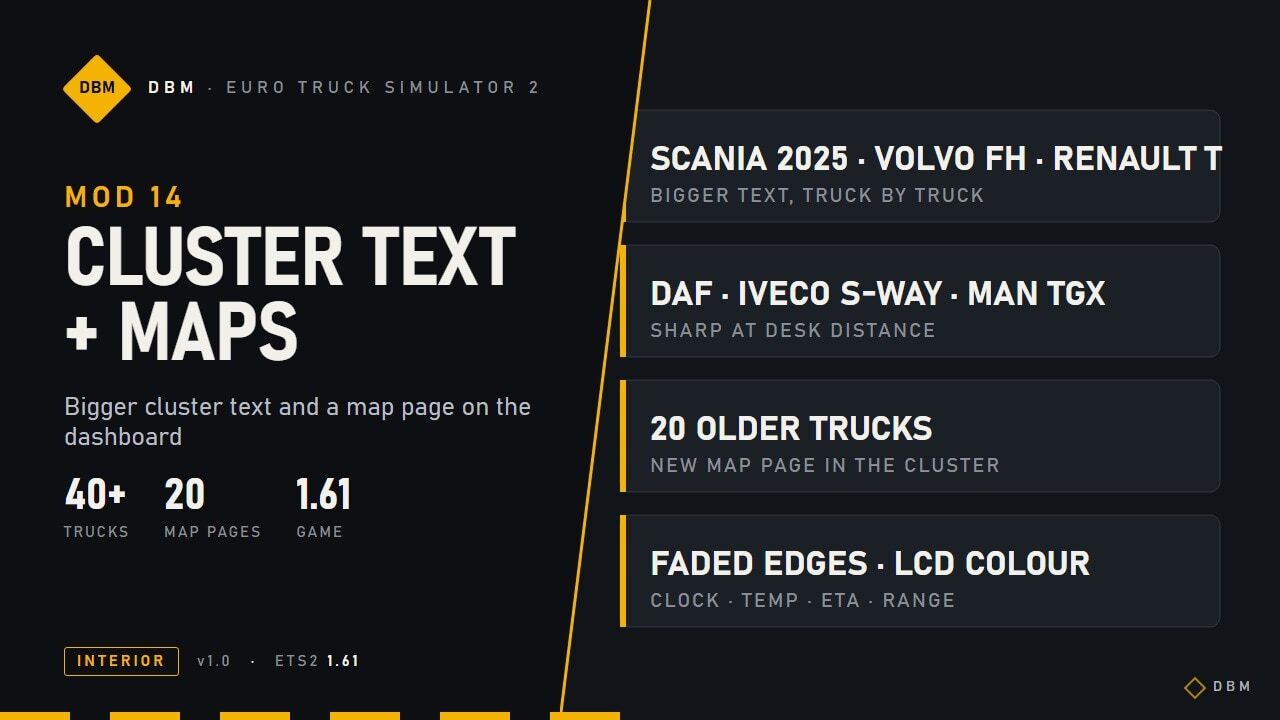
DBM Cluster Vision – bigger dash text + map page 1.61
Part of The Complete DBM Pack – all DBM mods, subscribe with one click DBM Cluster Text and Maps – bigger dashboard text and a map page in the cluster If you like it, a thumbs up 👍 rating helps a lot – it lets more players find the mod. Thank you! The small text on many truck clusters is hard to read from a normal driving distance. This mod enlarges it, truck by truck, and adds a live navigation map page to clusters that have none. What you get Bigger text on the cluster displays of Scania (2016 and 2025), Volvo FH 2021 and 2024, Renault T, DAF 2021 / XD / XF Electric, Iveco S-Way, MAN TGX 2020 and about 20 older trucks. Text is scaled evenly (never stretched) and checked so it does not overlap neighbouring values.Map page in the cluster on trucks that had no map of their own: press the infotainment key on the cluster to reach it. Big-screen trucks get a full-width map with soft faded edges and clock, temperature, ETA and range. Older trucks get a simpler LCD-style map in the colour of their display.Trucks that already show a map in the cluster (Volvo FH 2021 / 2024, Renault T 2024) keep their own. Requirements Needs DBM Clusters HD (Upscaled Clusters). This mod is built on its files, so subscribe to both. Keep Cluster Text and Maps above Clusters HD in the load order.Replaces the cluster (dashboard) layout files of the trucks above. Another mod that replaces the same files will conflict; the higher one in the load order wins.Works with Nav Data Pages, Lighting Nova and all other DBM mods. Tested setup I play with the whole DBM pack enabled at 4K (3840×2160), DLSS 5 at 100% scaling in 4K, on an RTX 5070 Ti (16 GB). , the average VRAM consumption sits around 9-11GB. 8GB cards are good to run my mods. Game version Built and tested for Euro Truck Simulator 2 1.61.x. It may also work on earlier game versions, but those are not officially supported. DBM – Euro Truck Simulator 2 mods. Credits: Claude Shannon
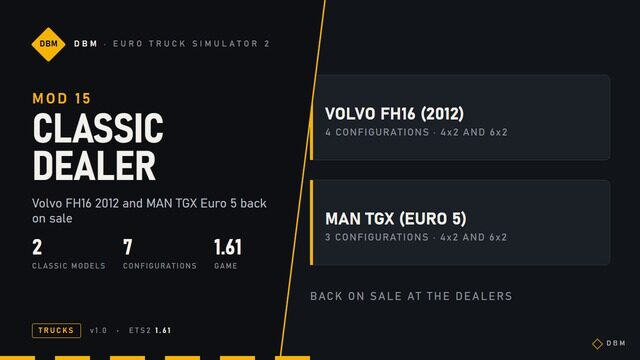
DBM Classic Dealer – Volvo FH16 2012 & MAN TGX Euro 5 back on sale 1.61
Part of The Complete DBM Pack – all DBM mods, subscribe with one click DBM Classic Dealer – Volvo FH16 (2012) and MAN TGX Euro 5 back on sale If you like it, a thumbs up 👍 rating helps a lot – it lets more players find the mod. Thank you! Both trucks are still in the game files and drive fine, but the dealers no longer sell them. This mod adds them back. What you get Volvo FH16 (2012) at Volvo dealers: 4 ready-made configurations (4×2 and 6×2, several engines and cabs).MAN TGX (Euro 5) at MAN dealers: 3 ready-made configurations (4×2 and 6×2).Once bought, you can change engine, cabin, chassis, paint and accessories in the normal tuning shops. Compatibility Only adds dealer entries. It does not change any existing truck, so it is safe to add or remove at any time. Trucks you already bought stay in your garage.Works with all other DBM mods. Tested setup I play with the whole DBM pack enabled at 4K (3840×2160), DLSS 5 at 100% scaling in 4K, on an RTX 5070 Ti (16 GB). , the average VRAM consumption sits around 9-11GB. 8GB cards are good to run my mods. Game version Built and tested for Euro Truck Simulator 2 1.61.x. It may also work on earlier game versions, but those are not officially supported. DBM – Euro Truck Simulator 2 mods. Credits: Claude Shannon
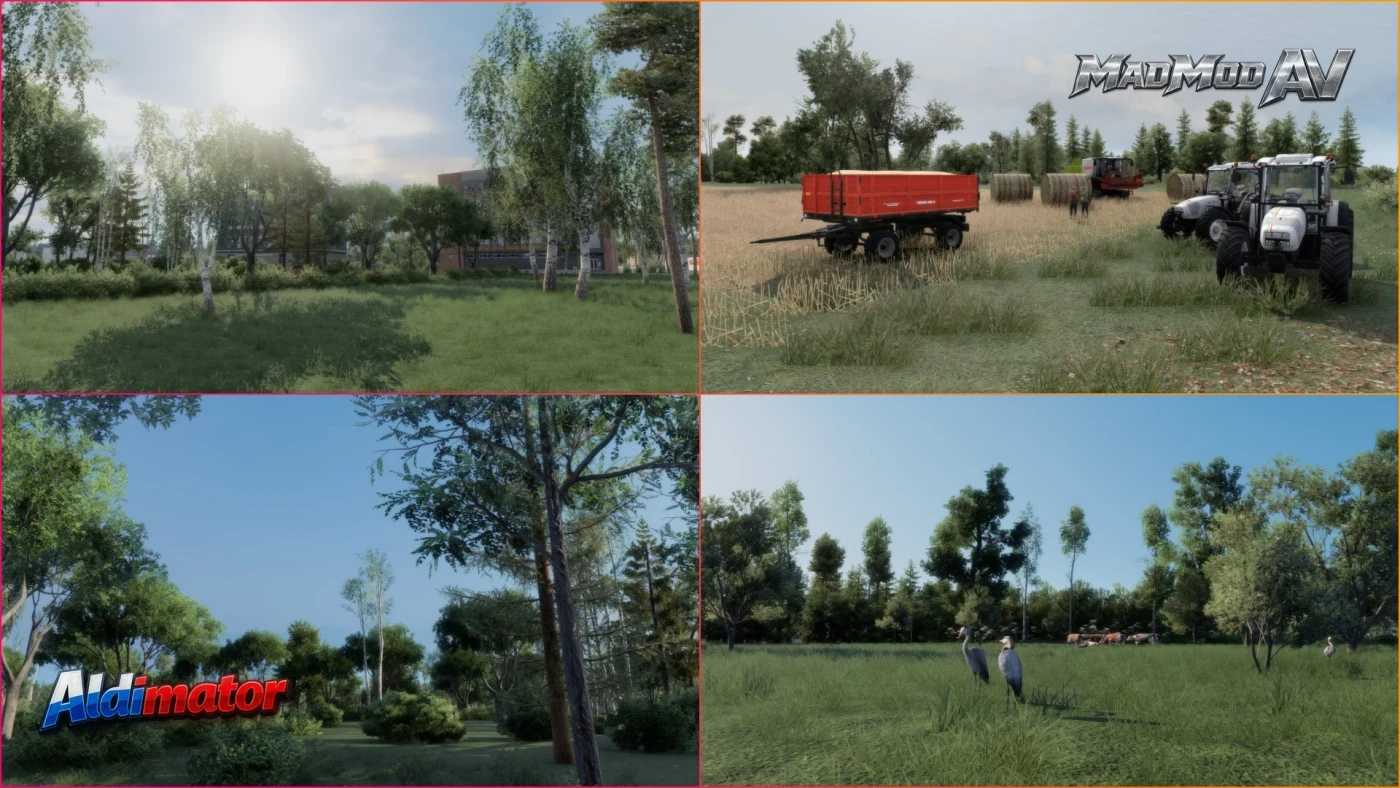
Mapa LUGA v1.2.1 1.61 ETS2
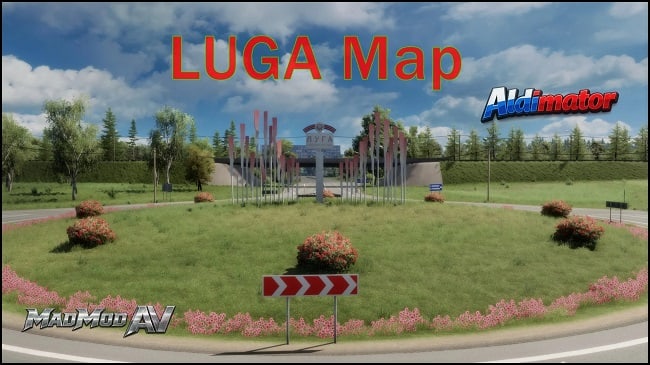
Mapa LUGA v1.2.1 1.61 ETS2 Dzienniki zmian v1.2.1 Naprawiono błędy mapy Dodano wydarzenia nocne Drobne zmiany w krajobrazie Aktualizacje dodatku Rusmap Landscape Addon 1.2 Mapa LUGA Nowa obwodnica i wieś Aby ożywić otaczający świat, dodano dużą liczbę ludzi i zwierząt. Ilość szczegółów roślinności została znacznie zwiększona. Naprawiono błędy w standardowej mapie Luga Wersja 1.2.1 dla 1.61 Link do RusMap Aldimator (za zgodą autora) Zgodność z globalnymi kompilacjami map
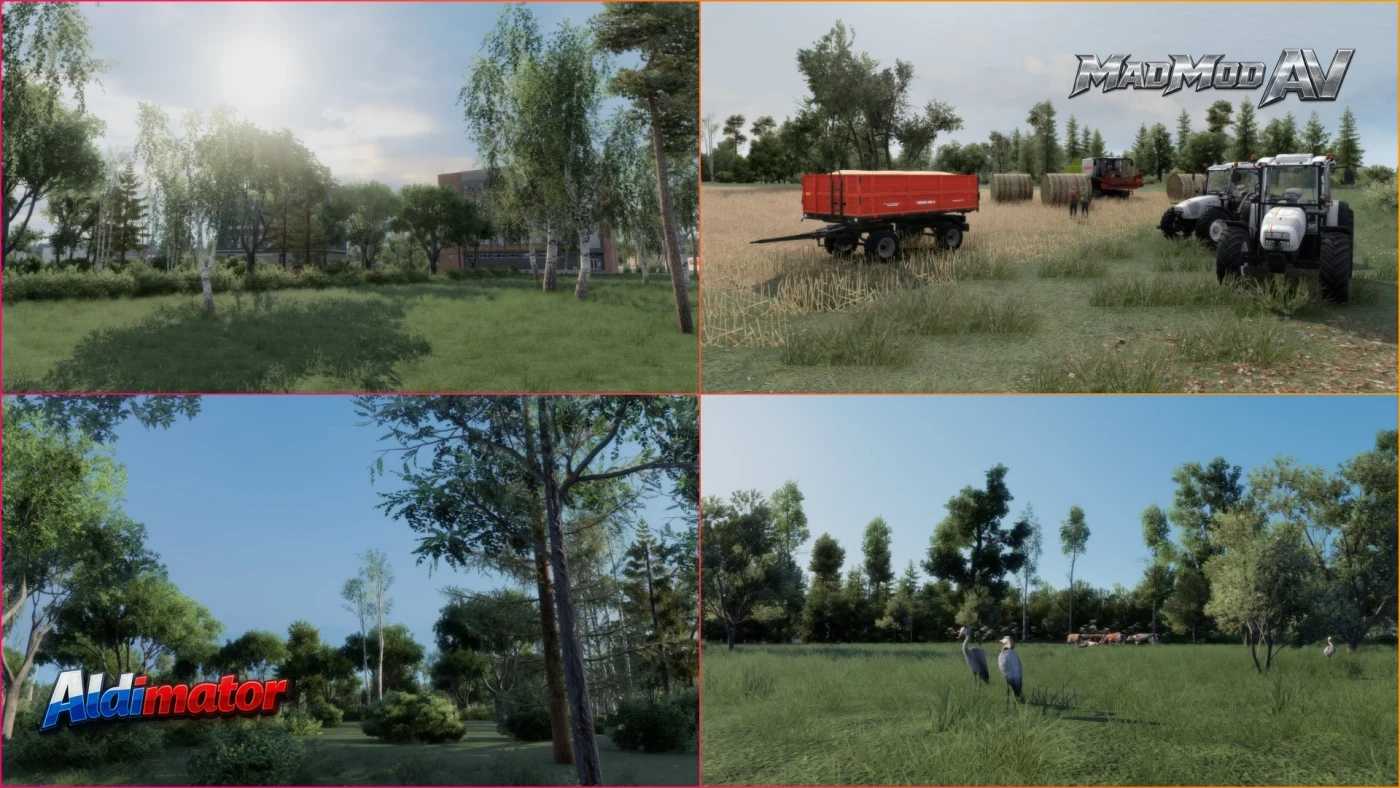
Carte LUGA v1.2.1 1.61 ETS2
Carte LUGA v1.2.1 1.61 ETS2 Journal des modifications v1.2.1 Les erreurs de la carte ont été corrigées. Des événements nocturnes ont été ajoutés. Des changements mineurs dans le paysage Mises à jour pour l'extension Rusmap Landscape 1.2 Carte de LUGA Nouvelle route de contournement et village Un grand nombre de personnes et d'animaux ont été ajoutés pour donner vie au monde environnant. La quantité de végétation détaillée a été considérablement augmentée. Corrections de bugs dans la carte standard de Luga Version 1.2.1 pour 1.61 Lien vers RusMap Aldimator (Avec l'autorisation de l'auteur) Compatibilité avec les versions globales des cartes
Extension Paysage RusMap v1.2 1.61
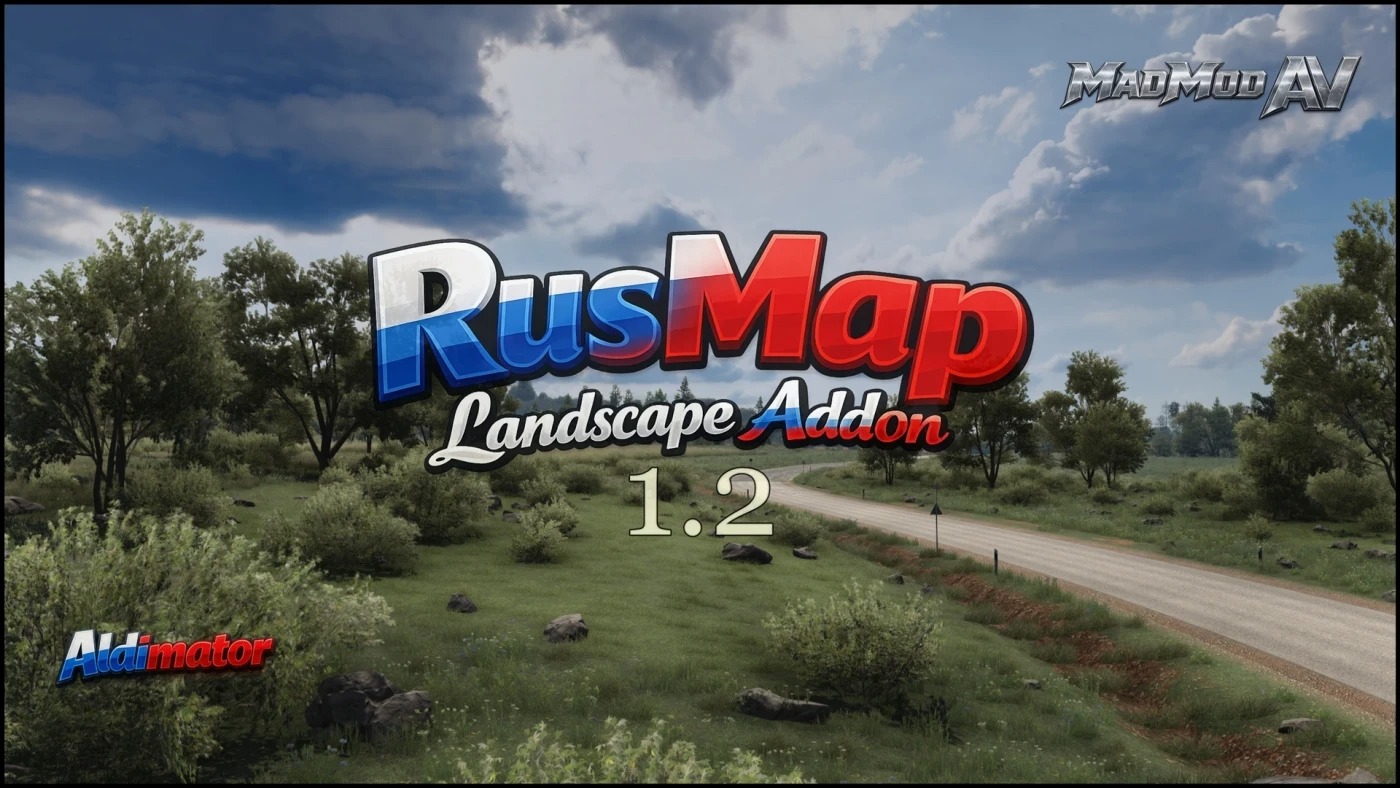
Extension Paysage RusMap v1.2 1.61 Journal des modifications 1.1 Les villes et villages ont été mis à jour : Loknya Koptevo Porkhov Yamskaya Shimsk Veliky Novgorod Yazhelbitsy Demiansk Molvotitsy Colline Edrovo Valdaï Lodeynoye Pole Vous trouverez : Paysages magnifiques Une grande quantité de végétation détaillée Routes ouvertes, certaines auparavant fermées Compatible avec l'assemblage de cartes globales Description: Ce module complémentaire met à jour l'aspect visuel de la carte RusMap Aldimator. Paysage Végétation Active un modèle de végétation détaillé Corrige les objets mal placés Ajoute une route facilitant les demi-tours à la base du poteau de Lodeynoye Ouverture d'une route fermée vers Lodeynoye Pole Compatible avec la version de la carte globale Comprend les territoires : Veliky Novgorod et une partie des environs Lodeynoye Pole Copiez les fichiers de l'extension RusMap Landscape et remplacez simplement les anciens. Assurez-vous de l'installer au-dessus de RusMap Aldimator Nécessite la carte Luga et RusMap Aldimator Commande: 1. Module complémentaire RusMap Paysage 2. Carte LUGA 3. Roextended 4. Rusmap
RusMap Landscapе Addon v1.2 1.61
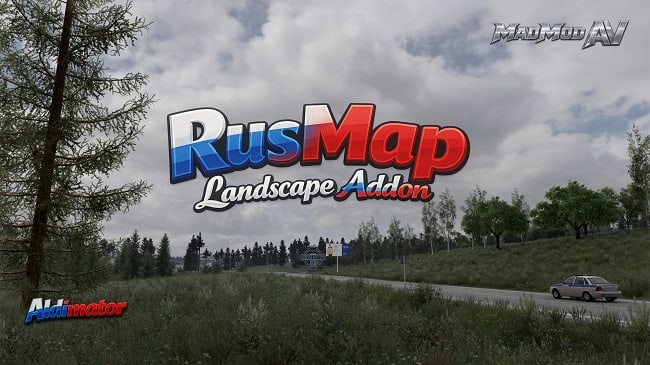
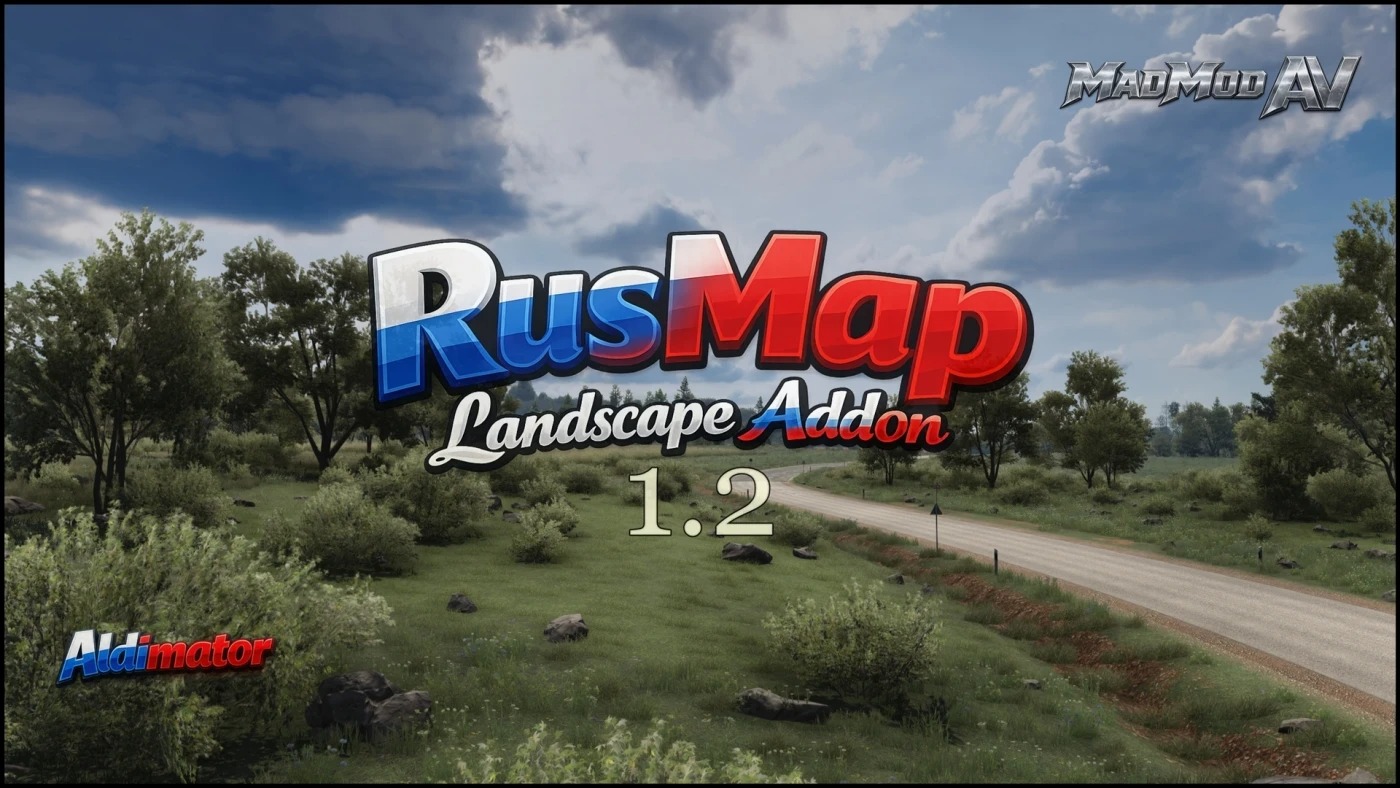
Euro Truck Simulator 2 Mods | American Truck Simulator Mods | September 29, 2026 RusMap Landscapе Addon v1.2 1.61 Changelog 1.1 Cities and towns have been updated: Loknya Koptevo Porkhov Yamskaya Shimsk Veliky Novgorod Yazhelbitsy Demyansk Molvotitsy Hill Edrovo Valdai Lodeynoye Pole You will find: Beautiful landscapes A large amount of detailed vegetation Open, some previously closed roads Compatible with global map assembly Description: This addon updates the visuals of the RusMap Aldimator map. Landscape Vegetation Activates a detailed vegetation model Corrects incorrectly placed objects Adds a road for easy U-turns at the Lodeynoye Pole base Opens a closed road to Lodeynoye Pole Compatible with the global map build Includes territories: Veliky Novgorod and part of the surrounding area Lodeynoye Pole Copy the RusMap Landscape Addon files and simply replace the old ones Make sure to install it above RusMap Aldimator Requires the Luga map and RusMap Aldimator Order: 1. RusMap Landscapе Addon 2. LUGA Map 3. Roextended 4. Rusmap
- 15 per page
- 30 per page
- 45 per page
- 60 per page
-
See more per page
Bigger pages, fewer clicks - and no ads anywhere.
Go Pro