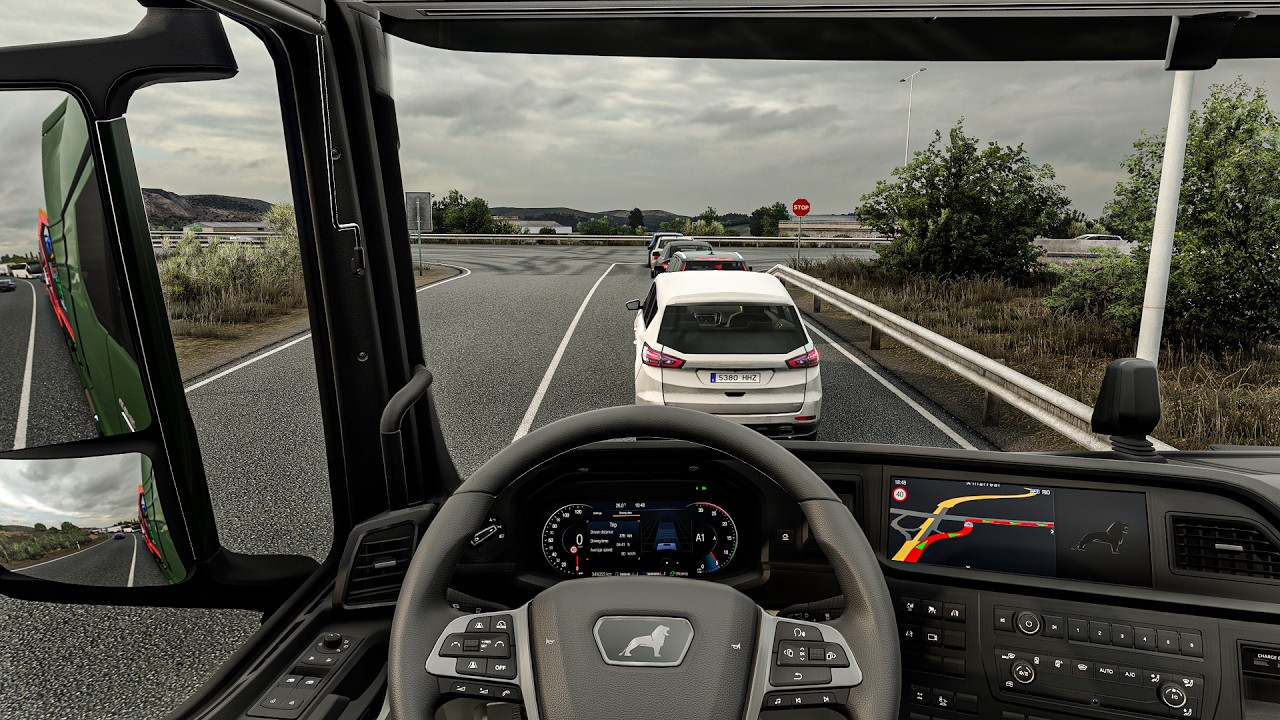
Snowymoon for ETS2 1.60.1.0s
Extract files to Euro Truck Simulator 2\bin\win_x64\Launch game with DirectX 11 and press FN+END or END key during quick jobTemporal Anti Aliasing/Anti Aliasing Clarity is working with HDR & to use DLAA and DLSS turn off HDR from windows display settings if you are getting black screen Tested with-ETS 1.60.1.0s(64 bit)ProMods 2.83 Maps/Cabin Accessory Pack/Trailer and company packUltimate Graphics Mod ETS2Real Companies & gas stations what is working-1.Temporal Anti Aliasing2.Tmporal Anti Aliasing Clarity3.DLAA4.DLSS Quality Rev.25.DLSS Balanced Rev.26.DLSS Performance Rev.27.DLSS Preset C(Less Ghosting)8.DLSS Preset D(Less aliasing)9.DLSS Preset F(smooth)10.Sharpness/Motion Blur/Color Preset/FXAA Issues:1.pausing esc to menu sometimes crashing game so you can disable snowymoon and then can return to menu2.if your game isn’t loading/hang/crash on job menu.set snowymoon to Disabled at game startup and once the job starts set snowymoon menu options Credits: SNWM, Haxor If the download link is outdated or doesn't work, you can add your download link. (If your link is valid, we will approve it within 24 hours.) Find more latest mods for this game here: Euro truck simulator 2 mods